What is the NBA courtside trend?
MakeAiPhotos is an AI NBA fan cam generator that turns one selfie into a realistic courtside photo and a short broadcast-style fan cam video in under 2 minutes, with your team and seat picked by you.
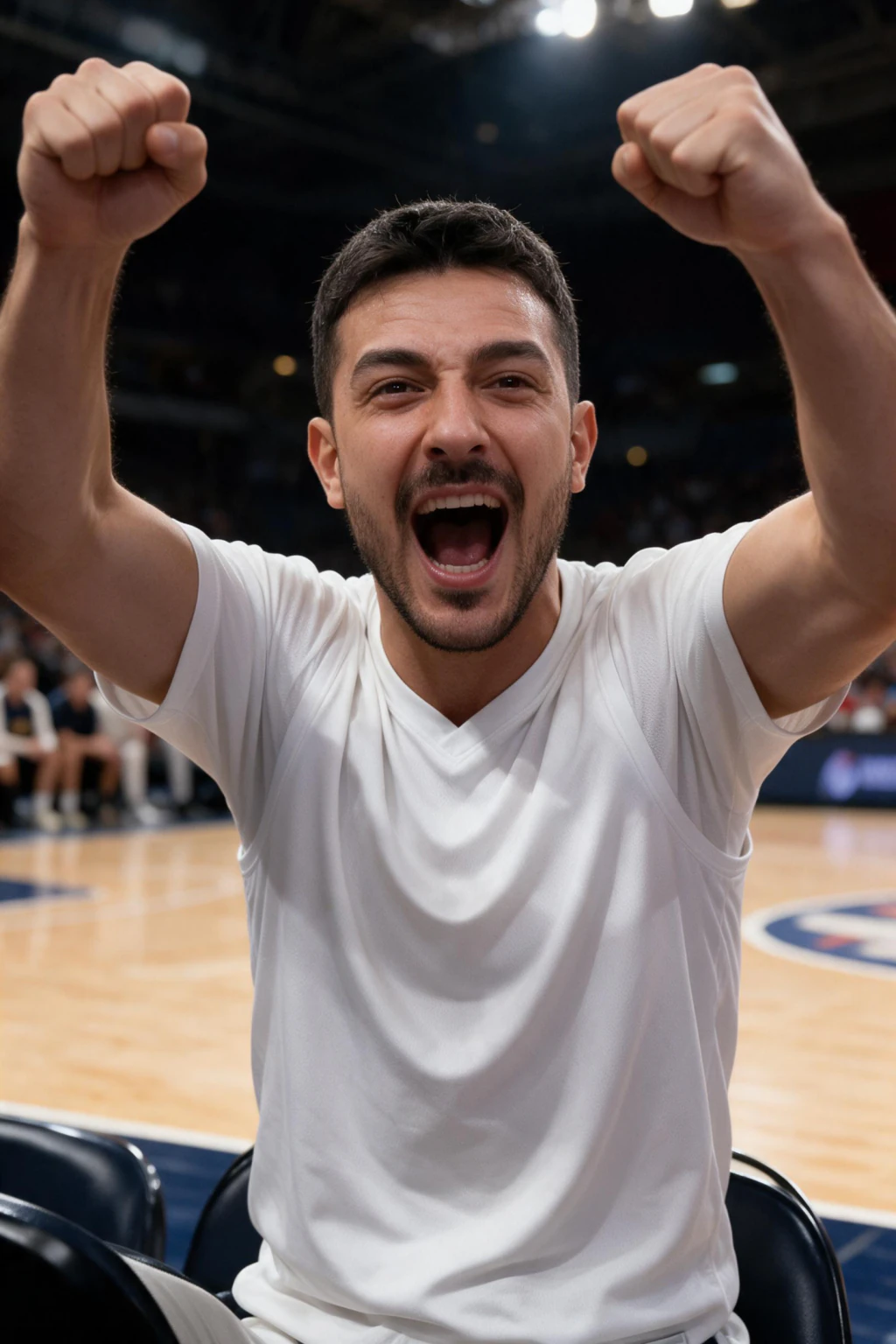
The NBA courtside trend takes one selfie and generates a brand new photo that looks like a live broadcast camera caught you sitting courtside. It is not a filter and not an overlay. The AI builds a fresh arena scene, keeps your face, dresses you in a team jersey, and fills the seats around you with a crowd.
People also search for it as the NBA courtside crush trend, a nod to the crowd cam cutaways broadcasts cut to during games. The result reads like an AI broadcast screenshot of you in the front row.
The trend started in South Korea with KBO baseball in early May 2026, when one AI fan clip passed 15 million views, then jumped to NBA courtside, NFL jumbotrons, F1 paddocks, and Wimbledon.
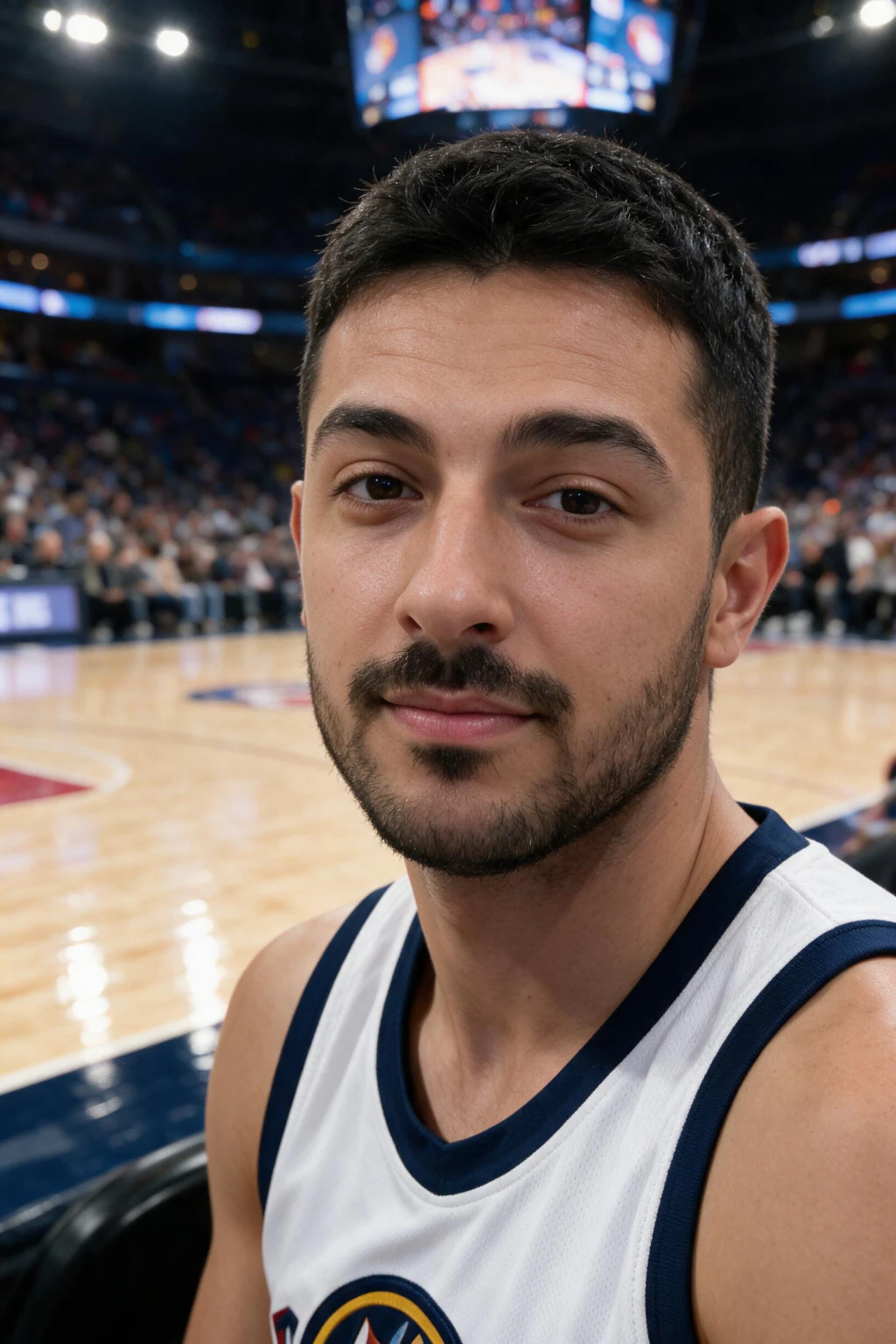
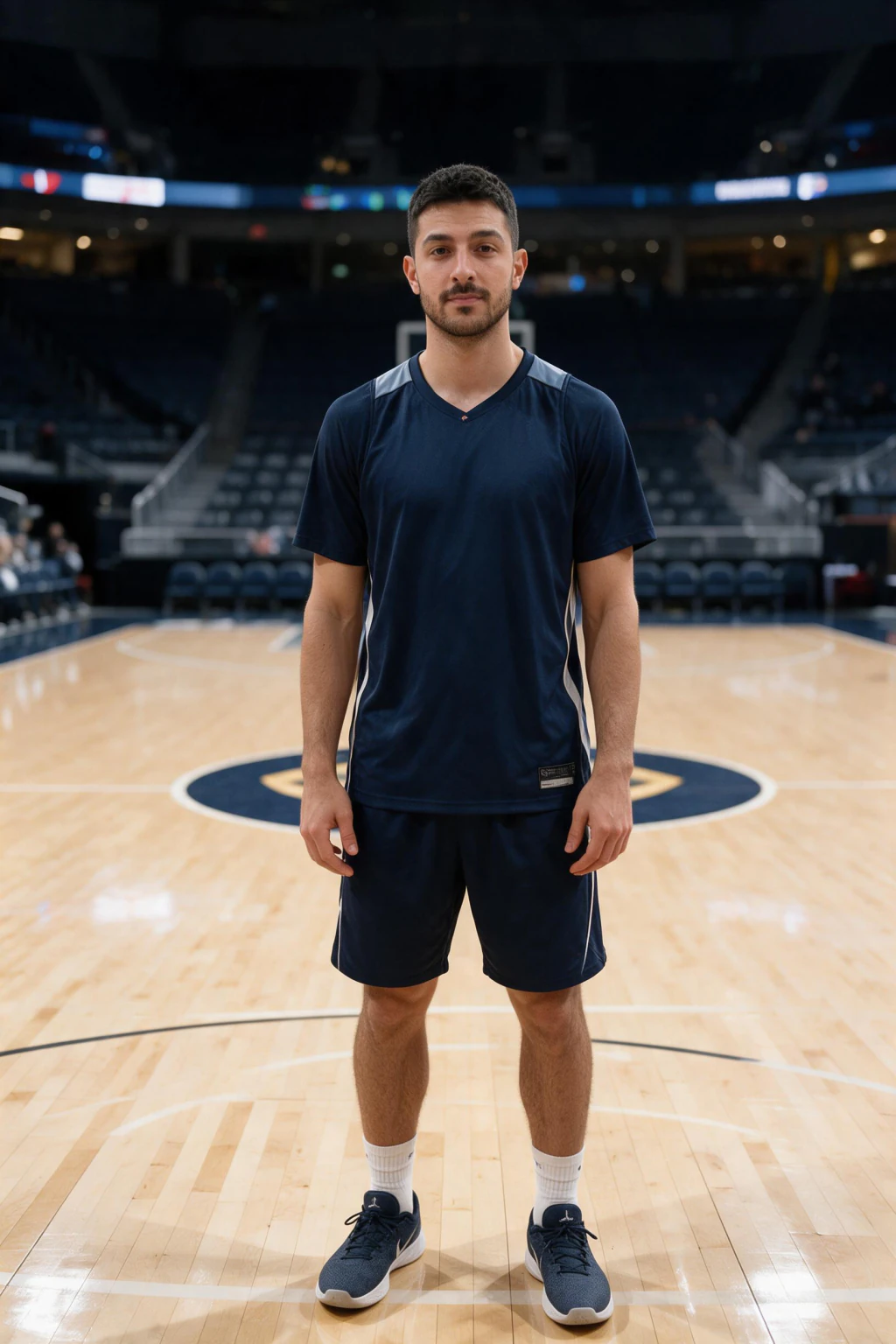
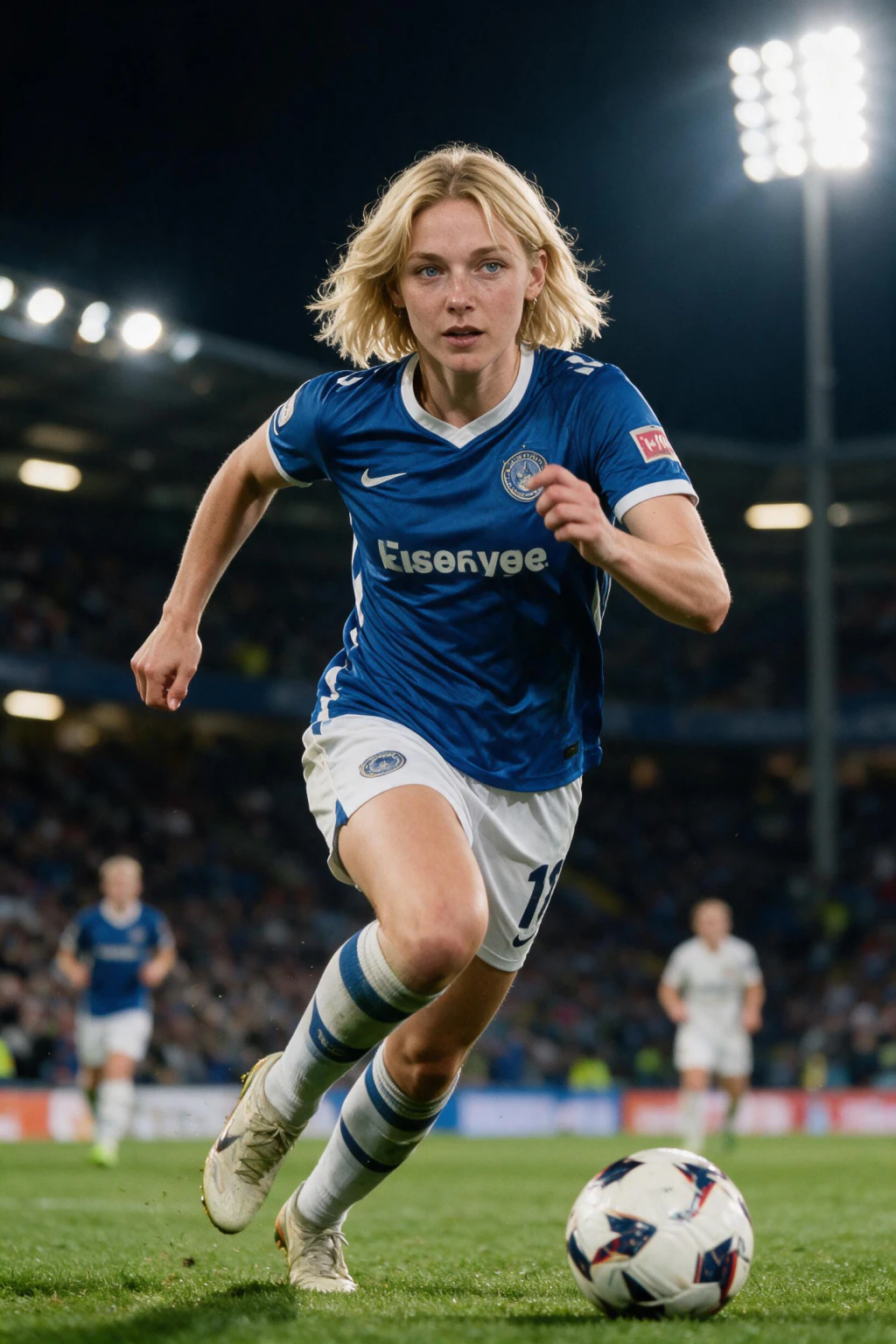
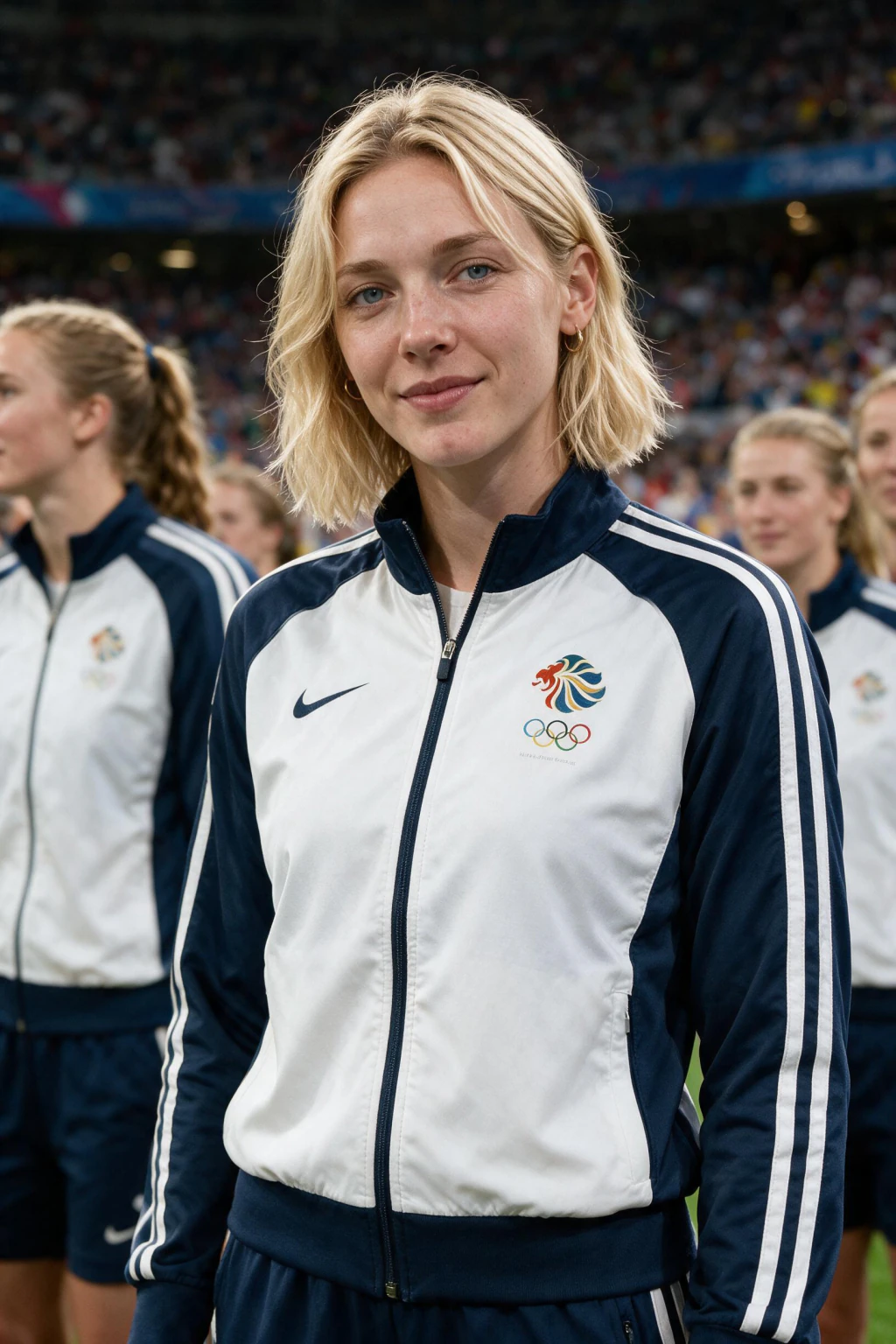
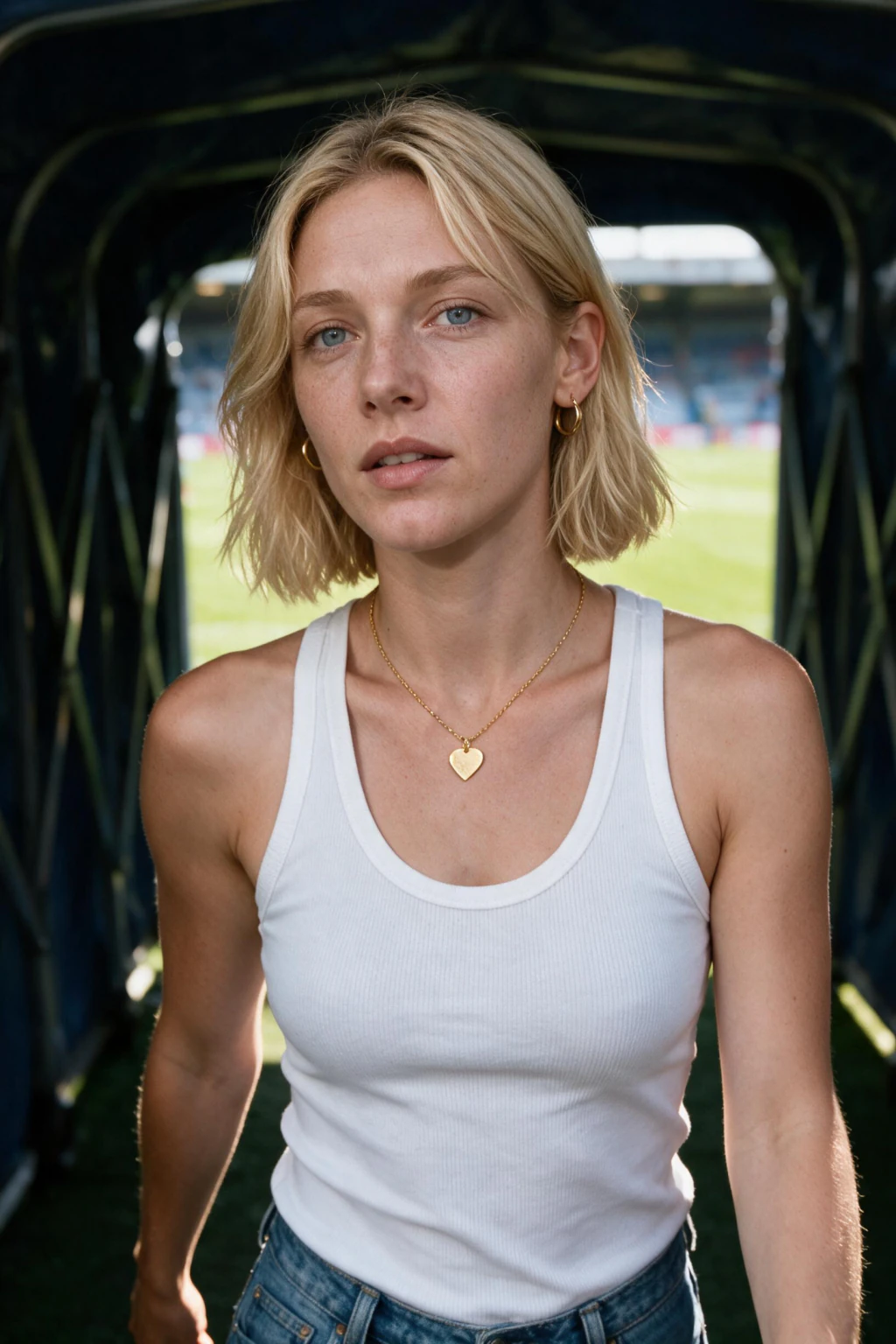
One phone selfie to 5 AI photos of the same person

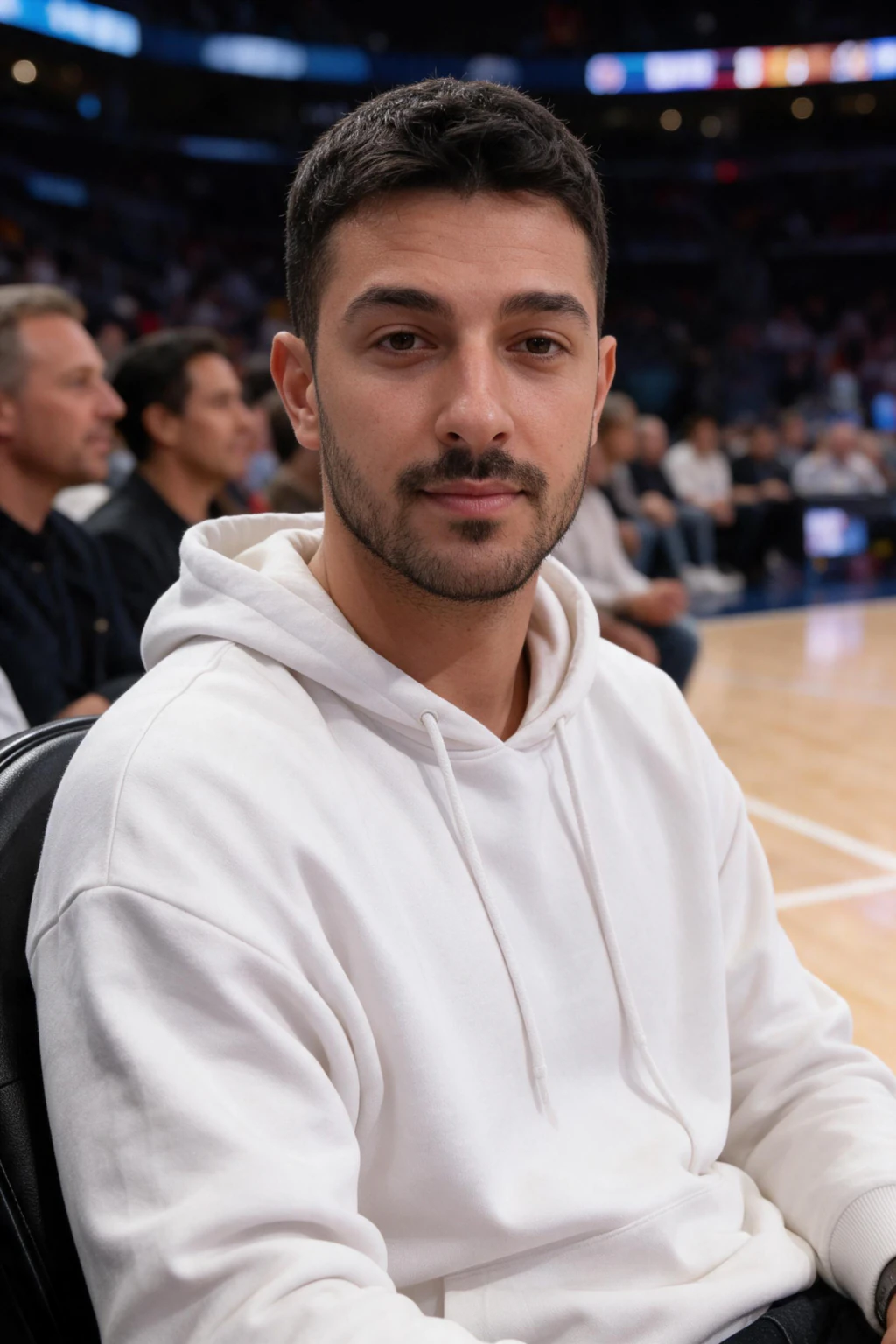
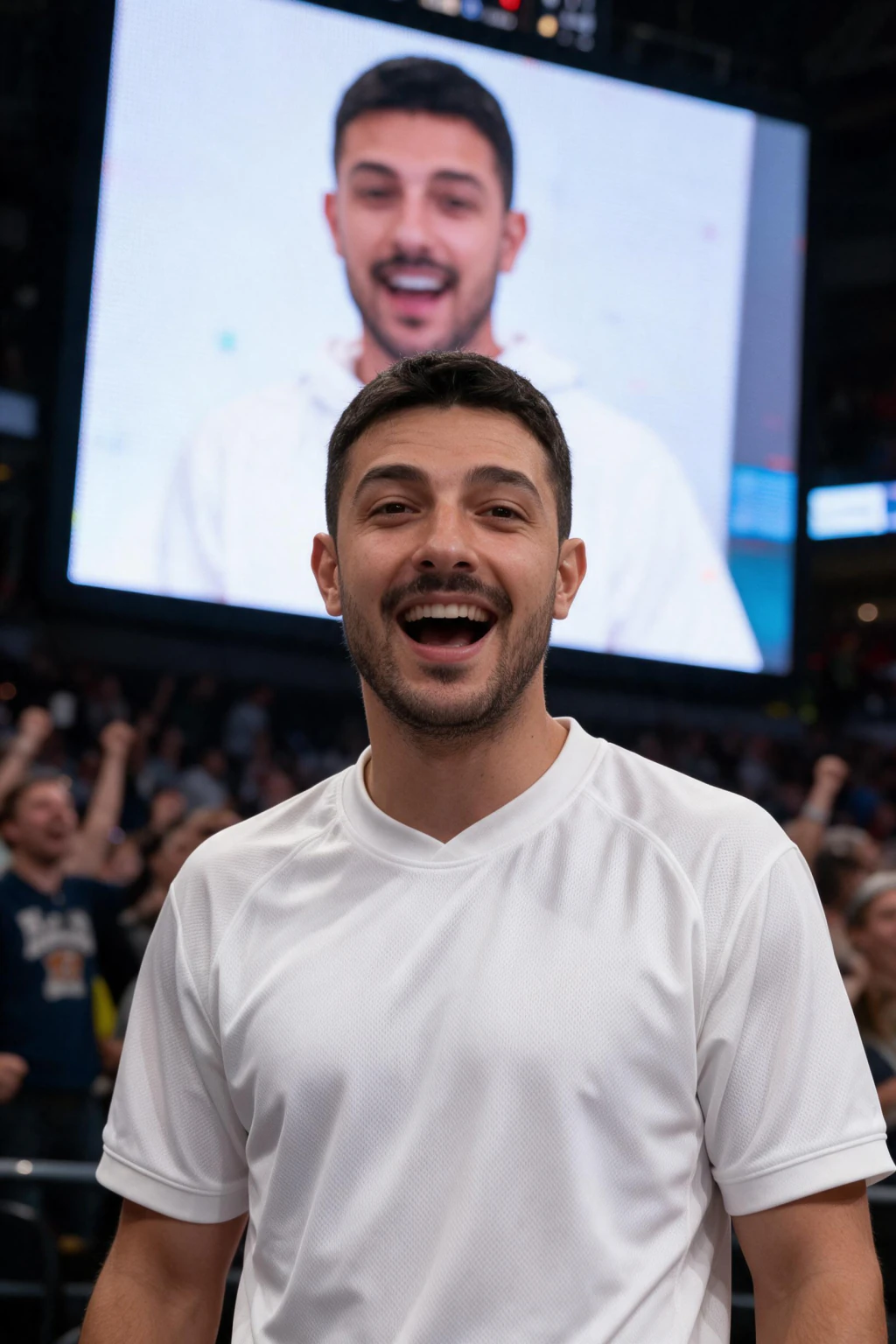
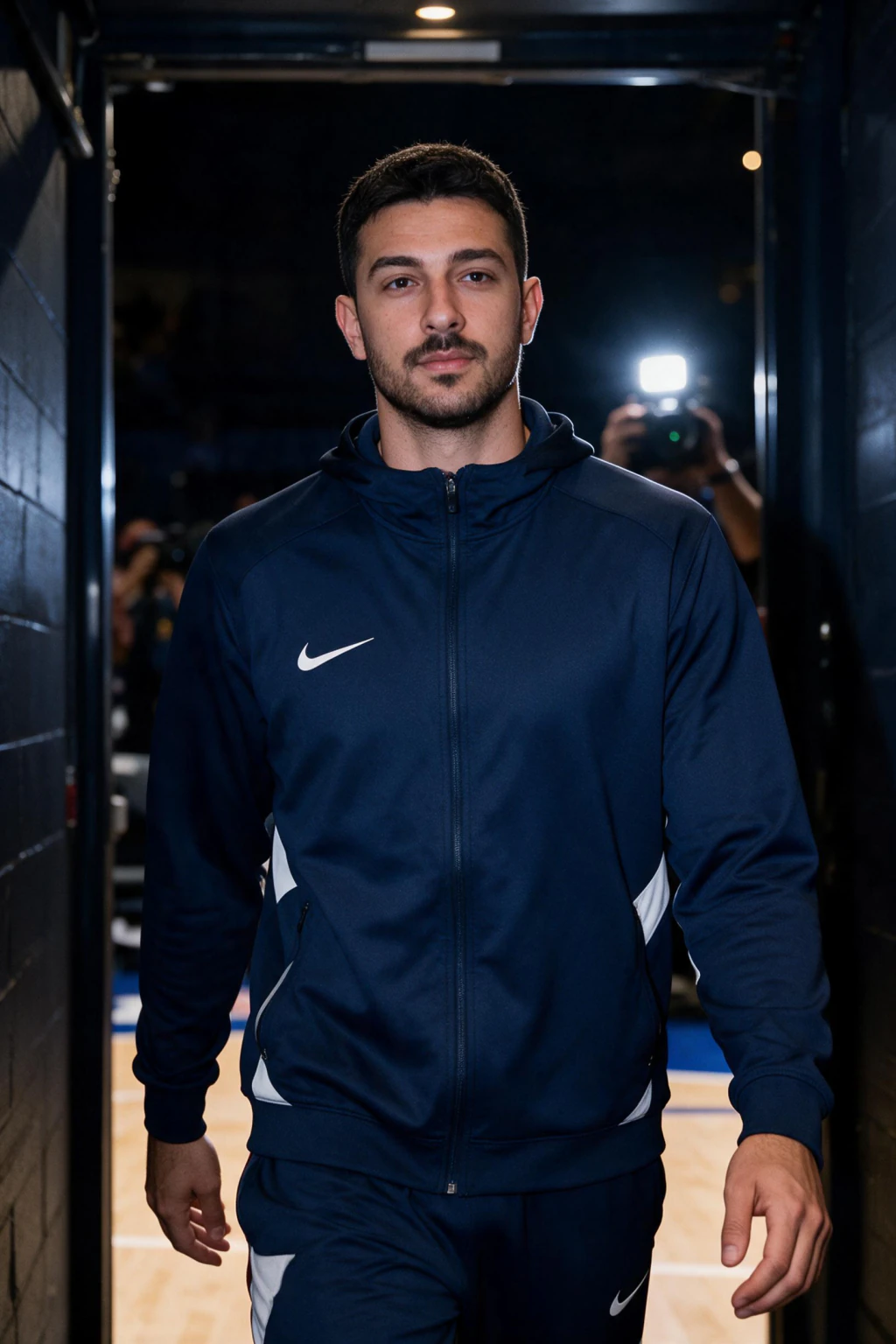
What makes a courtside photo look real, not AI?
The shots that fool people copy how a TV feed actually looks. A telephoto lens slightly compresses the background, so the crowd behind you sits close and soft, not wide and flat.
A convincing AI broadcast screenshot carries arena floodlights, a hint of scoreboard or jumbotron glow, a lower-third graphic, and a touch of motion blur on the fans next to you. When the face stays sharp and the scene carries those crowd cam cues, the eye reads it as a live cutaway.
The reason it holds up is that the whole scene is generated around your face, so the lighting and angle match. A pasted overlay never matches, which is the giveaway in cheap filter versions.
What's the prompt for the NBA courtside trend?
The short answer: you don't need to write one. The MakeAiPhotos NBA fan cam writes the courtside broadcast prompt for you from a single selfie, so you skip the prompt-engineering in ChatGPT or Gemini and the retries that come with it.
A courtside NBA game AI prompt has to juggle a lot at once: an oversized team jersey, arena floodlights, a scoreboard glow, telephoto compression, the broadcast-screenshot look, and a blurred crowd, all while holding your real face. Miss one cue and the shot reads as fake or the face drifts.
Instead of tuning that by hand and burning tries, the preset locks the scene, focuses the model on your likeness, then adds real video and arena audio. One selfie in, a courtside photo and a short fan cam clip out.
How much does the NBA courtside trend cost?
On MakeAiPhotos, the courtside photo costs 10 credits and the short fan cam video costs 10 credits, so a full photo and video runs 20 credits.
You pick your team and seat, generate, and download. There is no subscription, and the credits are yours to spend across photos and videos.
Frequently Asked Questions
- How do you do the NBA courtside trend?
- Upload one clear front-facing selfie, pick your team and a courtside seat, generate the broadcast-style photo, then animate it into a short video with arena crowd audio. Each step takes about a minute on the MakeAiPhotos NBA fan cam.
- What app makes the NBA courtside photo?
- Any AI tool with a courtside or broadcast preset can do it. MakeAiPhotos uses one selfie and a fixed NBA courtside preset so the face stays accurate and the scene looks like a real broadcast.
- Is the NBA courtside trend free?
- No. It runs on credits. The courtside photo costs 10 credits and the short video costs 10 credits, with no subscription.
- What is the courtside NBA game AI prompt?
- You don't have to write one. The MakeAiPhotos NBA fan cam writes the courtside broadcast-screenshot prompt for you from one selfie, balancing the team jersey, scoreboard glow, telephoto look, and crowd while holding your face, which is more reliable than tuning a raw prompt in ChatGPT yourself.
- How do I make the courtside video, not just the photo?
- Generate the courtside photo first, then tap create video. The AI adds head motion, crowd movement, a slow camera drift, and arena audio to turn the still into a short broadcast-style clip.
- Why doesn't my courtside photo look like me?
- Heavy filters, side angles, sunglasses, or low light hurt the face match. Upload one clear, front-facing selfie in even light for the strongest likeness.
- Can I add a famous NBA player next to me?
- It is best to avoid placing named real players or celebrities beside you. Use a generic seatmate or the crowd, which keeps the shot clean and avoids likeness issues.
- What size should I post for TikTok?
- Use the vertical 9:16 portrait output. It fills the screen on TikTok, Instagram Reels, and YouTube Shorts, which is where the courtside trend spreads.