Short answer: one selfie
Upload one selfie. That is all most AI photo generators need to lock real likeness in 2026.
A blurry, filtered, or badly lit selfie makes the output look generic. One clear shot is all it takes.
Quality beats quantity. One clear, well-lit selfie beats a pile of dim or filtered shots.
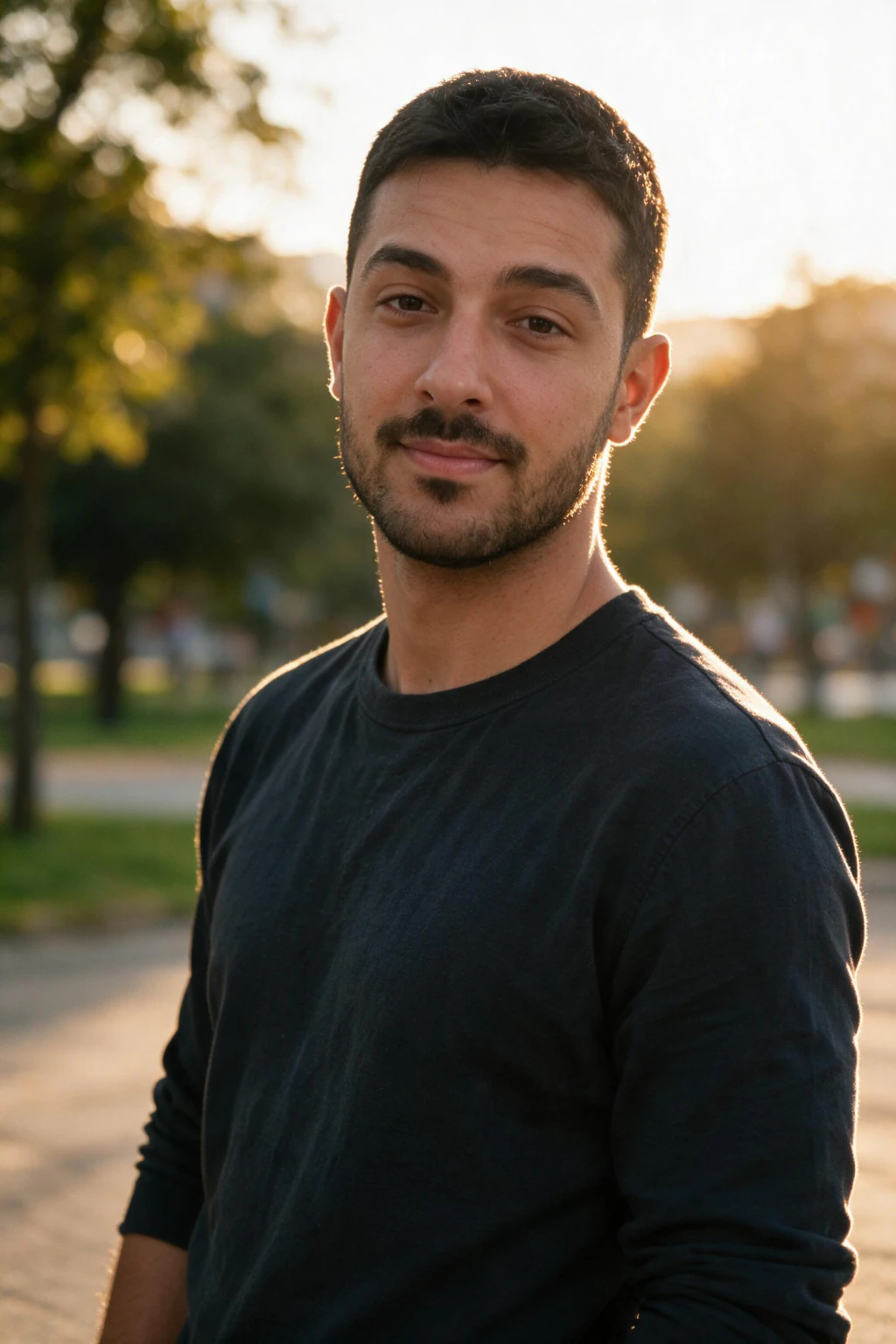
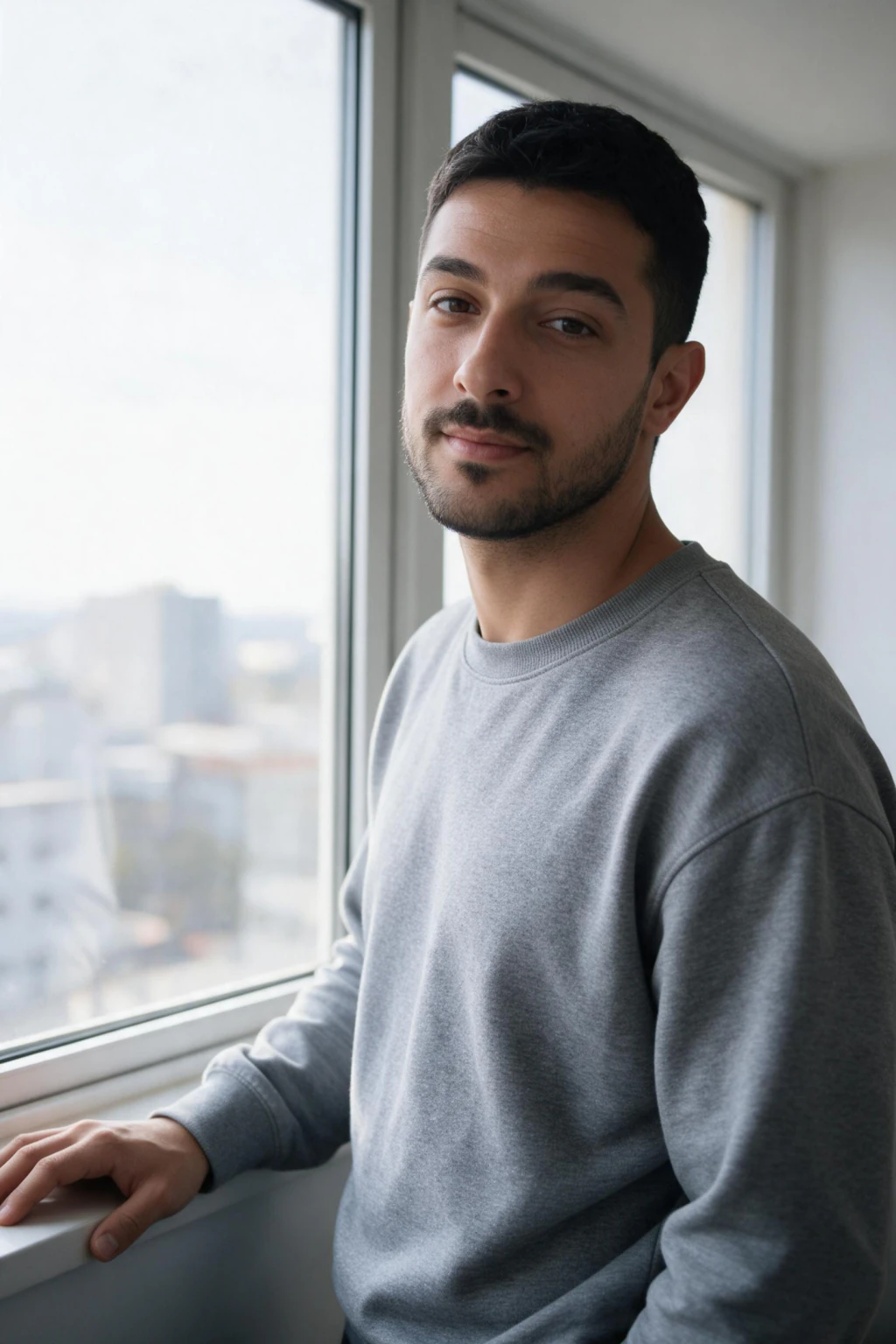
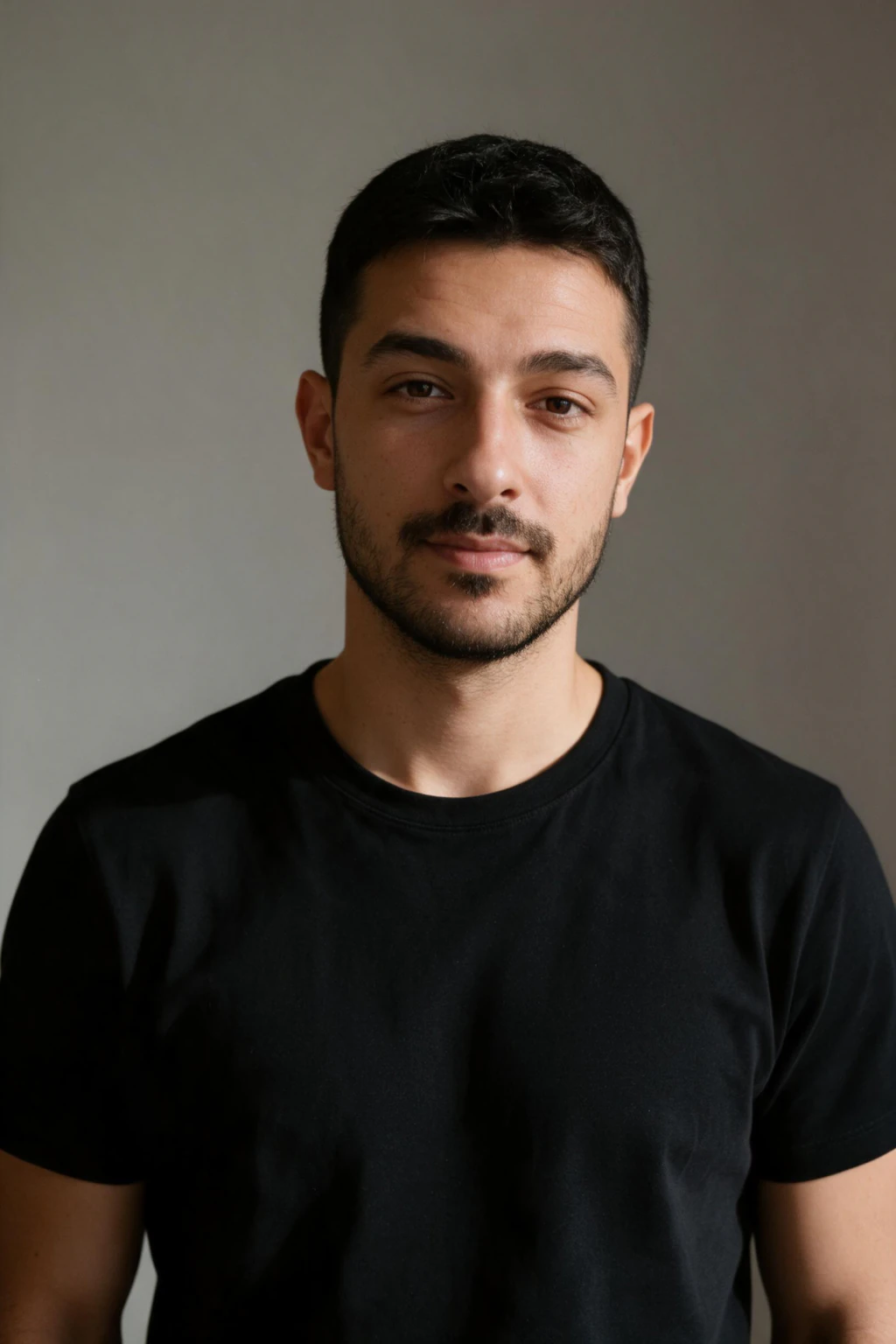
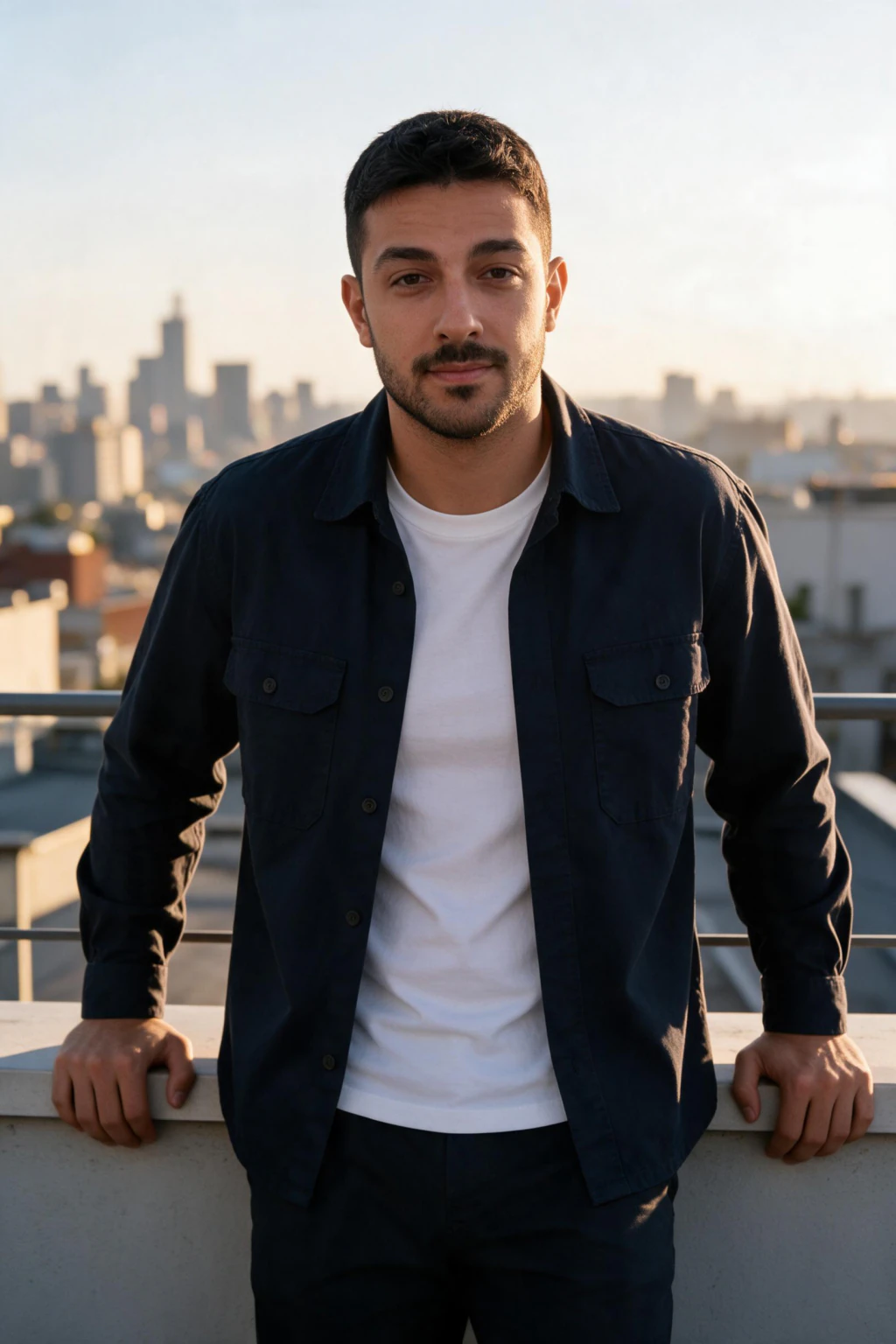
One phone selfie to 5 AI photos of the same person

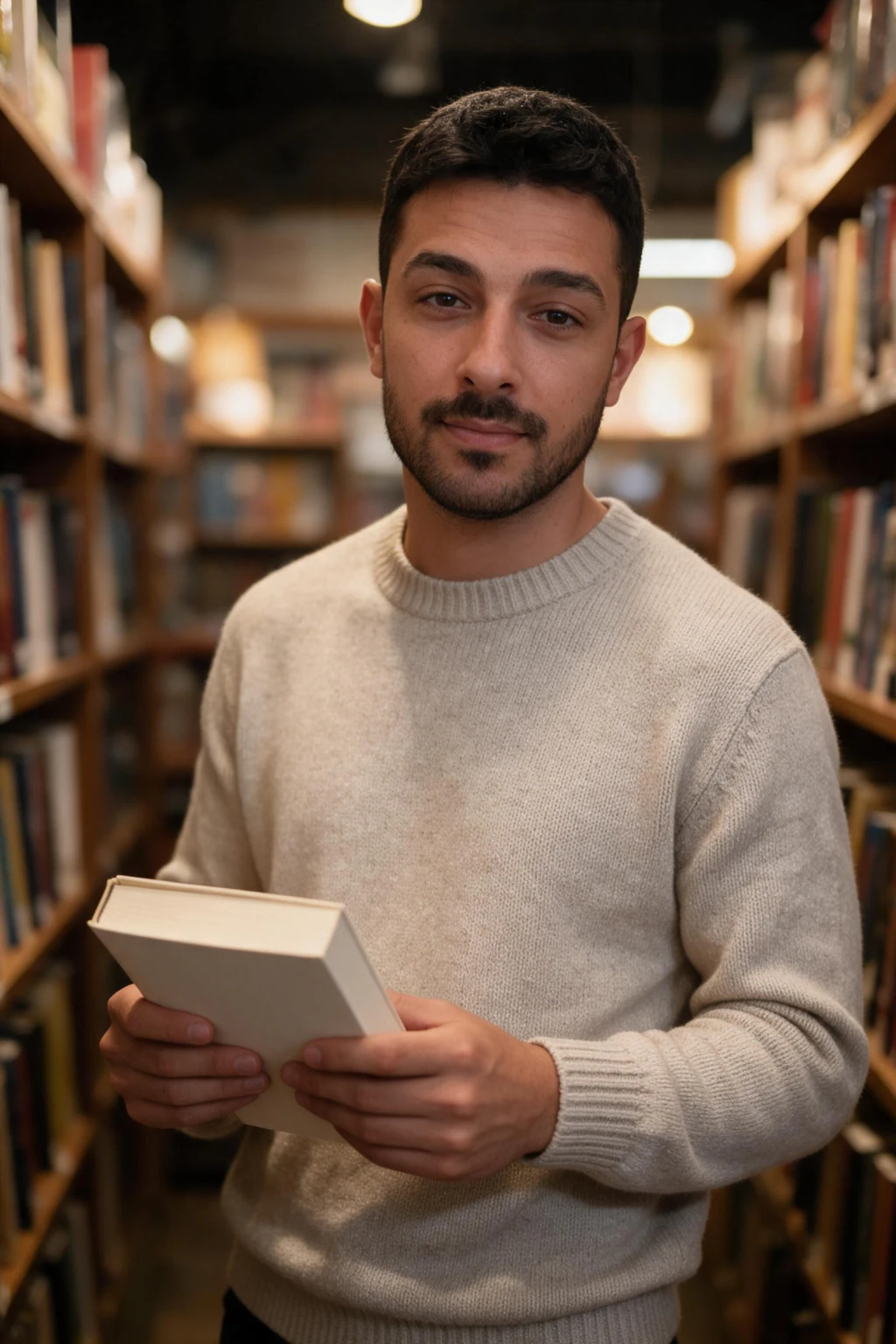
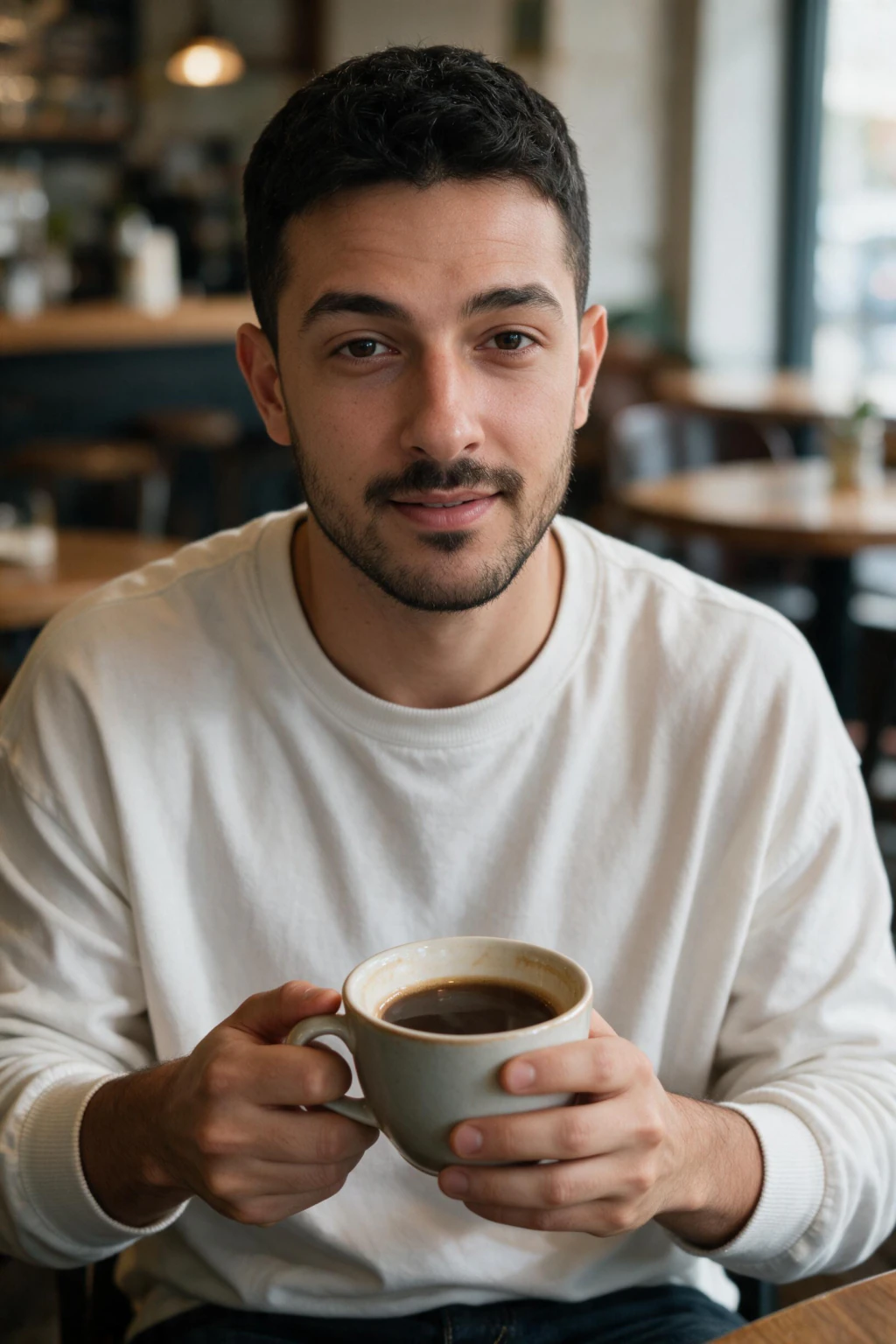
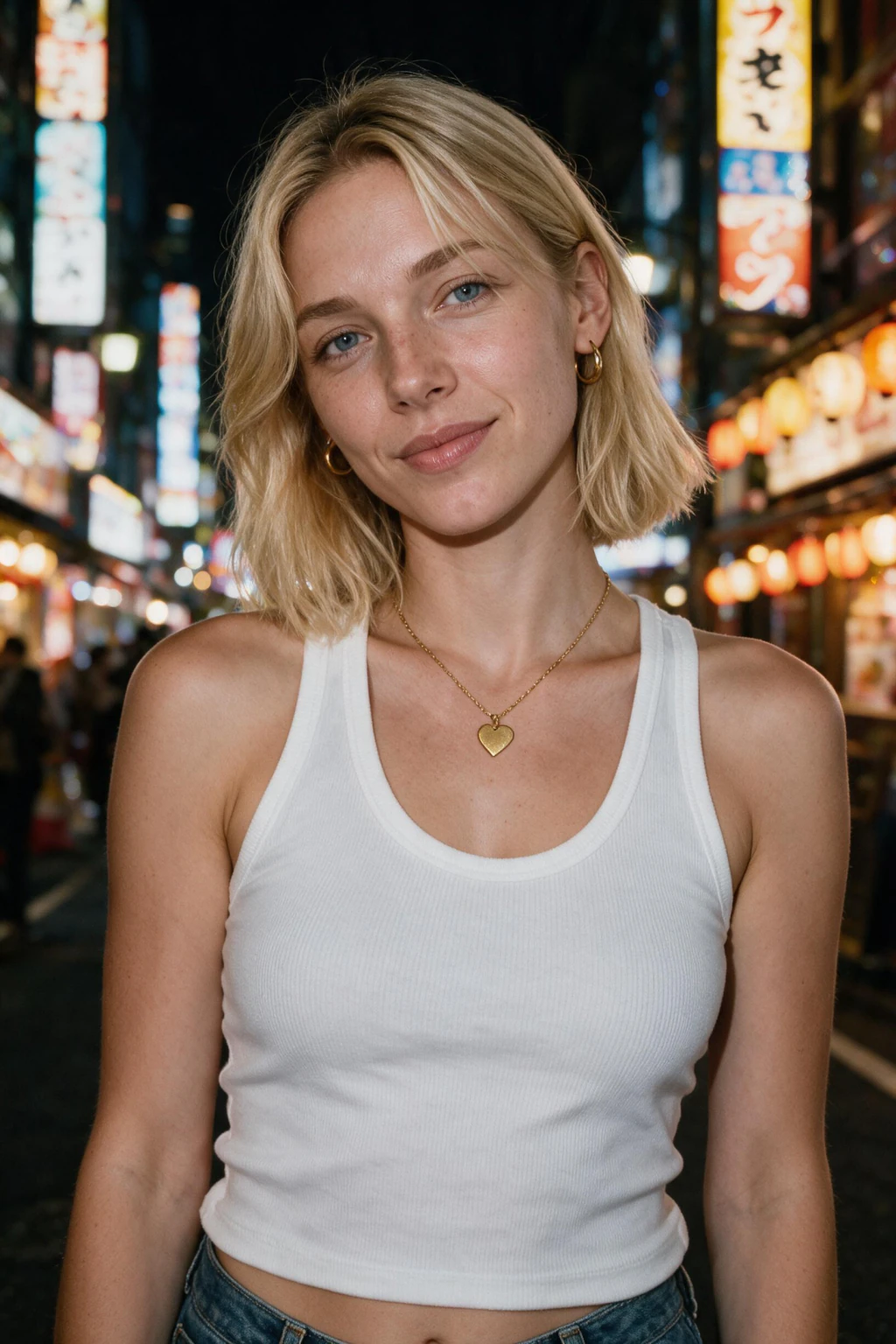
Why one selfie works
The AI learns your face from that selfie and renders new ones from that model.
Selfie-trained rivals ask for 6 to 15, some 8 to 12. MakeAiPhotos needs just one clear selfie. On every selfie-trained tool, the quality of your photo matters more than the count.
Better facial consistency
The AI keeps your face stable across different settings (office, beach, gym).
With a poor selfie the model overfits and your face only renders well in scenes similar to the selfie you uploaded.
More realistic results
Visible skin texture, matched eye reflections, and slight asymmetry that real faces have.
A clear, well-lit selfie lets the model learn how your skin and features really look.
Better hair reproduction
Hair that follows physics. No floating strands or hair morphing into the background.
Hair is hard for AI. A clear selfie with your hair fully visible gives the model more to work with.
Improved lighting accuracy
Output lighting that matches the pack you choose, with one consistent direction across the frame.
A clear, well-lit selfie shows the model exactly how your face reads.
What kind of selfie works best
The AI learns from clarity and good light, not quantity.
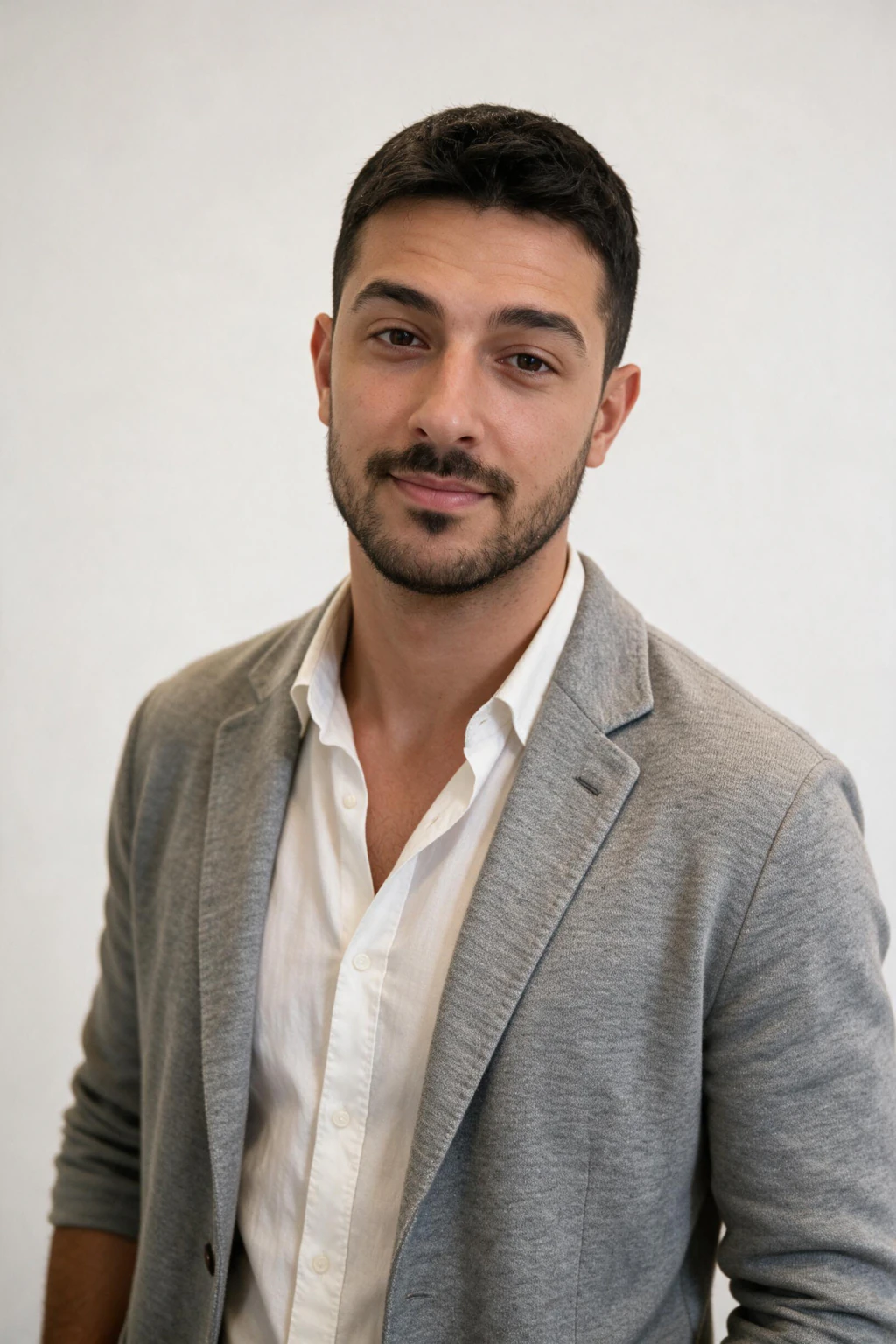
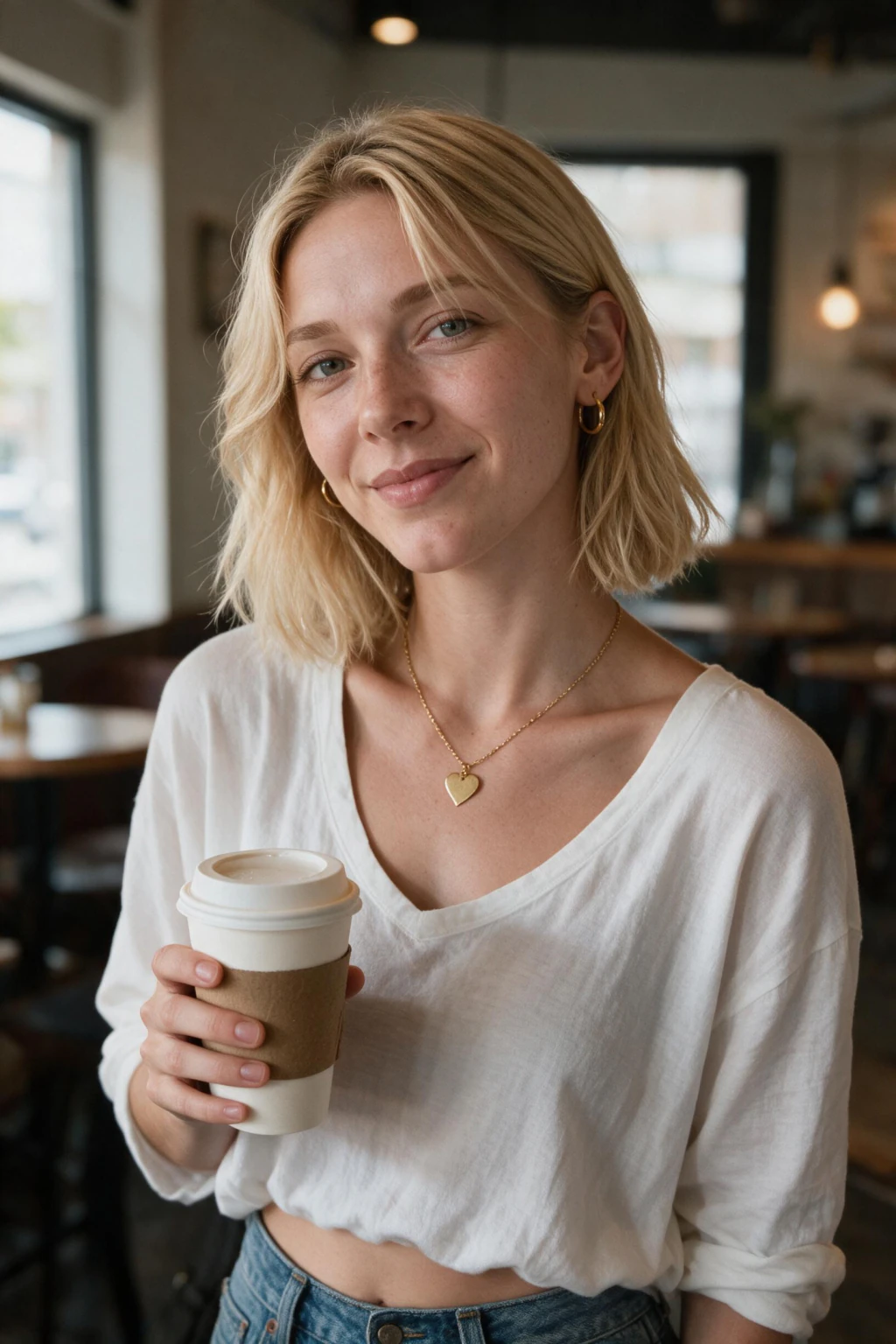
Good: a clear selfie in natural light
Soft daylight from a window. Front-facing. A natural, relaxed expression.
This gives the AI the real signal it needs to lock your bone structure and skin tone.
Good: smartphone photos work
You do not need a DSLR. Modern smartphones produce clear enough photos for AI photo generators.
A casual selfie with the camera held at eye level is enough. Save the studio session.
Bad: group photos cropped tight
Pulled from someone else's wedding album. Wrong lighting, wrong angle, edge artefacts from the crop.
Skip these. The lighting confuses the AI and the crop quality is too low.
Bad: sunglasses, hats, heavy filters
Anything hiding your eyes, forehead, or hairline. Snapchat or beauty filters that smooth skin.
The AI needs your real features. Hidden features confuse the render. Filters strip the texture the model needs.
Do you need professional photos?
No. A smartphone selfie works.
Good light and a clear, front-facing angle matter more than the camera. Skip filters.
Honest tradeoff: print, magazine, and billboard still need a studio. Under 1500 pixels (LinkedIn, dating, resumes), AI is enough.
3 common upload mistakes
Three mistakes show up in 80 percent of weak results. All 3 fixable in a minute.
1. An extreme or arm's-length angle
A selfie shot at arm's length or from a steep angle.
The wide-angle distortion and steep angle skew your features. Use a front-facing shot at eye level on the rear camera.
2. Using an old photo
A photo from 5 years ago, different hairstyle, different weight, different glasses.
The AI learns the old you. Use a selfie from the last 6 months that matches how you actually look now.
3. A careless, low-quality selfie
A dim, blurry, or heavily filtered shot.
The AI has too little to learn from. The output looks generic instead of like you. Upload one clear, well-lit, front-facing selfie.
How MakeAiPhotos uses your selfie
Upload one clear selfie. There is no model to train, so the first photo lands about 2 minutes later.
Pick a pack (LinkedIn, lifestyle, travel, gym, modeling). Get about 30 AI photos for $14.99.
Final recommendation
One clear daylight selfie. Front-facing. Natural expression. No filters. Recent.
The exact shot
One front-facing selfie at eye level, taken on the rear camera, not at arm's length.
Gives the AI an accurate read on your face without front-camera lens distortion.
Expression
A neutral look or a faint, natural smile.
Teaches the AI how your face actually moves so output does not look stiff.
Outfit
A plain, solid-coloured top in your selfie.
Keeps the AI focused on your face instead of your clothing.
Frequently Asked Questions
- How many photos should you upload to an AI photo generator?
- Upload one clear selfie for the best results on most AI photo generators in 2026. A blurry, filtered, or badly lit photo makes the output look generic. Quality, good light, and a front-facing angle, matters more than count.
- How many photos do you need for AI headshots?
- Most AI headshot generators used to ask for a dozen or more photos. One clear selfie works best. Use good natural light and a natural expression. Skip filters, sunglasses, and photos older than 6 months.
- Can I get good AI photos from one selfie?
- Yes, if it is clear and well lit. One good selfie is all most generators need. If your only photo is blurry or filtered, take a clean one in soft daylight before uploading. The extra minute fixes more issues than any prompt tweak.
- Do I need professional photos for AI?
- No. Most users get strong results from a smartphone selfie. A casual photo with the phone at eye level works as well as a studio session. What matters is good light, a front-facing angle, and the absence of filters.
- What photos should I avoid uploading?
- Group photos cropped tight, sunglasses, hats covering the forehead, heavy filters (Snapchat, Samsung beauty mode, iPhone Photonic Engine smoothing), very dim photos, and a photo older than 6 months that no longer matches your look.
- Does uploading more photos give better results?
- No. One clear selfie is enough. The AI reads your face from a single good shot. The exception is if your appearance has changed significantly, then upload a recent selfie.
- Should the photos be recent?
- Yes. Use a selfie from the last 6 months. The AI learns the version of you in your upload, so an old photo produces output that looks like the old you (different hairstyle, weight, glasses). A recent selfie matches how you actually look now.
- Do I need full body shots?
- No, just a face or head-and-shoulders selfie. The AI learns your face from that upload and renders new full-body photos in the lifestyle, travel, and modeling packs. Most selfie-trained AI photo generators (MakeAiPhotos included) only need a face photo.
- Can I reuse the same uploads for different packs?
- Yes. MakeAiPhotos keeps your upload, so you can return for new packs (LinkedIn this week, travel next week, gym next month) without uploading again. Each new photo costs about 2 minutes and 10 credits.
- What is the best number for MakeAiPhotos?
- MakeAiPhotos needs just one clear daylight selfie. There is no training wait, and $14.99 gets you about 30 AI photos in your selected pack, roughly 2 minutes each. A poor-quality selfie can make the likeness drift.
- Should I upload more than one photo?
- There is no need. One clear selfie is enough, and extra photos do not improve output quality. The one exception is if your appearance has changed recently (haircut, weight, glasses); then upload a current selfie that matches the new you.
- Does it matter how I frame my selfie?
- Yes. What matters is the framing: a clear, front-facing shot at eye level, taken on the rear camera, in soft even light, with your face fully visible and no filters.
- Should my selfie be high resolution?
- Your selfie should be at least 1024 by 1024 pixels (most modern smartphone selfies easily clear this). Avoid a heavily compressed photo pulled from a social media export; compression artefacts confuse the AI. An original camera roll export is best.