How do I make a Halloween AI profile picture?
To make a Halloween AI profile picture, upload one clear selfie, pick a look and wait about 2 minutes. MakeAiPhotos generates a new photo of you, it does not paste a costume onto the picture you uploaded.
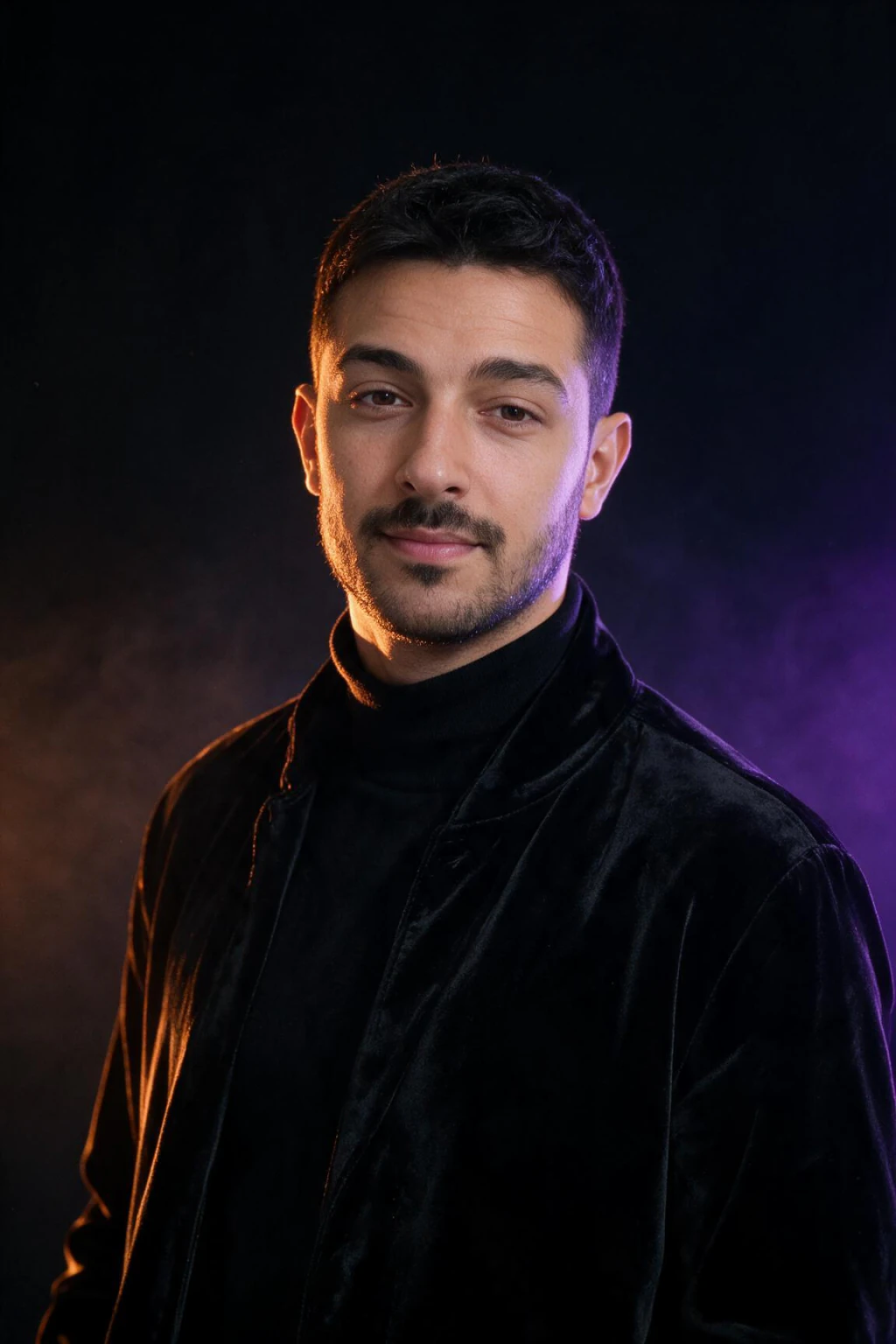
The Halloween PFP look is deep-linked from this article rather than sitting in the picker. It is a head-and-shoulders portrait in a black high-collar velvet coat, with orange light on one side of your face and purple on the other.
Then crop it to a square and set it as your profile picture.
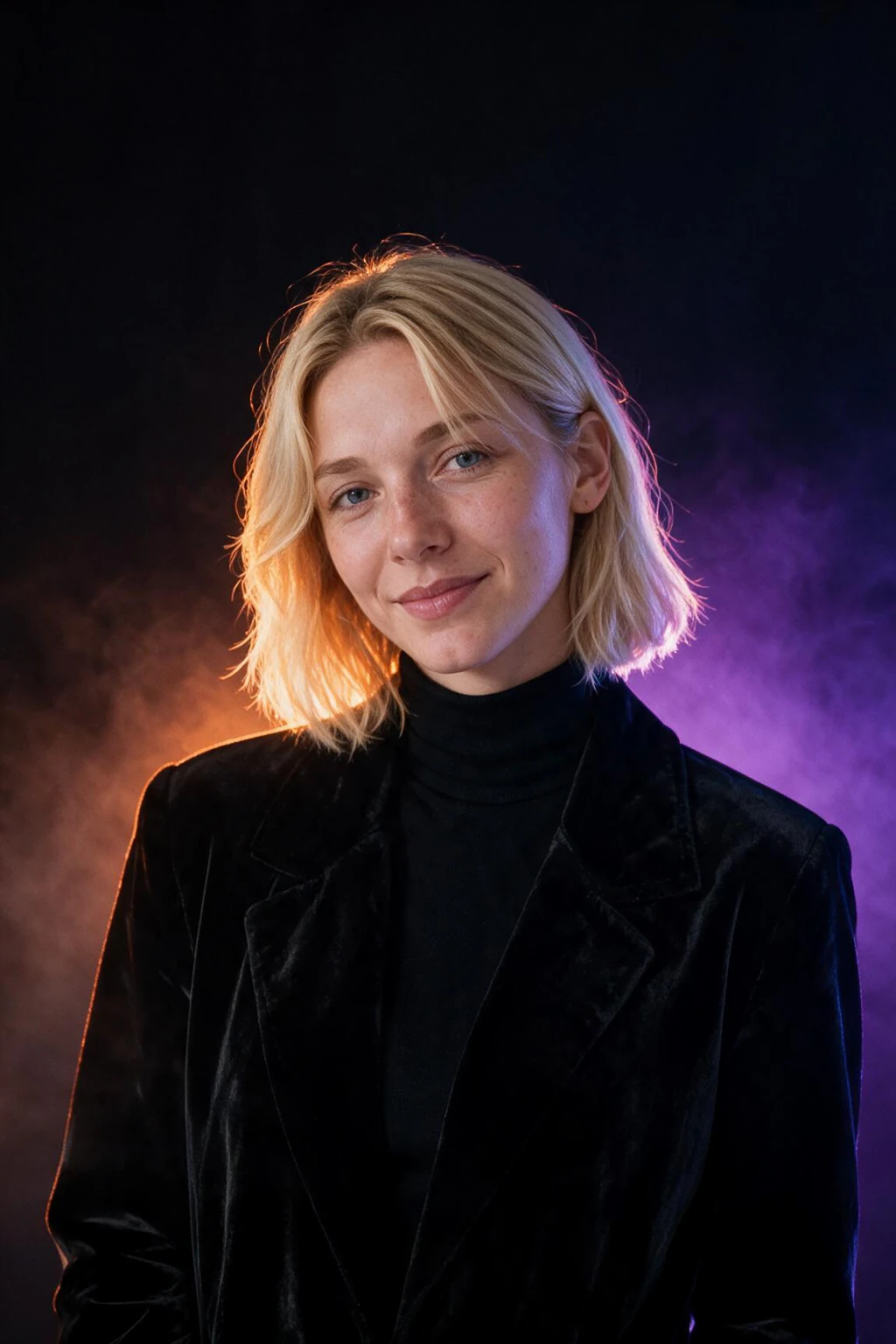
One phone selfie to 4 AI photos of the same person

What makes a Halloween PFP readable at thumbnail size?
A Halloween PFP stays readable at thumbnail size when the face is large, the backdrop is dark and simple, the light uses two colors at most and there are no small props. A profile picture shows up as a small circle, so anything fine, like a prop in your hand or a busy room, turns into noise.
Four rules decide whether a Halloween PFP survives the circle.
| Rule | Why it matters | What to pick |
|---|---|---|
| Face large in the frame | At thumbnail size the face is the only thing left to read | Head and shoulders, not a full-body costume shot |
| Simple dark backdrop | A plain dark background makes the face and light edge stand out | Near-black, or one dark room with soft light |
| Two light colors at most | More than two colors blur together when shrunk | Orange and purple, or one warm candle tone |
| No small props | Lanterns, hats and held objects vanish or smudge | Costume parts worn on the head or body, like fangs, ears or paint |
What is the best Halloween PFP idea? 4 looks that crop well
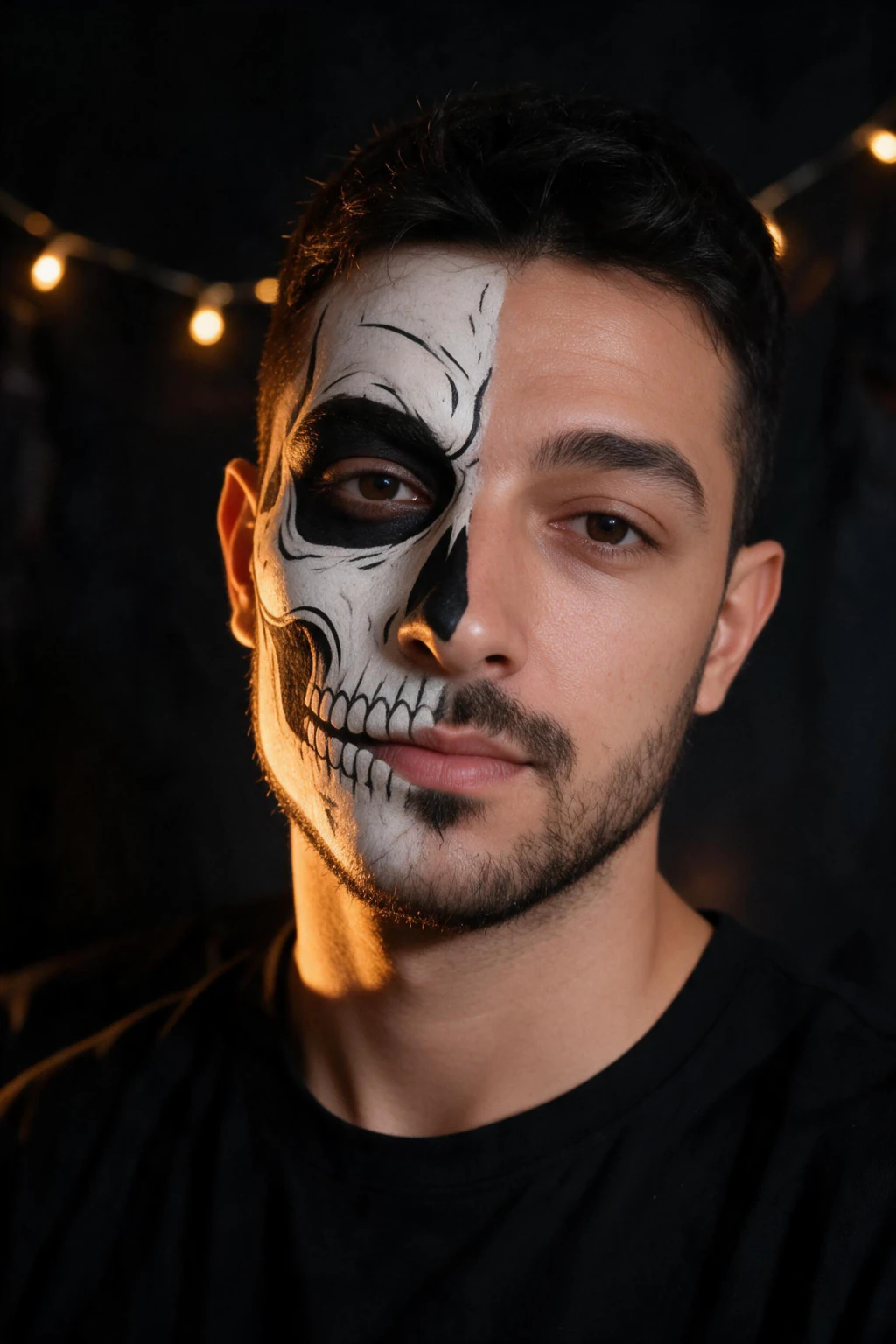
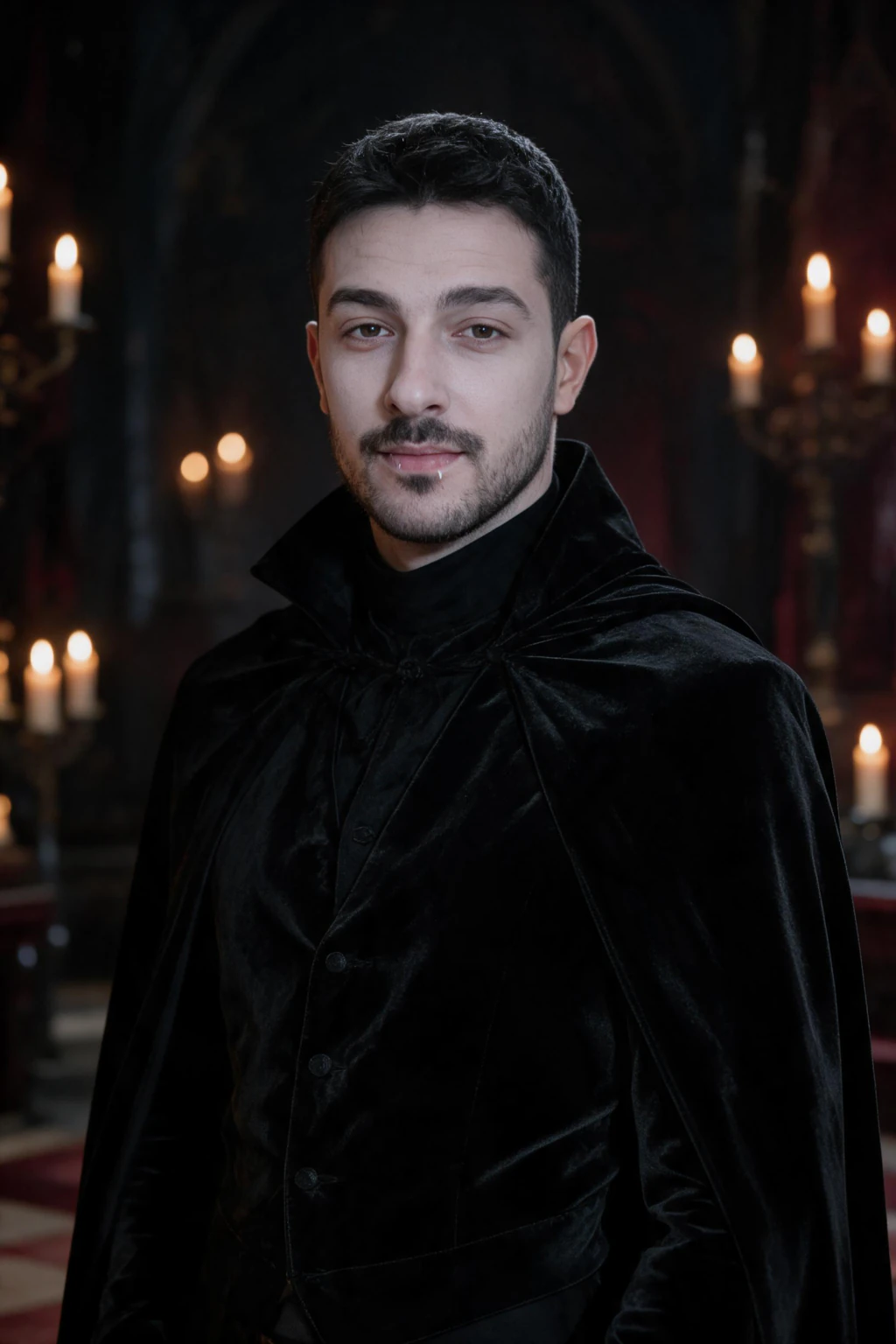
The best Halloween PFP idea is the glow portrait, followed by skeleton face paint, the vampire and the black cat. All four keep the face large and the costume on your head or body. Each one is a new photo generated from one selfie, and you pick the look on the next screen after you upload.
Open one: the glow portrait, skeleton face paint, the vampire or the black cat. Then crop a square around the head.
| Look | Why it crops well | Mood |
|---|---|---|
| Halloween PFP glow | Near-black backdrop, orange and purple rim light, faint fog, room around the head | Clean and moody |
| Skeleton face paint | Paint on half the face against a dark studio, bold and readable small | Bold and graphic |
| Vampire | Black high-collar velvet coat and candlelit hall, a strong shape at any size | Gothic and elegant |
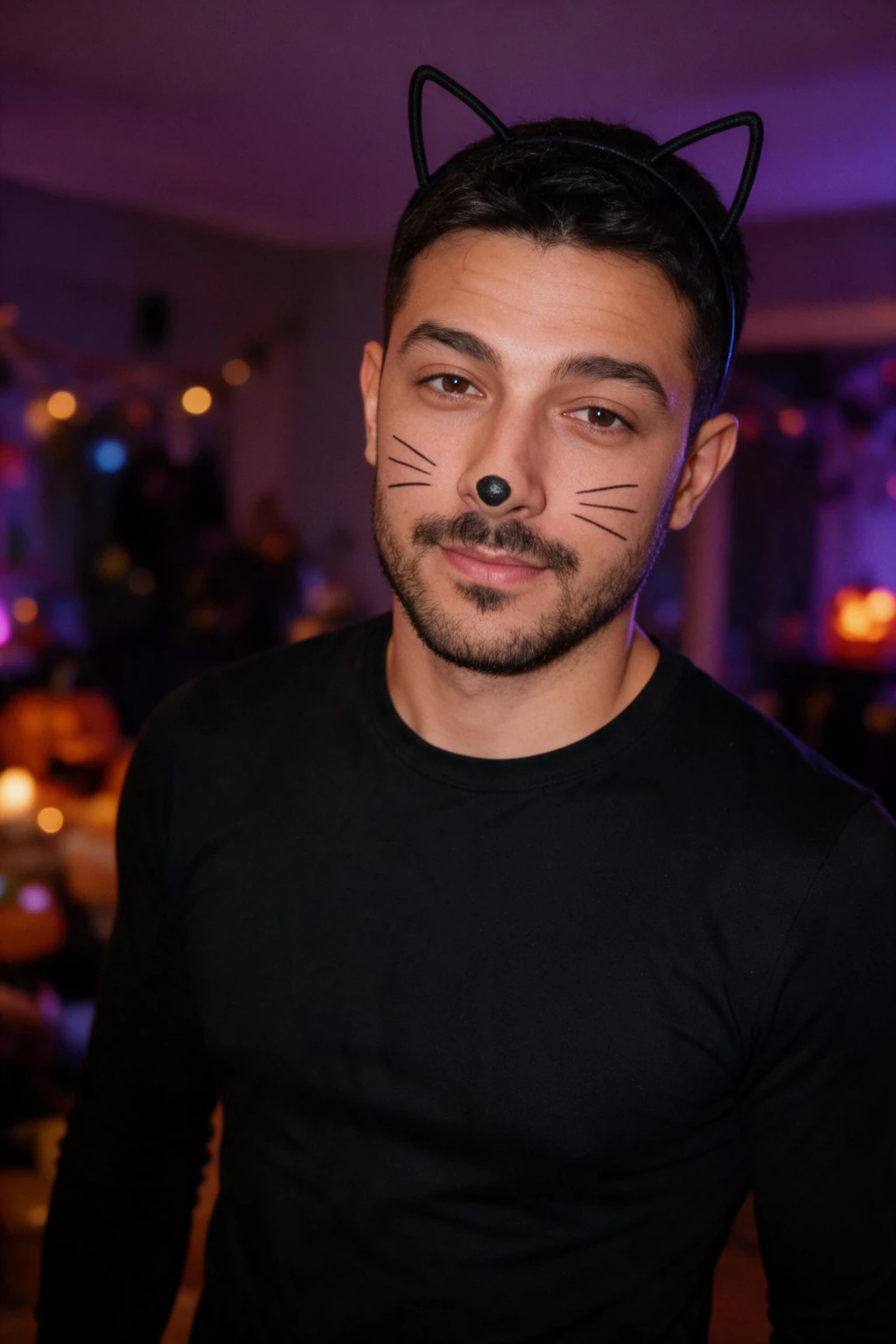
| Black cat | Cat-ear headband and drawn whiskers sit on the face, purple and orange glow | Playful |
How do I make a Halloween PFP for Discord, Instagram and TikTok?
All three apps show your picture inside a circle, so the same square crop works on each one. Keep your face in the middle and leave space around the head, because the corners get cut off.
Each app changes its upload rules, so check the help page of the app you are using. Then export a square that is at least as large as it asks for.
| Platform | Shape shown | Crop tip |
|---|---|---|
| Discord | Circle | Center the face and keep the collar or shoulders low in the frame so the chat avatar stays clean |
| Circle | Leave room above the head, since the circle trims the top and corners | |
| TikTok | Circle | Pick the tightest crop that still keeps the paint, ears or fangs inside the circle |
How do I crop a Halloween PFP for the circle?
Crop your Halloween PFP as a square around the head and shoulders, with your eyes a little above the center. Photos come back as 2:3 portraits, and your phone or computer gallery can cut a square from one in a few seconds.
The Halloween PFP look leaves room around the head on purpose, so a square taken from the upper part of the photo keeps the full head and both glows.
Then preview the circle at small size before you save. If the face is hard to read at thumbnail size, crop tighter.
How much does a Halloween AI profile picture cost, and how long does it take?
$14.99 one time covers 300 credits, which is about 30 finished photos. Each one comes back in about 2 minutes, with no model training to wait through.
There is a 14-day money-back guarantee, and you see your own result before you are asked to pay. Spend the other photos on a second look, so you can swap your PFP after Halloween.
Frequently Asked Questions
- How do I make a Halloween PFP?
- Upload one clear selfie to MakeAiPhotos, pick a Halloween look and wait about 2 minutes for a new photo of you. Choose a face-first look with a dark backdrop, crop a square around your head, then set it as your profile picture on any app.
- What is the best Halloween PFP idea?
- The best Halloween PFP keeps your face large against a simple dark backdrop with no small props. The glow portrait, skeleton face paint, the vampire and the black cat all crop well, because the costume sits on your face or body and survives a tiny circle.
- How do I turn my selfie into a Halloween PFP?
- Upload the selfie and pick a Halloween look. MakeAiPhotos generates a brand new photo from that one selfie rather than adding a filter over it. The result is a 2:3 portrait, so crop a square around the head and shoulders to get your Halloween PFP.
- How do I make a Halloween Discord PFP?
- Generate a Halloween look from one selfie, then crop a square with your face centered, since Discord shows avatars in a circle. Keep the head fully inside the circle and leave some space around it. Check the Discord help page for current upload requirements before you save.
- How do I make a spooky profile picture with AI?
- Pick a spooky look that keeps your face large, like the vampire or skeleton face paint, and upload one selfie. MakeAiPhotos generates a new photo in about 2 minutes. Crop a square around the head so the dark backdrop and costume read clearly as a small circle.
- How much does a Halloween AI profile picture cost?
- $14.99 one time on MakeAiPhotos, which buys 300 credits, about 30 finished photos. That covers your Halloween PFP plus other looks from the same selfie. There is a 14-day money-back guarantee, and you see your own result before you pay.