Which AI headshot generator is best in 2026?
It depends on what you have and what you need. If you keep a library of 15 to 20 varied selfies and want a big-name batch tool, that tier will serve you well. If you have one good selfie and want to pay once instead of starting a plan, MakeAiPhotos is built for exactly that.
Here is the side-by-side view. Prices below are listed starting prices across the category, verified August 2026, so check each site before you buy.

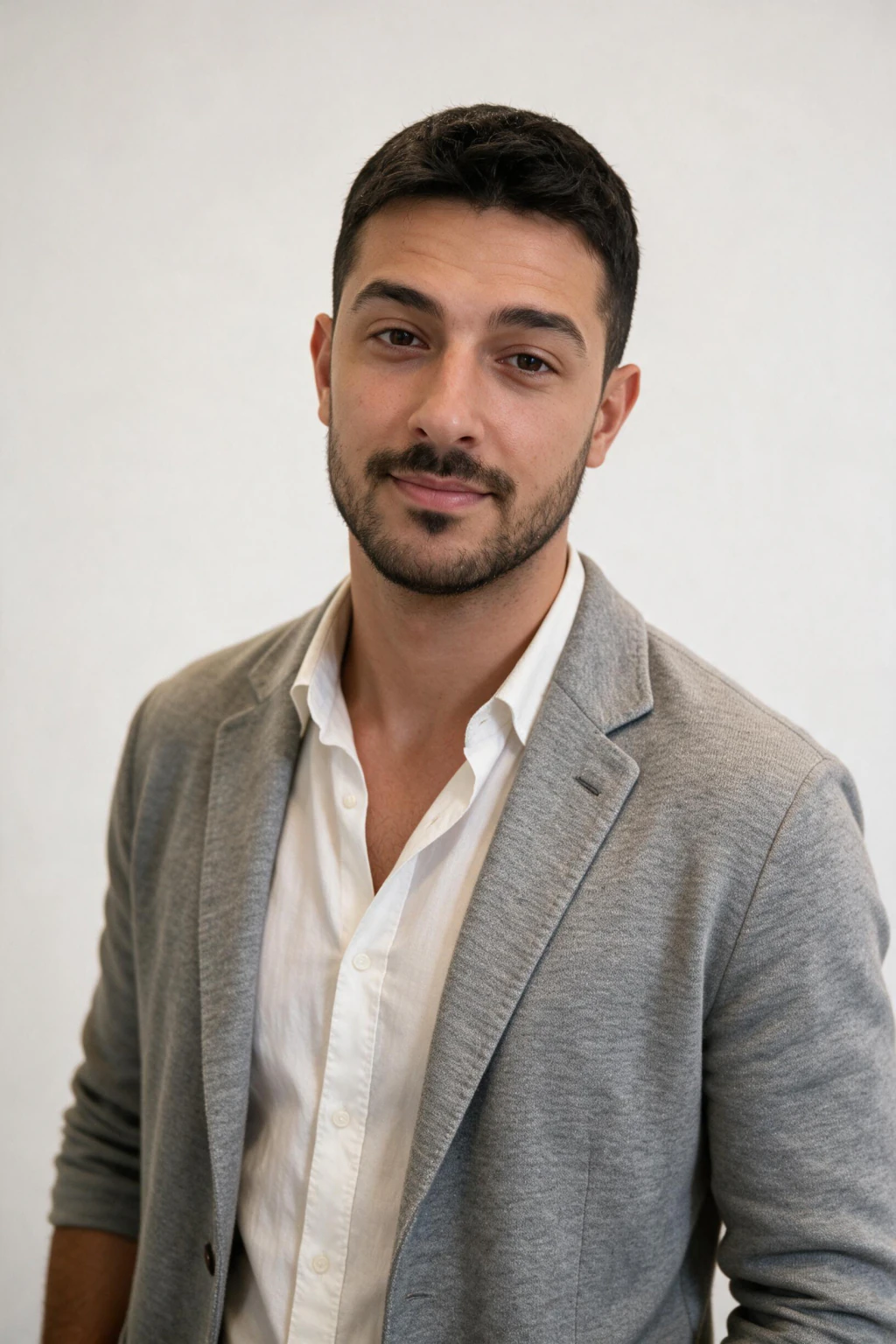
One phone selfie to 5 AI photos of the same person

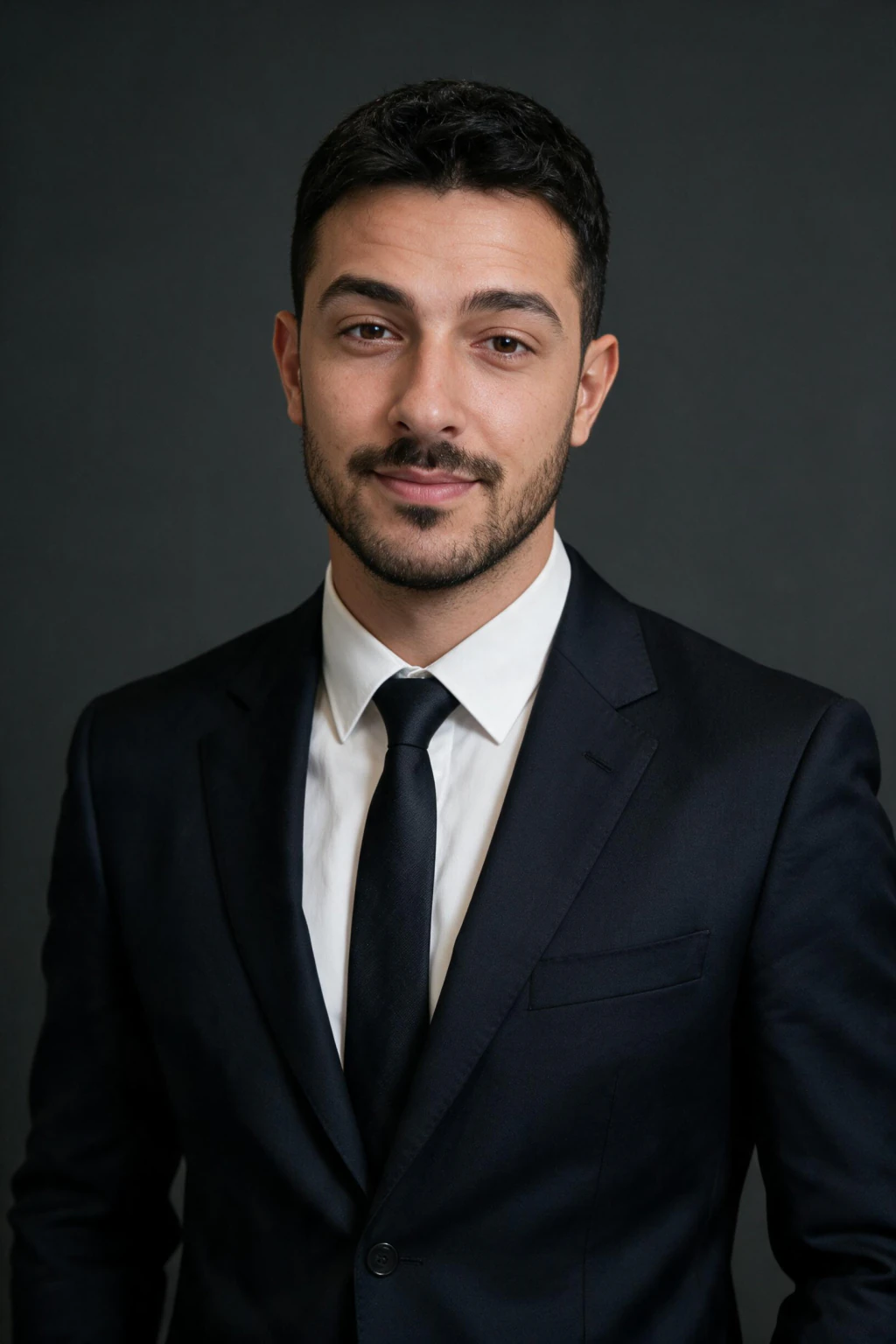
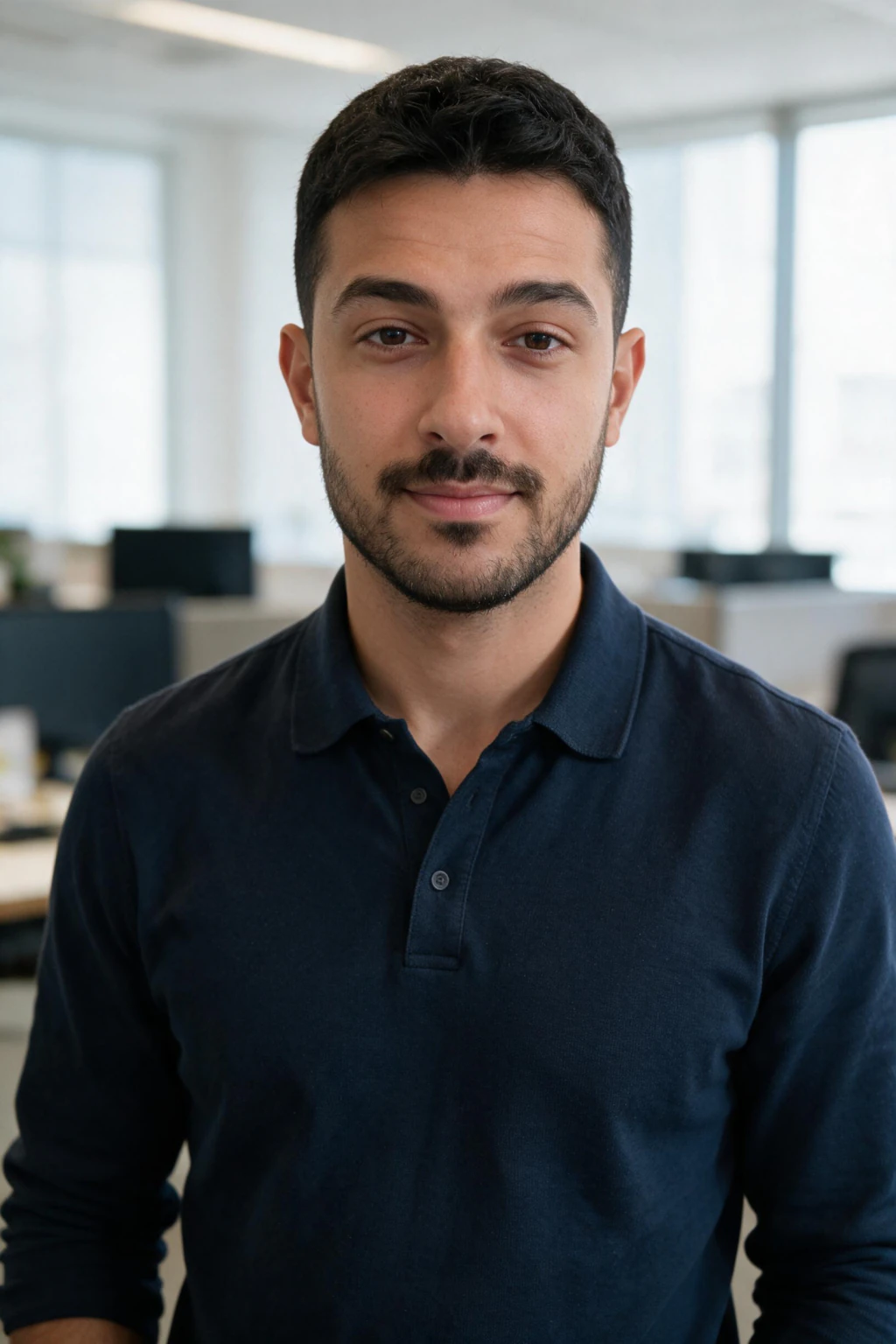
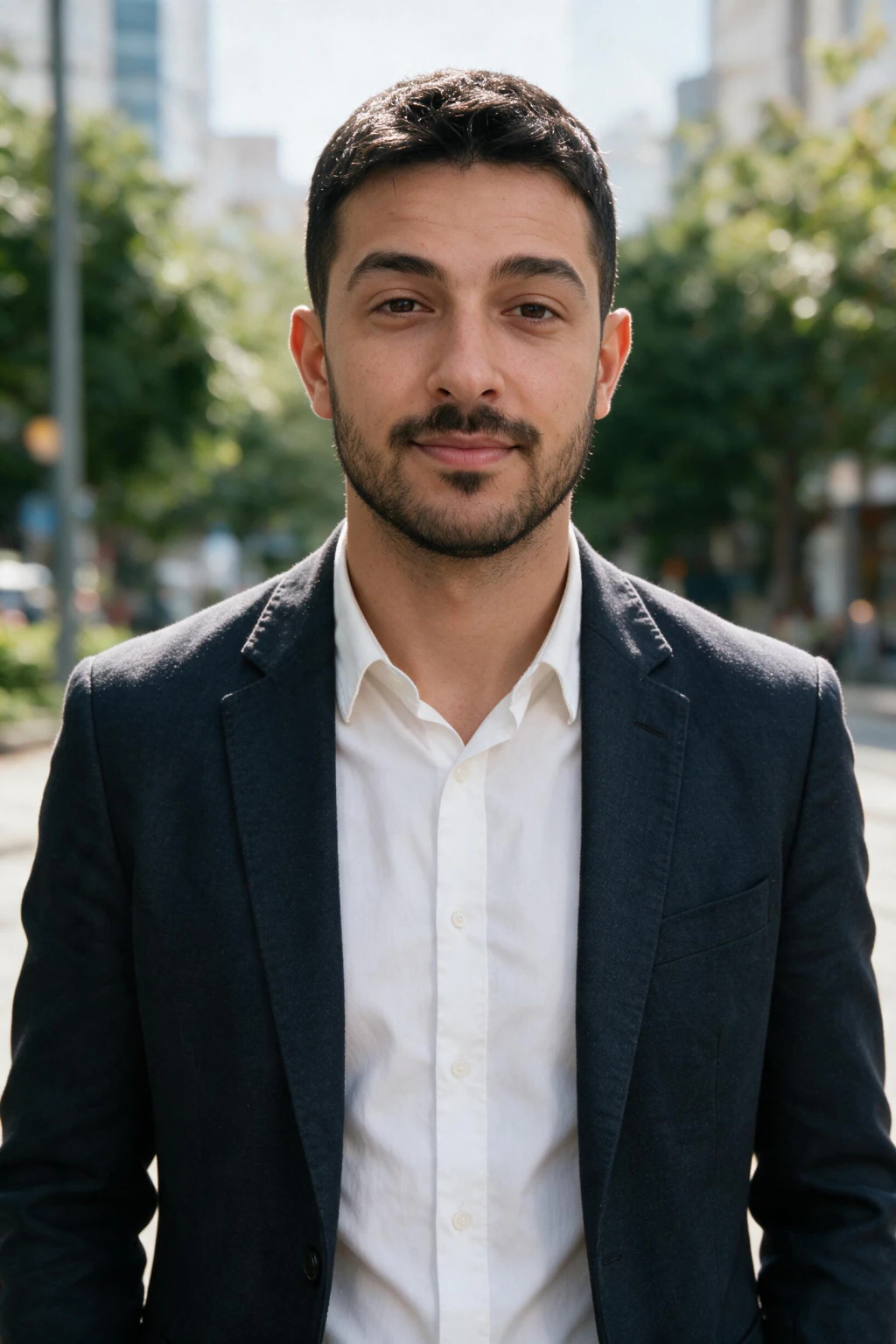
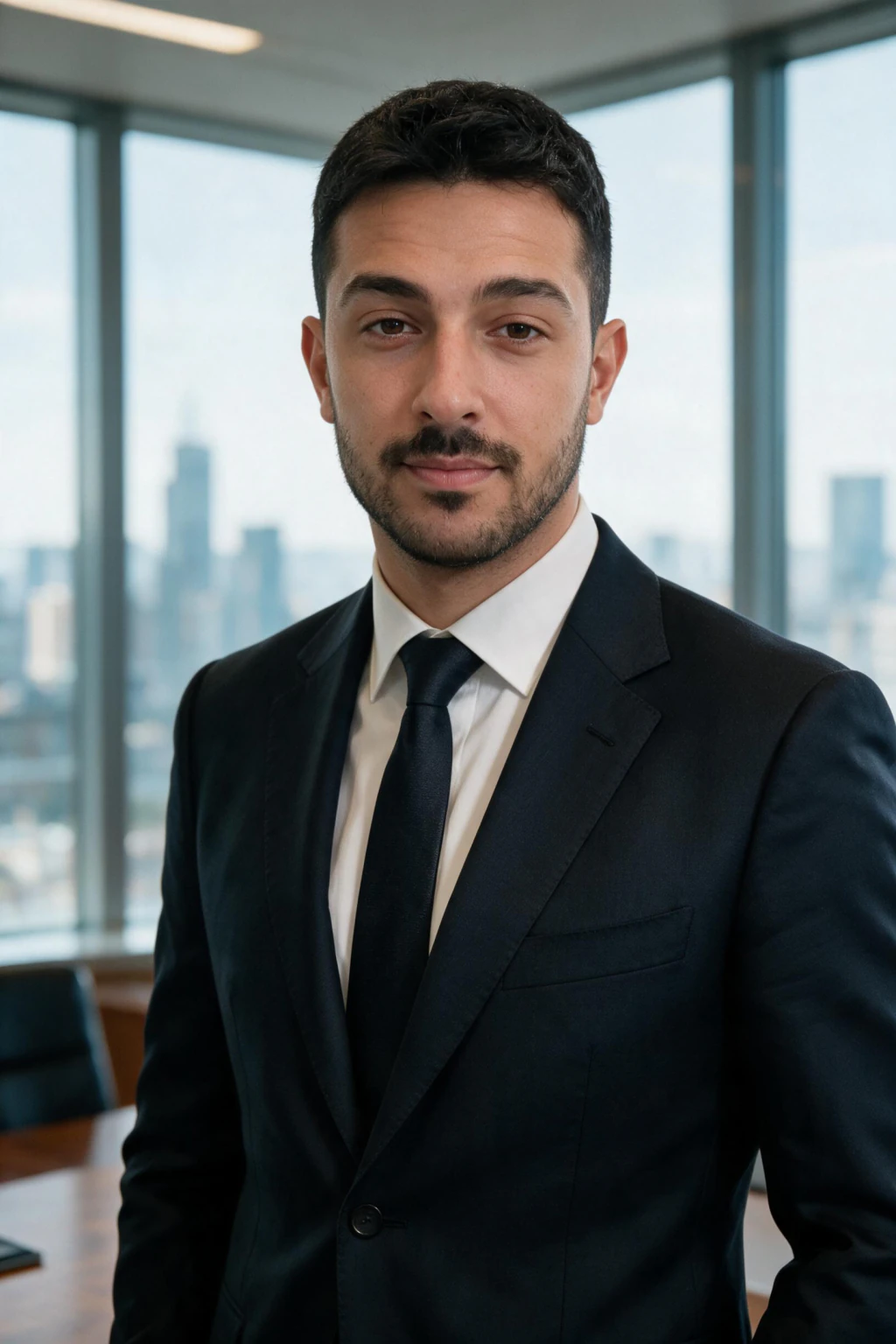
| Tool | Starting price | Photos included | Selfies needed | Turnaround | Refund policy |
|---|---|---|---|---|---|
| MakeAiPhotos | $14.99 one time | About 30 | 1 clear selfie | About 2 minutes per photo | 14-day money-back |
| Team batch tools | $29 | 30 | About 15 photos | About 1 to 3 hours | Refund if unused |
| High-volume batch tools | $34 | 40 | Multiple photos | Not published | Check current terms |
| Big-name selfie-trained tools | $35 to $75 | Tiered by plan | 8 to 20 photos | About 1 to 2 hours | Limited, case by case |
| Style-catalog tools | $35 to $79 | Tiered by plan | 8 to 12 photos | Under 1 hour | Redo or refund policy |
| Premium batch tools | From about $49 | Tiered by plan | About 25 photos | Up to 24 hours | Redo, refund window |
| Corporate headshot tools | $49 to $59 | Tiered by plan | 8 to 15 photos | About 1 hour | Partial guarantee |
What does one usable headshot actually cost?
Sticker price hides the number that matters. MakeAiPhotos is $14.99 for about 30 finished photos, which is roughly 50 cents each. A team batch tool is $29 for 30, which is about $0.97 each, and its $39 tier returns 50 photos at about $0.78.
Per photo, MakeAiPhotos now comes out cheaper, and it also wins the entry ticket: $14.99, no subscription, and one selfie rather than fifteen. The batch tier still wins on volume in one order: 50 photos in a single run is more than one of our packs returns.
Both sit far under the alternative. A studio session runs $200 to $500 and returns a handful of edited frames, so even the priciest tool in the table above is a different order of cost per usable headshot.

How we compared these tiers
We scored each tier on five things: realism of the output, how many selfies it demands before it can render your face, turnaround time, pricing model (subscription vs one-time), and how safe the purchase is if the photos disappoint you.
Full disclosure: we run MakeAiPhotos, one of the options in this comparison. That is exactly why the table sticks to verifiable specs pulled from vendors' own pricing pages instead of subjective realism grades, and why we tell you plainly where a rival tier is the better pick.
The tiers, one by one
Every tier below covers real, working headshot generators. The bold line tells you who each one fits best.
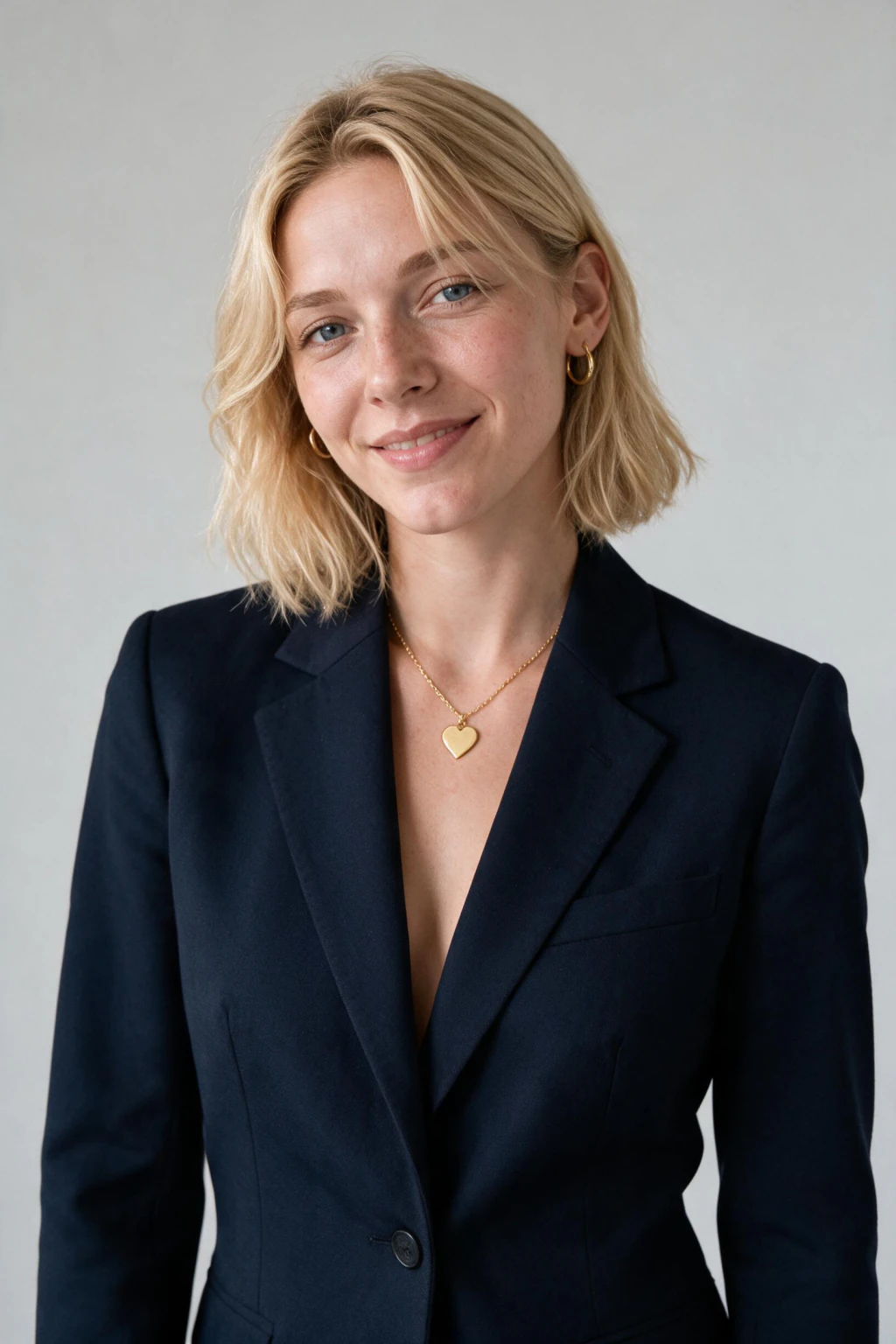
MakeAiPhotos: best if you have one selfie and want one-time pricing
Works from a single clear selfie, returns headshots in about 2 minutes, and charges one-time credits from $14.99 with a 14-day money-back guarantee. Includes role packs (LinkedIn, lawyer, realtor) beyond generic corporate looks.
Weak spot: about 30 finished photos per $14.99 pack versus 40 to 100 image batches from the batch tiers, and fewer styles than the 150+ catalogs at the top of the market.
Big-name selfie-trained tools: best-known brands with big batches
The most recognized names in AI headshots, with large output batches and solid corporate styling. They expect a varied set of 8 to 20 photos to train on.
Weak spot: higher starting price and no true one-selfie flow, so gathering input photos takes real effort.
Team batch tools: best for teams
Built with team and company accounts in mind, so ordering 10 matching headshots for a company page is easy. They ask for about 30 photos per person.
Weak spot: solo users pay team-grade prices, and the multi-photo requirement slows down a quick refresh.
Style-catalog tools: best style breadth and sub-hour delivery
Fast delivery, redo-or-refund policies, and the widest published style catalogs in this comparison at 150+ looks. If you want variety above everything else, this is the row we lose.
Weak spot: as of August 2026 this tier starts at $35 and runs to $79, so the entry ticket is several times ours, and it still wants 8 to 12 input photos.
Corporate headshot tools: best for reliable corporate looks
Decent speed and dependable business styling if you already have 8 to 15 usable selfies. As of August 2026 this tier lists $49 to $59.
Weak spot: the highest entry price in this table, and nothing it does best; every strength has a cheaper or faster rival here.
High-volume batch tools: best photos-per-dollar batch
As of August 2026 this tier lists about $34 for 40 finished headshots, which is one of the lowest sticker costs per photo in this table.
Weak spot: it wants a multi-photo upload and rarely publishes a turnaround figure, so plan the order rather than expecting a photo in minutes.
Premium batch tools: best premium option
Positioned at the top of the market from about $49, with a large 25-photo input requirement and long, careful generation runs.
Weak spot: price and 24-hour turnaround make it hard to justify for a routine LinkedIn refresh.
How much do AI headshots cost in 2026?
Across these tiers, verified August 2026, expect roughly $14.99 to $79 one-time depending on batch size and brand, versus $200 to $500 for a studio session. For the full cost breakdown by tool and tier, see our AI headshot generator pricing page, or how much AI photo generators cost across the whole category.
AI headshots vs a photographer: which should you pick?
A photographer gives you a real camera, real lighting, and a person directing your pose. That is the safest path when the photo is high stakes, like an executive bio or a press kit.
AI headshots win on cost, speed, and volume. You can generate many looks in different outfits and settings without booking a studio. For most professionals who need a clean LinkedIn or resume photo, that is enough.
Be honest about quality. AI output varies, so plan to pick the best few from a larger batch, whichever tool you choose.
How do you get results that actually look like you?
Feed the tool good input. Use a clear, recent selfie with even lighting, your face fully visible, and a natural expression. Blurry or heavily filtered photos drag down every generator in this comparison.
Match the style to the use, a neutral background and business attire for LinkedIn beats a flashy look that fights your role. Then generate a batch, keep the strongest frames, and check that your pick still reads as you on a video call before publishing it.
Frequently Asked Questions
- What is the best AI headshot generator in 2026?
- It depends on what you have and what you need. The big-name batch tools lead on brand recognition, the style-catalog and corporate tiers on realism per dollar, and MakeAiPhotos on working from one selfie with one-time credits and a 14-day money-back guarantee. Use the comparison table above to match a tier to your budget and selfie count.
- Is MakeAiPhotos free?
- No. MakeAiPhotos runs on one-time credits from $14.99, so there is no subscription to cancel. Orders are covered by a 14-day money-back guarantee, so you can judge the photos with low risk.
- Can ChatGPT or other AI tools create professional headshots for me?
- Yes, ChatGPT can produce one decent portrait, but it rebuilds your face from a description rather than editing your selfie, so likeness drifts and a second headshot rarely matches the first. Every dedicated tool in the table above works from your photo, which is why the face holds across a set.
- Can Gemini create my professional headshot?
- Gemini renders a portrait quickly, but identity drifts between generations and there is no consistency across a set, so two headshots can look like two people. Fine for a single experiment, weak for a matching profile set. MakeAiPhotos edits one selfie instead, so about 30 photos all read as you.
- Which AI headshot generator gives the most realistic results?
- Realism tracks your input more than the brand. Every tool in this table can produce a convincing headshot from a clean, well-lit selfie with no filter. Judge output on skin texture, matched catchlights in both eyes, and clean hair edges, then confirm your pick still reads as you on a video call.
- How do I know if an AI headshot generator is worth paying for?
- Check three things before you pay: a real refund window, whether it works from photos you already have, and cost per usable photo rather than sticker price. MakeAiPhotos is $14.99 for about 30 photos with a 14-day money-back guarantee, so the downside is capped.
- How many selfies do AI headshot generators need?
- The selfie-trained batch tools typically ask for 8 to 25 varied photos. MakeAiPhotos works from one clear selfie, which is the fastest way to start if you do not keep a big photo library.
- Are AI headshots better than a photographer?
- For LinkedIn, resumes, and team pages, AI wins on cost and speed: roughly $14.99 to $79 versus $200 to $500 for a studio session. For an art-directed executive portrait or press kit, book a photographer.
- How can you tell if a headshot is AI generated?
- Look at ears, teeth, hair edges, and fabric patterns; weak generators smooth or warp them. Good tools pass a glance test, but always confirm your pick still reads as you on a video call before publishing it.