Why does a skeleton filter stop looking like you?
A generic skeleton filter paints the entire face: both brows, the full nose bridge, both cheekbones and the jaw. Those are the exact landmarks a person's eye uses to recognize a face, so covering all of them at once produces a skeleton, not you.
A half-face design avoids that problem by construction. One side of your face carries the paint and the other side stays completely bare, so the eye, brow and jawline that make the photo recognizably you are always visible on at least one half.
This is the actual technical reason a filter and a half-face photo look different side by side. It is not a style preference, it is which landmarks the paint covers.
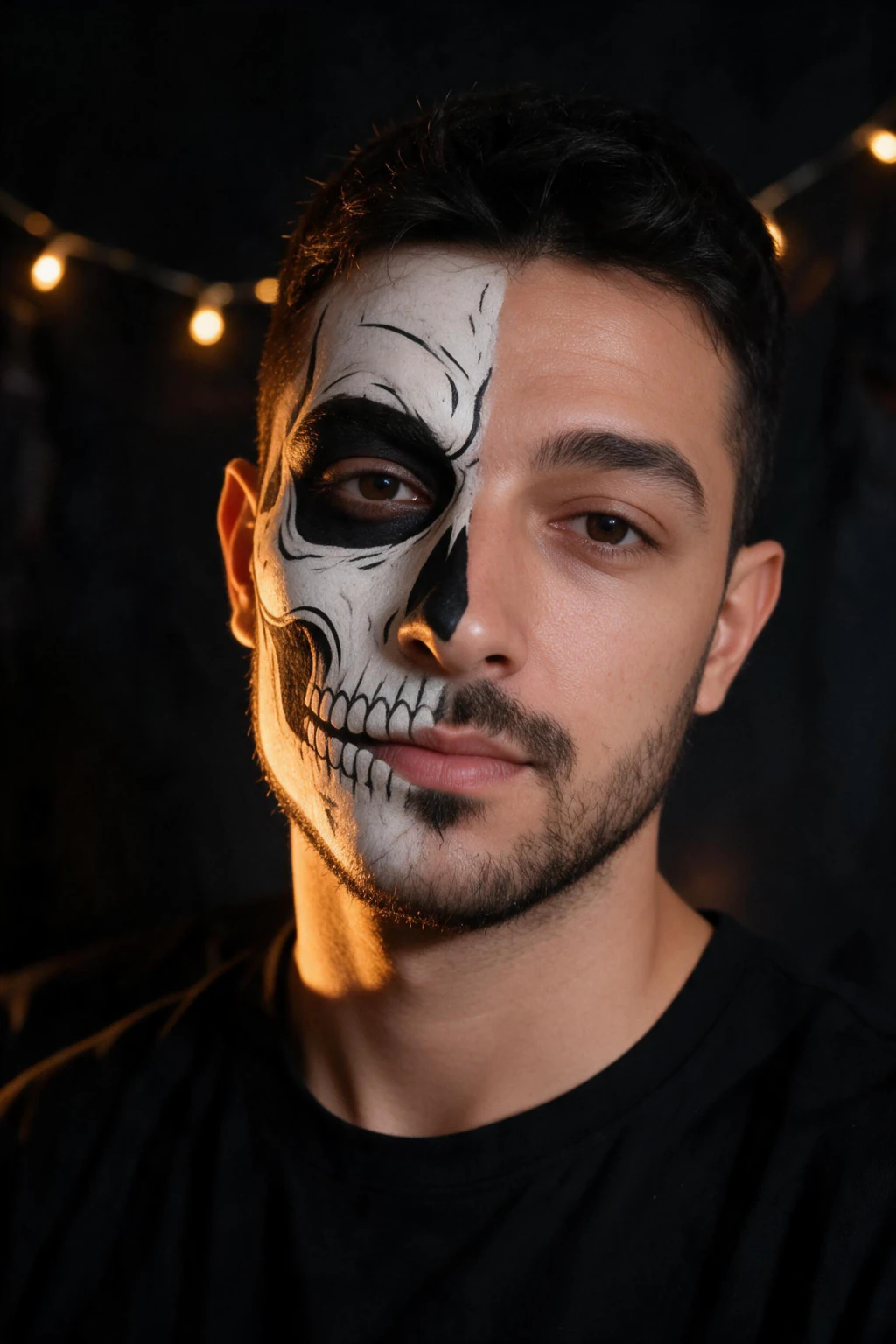
One phone selfie to 4 AI photos of the same person

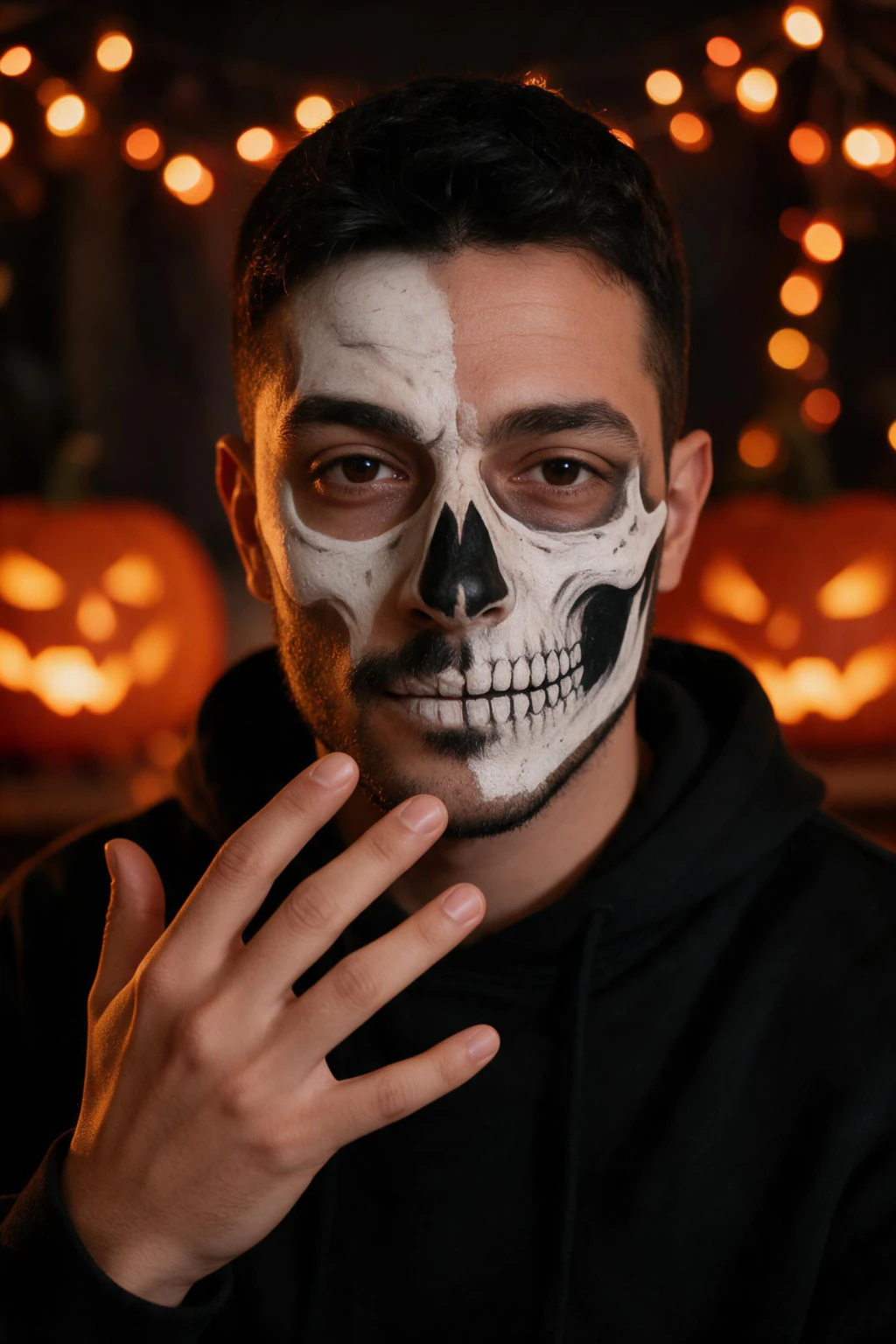
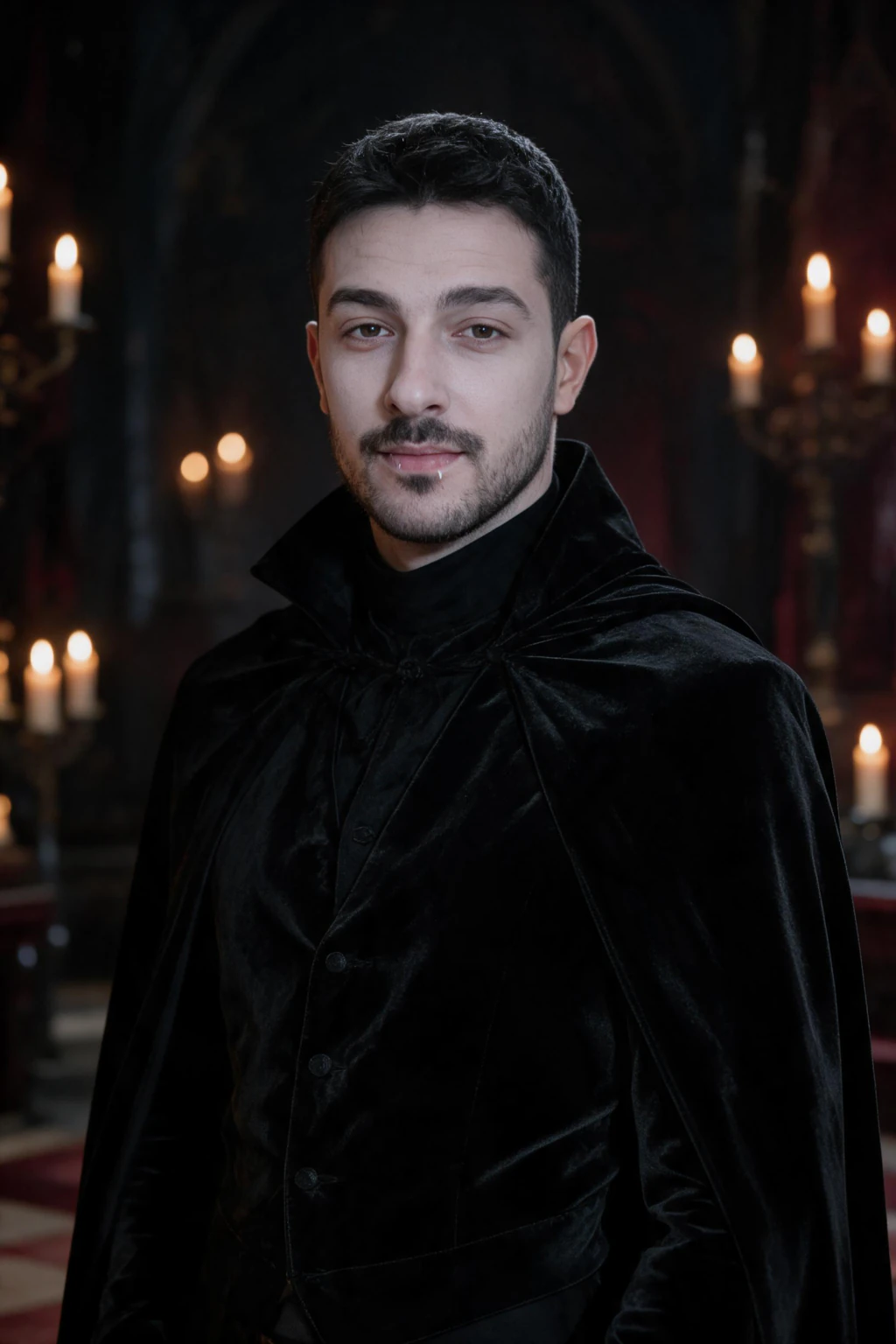
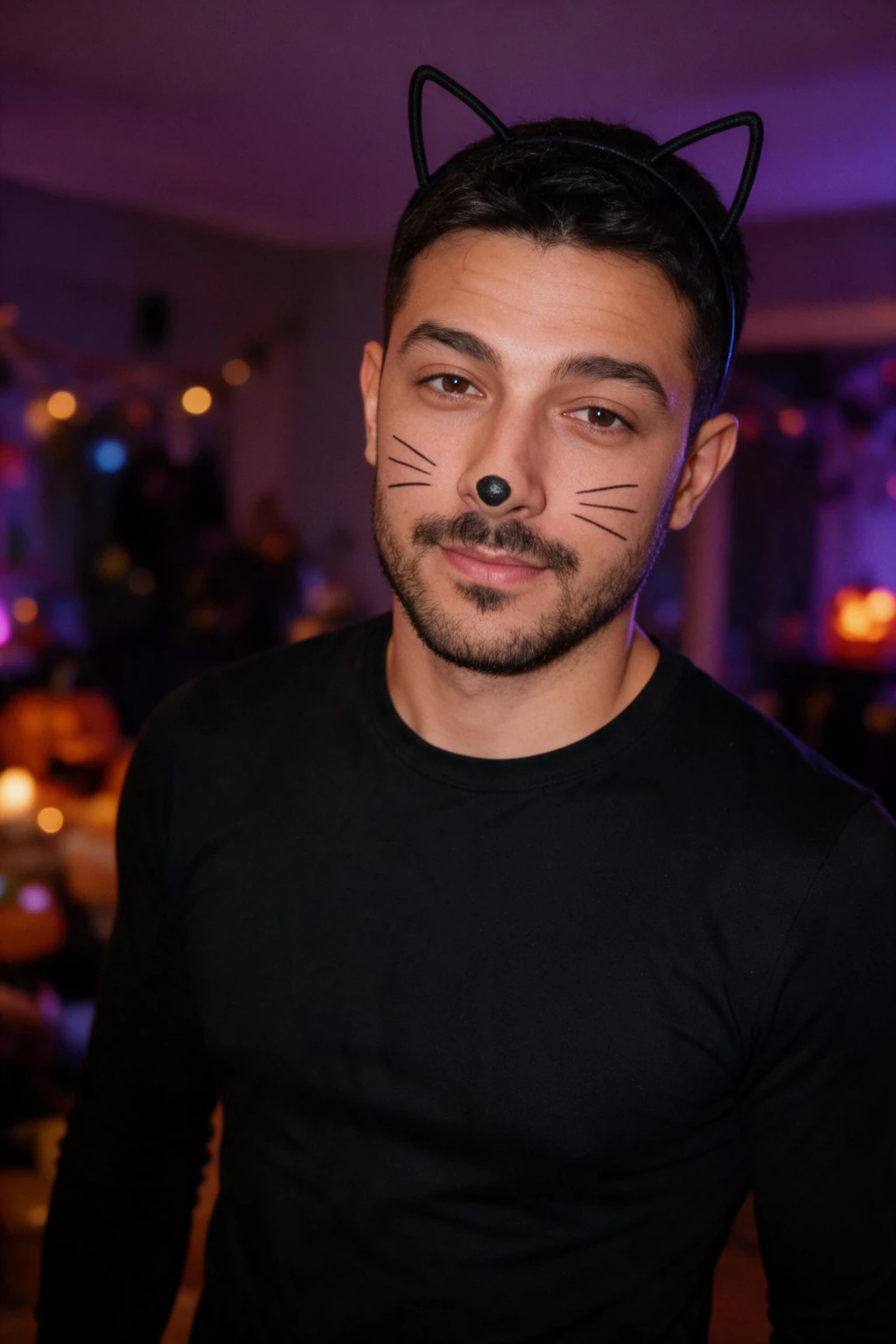
Which gives the most realistic result: a filter, real face paint, or an AI skeleton photo?
Each of the three methods trades likeness for speed differently. The table below compares them on the four things that actually matter for a Halloween photo: whether it still looks like you, how long it takes, what it costs, and what cleanup you are left with.
Real face paint is the only one of the three where you are actually wearing the look in person, which matters if the point is a party or a costume dry run rather than a photo.
| Method | Still looks like you | Time | Cost | Cleanup |
|---|---|---|---|---|
| Full-face filter app | No, brow, nose bridge and jaw are all covered | Under a minute | No added cost | None, it is digital |
| Real skeleton face paint | Depends on skill, often covers both sides | A tutorial plus mirror time | A paint kit and brushes | Makeup remover and a sink |
| AI skeleton photo, half-face | Yes, one eye, brow and jawline stay bare and yours | About 2 minutes per photo | $14.99 one time for about 30 photos | None, nothing touches your face |
How do you check that a skeleton photo still looks like you?
Three details tell you fast. Look at which half carries the paint, whether the bare eye and brow are sharp and clearly yours, and whether the jawline and hairline match your input selfie rather than a generic face shape.
If all three hold, the photo passes. If the whole face is painted or the bare side looks like a different person, the tool is prioritizing the effect over your actual features, which is the exact failure mode a generic filter has and a half-face design is built to avoid.
What does MakeAiPhotos' skeleton face paint look actually show?
The look shows skeleton face paint on one half of your face, set against a dark studio backdrop with warm string lights and dramatic under-lighting, while the other half of your face stays bare. A second scene from the same look, a plain black hoodie with string lights and a carved pumpkin glow behind you and your hand raised near your jaw, is deep-linked from this article rather than sitting in the picker itself.
Both scenes are generated from the same single selfie upload. Picking either one does not require a second photo of yourself.
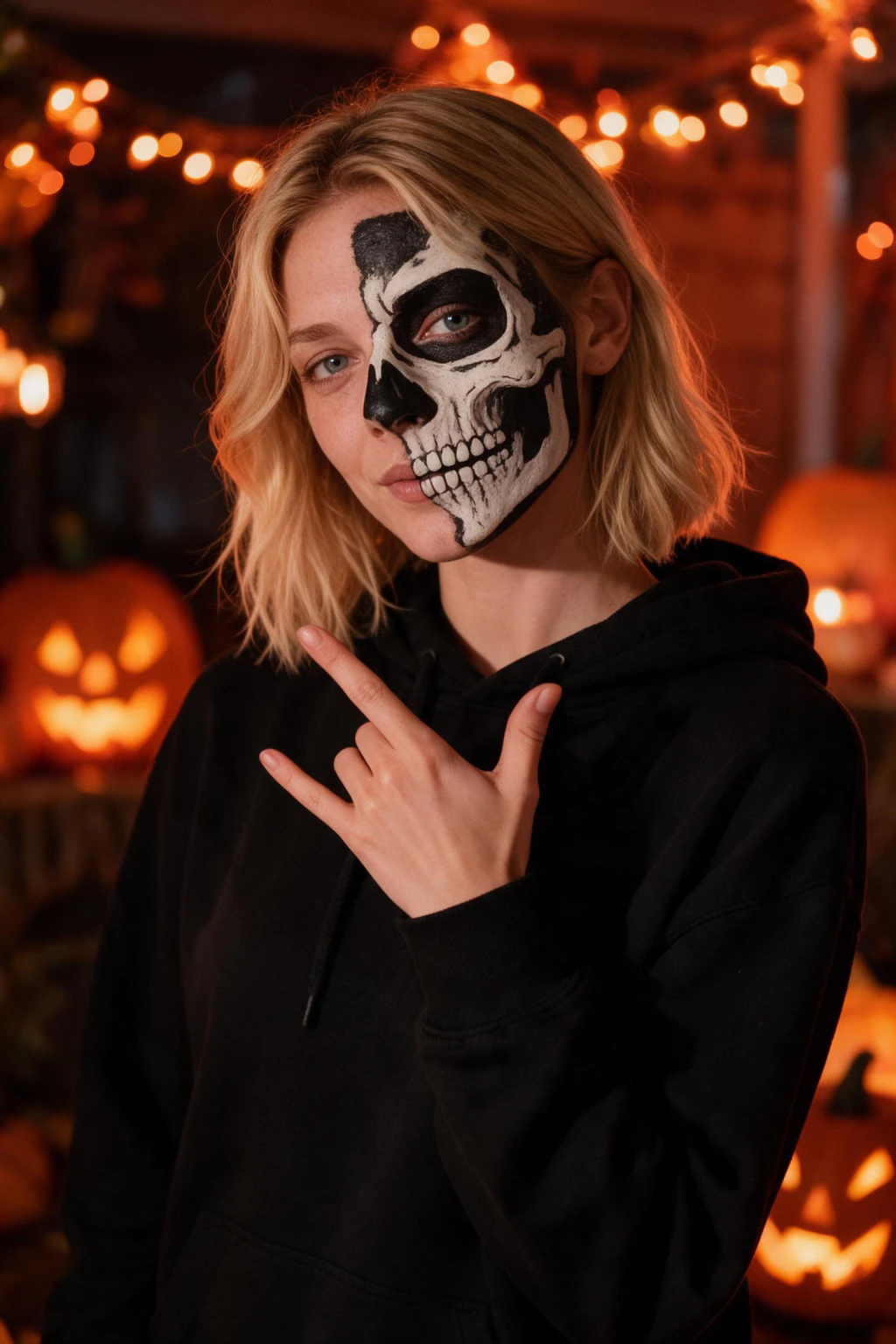
How much does an AI skeleton photo cost, and how long does it take?
$14.99 one time covers 300 credits, which is about 30 finished photos, and each one comes back in about 2 minutes with no model training to wait through. That covers the skeleton photo plus other Halloween looks in the same pack from the same selfie.
There is a 14-day money-back guarantee, and you see your own result before you are asked to pay for it.
Can two people get matching skeleton photos for Halloween?
Yes, and each person needs their own selfie. Painting two real faces to match takes a second person's time and usually one partner backs out halfway through, so the simpler version is each person uploading their own clear selfie and picking the same skeleton face paint look.
Post the two results as a matched pair rather than a single composite photo. Same look, same lighting, two separate uploads, no face-painting required from either person.
Frequently Asked Questions
- What is an AI skeleton photo of yourself?
- It is a new photo generated from one selfie you upload, showing skeleton face paint on your face instead of a filter placed over an existing picture. MakeAiPhotos generates a version of you with skeleton face paint on only half your face, so your eyes, brow and jawline still read as you, not as a generic skull.
- Does an AI skeleton filter still look like you?
- A full-face filter usually does not, because it covers the brow, nose bridge and jaw, the landmarks people use to recognize a face. A half-face design keeps one side bare, so your eye, brow and jawline stay visible and the photo still reads as you rather than a stranger in a skull.
- What's the difference between a skeleton filter and a skeleton face paint photo generator?
- A filter pastes a stock skull texture over any face and covers all of it at once. A photo generator builds a brand new image starting from your real selfie, so it can paint only half the face and leave your actual features, skin tone and bone structure visible on the other side.
- How much does an AI skeleton photo cost?
- $14.99 one time on MakeAiPhotos, which buys 300 credits, about 30 finished photos. That covers the skeleton face paint look plus other Halloween looks generated from the same selfie. There is a 14-day money-back guarantee, and you see your result before paying.
- How long does an AI skeleton photo take to generate?
- About 2 minutes per photo, from one clear selfie with no model training involved. You can generate the skeleton look, close the tab, and come back to a finished photo. A second Halloween look from the same pack does not need a second upload.
- Can you get a couples skeleton photo without both people painting their faces?
- Yes. Each partner uploads their own clear selfie and picks the same skeleton face paint look, so both photos share the same style and lighting without either person applying real makeup. Post the two results together as a matched pair rather than a single combined photo.