How the AI photo generator flow works
Getting started with MakeAiPhotos takes three steps: upload one clear selfie, choose your first photo pack, and generate. Each finished photo comes back in about 2 minutes.
From the same upload, you can rotate through themed packs, LinkedIn headshots, beach, travel, gym, luxury, nightlife, festival, and more, without re-uploading every time.
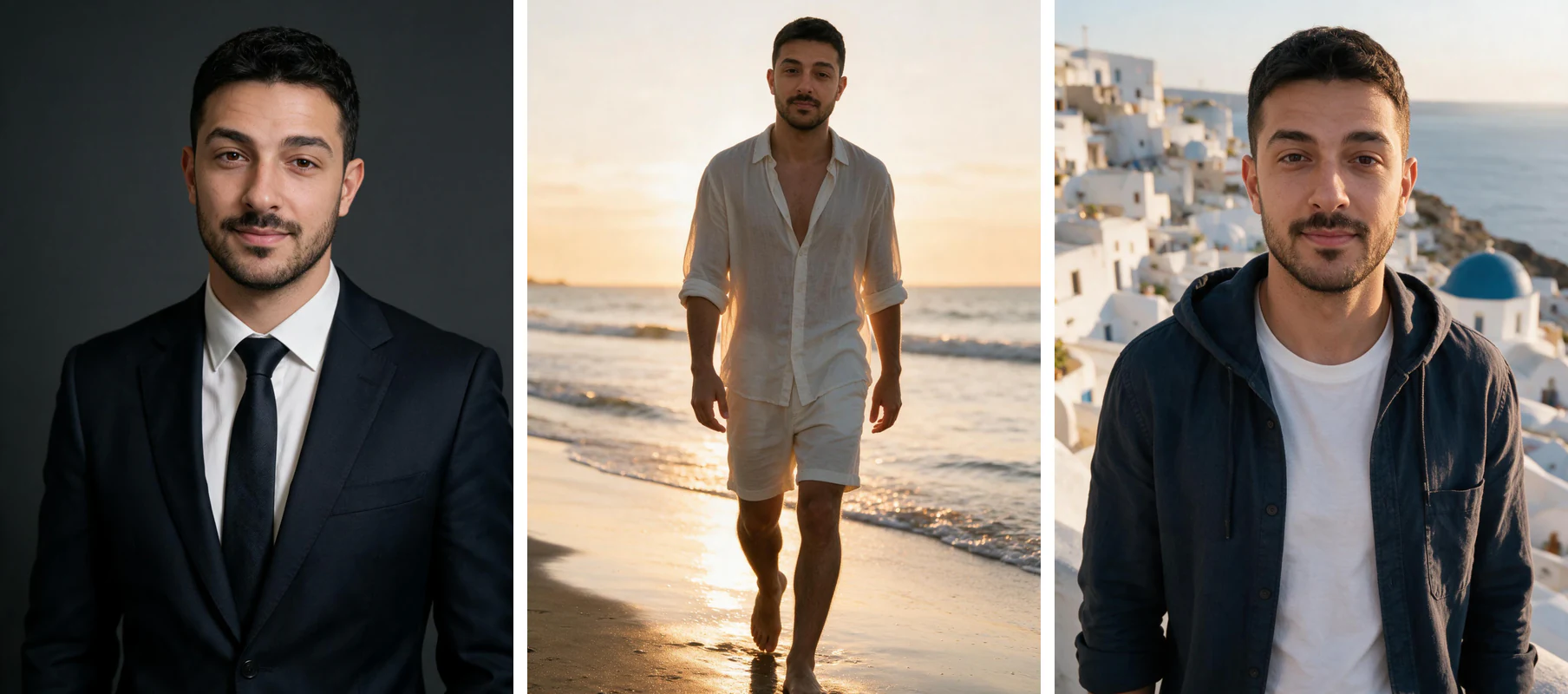
One phone selfie to 5 AI photos of the same person

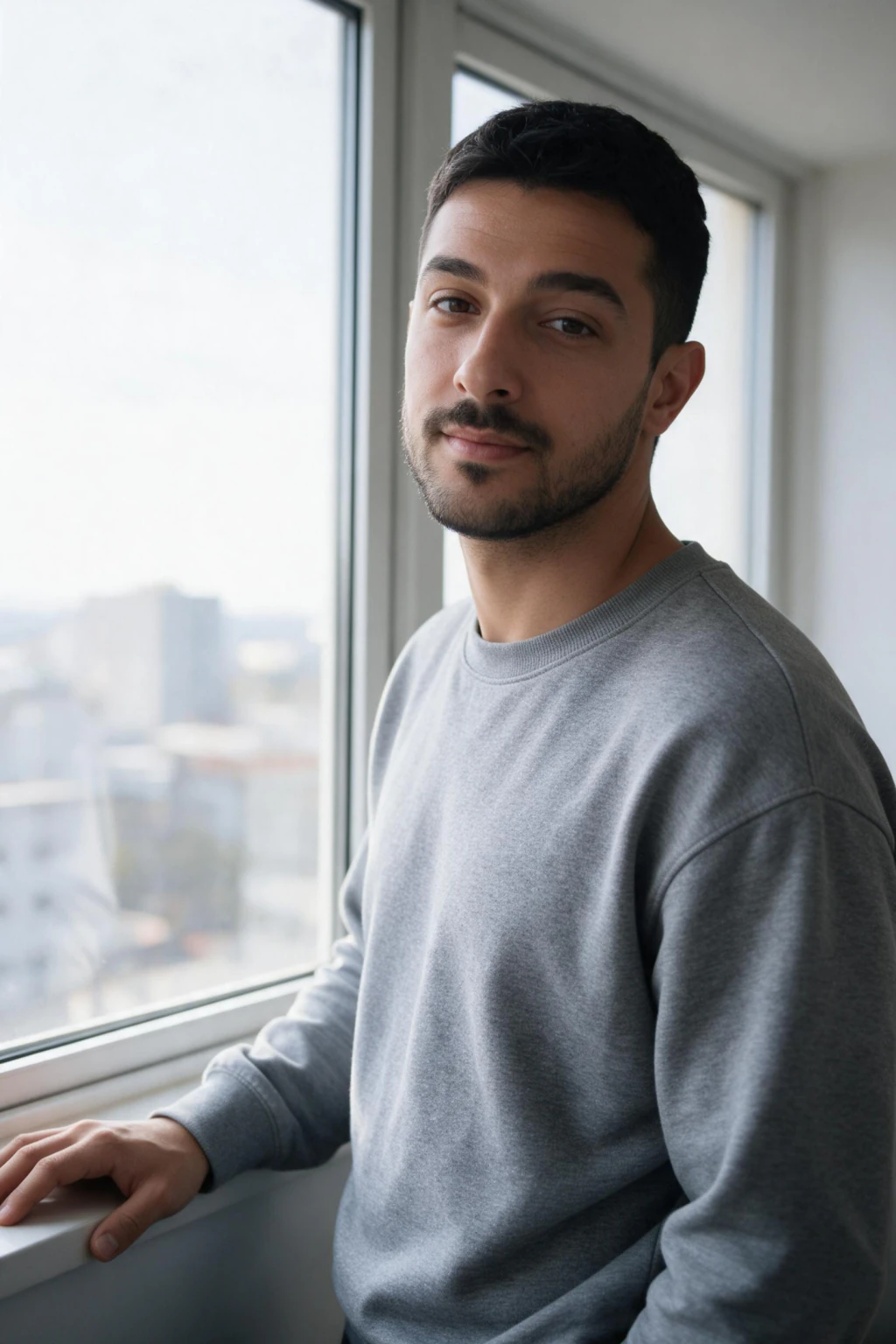
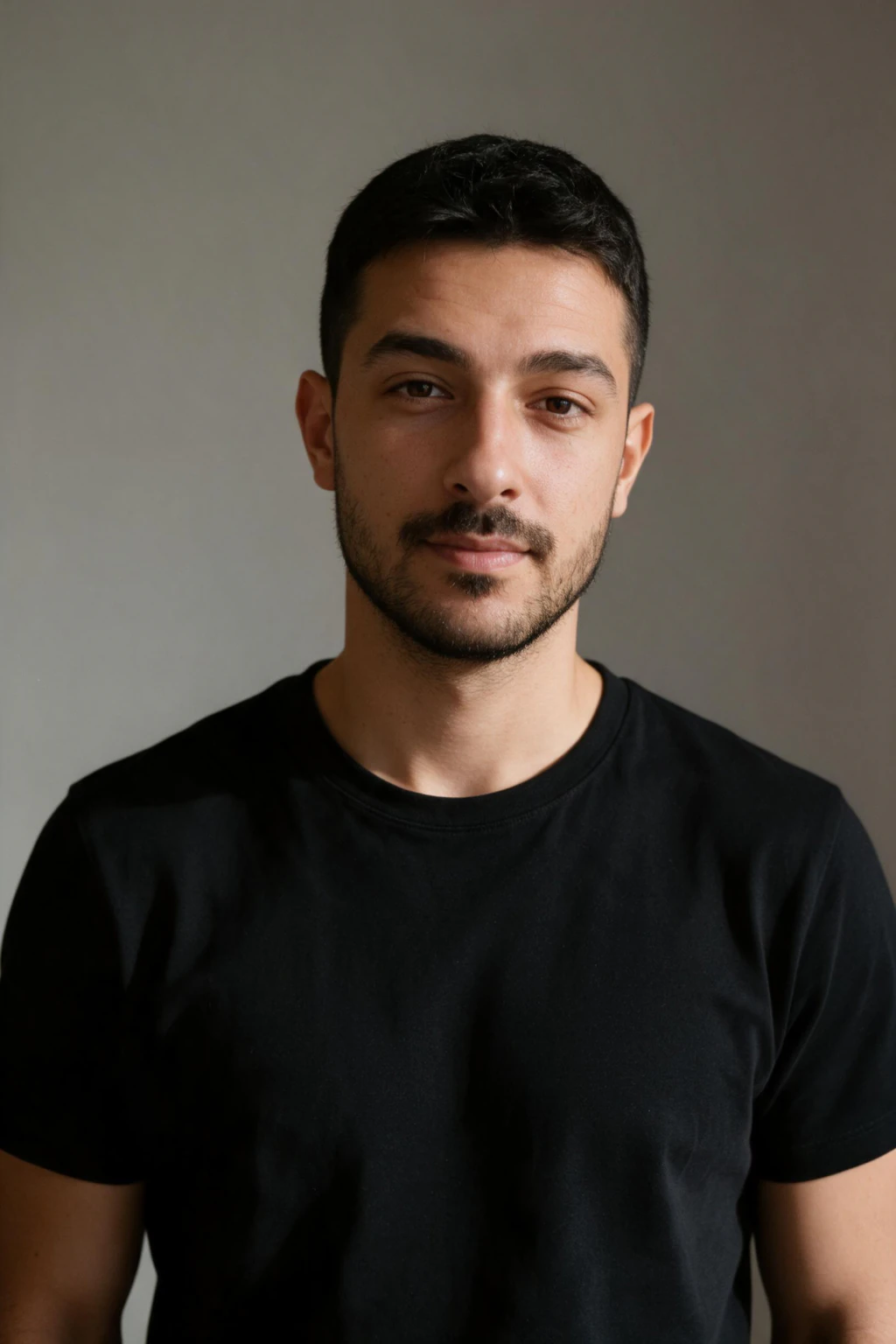
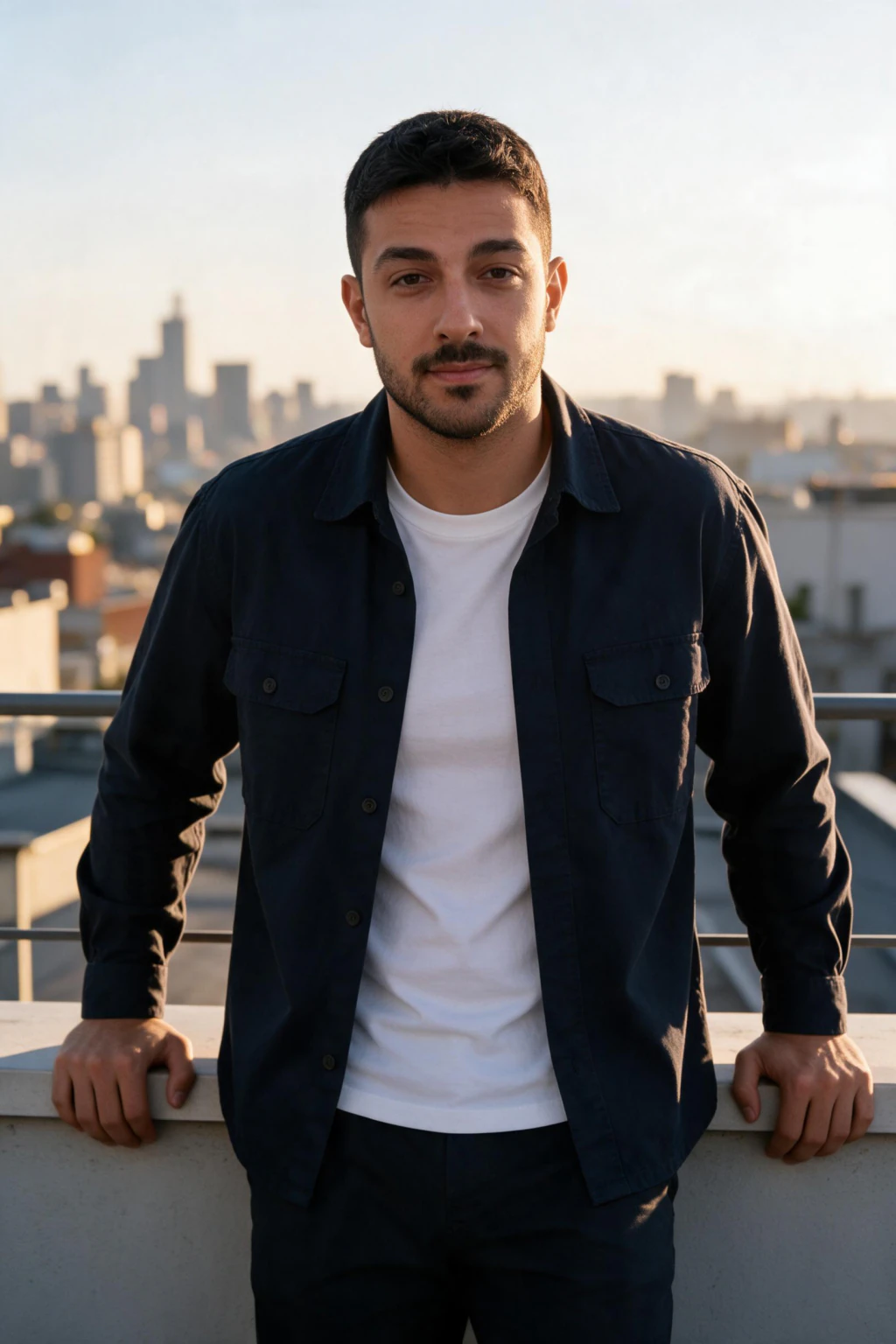
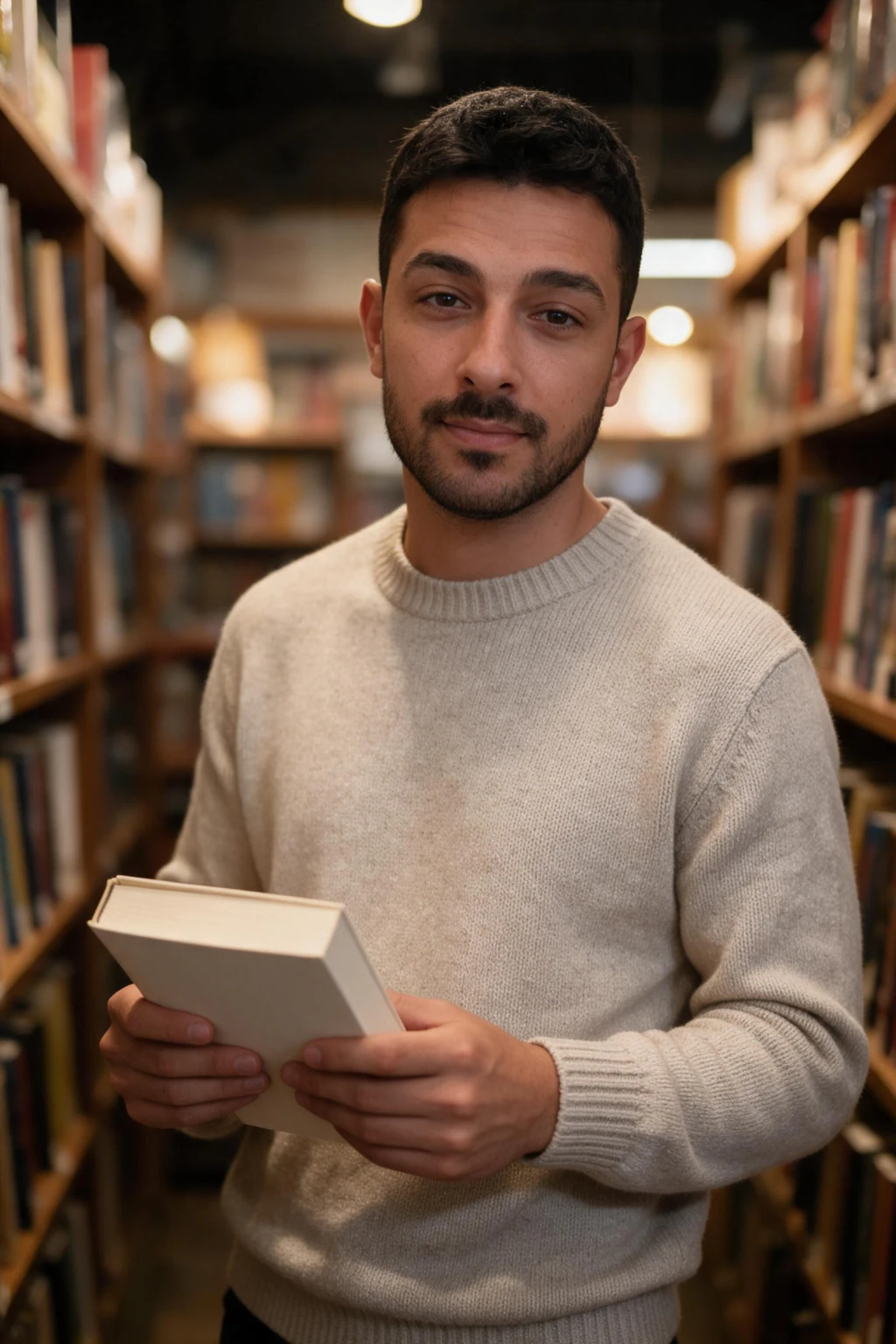
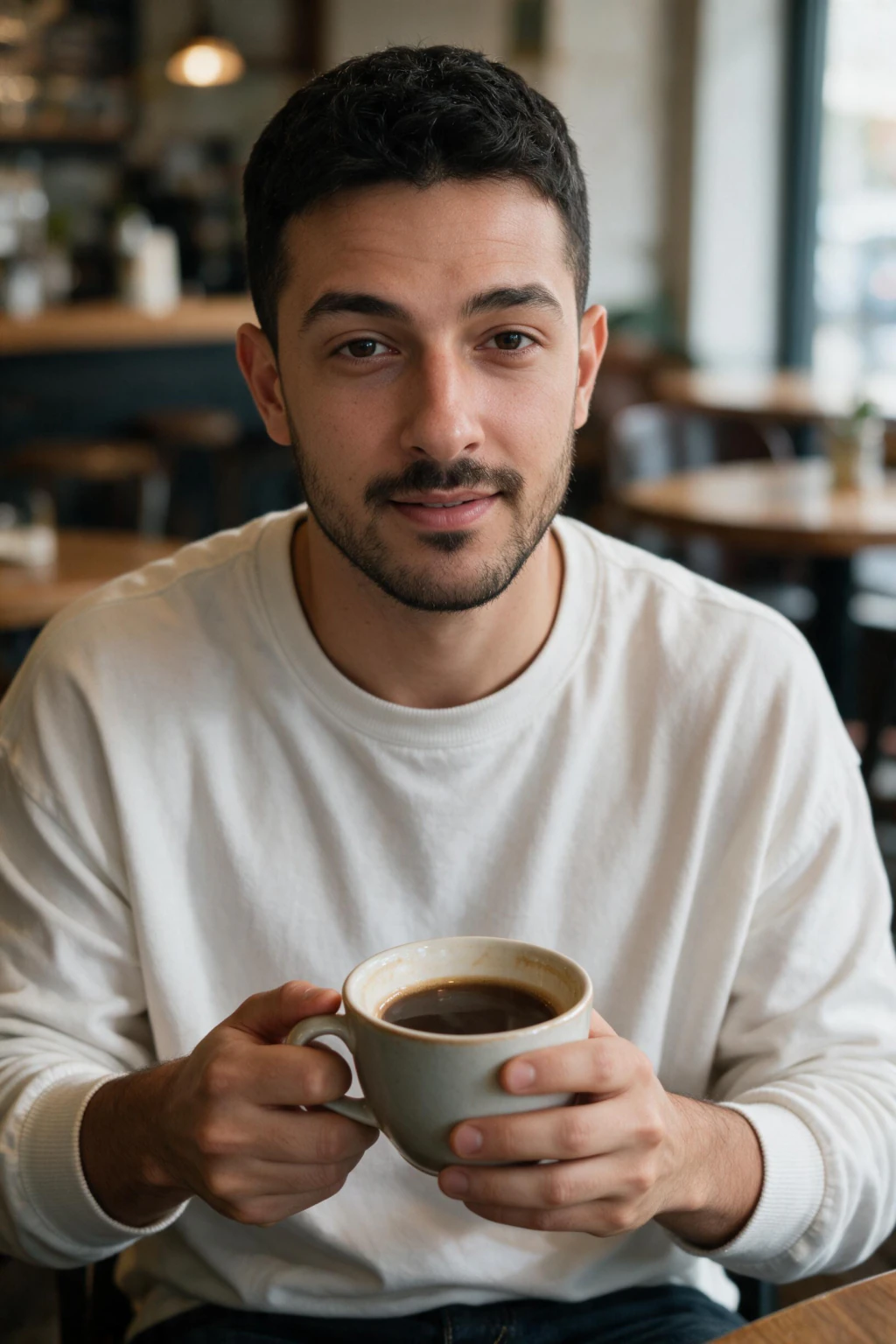
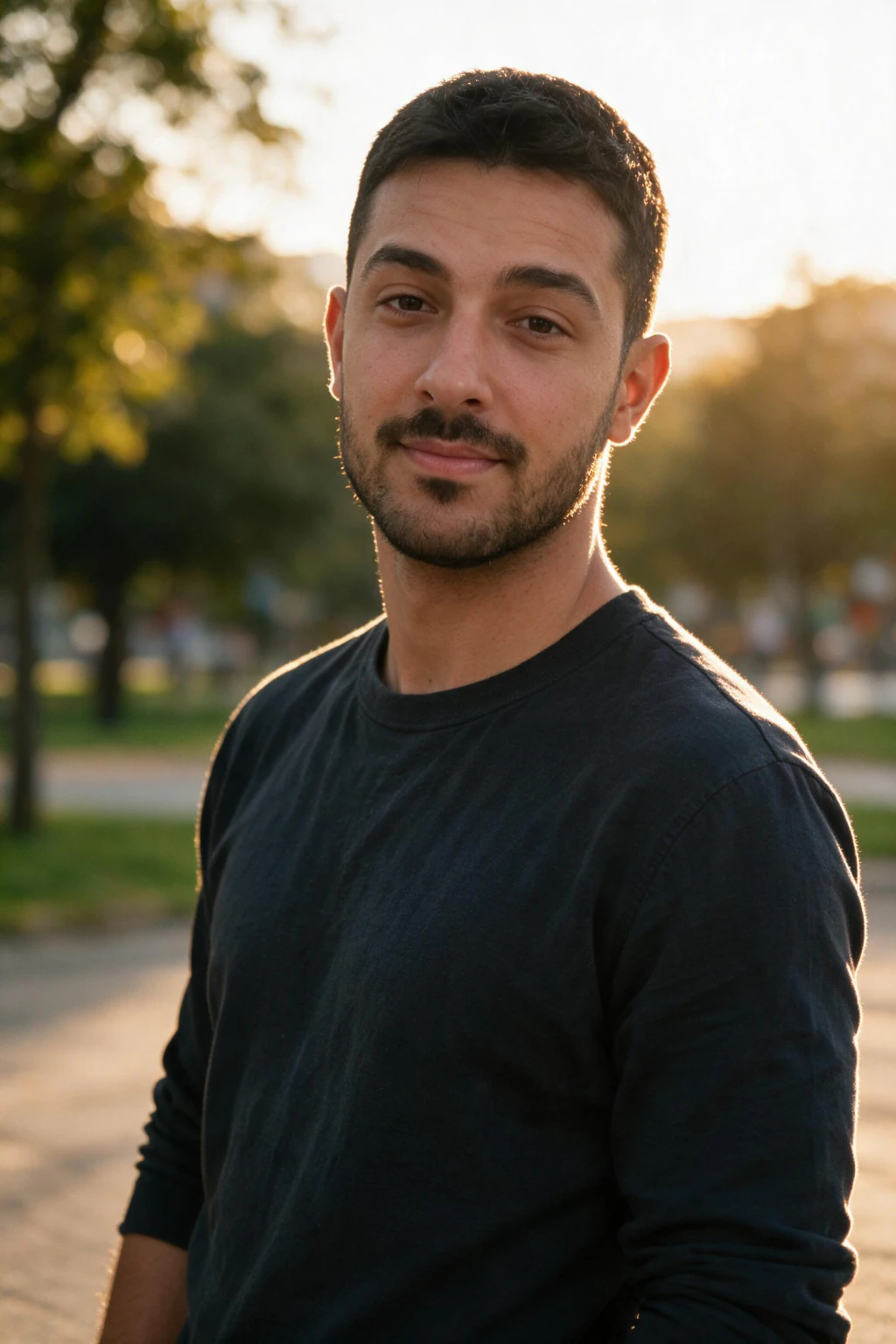
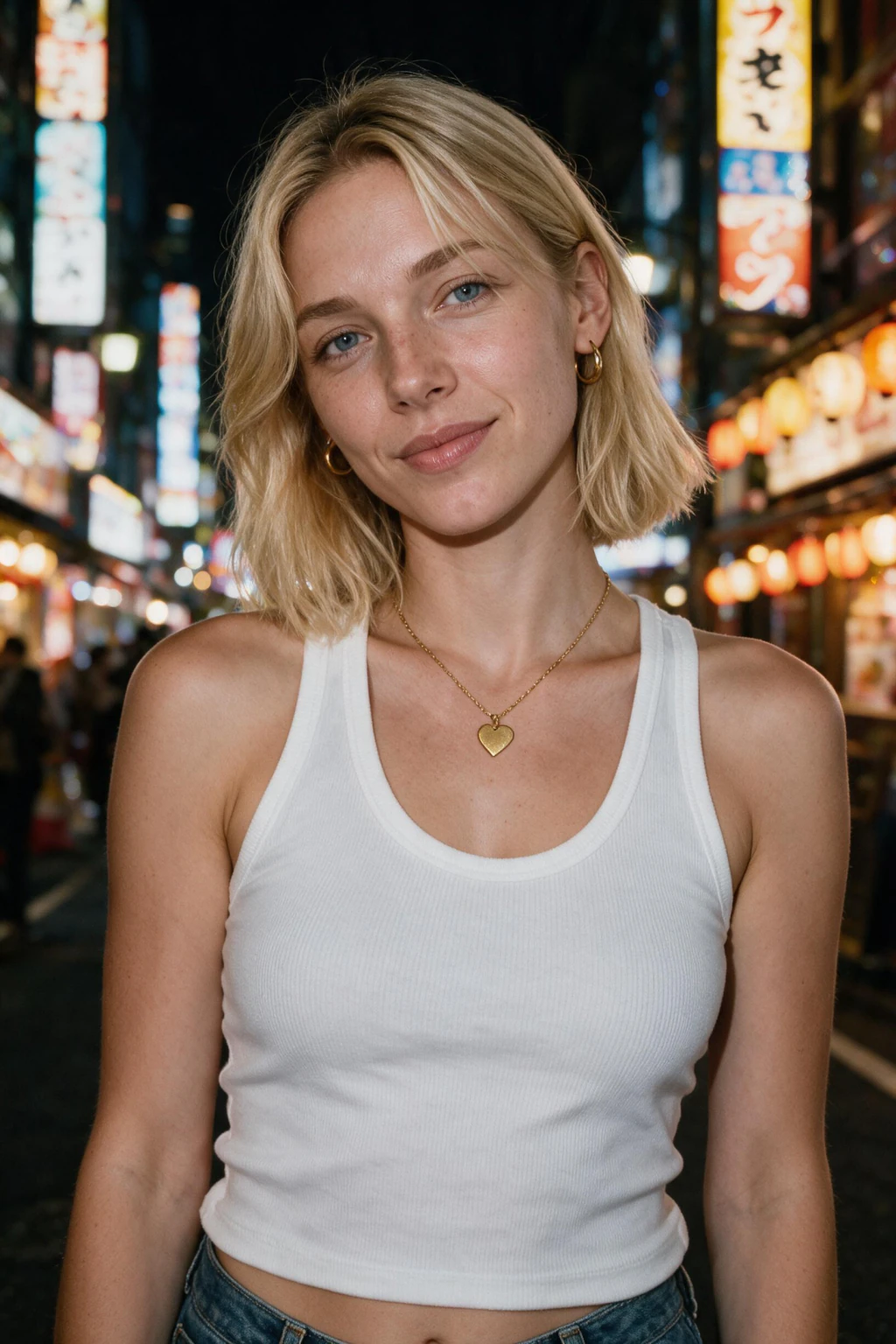
Tips for stronger first results
Use natural light, a clear front-facing angle, and no filters on your selfie. Pick one focused outcome first (often professional headshots), then branch into creative packs once you trust the likeness.

Frequently Asked Questions
- How do I get started with MakeAiPhotos?
- Sign up for an account, upload one clear selfie in good lighting with your face clearly visible, then select a photo style pack: LinkedIn headshots, beach, travel, gym, luxury, nightlife, festival, or cinematic: and generate your photos.
- What selfies should I upload when getting started?
- Upload one clear, front-facing selfie taken in good natural light with your face fully visible. Avoid filters, heavy makeup that changes your usual appearance, sunglasses, photos with other people, and photos with poor lighting or heavy shadows.
- How long does it take to get my first AI photos?
- From upload to a finished photo typically takes about 2 minutes. There is no training step: your selfie goes straight into the scene the pack describes.
- What should I do if my AI photos don't look like me?
- If results don't look like you, the most common fixes are: upload one clear, front-facing selfie in good natural light, with no filters, no sunglasses, and no heavy shadows, with your face fully visible. Better input consistently produces more accurate results.