How to make AI Christmas photos of yourself
Here is the short version. Upload one clear selfie, choose a festive look, and MakeAiPhotos generates brand-new photorealistic photos of you in a Christmas scene. The AI builds each image around your face from scratch, so it is not editing your selfie or dropping your head onto a stock background. That is why the sweater folds, the tree bokeh, and the light on your skin all match instead of looking pasted on.
The full flow is three steps. First, pick one front-facing selfie in soft, even light with your whole face visible. Second, choose a Christmas look, such as a cozy knit by the tree, a snowy street scene, warm indoor holiday lights, or a clean solo portrait for a card. Third, generate a set and pick your favorites. Most people go from upload to finished festive photos in about 2 minutes.
Because each photo is generated, you can create several completely different Christmas scenes from the same single selfie. One upload can give you a fireside cocoa shot, a snowy outdoor portrait, and a card-ready headshot, without changing clothes or leaving your couch.

One phone selfie to 4 AI photos of the same person


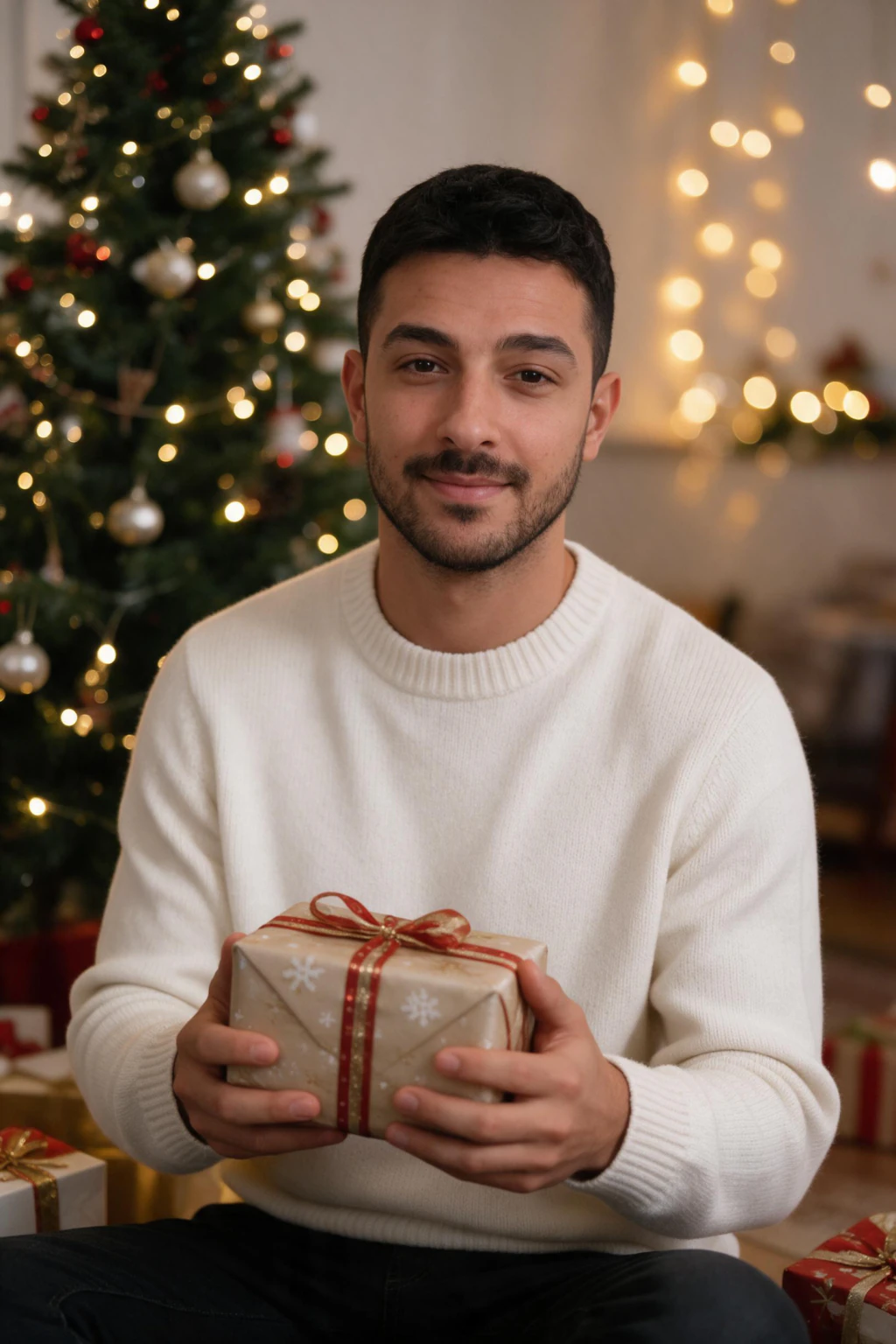
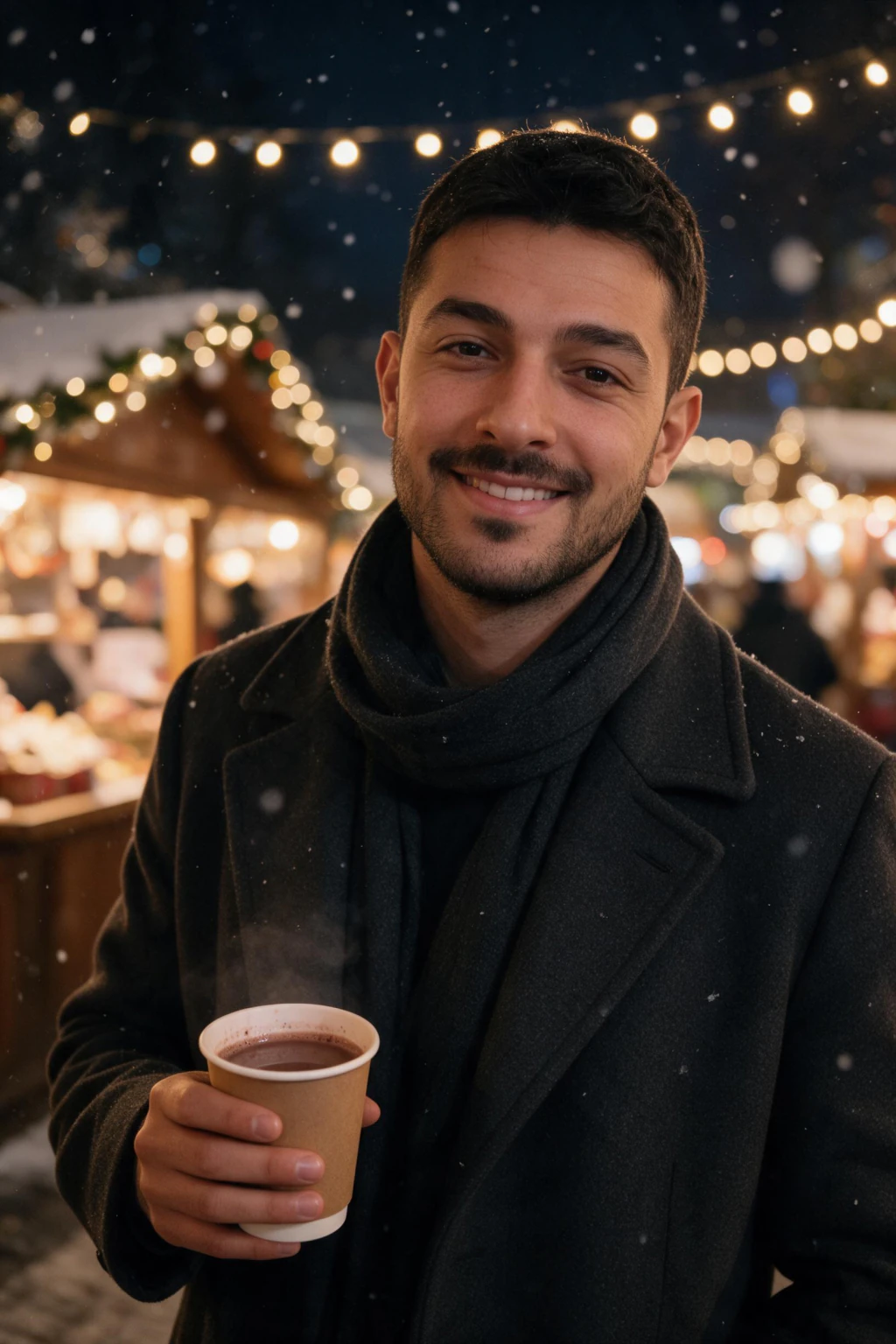

Festive AI Christmas photoshoot ideas to try
The best AI Christmas photos start with a specific scene in mind. Vague prompts give generic results, so pick a clear festive setting and lean into the details. Here are concrete ideas that consistently produce warm, believable holiday portraits of you.
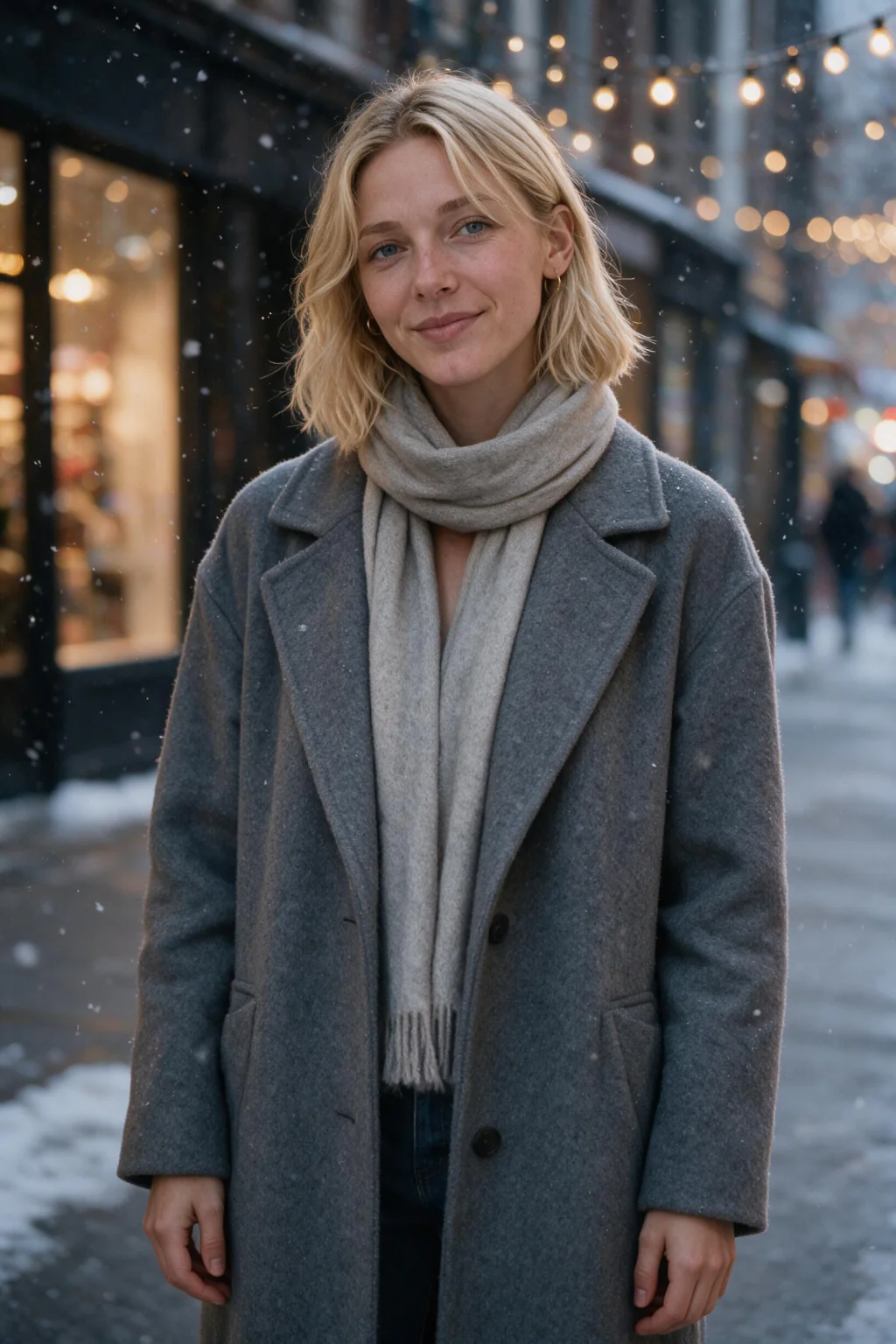
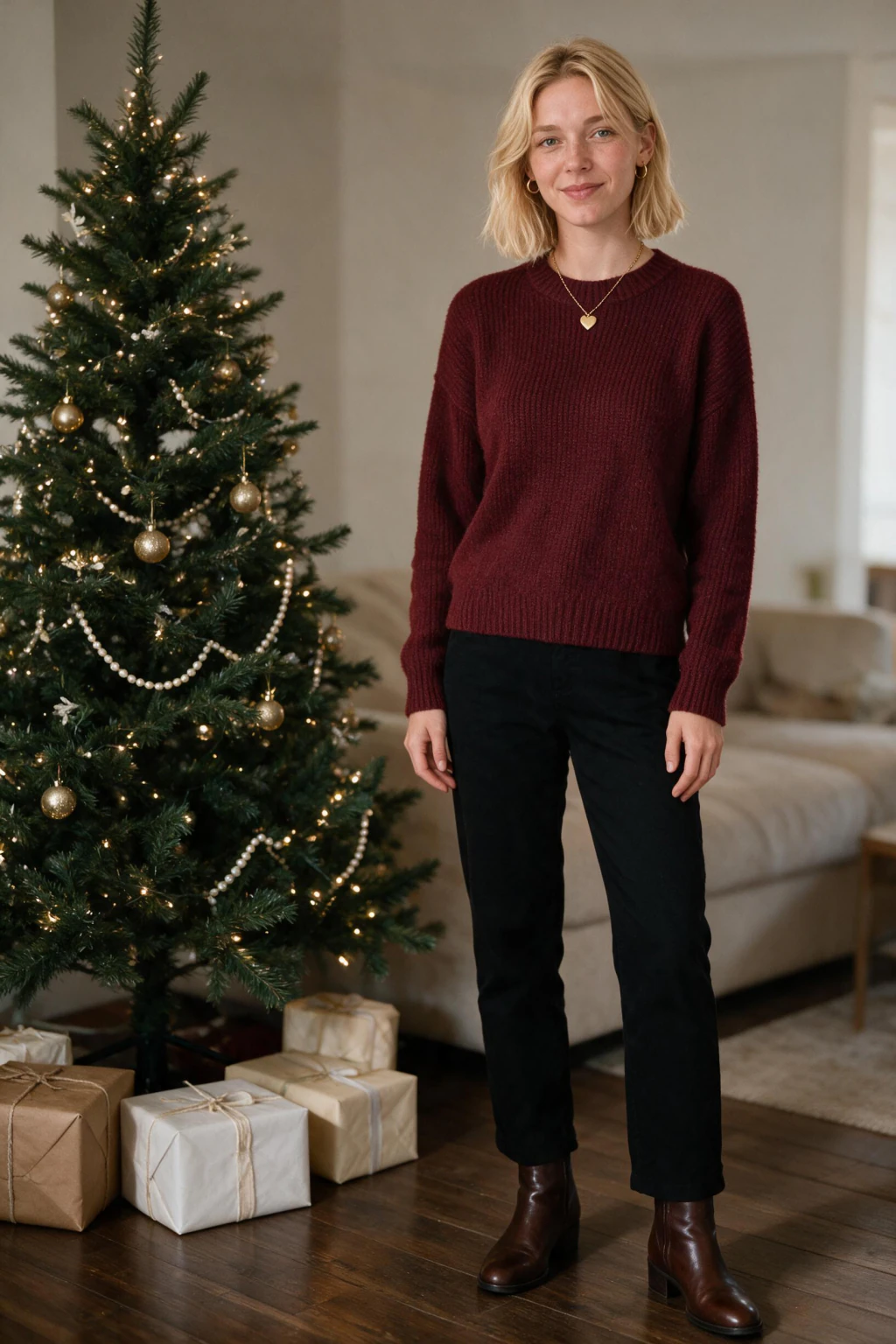
Cozy sweater by the tree: a chunky knit sweater, soft indoor lighting, and a decorated tree with out-of-focus lights behind you. This is the classic card look and it flatters almost everyone. Snowy scene: you in a wool coat and scarf on a snow-dusted street or in a pine forest, with soft grey daylight and flakes in the air.
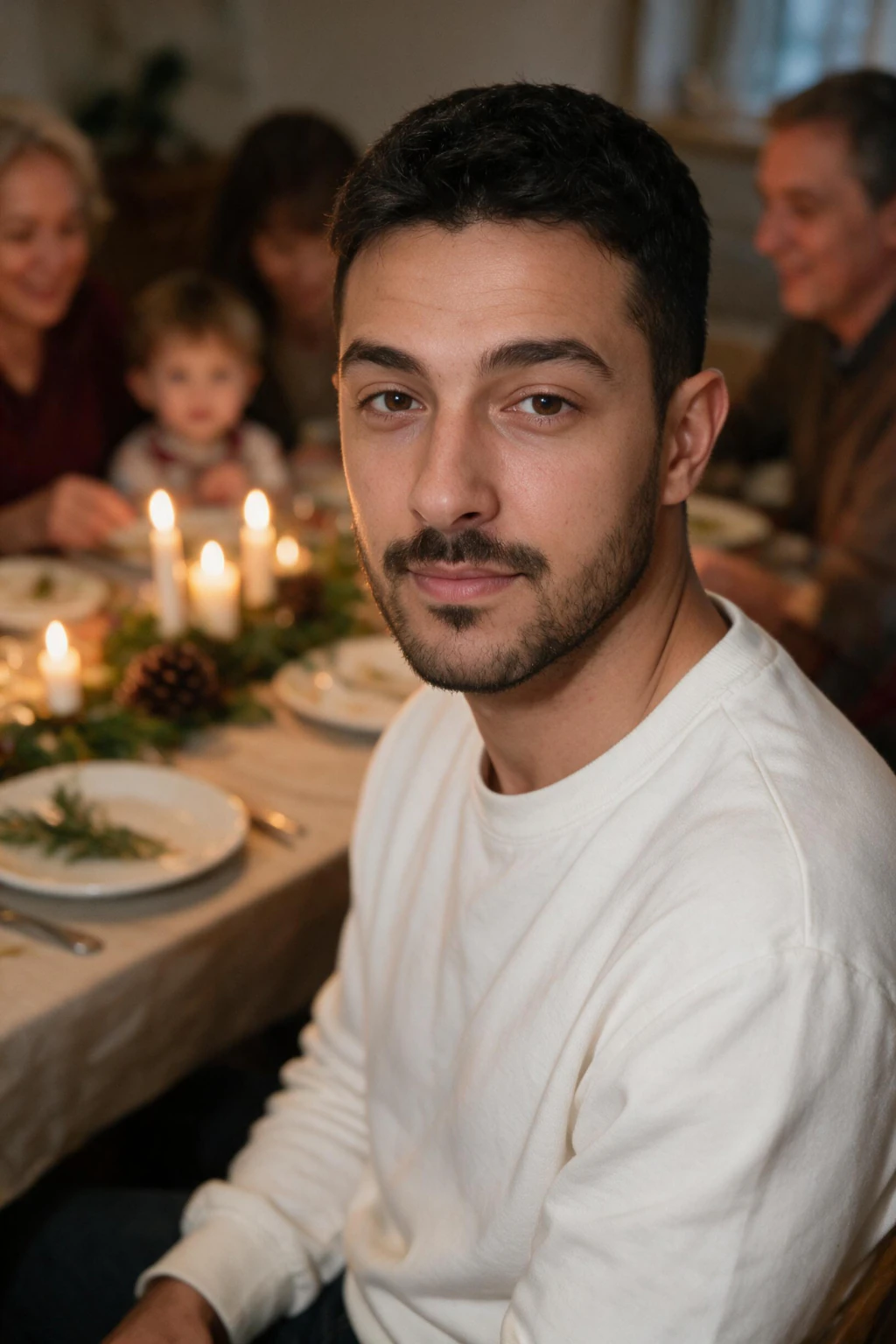
Holiday lights portrait: your face lit by warm string lights or a fireplace, with glowing bokeh filling the background for a rich, seasonal mood. Fireside cocoa: a relaxed indoor shot holding a mug, blanket nearby, stockings on the mantel. Family-card style solo shot: a clean, well-lit portrait against a simple festive backdrop, framed head-and-shoulders so it works as a card front or a profile picture.
For a themed set built specifically for holiday cards, start from the AI holiday card photos look, then branch into more festive scenes from the AI photo ideas hub.
What selfie should you upload for the best results?
Your input selfie sets the ceiling for every festive photo you generate, so this step matters more than the look you pick. Use one clear, front-facing photo taken in soft, even light, like daylight from a window or open shade. Your whole face should be visible, in focus, and roughly centered.
Avoid a few common selfie problems. Heavy beauty filters erase the skin texture the AI needs to reproduce your real features, so faces come back looking generic. Harsh overhead light, deep shadows, sunglasses, hats pulled low, and other people in the frame all reduce how much the result looks like you. A plain, relaxed expression usually reads better than an extreme one.
You only need one good selfie. A sharp, well-lit, filter-free shot of just you will produce more convincing AI Christmas photos than a stack of blurry or heavily edited ones.
Are AI Christmas photos good enough for holiday cards?
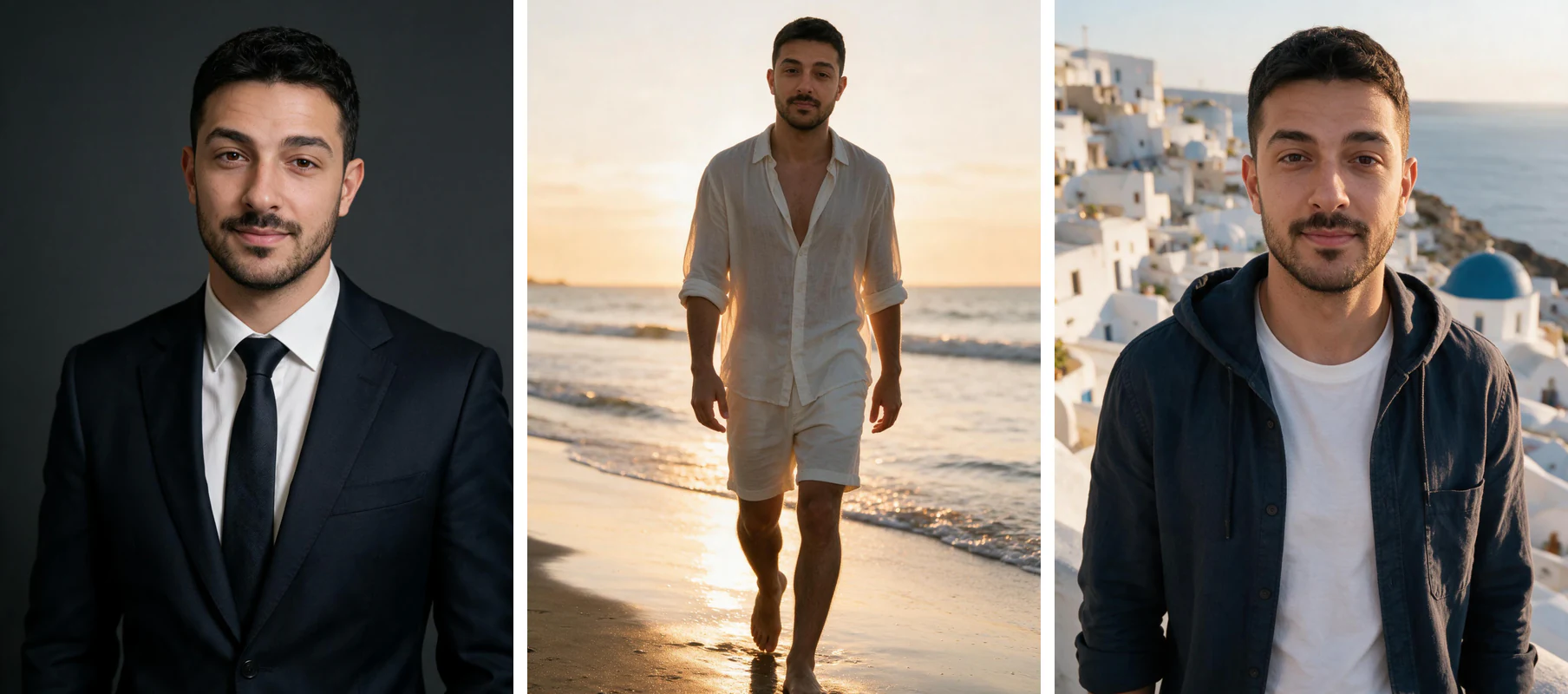
Yes, when the scene is clean and the input selfie is sharp. A card-ready AI Christmas photo works best as a head-and-shoulders composition with even lighting, a simple festive background, and space at the top or side for your greeting text. The solo-portrait and cozy-sweater looks tend to print the cleanest.
Look at each generated frame at the size you will actually use. For a printed card, check that the eyes read sharp and the hands, if visible, look natural. For a profile picture or social post, preview it small, since tiny details matter less at thumbnail size. Generate a set and keep the two or three frames where your expression still reads like you.
If your goal is a mailed or posted holiday card, start from the AI holiday card photos look, which is framed and lit for exactly that use, then carry the same festive style into your AI New Year profile photos for the season ahead.
Posting AI Christmas photos honestly
AI Christmas photos are a fun, low-effort way to get festive portraits of yourself, and there is nothing wrong with sharing them. The one honest note: these are AI-generated images of you in scenes you were not physically in, so treat them that way. They are great for holiday cards, profile pictures, and social posts where a stylized, seasonal look is the point.
Where accuracy matters, use judgment. If a photo could be mistaken for a real documented moment in a context where that matters, a light note that it is AI-generated keeps things clear. For cards and social, most people simply post them as the festive portraits they are.
Because the AI generates new photos rather than editing an existing one, the result is a fresh portrait of you, not a manipulated version of a real photograph. Keeping that framing honest is the whole trick to using them well.
Frequently Asked Questions
- How do I make AI Christmas photos of myself?
- Upload one clear, front-facing selfie to MakeAiPhotos, pick a festive look such as a cozy sweater by the tree, a snowy scene, or a card-ready solo portrait, and the AI generates brand-new photorealistic photos of you in that setting. It creates new images from your face rather than editing your selfie, and most sets are ready in about 2 minutes.
- Does the AI edit my existing photo or create a new one?
- It creates brand-new photos. MakeAiPhotos generates fresh photorealistic images of you in a Christmas scene, built around your face from scratch. It does not edit, overlay, or paste your selfie onto a stock background, which is why the lighting, pose, and festive setting all match instead of looking cut and pasted.
- What are the best AI Christmas photoshoot ideas?
- Popular festive looks include a cozy knit sweater by a decorated tree, a snowy street or pine-forest scene in a wool coat and scarf, a portrait lit by warm holiday string lights or a fireplace, a fireside shot holding a mug of cocoa, and a clean family-card style solo portrait. Pick a specific scene rather than a vague prompt for the most believable results.
- What selfie works best for AI holiday photos?
- Use one clear, front-facing selfie in soft, even light with your whole face visible and in focus. Skip heavy filters, sunglasses, low hats, harsh overhead shadows, and group shots. A single sharp, filter-free photo of just you produces more convincing festive portraits than several blurry or edited ones.
- Can I use AI Christmas photos for holiday cards?
- Yes. Card-ready AI Christmas photos work best as a head-and-shoulders portrait with even lighting, a simple festive background, and room for your greeting text. Generate a set, view each frame at the size you will actually print or post, and keep the ones where your eyes read sharp and the expression still looks like you.
- Are AI Christmas photos free?
- No. MakeAiPhotos is a paid tool that uses one-time credit packs with no subscription, so you pay only when you want to generate a set. Every purchase is covered by a 14-day money-back guarantee.