What are AI birthday photos, and how do they work?
AI birthday photos are brand-new, photorealistic pictures of you in a birthday setting, generated from a selfie you upload. You do not need balloons, a cake, or a photographer in the room. You need one good photo of your face.
MakeAiPhotos reads your selfie and creates fresh images of you. It does not paste a party background behind an old photo or overlay confetti on a shot you already have. Every frame is a new photo built around your real features.
You pick a birthday look, upload your selfie, and get about 10 variations back, roughly 2 minutes each. You keep the ones you like and post them. The whole thing runs from your phone, so you can do it the morning of your birthday and have a set ready before the party starts.
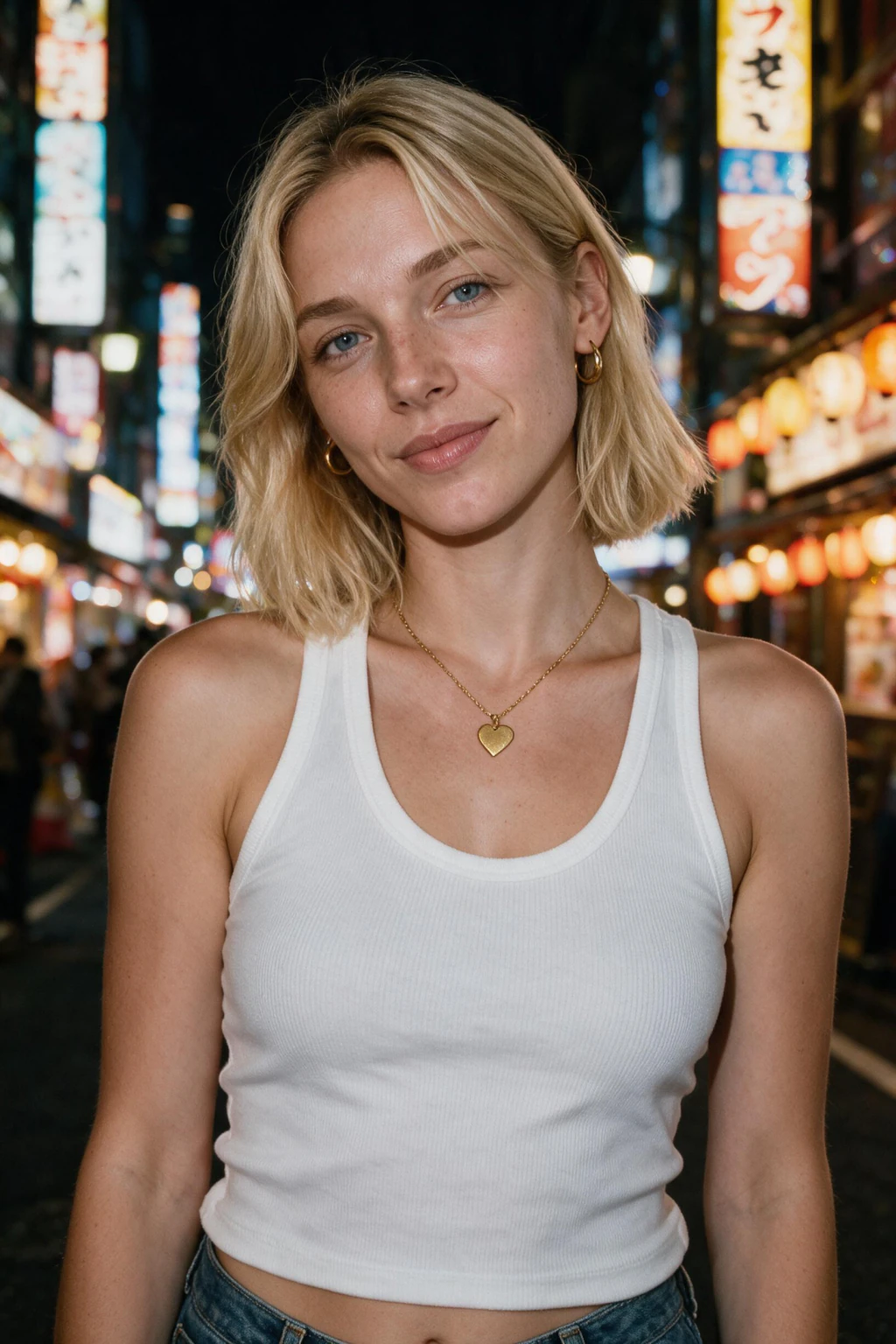
One phone selfie to 3 AI photos of the same person

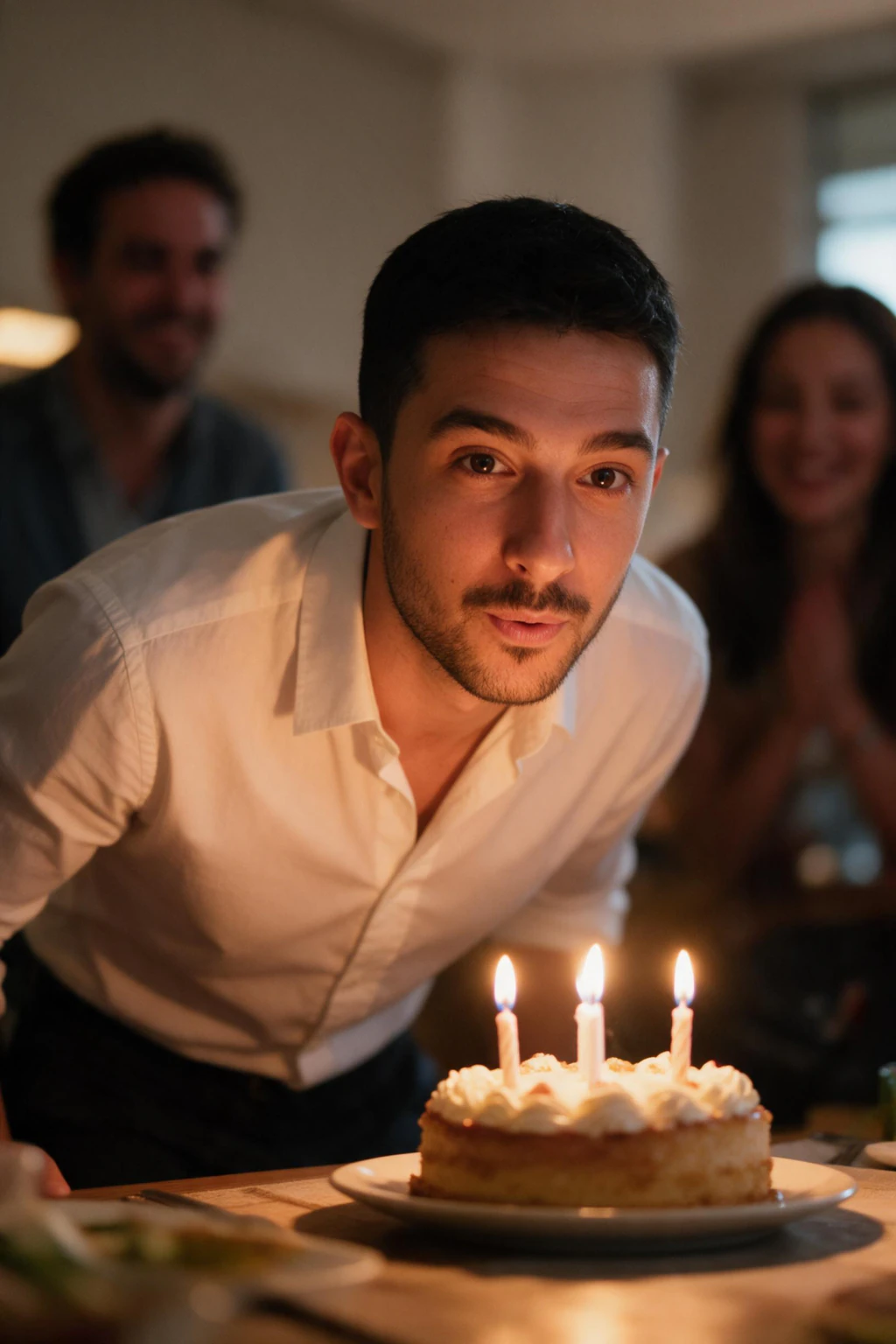
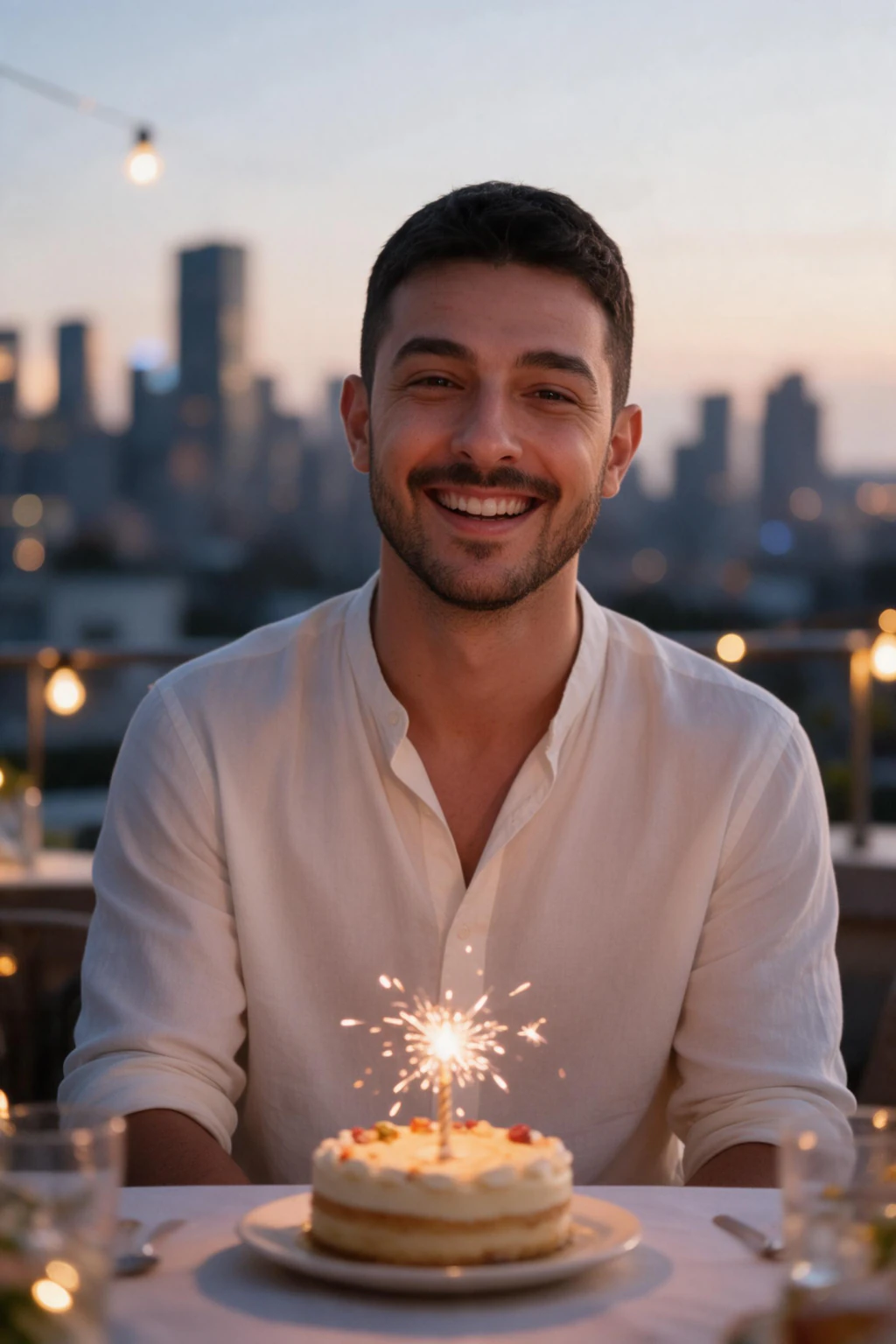
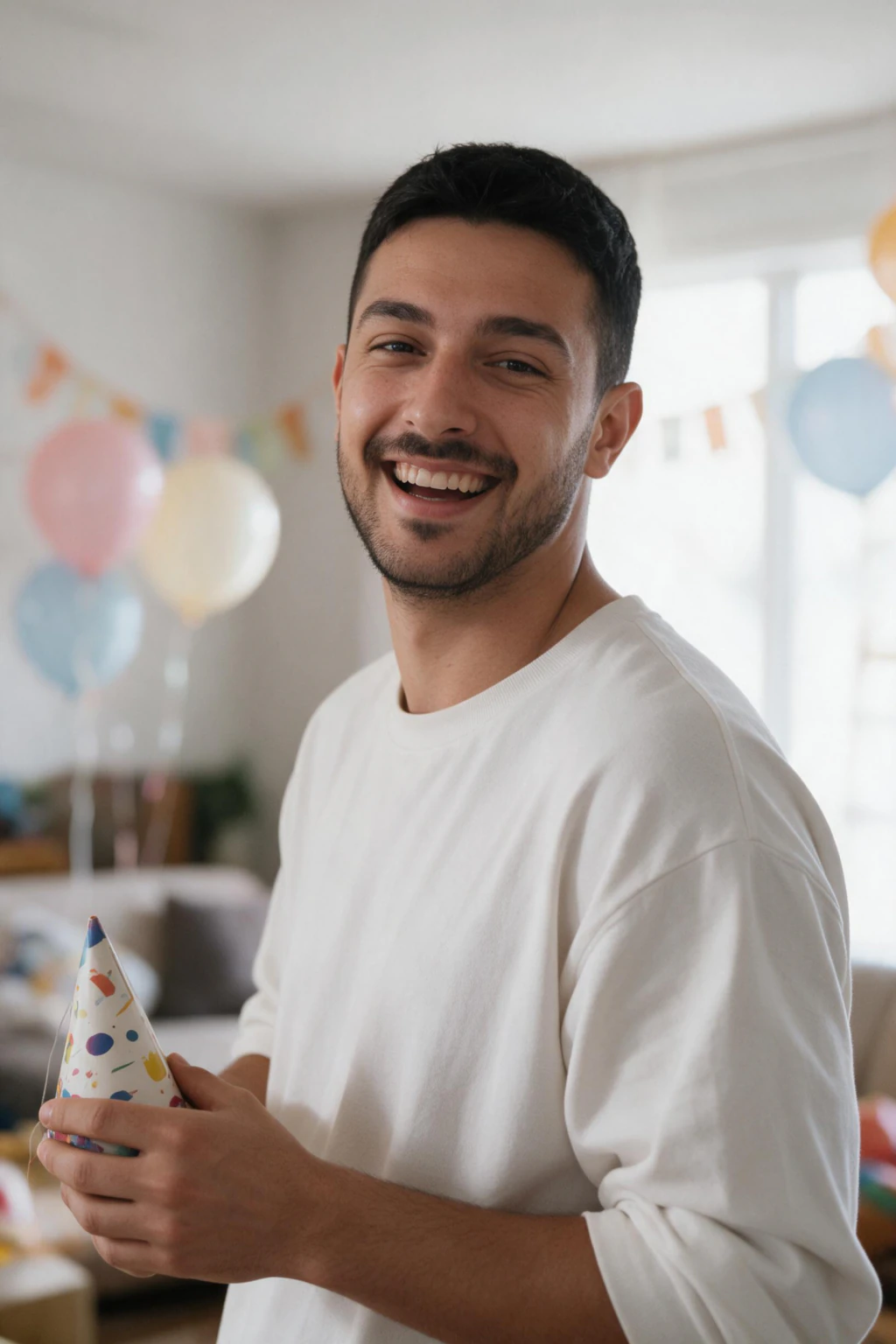
Birthday scene ideas and milestone angles to try
Start with the classic party scenes. A bunch of helium balloons in your hands, a chocolate cake with lit candles you are about to blow out, or a wide shot of you standing in falling confetti all read as birthday instantly. A cozy candlelit dinner look works well for a quieter, grown-up feel.
For a birthday-post selfie, ask for a close crop with soft bokeh string lights behind you and a small sparkler in frame. That composition sits perfectly in a square Instagram birthday post and leaves room for text if you want to add your age.
Milestone birthdays get their own treatment. For an 18th or 21st, lean into bright balloon arches, party hats, and a fun, high-energy mood. A 30th reads best as polished glam, one strong color, clean studio light, a single elegant prop. A 40th or 50th looks striking with gold or rose-gold tones, a champagne coupe, and a warm, confident portrait. Add a number balloon shaped like 18, 21, 30, 40, or 50 so the milestone is obvious in a scroll.
Try two or three of these in one session. You will spend the same time and get a mix of playful party frames and one polished hero shot to lead your post.
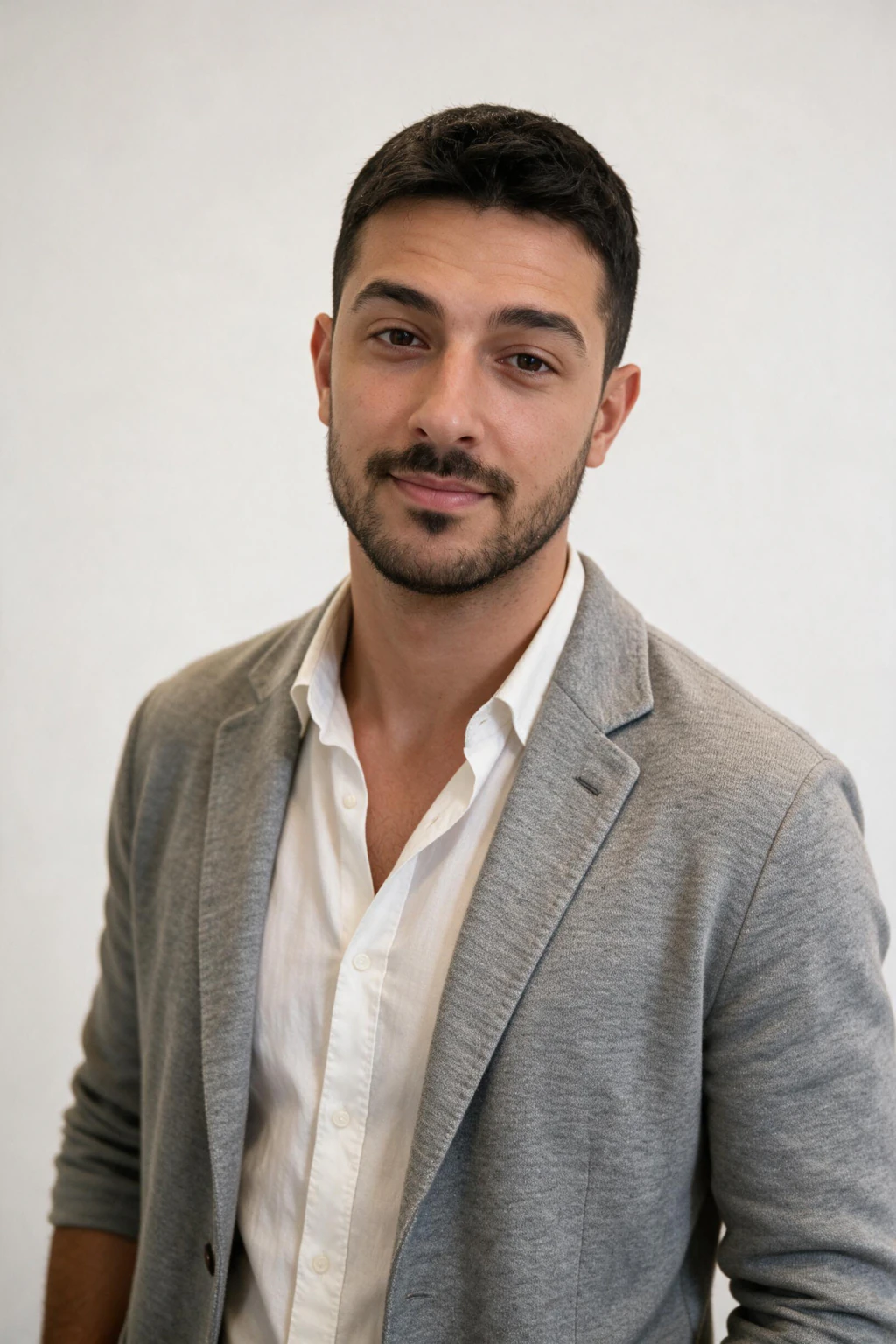
How to upload the right selfie for sharp results
Your result is only as good as the selfie you feed it. Use a recent photo where your full face is visible, well lit, and in focus. Natural window light beats a harsh flash every time.
Face the camera straight on, keep your eyes open, and skip sunglasses, hats, or a hand across your face. Heavy filters and beauty smoothing hurt the likeness, so upload the plainest version you have.
One clear selfie is enough to start. If you want the birthday photos to look more like you across every variation, add 3 to 5 photos from slightly different angles. More angles give the model more to work with and tighten the resemblance.
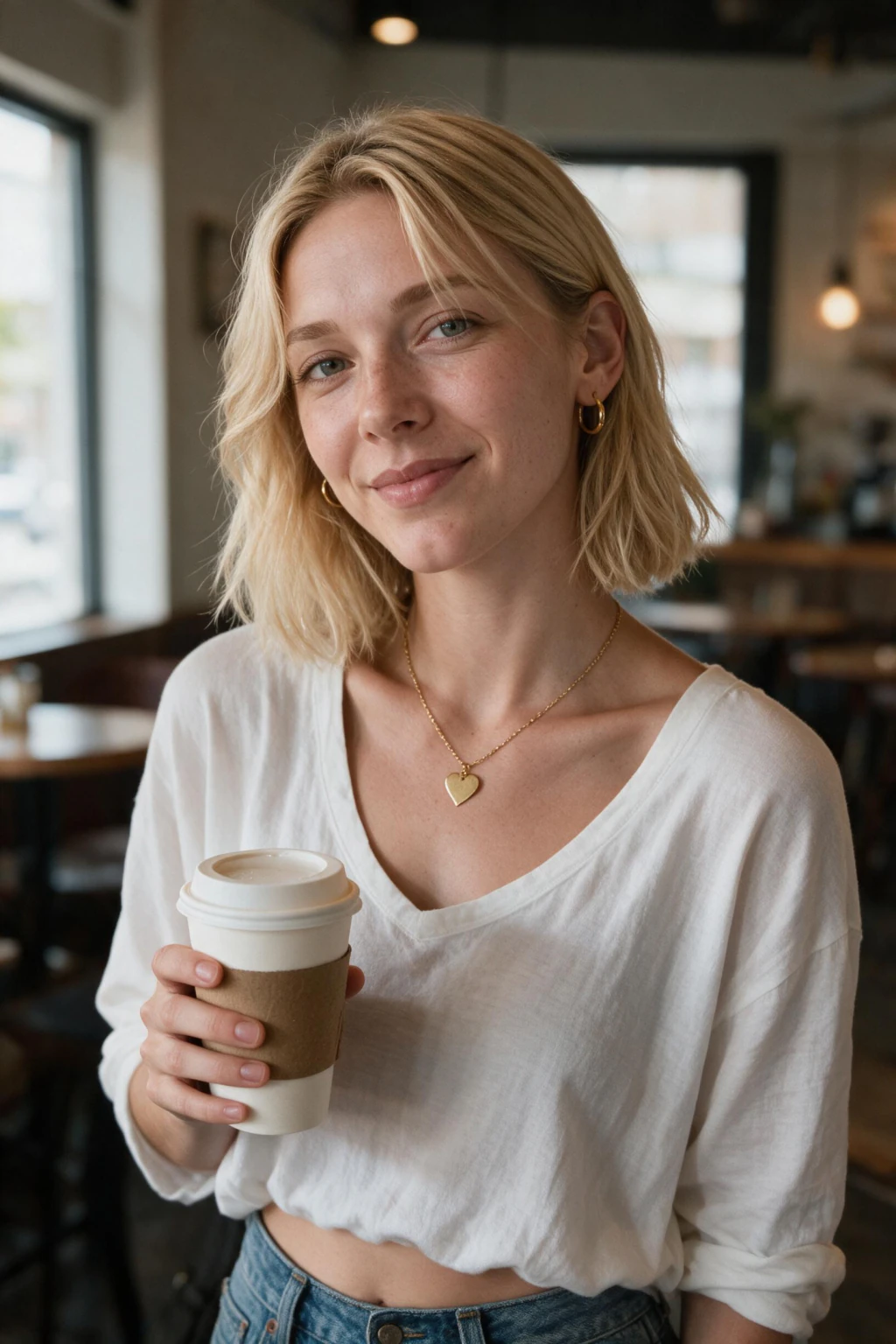
Sizing your AI birthday photos for Instagram and invites
For an Instagram birthday post, a 1080 by 1080 px square or a 1080 by 1350 px vertical frame both fill the feed cleanly. Vertical grabs more screen on a phone, so it is the stronger choice for a single hero image.
For a Story or a party invite you plan to send, go 1080 by 1920 px so the shot fills a full phone screen and leaves space at the top and bottom for the date, time, and your name.
Generate a couple of crops of your favorite look, one square, one vertical. That way the same birthday photo works as a feed post, a Story, and a printable invite without you re-shooting anything.
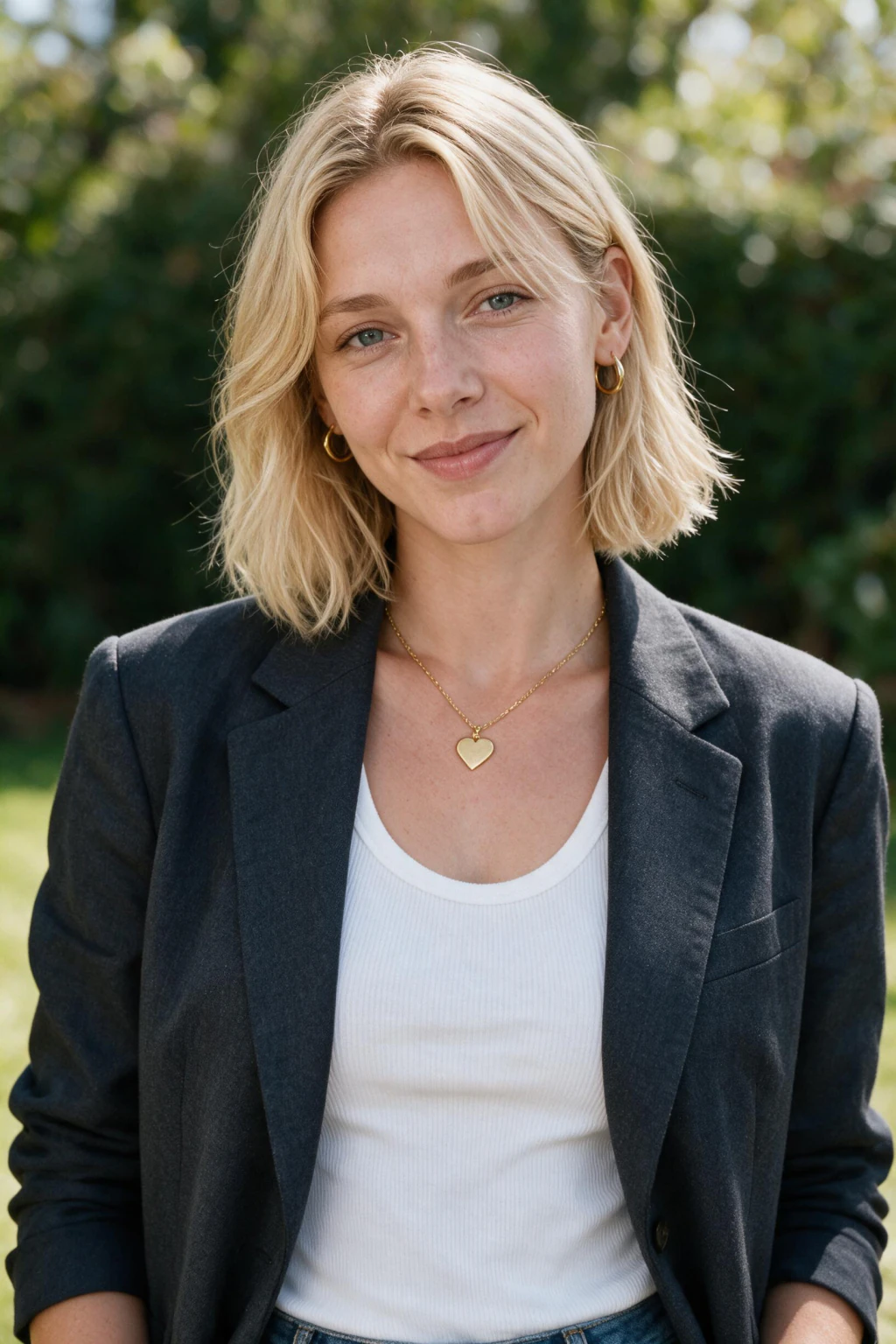
Posting your AI birthday photos honestly
These are real, photorealistic images of you, but they show a party that did not literally happen in that room. If a friend asks where the confetti shot was taken, it is worth being upfront that it is an AI birthday photoshoot.
A light caption handles it well. Something like "had some fun making these" keeps the mood playful and heads off any confusion.
Used this way, AI birthday photos are a fast, low-cost stand-in for a studio session you never booked. You get a polished birthday-post selfie and a set of party frames in one sitting, and everyone still knows it is really you.
Frequently Asked Questions
- How do I make AI birthday photos of myself?
- Upload one clear selfie to MakeAiPhotos, pick a birthday look such as balloons, cake candles, confetti, or a milestone glam close-up, and the AI generates about 10 brand-new photorealistic photos of you in that scene, roughly 2 minutes each. It creates new images of your face rather than editing a photo you already have.
- Does the AI edit my existing photo or make new ones?
- It makes new ones. MakeAiPhotos reads your selfie to learn your face, then generates fresh birthday photos of you. It does not overlay confetti or swap a background into a picture you already took, so every frame is an original image.
- What is the best selfie to upload for AI birthday photos?
- Use a recent, well-lit, in-focus photo where your full face is visible and facing the camera. Skip sunglasses, hats, and heavy filters. One clear selfie works, but adding 3 to 5 photos from slightly different angles makes the birthday photos look more like you.
- Can I make milestone birthday photos for a 30th or 50th?
- Yes. Ask for milestone angles like a 30th with polished single-color studio glam, or a 40th or 50th with gold and rose-gold tones and a champagne coupe. Adding a number balloon shaped like 18, 21, 30, 40, or 50 makes the milestone read clearly in the feed.
- What size should AI birthday photos be for an Instagram post?
- Use 1080 by 1080 px for a square feed post or 1080 by 1350 px for a vertical one, and 1080 by 1920 px for a Story or a party invite. Generate both a square and a vertical crop of your favorite so one birthday photo covers your feed, Story, and invite.
- Are AI birthday photos free?
- No. MakeAiPhotos is a paid tool that runs on one-time credit packs with no subscription, so you buy a pack, generate your birthday photos, and you are done. Every purchase is covered by a 14-day money-back guarantee.