Can AI make a Thanksgiving family photo of you when you can't be there?
Yes for you, no for the whole family. From one selfie, AI can make a convincing photo of you seated at a Thanksgiving table. It cannot put you into the real group shot so it looks right, because the light, the angle and the head sizes in that photo were never built around your face.
So the honest answer is three options, and each one gets you into the album. Option 1: a framed print or a phone on a video call held up in the group shot. Option 2: a matching solo photo you take on the day. Option 3: an AI photo of you at a Thanksgiving table, generated from one selfie and placed beside the group shot.
None of them replaces being there. All three beat the empty chair in the album.
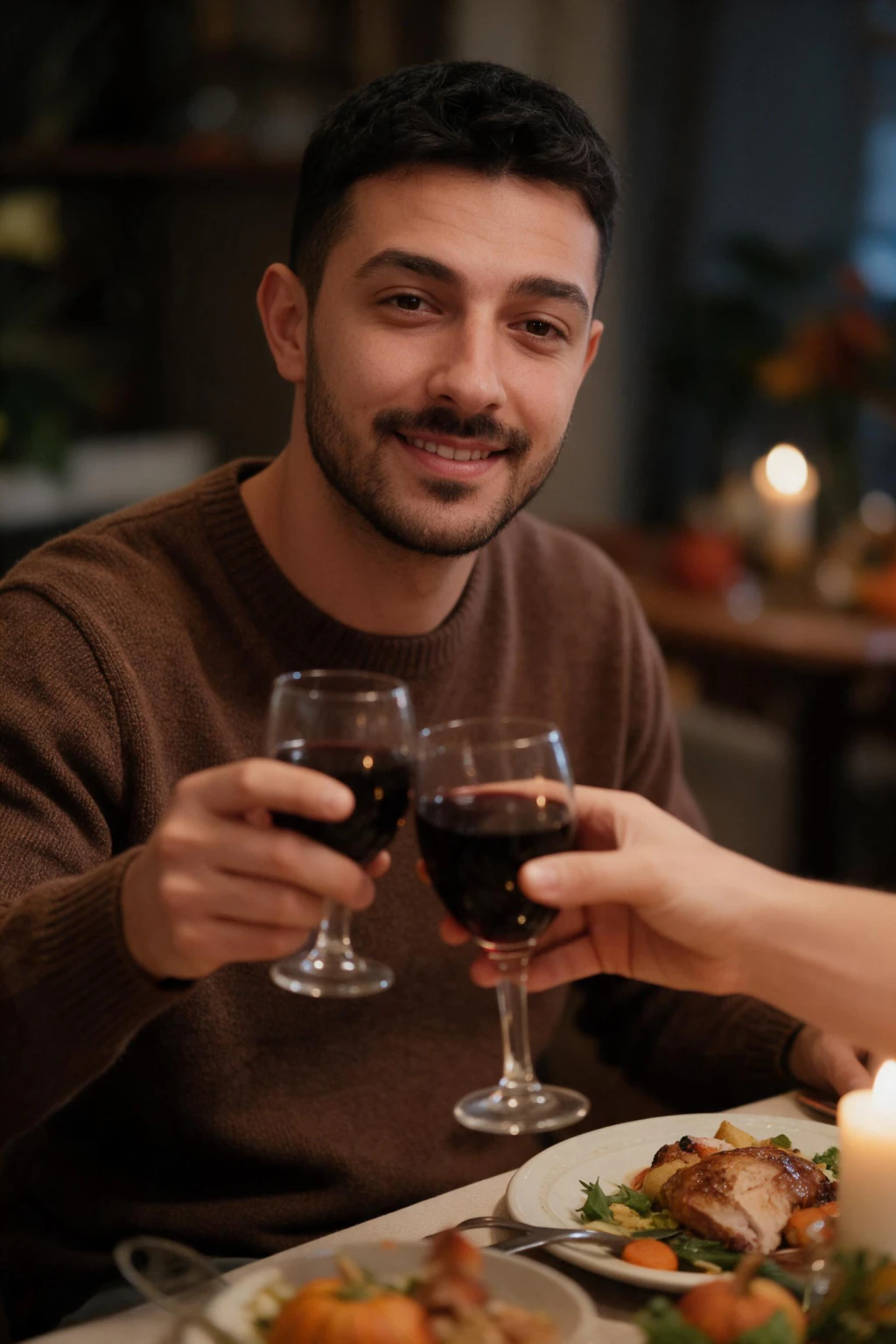
One phone selfie to 3 AI photos of the same person

Option 1: the framed photo or the video call in the group shot
Send a recent print ahead of time, or have someone hold a phone with you on a video call in the middle of the group. Ask them to take the photo with the phone screen facing the camera and the brightness turned all the way up, otherwise you are a dark rectangle.
This is the right choice when the point is the family seeing you in the moment. It is the wrong choice for the album, because a phone screen never prints well.
Option 2: a matching solo photo on the day
Take a photo of yourself on Thanksgiving in the same spirit as the family shot: seated, at a table, something warm in front of you, autumn colours if you have them. Send it to whoever is making the album and ask for it to go on the same page.
The weak spot is the setting. A barracks, a hospital break room or a studio apartment does not read as Thanksgiving, and that is usually the reason people skip this option.
Option 3: an AI Thanksgiving photo of you at the table from one selfie
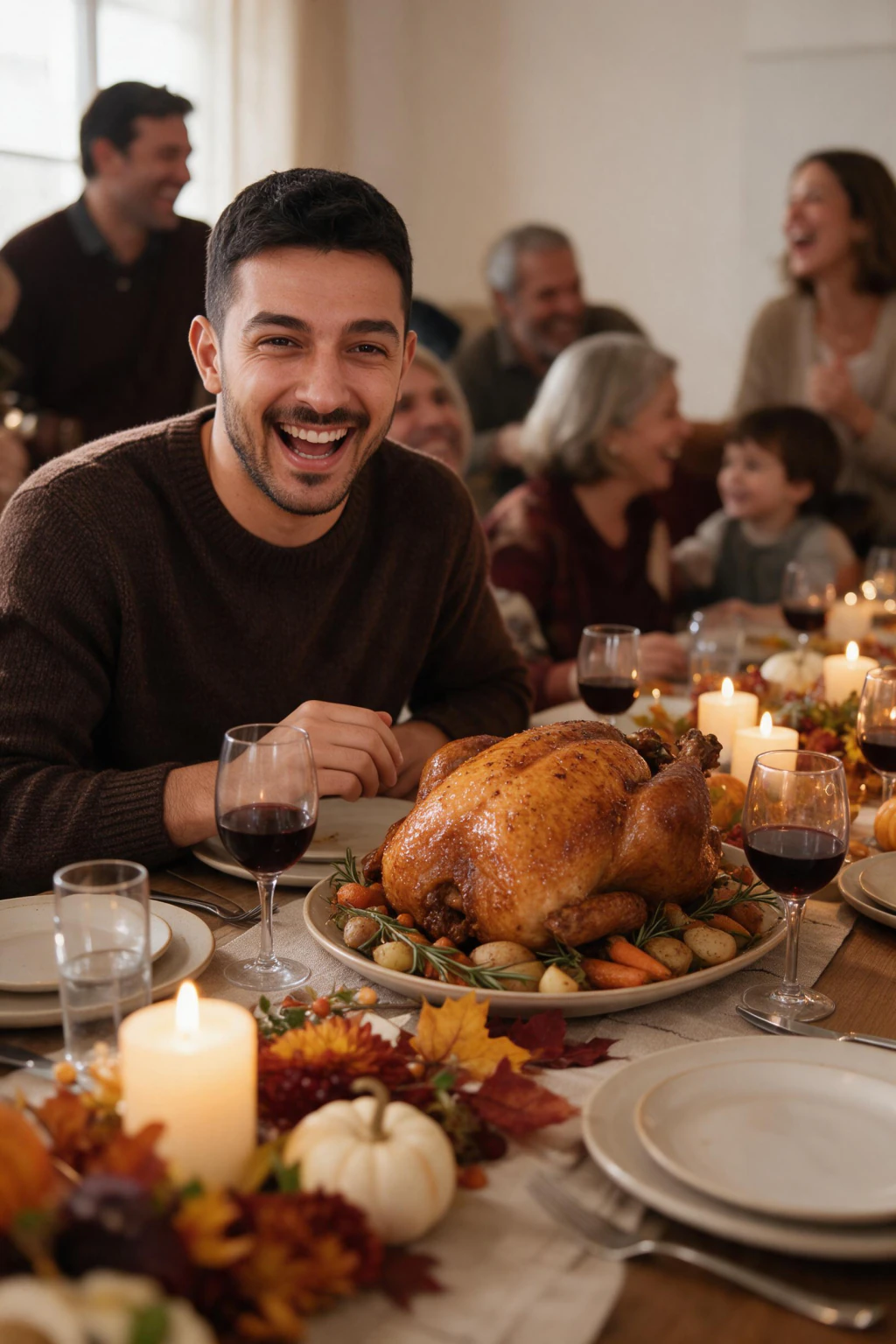
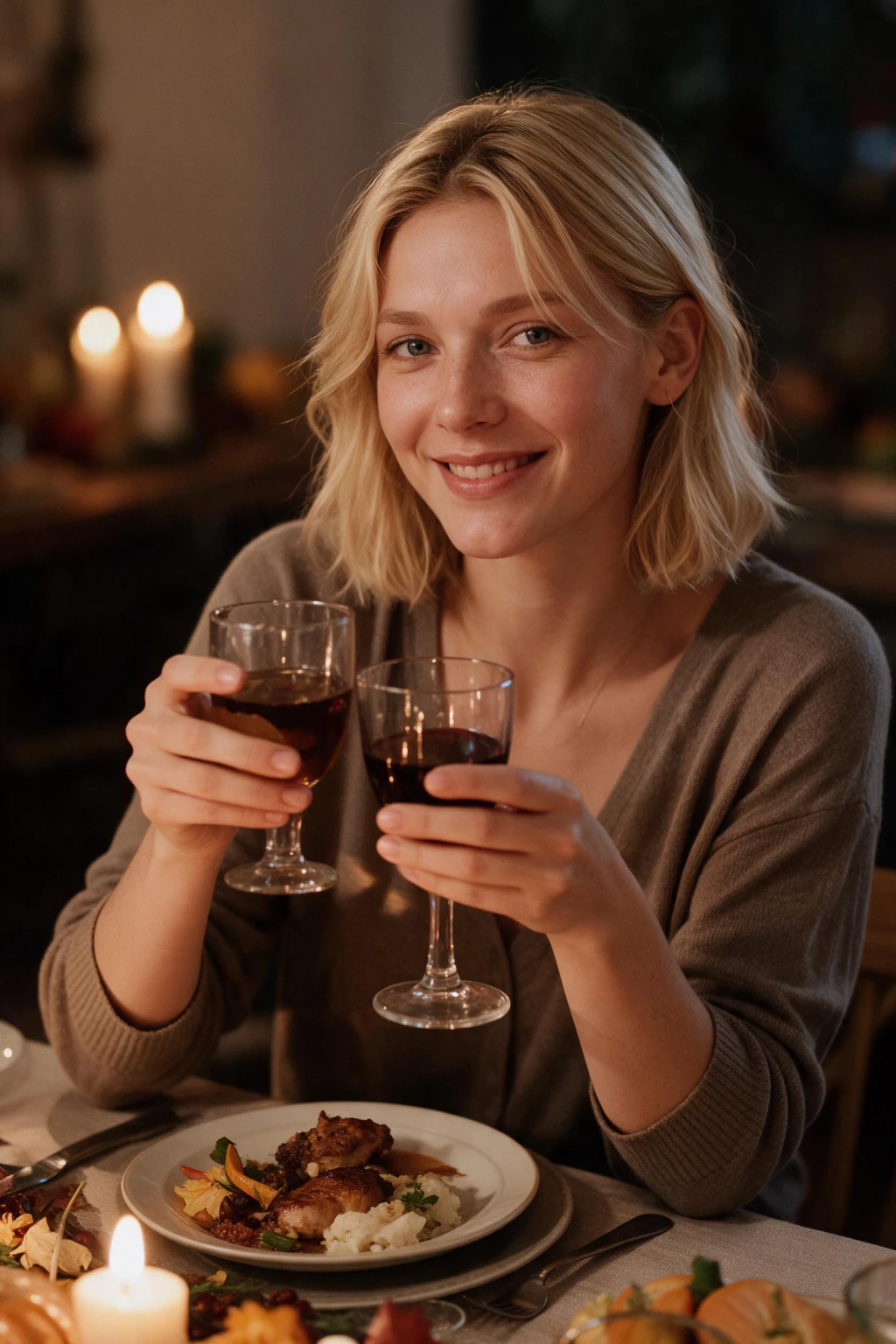
MakeAiPhotos is an AI holiday photo generator that turns one clear selfie into a photo of you at a Thanksgiving dinner table: candles, an autumn dining room softly blurred behind, a warm smile mid-toast. Each photo comes back in about 2 minutes and $9.99 one time buys about 10 photos, so you can send the family two or three to pick from.
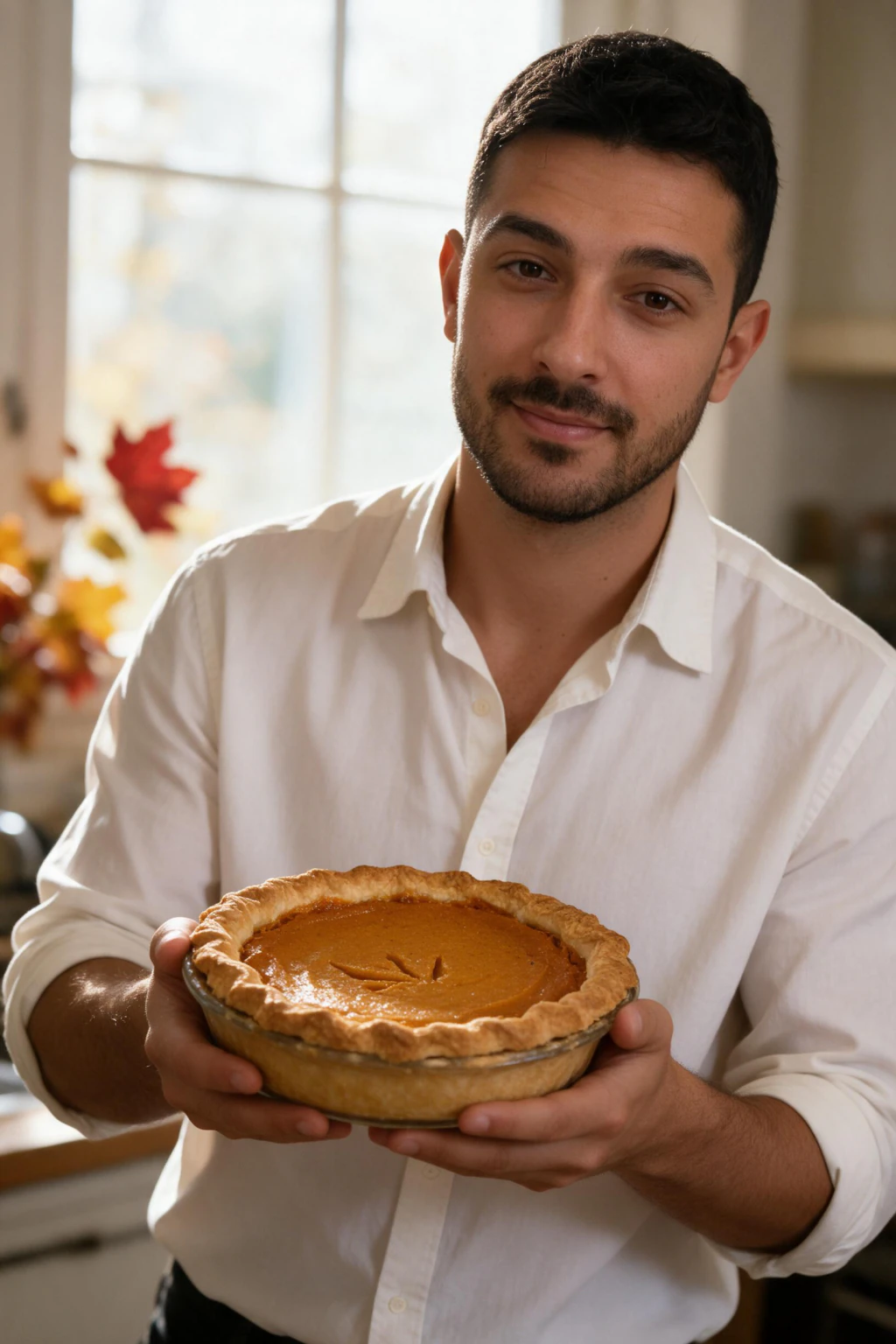
Upload a front-facing selfie in decent light, open the AI holiday pack, pick the Thanksgiving table look, and generate. Your face, hair and skin tone stay yours; the room, the table and the clothes are generated around them. The example photos at the top of this page also show the same selfie at a family table and in the kitchen with a pie.
The honest limit: it is a photo of you, not a composite of you with everyone else. Send it as your seat at the table, or ask whoever runs the album to place it beside the group shot.
What do AI family photo tools actually do with a group photo?
Search for an AI Thanksgiving family photo and you will find three kinds of tool. They do very different things, and only one of them makes a new photo of you.
Phone enhancement apps
Add leaves, pumpkins, a warmer grade or a festive frame to a group photo that already exists.
The family stays real, but nobody is added. If you were not in the original, you are still not in it.
One-selfie generators
Make a brand new photo of one person, from that person's selfie, in a Thanksgiving setting. This is what MakeAiPhotos does.
The whole scene is lit around your face, so it looks like a real photo of you. It is one person, not the family.
Composite tools
Paste your face or body into the existing family group photo.
This is where it fails: the light on your face comes from a different direction and your head is a different scale from everyone beside you. Relatives spot it at a glance.
How do you place your AI photo next to the family group shot?
Treat it as your own photo on the facing page, not as a patch on the group shot. Four things make the pair look like it belongs together:
Same crop. Keep the 2:3 portrait shape so it sits cleanly beside a vertical group photo, or ask for the group shot to be printed at the same size.
Warm tone. Pick the frame whose candlelight and colours match the room the family is in. A cold, bright frame looks like a different day.
Original file. Send the full-resolution download, not a screenshot from the group chat. The photo downloads at 1024 by 1536, which prints cleanly at 4 by 6.
Ask for the facing page. Tell whoever makes the album where it goes, so it lands next to the family rather than at the back.
| Option | Looks like | Album-ready | Time |
|---|---|---|---|
| Framed photo or video call | A photo of a photo in the group shot | No | 0 minutes on the day |
| Matching solo photo | Depends on the room you are in | Sometimes | About 5 minutes |
| AI photo at the table | You seated at a Thanksgiving table | Yes | About 2 minutes |
When should you send it, and what should you say?
Send it the morning of, before the meal, so it lands while everyone is cooking and checking their phones. A photo that arrives at 9pm competes with the real ones.
Keep the message short. "Saving my seat" or "Pass the stuffing" does more than a paragraph about missing everyone. The photo carries the feeling.
If you want it in the printed album, send the full-resolution file, not a screenshot. The generated photo downloads at 1024 by 1536, which prints cleanly at 4 by 6.
Frequently Asked Questions
- How can I be in the family Thanksgiving photo if I can't be there?
- Three ways: a framed print or phone call held in the group shot, a matching solo photo added to the album, or a photo of you at a Thanksgiving table generated from one selfie and sent to the family. The last takes about 2 minutes.
- Can AI make a Thanksgiving family photo?
- Of one person from one selfie, yes: a photo of you seated at a Thanksgiving table that looks like a real photo. Of the whole family from one photo, not convincingly. Place your photo beside the group shot instead of inside it.
- Can AI make a Thanksgiving photo of me from a selfie?
- Yes. MakeAiPhotos generates a photo of you at a decorated Thanksgiving dinner table from one clear selfie in about 2 minutes. $9.99 one time covers about 10 photos across the holiday pack, so you can send the family a couple to choose from, with a 14-day money-back guarantee.
- Can AI add me to the family group photo?
- Not reliably, and it usually looks pasted in. Generating a photo of you at your own Thanksgiving table and placing it beside the group shot reads far better. It is a real portrait of you rather than a face composited into a scene that was lit for other people.
- How do you add someone to a family photo who wasn't there?
- A side-by-side beats a composite. A pasted-in person fails in two ways: the light on their face comes from a different direction than everyone else's, and their head is a different size for where they stand. A separate photo of them at a Thanksgiving table, printed next to the group shot, avoids both.
- Can Gemini or ChatGPT make a Thanksgiving photo of me?
- Yes, if you upload a selfie with the prompt. The first result often looks like you; the likeness tends to drift on the second and third tries as the chat edits its own output. The Thanksgiving AI photo prompts post on this blog has 30 prompts to copy if you want to try it that way.
- What is the AI Thanksgiving photo trend?
- People generate a photo of themselves at a Thanksgiving table from one selfie and send it to the family group chat, usually because they are away that year. It is a single-person portrait, not a fake family photo.
- How much does an AI Thanksgiving family photo cost?
- On MakeAiPhotos, $9.99 one time buys 100 credits, which is about 10 photos from one selfie, about 2 minutes each. There is no subscription, and you see your own result before you pay.
- What should I write when I send a Thanksgiving photo from far away?
- Something short and light. "Saving my seat" or "Pass the stuffing" lands better than a long message about missing everyone, because the photo already carries that. Send it the morning of Thanksgiving so it arrives while the family is together and cooking.
- Will the AI Thanksgiving photo still look like me?
- Yes, when your selfie is sharp, front-facing and unfiltered. The generator keeps your face, hair and skin tone and only changes the room, table, clothes and light. If a result drifts, generate again and keep the frame your family would recognise instantly.
- Can I print the AI Thanksgiving photo for the family album?
- Yes. The photo downloads at 1024 by 1536 pixels, which prints cleanly at 4 by 6 inches and acceptably at 5 by 7. Send the family the original file rather than a screenshot from the group chat, which compresses it.