Do AI photo generators watermark your photos?
Some do, and the ones that do rarely warn you at the point where it would change your decision. MakeAiPhotos delivers every photo at up to 4K with no watermark and no download gate, so the file you save is the file you saw on screen. Most ad-supported and zero-cost generators work the other way around, and the difference only becomes visible after you have already spent your attention.
The specific pattern to watch for is a clean on-screen preview paired with a stamped download. You scroll a grid of results, you find the one shot that actually looks like you, you tap save, and the saved copy carries a logo in the corner or a diagonal text bar across your chest. Nothing lied to you exactly, the stamp was just applied at the export step rather than the render step.
This matters because of when you find out. By the time the file lands in your gallery you have already picked a favourite, told yourself that is the new profile photo, and mentally moved on. Going back to a paid tier at that point feels like a decision you were pushed into, and going forward with a stamped image is not really an option for a resume, a company bio or a dating profile.
So treat the watermark question as a pre-generation check rather than a post-download surprise. It takes about two minutes to test on a throwaway image, and it tells you more about what you are buying than any line of marketing copy on the pricing page.
One phone selfie to 5 AI photos of the same person
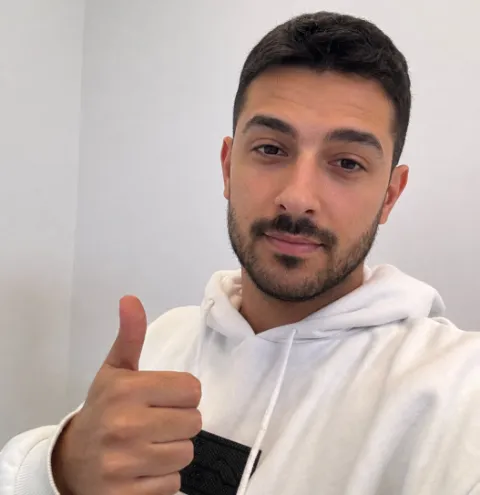

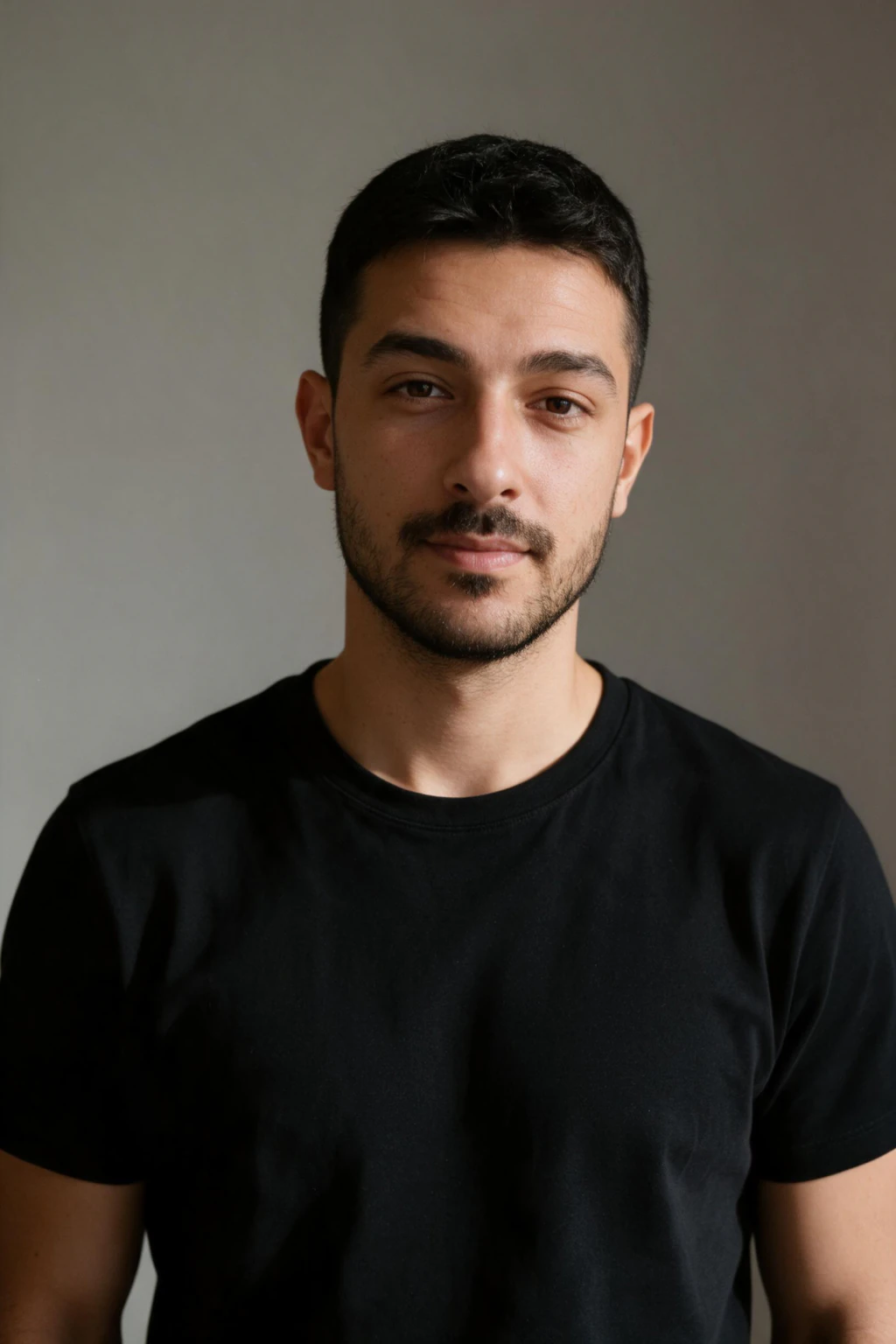


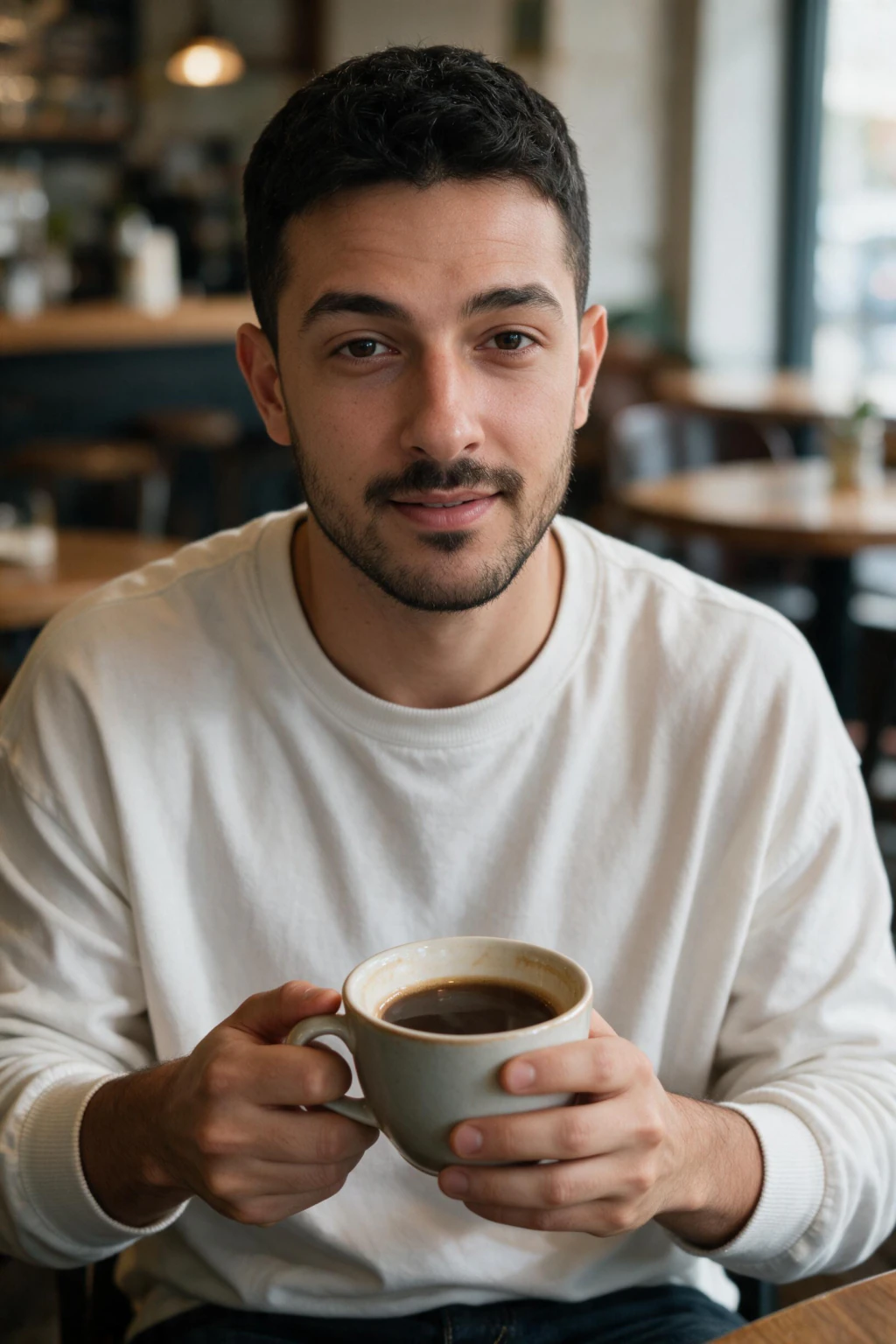



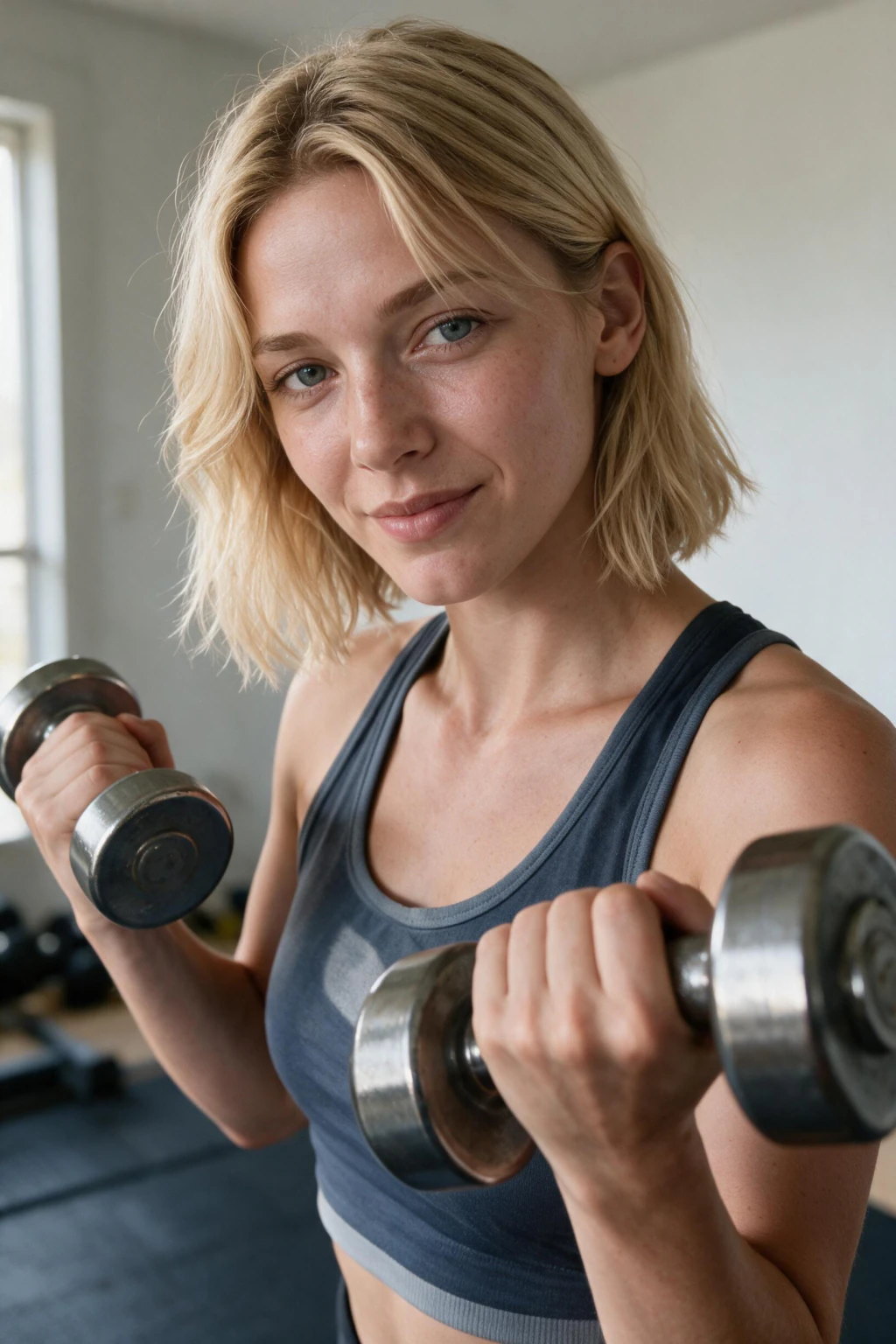


Test one image end to end before you trust a tool with the photos you care about.
Where does a watermark actually get applied?
A watermark is not one thing applied in one place. It is a decision each tool makes separately at five different stages, and a generator can be clean at one stage and stamped at the next. The table below maps the five stages against the three kinds of tool you are likely to be comparing, so you know which one to test rather than assuming they behave the same way.
Read the download column first, because that is the one that decides whether you have a usable photo. A tool that stamps the shared link but not the download is mildly annoying. A tool that stamps the download is unusable for the thing you wanted the photo for, no matter how good the render was.
| Stage | Ad-supported generator | Trial tier of a paid tool | MakeAiPhotos | Test this first |
|---|---|---|---|---|
| On-screen preview | Usually clean, which is the trap | Usually clean | Clean | Do not trust it, it proves nothing |
| Downloaded file | Stamped in the corner or across the centre | Stamped or blocked entirely | Clean, up to 4K | Open the saved file outside the browser |
| Shared link or gallery | Stamped plus the tool's branding | Stamped | Clean | Send yourself one link and check it |
| High-res or print export | Locked behind an upgrade | Locked behind the paid tier | Included, no separate gate | Check the pixel dimensions you get |
| File after the plan lapses | Access removed | Access often removed | Yours, no expiry | Read the line about download rights |
Why the on-screen preview lies to you
The preview and the download are two different files. What you see in the results grid is usually a compressed, screen-sized copy served straight from the render, and the stamped version is composited on request when you press save. Nothing about the preview tells you what the export pipeline will do, which is why so many people get caught by this.
There is a commercial logic behind it that is worth understanding rather than resenting. A clean preview demonstrates quality and makes you want the photo, while a stamped export makes the photo unusable until you pay. The gap between those two moments is deliberate, and it is engineered to land exactly when your attachment to a specific image is highest.
You can see the same design in the ordering. The tool shows you dozens of results before it shows you a single sentence about download terms, and the terms usually live on a separate page you reach after you have already invested twenty minutes. That is not an accident of layout, it is the funnel working as designed.
The counter is boring and it works: spend one generation on something you do not care about, take it all the way through download, and look at the actual file. You learn the truth about the export pipeline in two minutes, at a point where walking away costs you nothing.
What to check before you generate, not after
Run these four checks against any generator before you upload a selfie you care about. Each one takes under a minute, and together they tell you whether the files you end up with will actually do the job you need them for. Pricing pages are written to be reassuring, so where possible test the behaviour instead of reading about it.
Rule 1, download a throwaway result at the largest size offered and open it outside the browser. Browser preview panes sometimes render the clean version even when the saved file is stamped, so check it in your phone gallery or a desktop image viewer. Look at all four corners, the bottom edge, and the centre of the frame at full zoom.
Rule 2, read the pixel dimensions of that file. Under 1024px on the long edge is a preview rather than a deliverable, and it will look soft the moment anyone views it on a laptop. MakeAiPhotos renders up to 4K, which covers a company website, a printed badge and a cropped banner without you needing a second export tier.
Rule 3, confirm the tool works from your actual face rather than generating a generic person who vaguely resembles you. A clean, high-resolution photo of somebody else is worth nothing to you. If you want the detail on how working from your own face changes the output, the realistic AI photo generator page walks through what the model actually reads from your selfie.
Rule 4, check what happens to your files later. Some subscription tools remove access to your gallery when the plan lapses, which functions as a delayed download gate and almost never appears in the marketing copy. You want the files stored on your own device, at full size, with no expiry attached to them. Compare that line against the pricing terms of anything you are considering.
Why resolution matters as much as the watermark
A clean file at 512 pixels is a different kind of unusable. It looks acceptable in a thumbnail, holds together on a phone, and falls apart the moment somebody opens your LinkedIn profile on a monitor or you try to crop in for a tighter headshot. Watermark policy and resolution floor are the same question asked twice: does this tool hand you a finished asset or a sample?
Think about where the photo is going before you accept a resolution. A dating app crop can survive a smaller file because the display size is tiny. A company team page, a printed conference badge, a press bio or a resume header cannot, and those are exactly the uses where a soft, upscaled-looking photo undercuts the impression you were trying to make.
Up to 4K gives you room to crop rather than forcing you to use the framing the model chose. You can pull a tight square headshot out of a three-quarter shot, take a wide banner strip out of a full-body frame, and still land above the resolution any platform asks for. That flexibility is worth more than an extra twenty renders at a smaller size.
One more thing to check in the same pass: whether the tool gives you the original file or a re-compressed copy. Heavy compression on export shows up as blotchy skin and blocky edges around hair, and it does the same damage to your photo that a stamp does, only quietly enough that you might blame the model instead of the pipeline.
Do you own the AI photos you generate from your selfie?
On MakeAiPhotos, yes. You upload one selfie, the system renders your chosen pack from it, and the photos are yours to download at full size and use wherever you want. There is no attribution requirement, no separate commercial licence to buy, and no clock running on how long the files stay available to you.
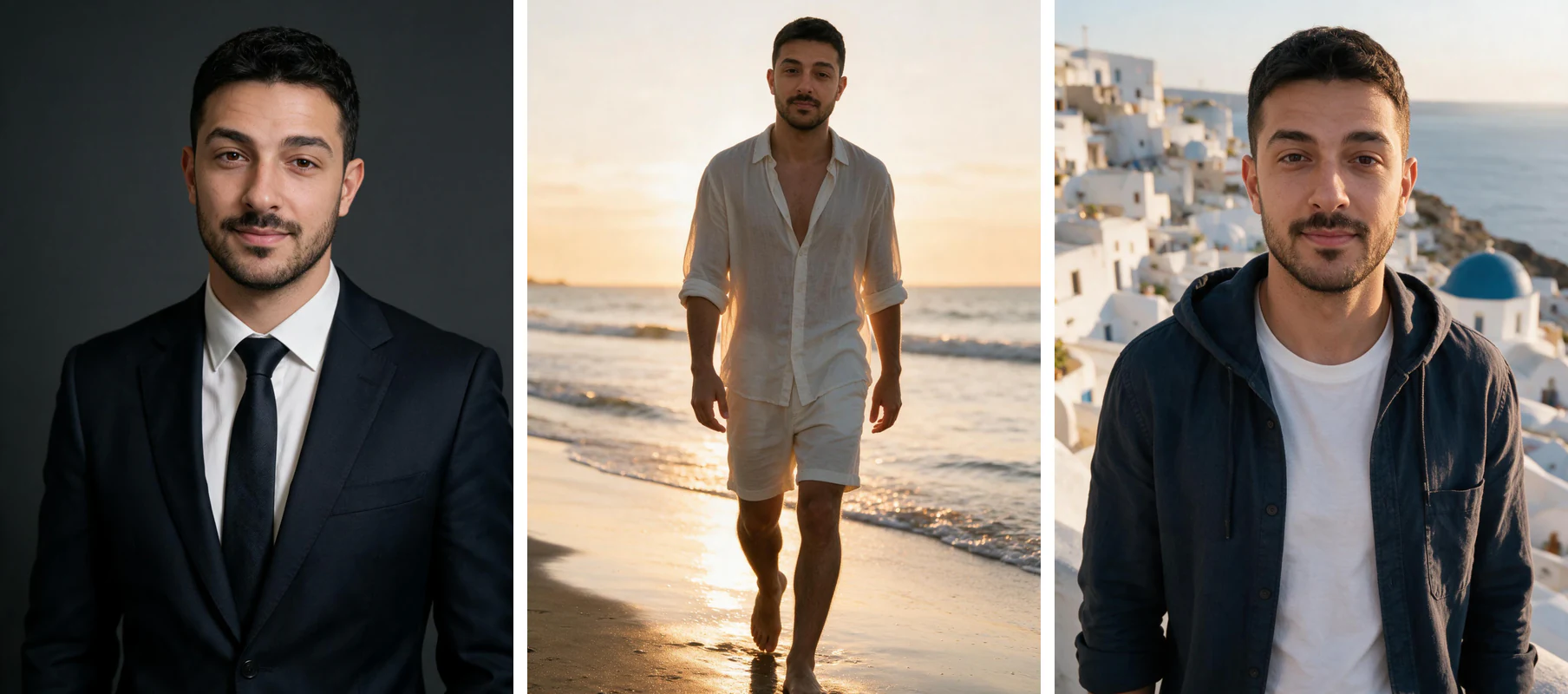
That covers the uses people actually have. LinkedIn and company websites, resumes and portfolios, Instagram and dating apps, speaker bios, real estate listings, client-facing profiles. If you want to see what a spread of usable photos of one person looks like across different settings, the AI photos of yourself page shows the range you get from a single upload.
Ownership terms genuinely differ between tools, so read the licence line rather than assuming. Some generators keep a commercial-use restriction on outputs from lower tiers, some require attribution on anything public, and some tie your gallery to an active subscription. None of these are unreasonable business models, they are just things you want to know before rather than after.
The practical test is simple. Ask yourself whether, six months from now with no active account anywhere, you would still have these photos on your own hard drive at full resolution and be allowed to use them. If the answer is no, you rented the photos rather than bought them.
Should you just remove the watermark yourself?
No, and the reason is practical before it is legal. Erasing a stamp with an eraser tool or an inpainting model rebuilds the pixels underneath by guessing, and the guess is worst exactly where stamps are usually placed: across skin, along a jawline, over the edge of hair against a background. You end up with a smeared patch that reads as fake to anyone looking at the photo properly.
The damage also compounds with everything else you are trying to achieve. You wanted a photo that looks like a real photograph of you, and the repair introduces the one artefact that makes viewers suspicious of AI images in the first place. A blurred rectangle over your shoulder does more harm to credibility than the original stamp did.
There is a terms issue on top of that. Removing a watermark without holding the licence it was protecting breaches the generator's terms of service in essentially every case, and depending on the jurisdiction it can touch copyright law as well. That is a real risk for anything you are putting on a business page or using commercially.
The cheaper path is almost always to generate on a tool that ships clean files in the first place. You spend the same few minutes, you skip the repair work entirely, and the file you end up with has full skin texture and sharp edges because nothing was ever painted over it.
How to get AI photos with no watermark in about 2 minutes
Here is the full run, from the check through to the files on your device. The whole thing fits inside a few minutes, and the first four are the part that protects you from the download surprise everything above describes. Do them in this order and you never have to redo any of it.
Step 1, test the export path first. Push one throwaway image through the tool you are considering, download it at the largest size offered, and open the saved file in your gallery or a desktop viewer. Check the corners, the bottom edge and the centre at full zoom, then check the pixel dimensions. Four minutes, and it settles the question completely.
Step 2, shoot one good selfie. Stand near a window with soft light hitting your face at roughly 45 degrees, turn beauty mode and skin smoothing off, and use the rear camera rather than the front one. No sunglasses, no hat brim across your eyes, face unobstructed. This single input decides how much your results look like you, so it is worth two careful minutes.
Step 3, upload that one selfie and choose the pack that matches the destination. Professional packs for LinkedIn and resumes, lifestyle and travel packs for social, dating packs for profiles. You upload one photo, not eight and not fifteen, and the pack choice is what determines the settings and wardrobe you get back.
Step 4, press generate. The photo comes back in about 2 minutes, with no model training to wait through. You do not need to sit on the page while it runs, and the early batch gives you a read on quality before the rest arrives.
Step 5, download everything at full size and store the originals. Open two or three of the saved files outside the browser to confirm they are clean and full resolution, then keep the originals somewhere durable. Crop and resize from copies, never from the only version you have, because a cropped file cannot be uncropped later.
Common mistakes people make about watermarks
Mistake 1, judging a tool by the preview grid. The preview is the marketing, the download is the product. Every generator on the market can show you a clean image on screen, and roughly none of that tells you what the file in your gallery will look like. Test the export or you have tested nothing.
Mistake 2, checking after you have picked a favourite. Once you have decided which photo is the new profile picture, your judgement about whether an upgrade is worth it has already been compromised. Doing the check on a throwaway image, before you are attached to anything, is what keeps the decision honest.
Mistake 3, looking only at the corners. Stamps land in corners, across the centre diagonally, along the bottom edge as a text bar, and occasionally as a faint tiled pattern over the whole frame that only shows up against flat backgrounds like a sky or a plain wall. Zoom to full size and scan the whole image.
Mistake 4, ignoring resolution because the file looked clean. A clean 512px photo and a stamped 4K photo are both unusable, just in different ways. Check the watermark and the pixel dimensions in the same pass so you only ever have to run the test once per tool.
Mistake 5, assuming the terms match the marketing. Download rights, expiry on gallery access and commercial-use limits live in the licence line, not in the headline. Read the one sentence about what happens to your files when your plan ends, because that is the clause that most often surprises people later.
Frequently Asked Questions
- Do AI photo generators watermark your photos?
- Many do, and the stamp usually appears in the downloaded file rather than the on-screen preview. That is why you should test the export before you generate anything you care about: push one throwaway image through, save it, and open it outside the browser. MakeAiPhotos delivers every photo at up to 4K with no watermark and no download gate, so the file you keep matches what you saw.
- Why does the preview look clean but the download has a watermark?
- The preview and the export are two separate files. The results grid usually serves a compressed, screen-sized copy straight from the render, while the stamp is composited on at the moment you press save. Nothing in the preview tells you what the export step will do, so the only reliable check is downloading a throwaway result and opening the saved file in your gallery or a desktop viewer.
- What resolution should AI photos download at?
- At least 1024px on the long edge for social use, and higher if the photo is going on a company website, a resume, a printed badge or a banner crop. MakeAiPhotos renders up to 4K, which leaves room to crop a tight headshot out of a wider frame without the result going soft. Check the pixel dimensions of your test download in the same pass as the watermark check.
- Are MakeAiPhotos downloads clean?
- Yes. Every photo you generate downloads with no logo, no text stamp, no translucent overlay and no tiled pattern, at up to 4K, with no separate export tier to buy. Clean output is how the product works rather than an upgrade you buy on top. The files go straight onto LinkedIn, Instagram, dating apps, resumes and company pages with nothing to crop out.
- Why do some AI photo apps watermark images at all?
- The stamp separates output that has been paid for from output that has not. Ad-supported tools and trial tiers use it to demonstrate render quality while keeping the file unusable, which converts people into buyers at the moment they are most attached to a specific image. Tools that charge for the generation itself have no unpaid output to mark, so their downloads ship clean.
- Is it legal to remove a watermark from an AI photo?
- Removing a watermark without holding the licence it protects breaches the generator's terms of service, and depending on where you are it can raise copyright issues too. The practical problem arrives first: inpainting over a stamp smears skin texture and hair edges, which is the exact artefact that makes a photo read as fake. Generating on a tool that ships clean files avoids both problems.
- Do you own the AI photos you generate from your own selfie?
- On MakeAiPhotos, yes. The photos rendered from your uploaded selfie are yours to download at full size and use on LinkedIn, Instagram, dating apps, resumes, client-facing profiles and company websites, with no attribution required and no expiry on your files. Terms vary between tools, so read the licence line and check whether gallery access survives a lapsed plan.
- How long does it take to get clean AI photos of yourself?
- About 2 minutes for a finished photo. You upload one selfie, press generate, and the file lands about 2 minutes later with no model training in front of it. Add about four minutes at the start for the download test, which is the part that tells you whether the files will come back clean.