How much do AI photo generators cost in 2026?
AI photo generators cost between $10 and $60 for a one-time package, or $9.99 to $40 a month for a subscription, depending on the tool and how many photos you get. MakeAiPhotos uses one-time package pricing, so you pay once for a set of AI photos and keep them with no recurring charge.
Every price in this guide was checked against the tools' live pricing pages in August 2026.
Pricing splits into two models. One-time packages charge a single fee for a fixed number of generated photos or style packs. Subscriptions bill you every month for credits or a photo allowance that often resets whether you use it or not. The model matters more than the headline number, because a low monthly price adds up fast if you forget to cancel.
For a clear picture of what you pay before you commit, check the MakeAiPhotos pricing page. It lists current package contents and prices, which can change as packs are added, so it is always the accurate source rather than a number quoted in a blog post.
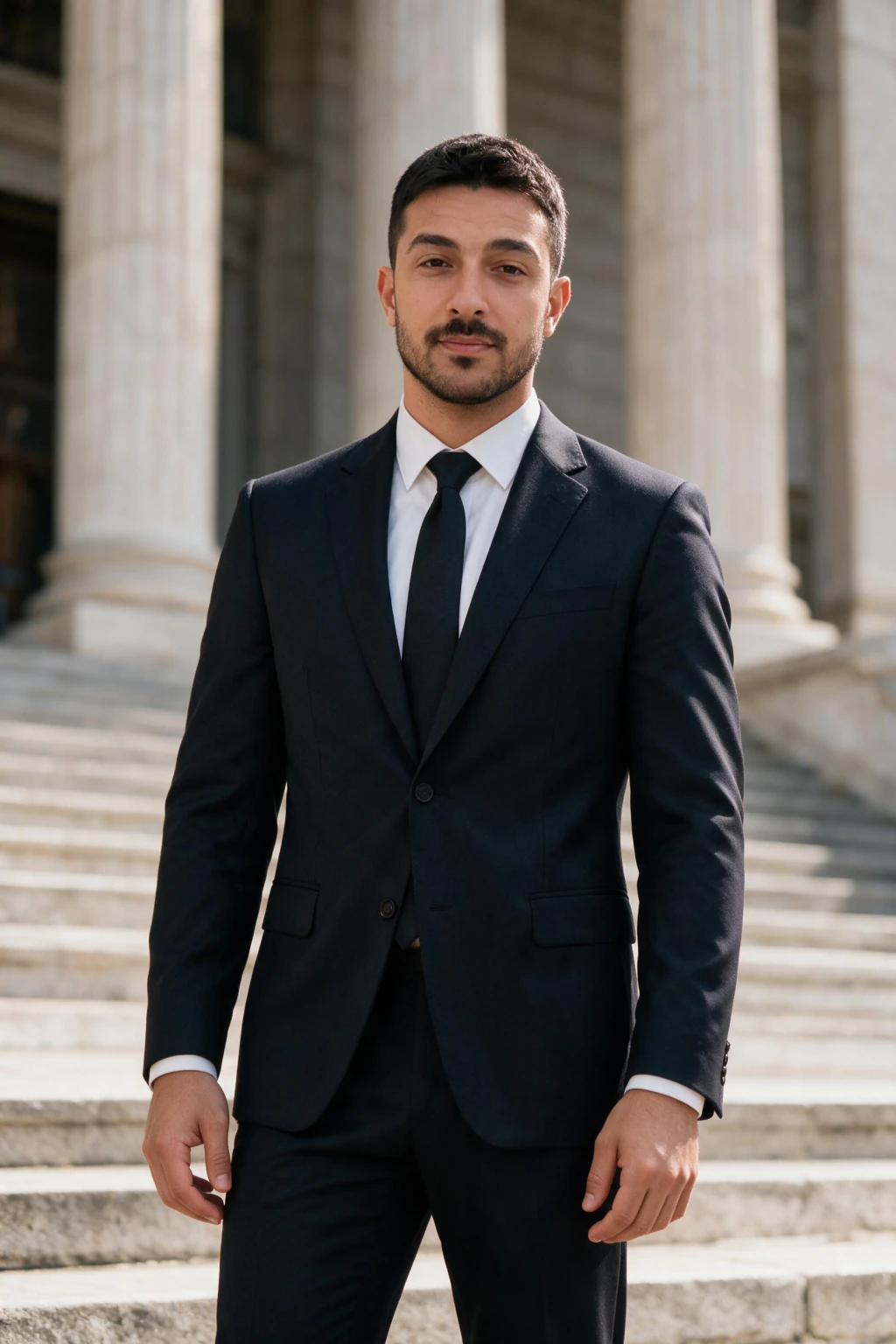
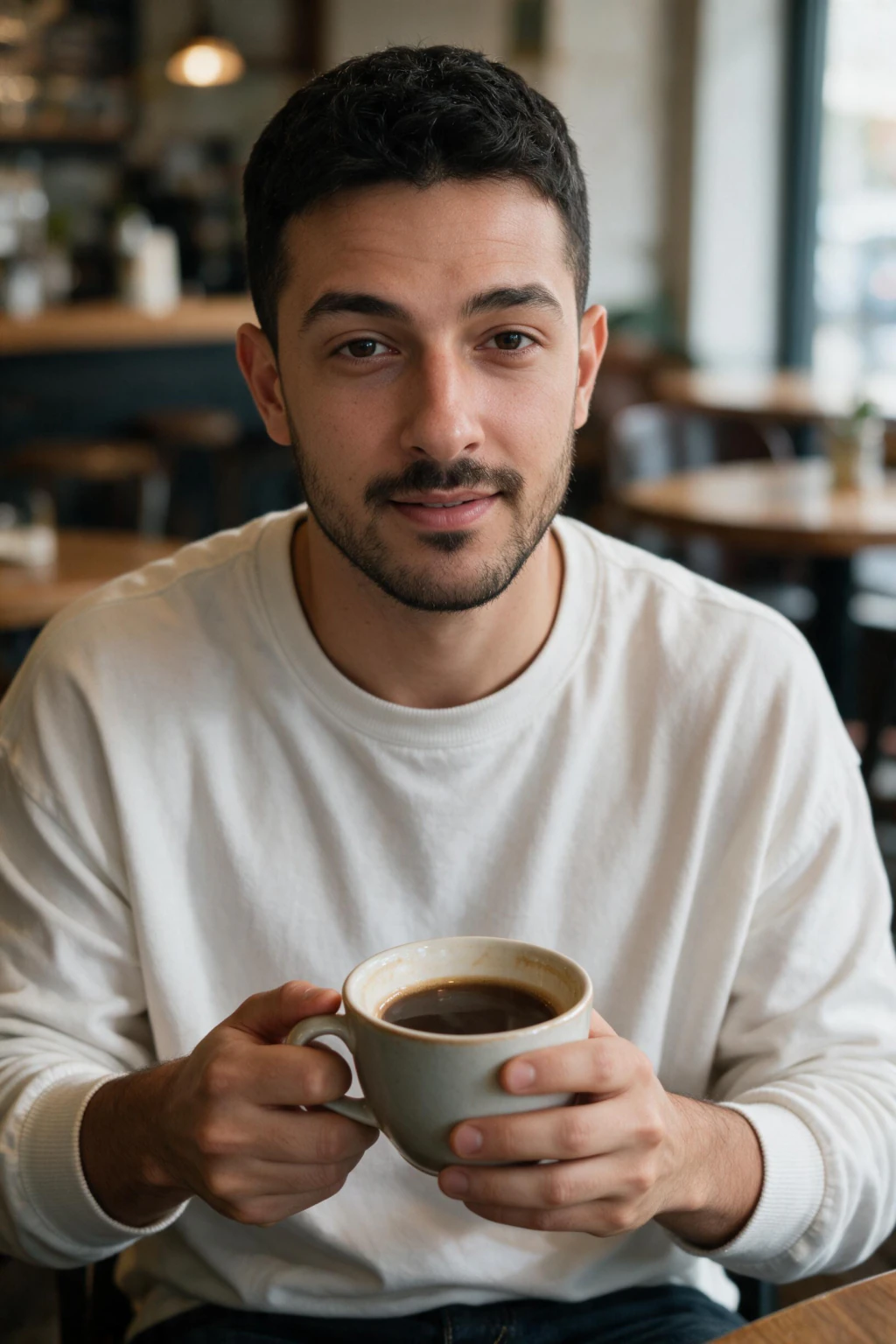
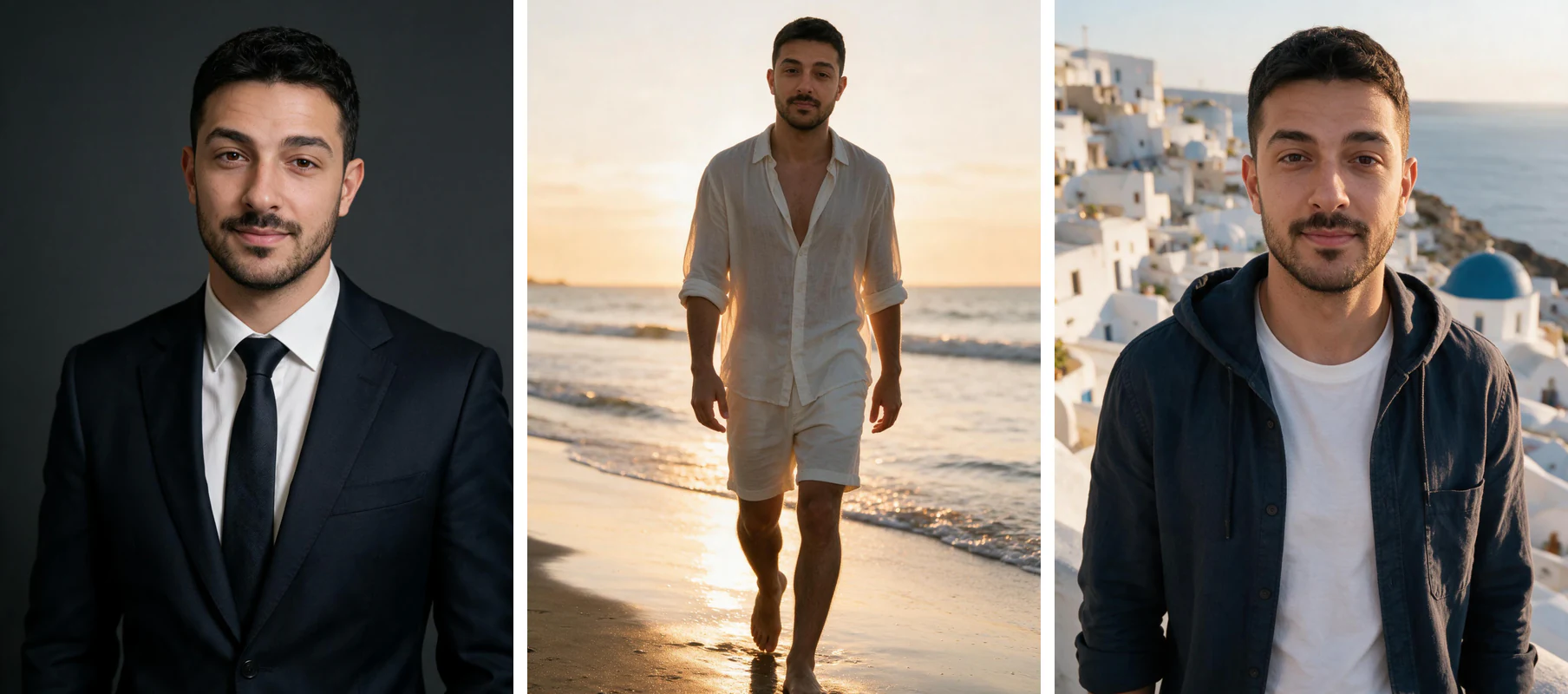
One phone selfie to 5 AI photos of the same person

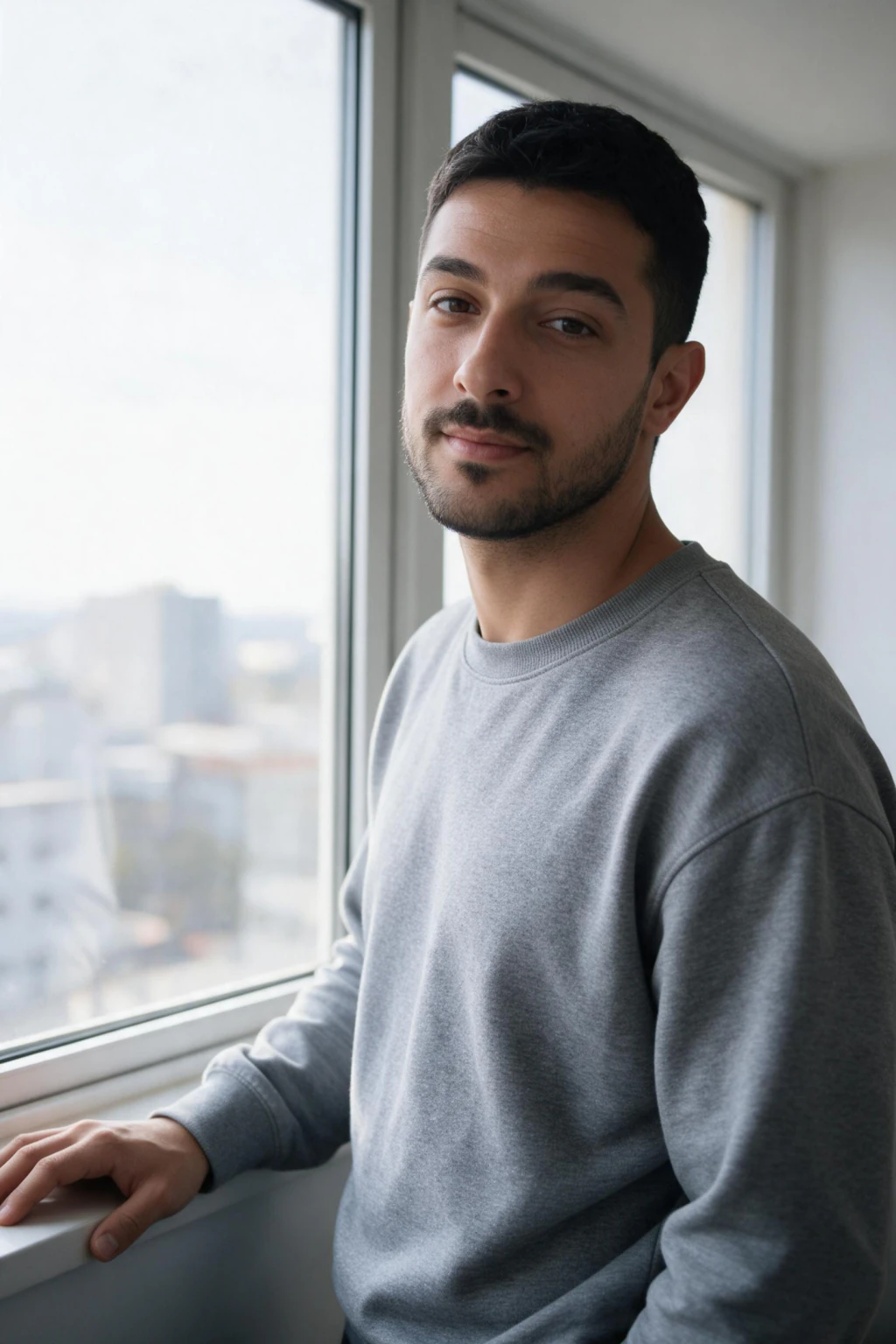
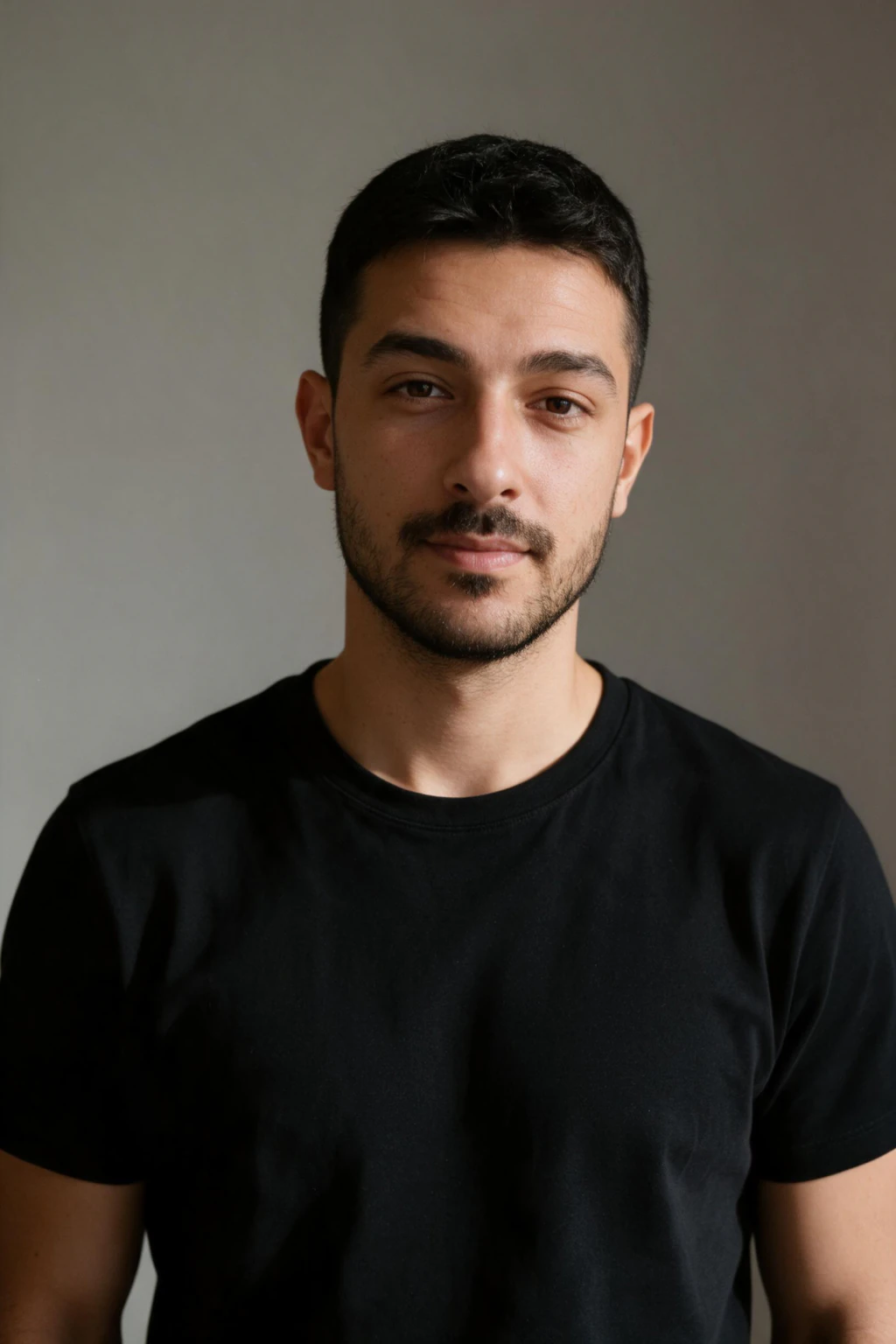
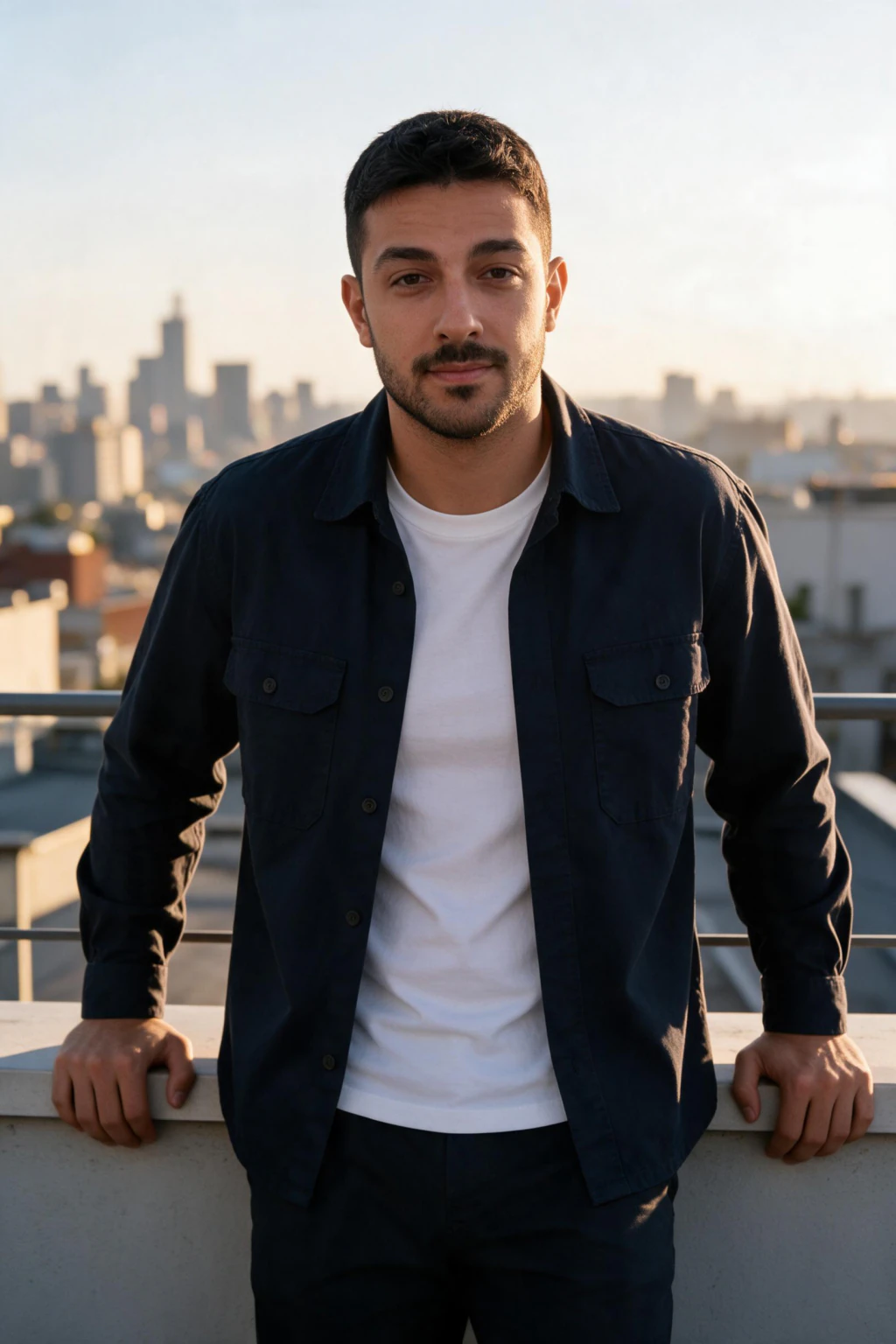

AI photo generator pricing compared (2026)
Here is what the main pricing models actually cost, side by side, so you can compare a one-time AI photo package against subscriptions, per-image tools, and a traditional photographer.
| Option | Pricing model | Typical cost | What you get |
|---|---|---|---|
| MakeAiPhotos package | One-time | $9.99 | $9.99 one time buys 100 credits, about 10 finished photos, yours to keep, no subscription |
| Subscription AI photo apps | Monthly | $9.99 to $40 per month | A monthly credit or photo allowance that often resets whether you use it or not |
| Per-image AI image tools | Per image or credit | About $0.01 to $0.20 per image | One prompt-driven image at a time, with no trained likeness of you |
| Professional photographer | Per session | $150 to $500 | One session, a handful of edited shots, several days of turnaround |
What do AI headshot generators cost in August 2026?
Prices below were checked in August 2026 on each tool's public pricing page. For our own tiers, see the AI headshot generator pricing page.

| Tool | Price | Photos included | Sticker cost per photo |
|---|---|---|---|
| MakeAiPhotos | $9.99 one time | About 10 | About $1.00 |
| Budget credit packs | About $12 | Varies by plan | Varies |
| Team batch tools | $29 | 30 | About $0.97 |
| High-volume batch tools | $34 | 40 | About $0.85 |
| Big-name selfie-trained tools | $35 to $75 | Tiered by plan | Varies |
| Style-catalog tools | $35 to $79 | Tiered by plan | Varies |
| Premium batch tools | From about $49 | Tiered by plan | Varies |
| Corporate headshot tools | $49 to $59 | Tiered by plan | Varies |
Which one is actually the better buy?
MakeAiPhotos is the cheapest way in at $9.99, and the fastest, about 2 minutes per photo with no training wait. It is not the biggest batch: the batch tiers return 30 to 40 photos to our roughly 10, and the style-catalog tier offers far more styles.
If you want one large batch in one order, those are the better buy. If you want 10 accurate photos for under $10 without a subscription, that is the row we win.
How much does each usable AI photo actually cost?
Per-photo cost is the number that matters more than the sticker price, because a cheap package that returns nothing usable is expensive, and a larger package full of keepers is cheap.
Run the math from the table above. MakeAiPhotos is $9.99 for about 10 photos, so about $1 per photo at sticker. A team batch tool is $29 for 30, which is about $0.97. A $300 photographer session returning 6 final shots is $50 per photo.
Per-usable cost then depends on your keeper rate. Of 446 stills we reviewed for this site's own pages, 32 were rejected, about 1 in 14, for a leaked hoodie, a brand mark on clothing, wrong framing or a missed scene, not for the face. That rate varies by tool and by how clean your selfie was, so sticker cost per photo is the number you can actually compare across tools. Even at a poor keeper rate, a professional session costs many times more per shot you would post.
What does the AI photo generator price actually pay for?
Your AI photo generator price covers the compute that renders finished photos of you from the selfie you uploaded. Each photo costs 10 credits, and $9.99 buys 100 credits, so a pack is about 10 finished photos.
Every style pack is open to you, so you choose which looks to spend your 100 credits on across settings like office, beach, travel, or gym. The price reflects the compute used to render those images at high resolution, not a per-click charge for browsing.
With one-time pricing, you also pay for ownership. The photos are yours to download and use, there is no model training and no training wait, and a new pack later is simply another one-time purchase from the same one-selfie flow. There is no fee to keep what you already made.
How much does an AI headshot cost compared to a photographer?
An AI headshot costs a small fraction of a photographer session. A professional headshot photographer charges $150 to $500 for one sitting, and that fee usually covers a single outfit, one location, and a 1 to 2 hour booking that you have to schedule and travel to. The row-by-row comparison, including the rows AI loses, is in AI headshots vs a professional photographer.
An AI headshot package in the $10 to $60 range gives you headshots plus other styles from the same upload, with no booking and no travel. One photographer session costs the same as five to fifteen full AI photo packages, and the AI option runs from your phone in under an hour.
The bigger gap shows up on the second round. Booking a photographer again means a second full fee. There is no model training and no training wait on MakeAiPhotos, so a refresh later is simply another one-time purchase from the same one-selfie flow, and updating your photos every few months stays affordable instead of becoming a recurring expense.

Why does one-time pricing beat an AI photo generator subscription?
One-time pricing beats a subscription because you pay for what you need and stop, with no charge running in the background. Subscription AI photo tools bill you every month, and most people generate photos in bursts, a new headshot when they change jobs, fresh shots before summer, then nothing for months.
A $20 monthly subscription looks cheaper than a $40 package until you forget to cancel. Three idle months on that plan costs $60 for photos you never generated. A one-time package charges you once and then sits quiet until you choose to buy again.
MakeAiPhotos uses one-time package pricing for exactly this reason. You buy a package, generate your photos, and keep them. When you want new styles, you buy another package, and nothing bills you in between. That suits how people actually use AI photos, occasionally and on demand.
How do you judge whether an AI photo generator is worth the cost?
An AI photo generator is worth the cost when the photos look like you, work for real use cases, and cost less than the alternative. Judge value on three things: likeness accuracy, the number of usable photos per package, and whether the pricing model matches how often you actually need new photos.
Run a quick cost-per-usable-photo check. If a $30 package returns 40 generated images and 12 are good enough to post on LinkedIn or a dating profile, that is $2.50 per photo you would actually use. Compare that to $150 to $500 for a photographer session that gives you a handful of shots in one style.
Watch for two cost traps. Subscriptions that auto-renew turn a one-off need into an ongoing bill. And cheap tools that produce poor likeness cost you nothing in dollars but waste the upload, since photos that do not look like you are not usable at any price. A generator earns its price when the output is accurate, varied, and yours to keep.
What hidden costs should you check before paying for AI photos?
Before paying, check five things that can quietly raise the real AI photo generator cost: auto-renewal, credit expiry, resolution limits, watermarks, and per-style upsells. A low sticker price means little if the photos expire, arrive small, or carry a logo you have to pay extra to remove.
Some subscription tools expire unused credits at the end of each billing cycle, so credits you paid for vanish. Others deliver low-resolution previews and charge again for full-resolution downloads. Read what the package includes before you buy.
Upsells are the fifth trap and the easiest to miss. Some tools sell a base pack and then charge again per extra style or per retry batch, so the advertised price is the floor rather than the total. Add up what a realistic run costs, not what the cheapest tier costs.
With MakeAiPhotos there is no subscription to cancel and no credit clock. You pay once per package, generate your photos, and download them at full quality. The price you see on the pricing page is the price you pay, with the photos yours to keep afterward.
Frequently Asked Questions
- How much does it cost to generate 100 AI photos?
- On MakeAiPhotos, $9.99 buys 100 credits and each finished photo costs 10 credits, so one pack is about 10 photos, roughly $1 each. Getting to 100 photos means buying four packs. A per-image tool charging $0.10 to $0.20 is cheaper per file, but it never renders your actual face.
- Is a one-time AI photo package cheaper than a monthly AI image tool?
- For most people, yes. A one-time package is a single charge you keep forever, while a monthly AI image tool keeps billing whether or not you generate anything, so the subscription overtakes the one-time price within a few months. If you only need a batch of photos a couple of times a year, one-time pricing is clearly cheaper because there is nothing to cancel and nothing resets.
- How much do AI photo generators cost on average?
- AI photo generators cost between $10 and $60 for a one-time package, or $9.99 to $40 a month on a subscription. MakeAiPhotos uses one-time package pricing, so you pay once for a set of AI photos and keep them, with no recurring monthly charge. Check the pricing page for current package details.
- How much does an AI headshot cost?
- An AI headshot costs a fraction of a photographer session. AI headshot packages typically run $10 to $60 and include headshots plus other styles from one selfie upload. A professional headshot photographer charges $150 to $500 for a single session covering one outfit and location.
- Are AI photo generators worth it?
- Yes, when the photos look like you and the price beats the alternative. A good package returns dozens of usable photos for $10 to $60, far below the $150 to $500 a photographer charges. Judge value on likeness accuracy, usable photos per package, and whether the pricing model fits how often you need new photos.
- Is one-time AI photo pricing better than a subscription?
- One-time pricing is usually better because you pay only when you need photos. Most people generate AI photos in bursts, then nothing for months, so a subscription keeps billing for time you do not use it. MakeAiPhotos charges once per package, with nothing billing in between.
- What does the AI photo generator price include?
- The price covers the compute that renders finished photos of you from your selfie. $9.99 buys 100 credits, which is about 10 finished photos at 10 credits each, and every style pack is open to you. With one-time pricing you own the photos outright.
- What is the pricing for popular AI photo tools?
- As of August 2026, MakeAiPhotos lists $9.99 one time for about 10 photos, team batch tools $29 for 30, high-volume batch tools $34 for 40, big-name selfie-trained tools $35 to $75, style-catalog tools $35 to $79, premium batch tools from about $49, and corporate headshot tools $49 to $59. Check each vendor's page before buying, since prices change.
- Can ChatGPT or other AI tools create professional headshots for me?
- Yes, ChatGPT can generate a single decent portrait, but it drifts from your real face across attempts and cannot hold your identity consistent over a set of photos. A selfie-based generator reads your actual selfie instead, so all of the roughly 10 photos in a $9.99 pack are recognizably you.
- Can Gemini create my professional headshot?
- Gemini renders portraits quickly, but identity drifts between generations and there is no consistency across a set. That is fine for one experiment and weak for a matching LinkedIn set. A one-selfie tool costs $9.99 one time for about 10 photos that all read as the same person.
- Are there hidden costs with AI photo generators?
- Sometimes. Watch for auto-renewing subscriptions, expiring credits, low-resolution downloads that cost extra, and watermark removal fees. MakeAiPhotos has no subscription and no credit clock: you pay once per package and download your photos at full quality, with the price shown upfront on the pricing page.
- How much should I budget to update my professional photos?
- Budget $10 to $60 for an AI photo package, which covers a refresh of your headshots and lifestyle photos. MakeAiPhotos works from one selfie with no training step, so a refresh is a new $9.99 pack, about 10 photos, with nothing billing in between.