How do you make AI Coachella photos from a selfie?
The whole flow takes a few minutes and one photo. You never touch a prompt box or an editing app.
Step 1: Upload one clear selfie. Natural light, no sunglasses, no heavy filters. The AI learns your face from this single photo, so a sharp front-facing shot beats a dim mirror pic.
Step 2: Pick the music festival pack. Choose the Coachella-style looks you want: desert golden hour, neon rave, boho, confetti drop, night lights, or main stage.
Step 3: Download your photos. Your festival shots render in minutes with your real face, ready to post at full resolution.
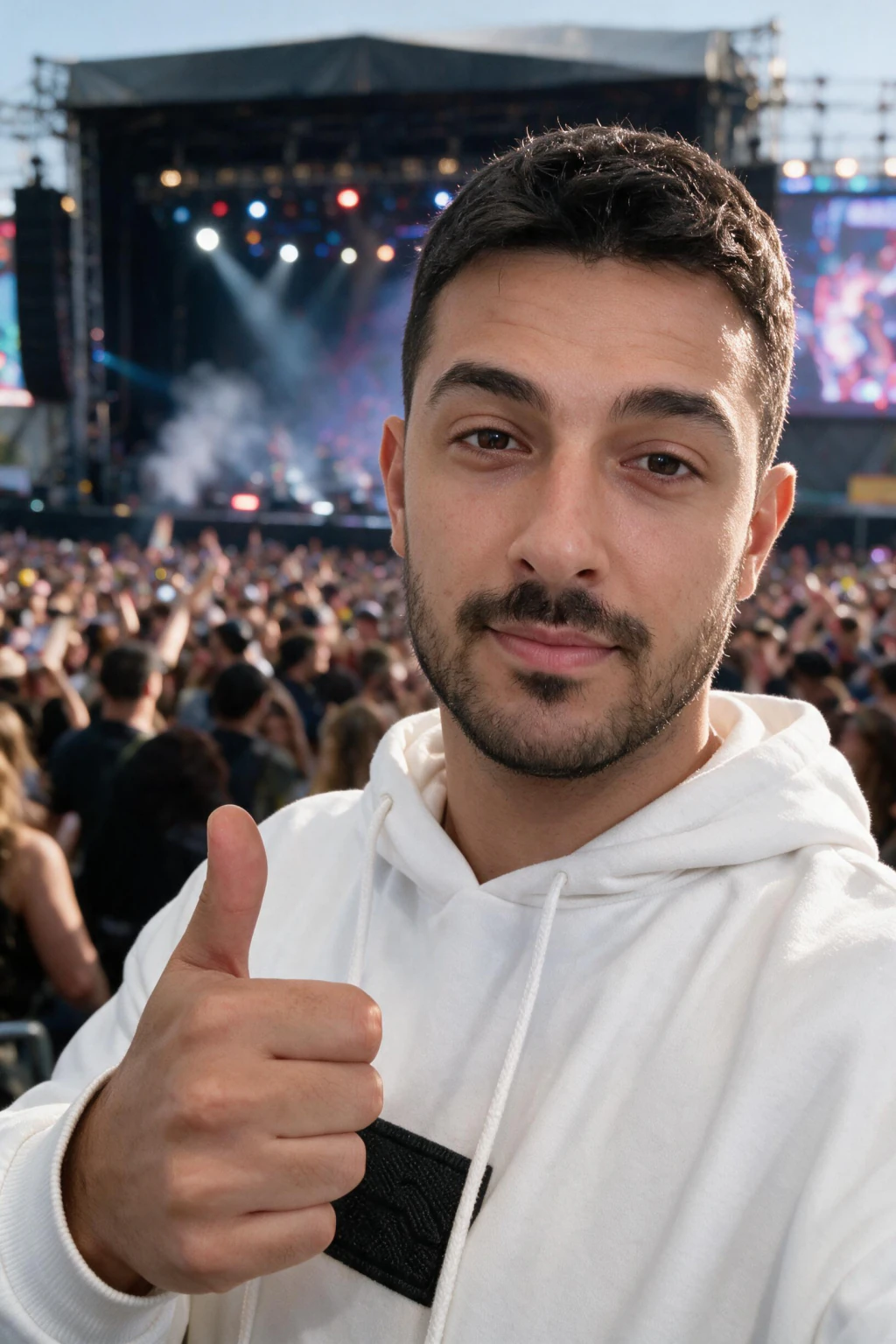
One phone selfie to 5 AI photos of the same person

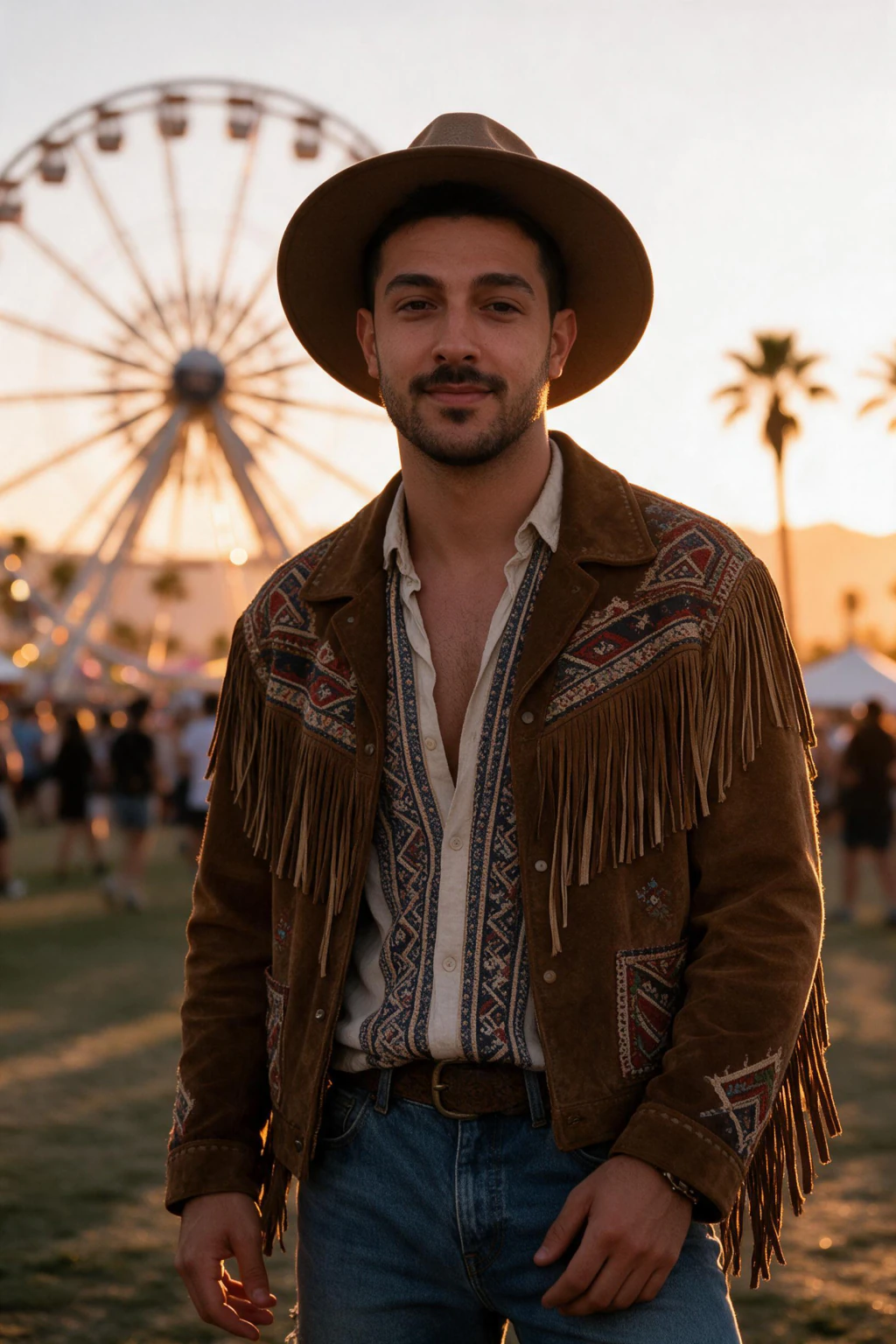
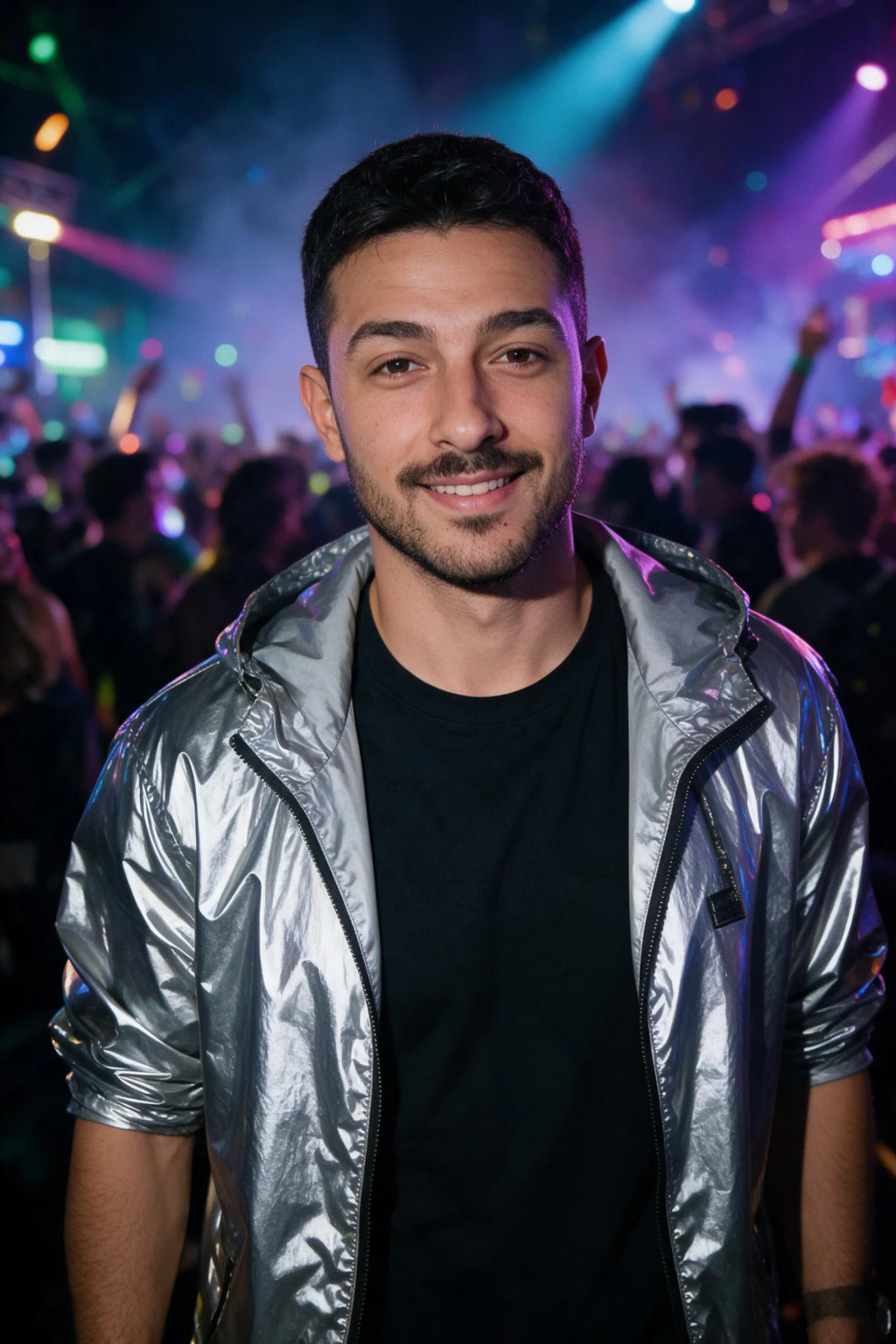
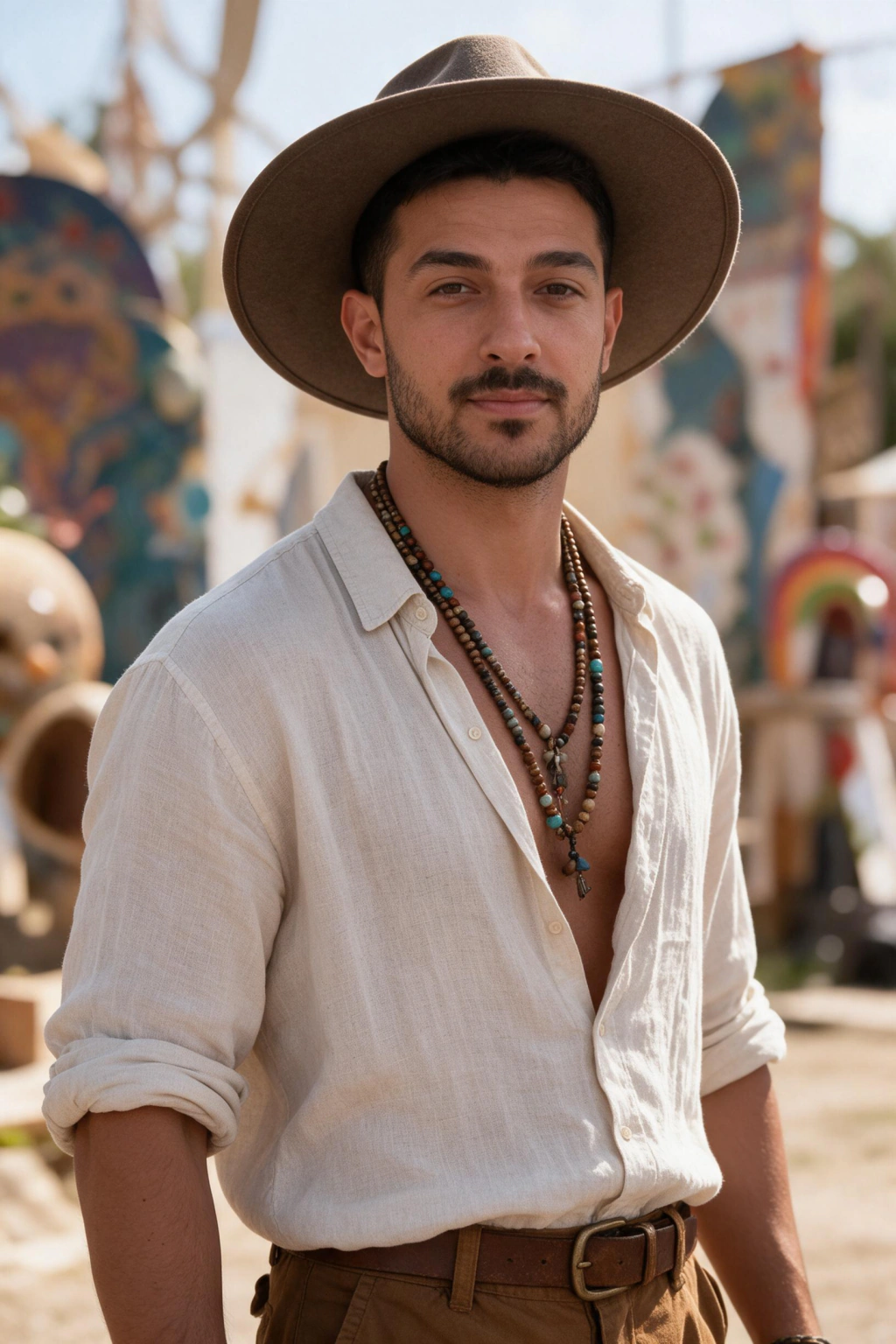
Can you get Coachella photos without going to Coachella?
Yes. An AI festival photoshoot renders the desert light, the crowd, and the stage around your real face, so the photo reads as a festival weekend even though you shot the selfie in your kitchen.
That matters because a Coachella ticket runs hundreds of dollars before travel, camping, and outfits. If what you actually want is the photo set, the AI route costs a tiny fraction and takes an afternoon nap's worth of time.
The Coachella AI trend took off for exactly this reason. Each spring, people who skipped the festival post AI festival photos during the two Coachella weekends, when everyone's feed is desert content anyway.
Which festival looks are included?
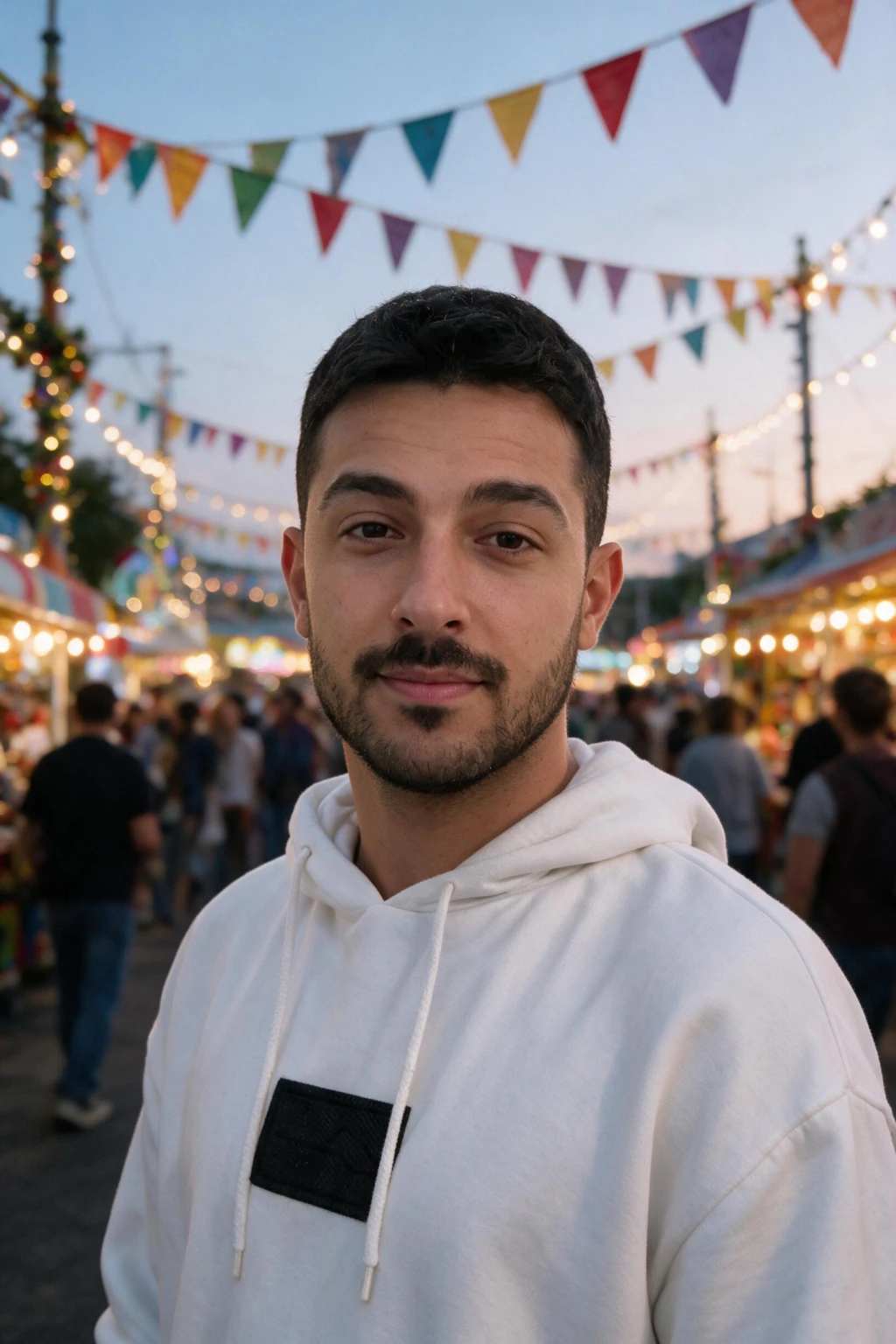
The music festival pack covers six Coachella-style scenes, all generated from the same selfie upload.
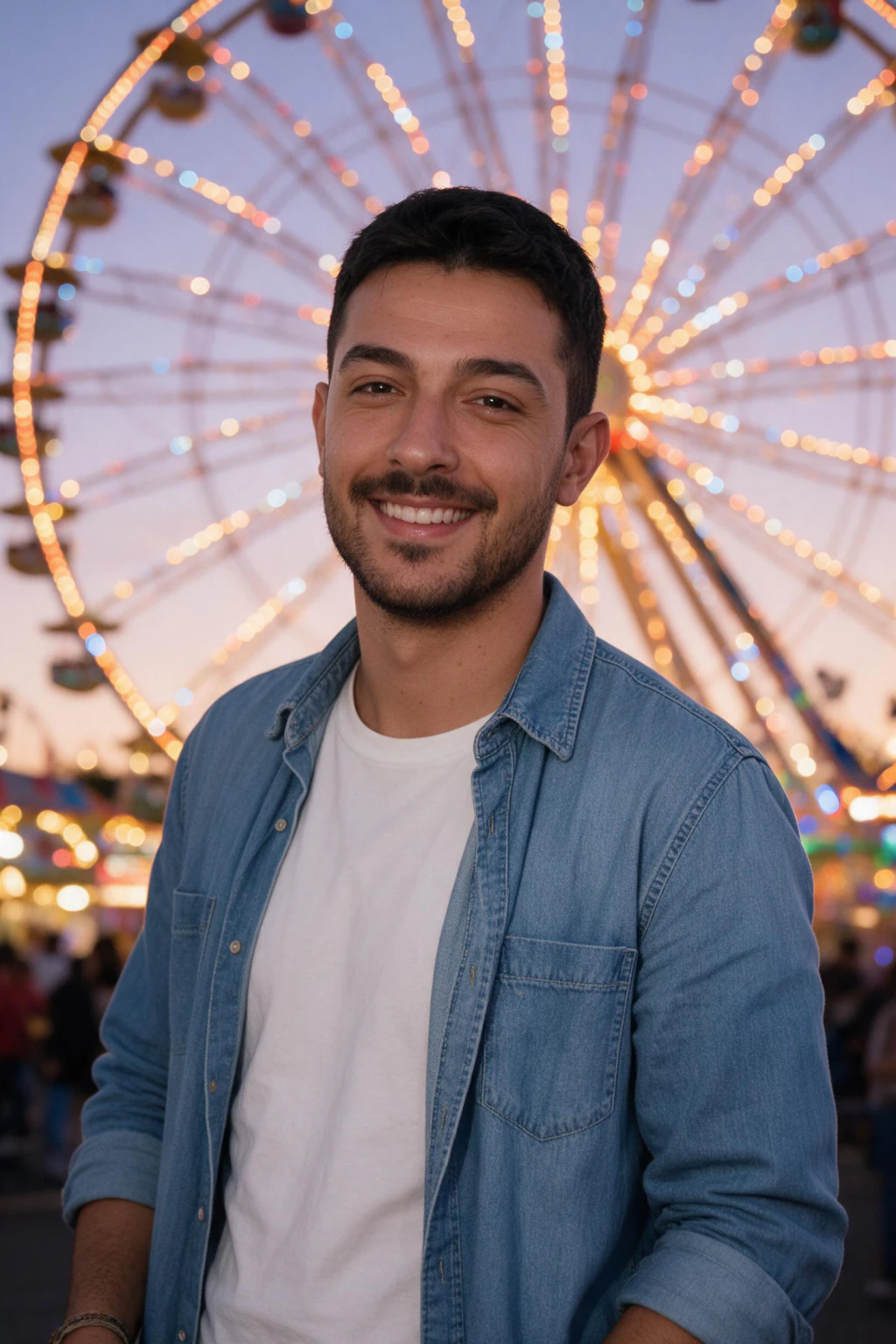
Golden-hour desert: warm low sun, dusty haze, festival grounds behind you. Neon rave: saturated stage lighting and glow accents for night-set energy. Boho: flower crown, kimono layers, soft daylight.
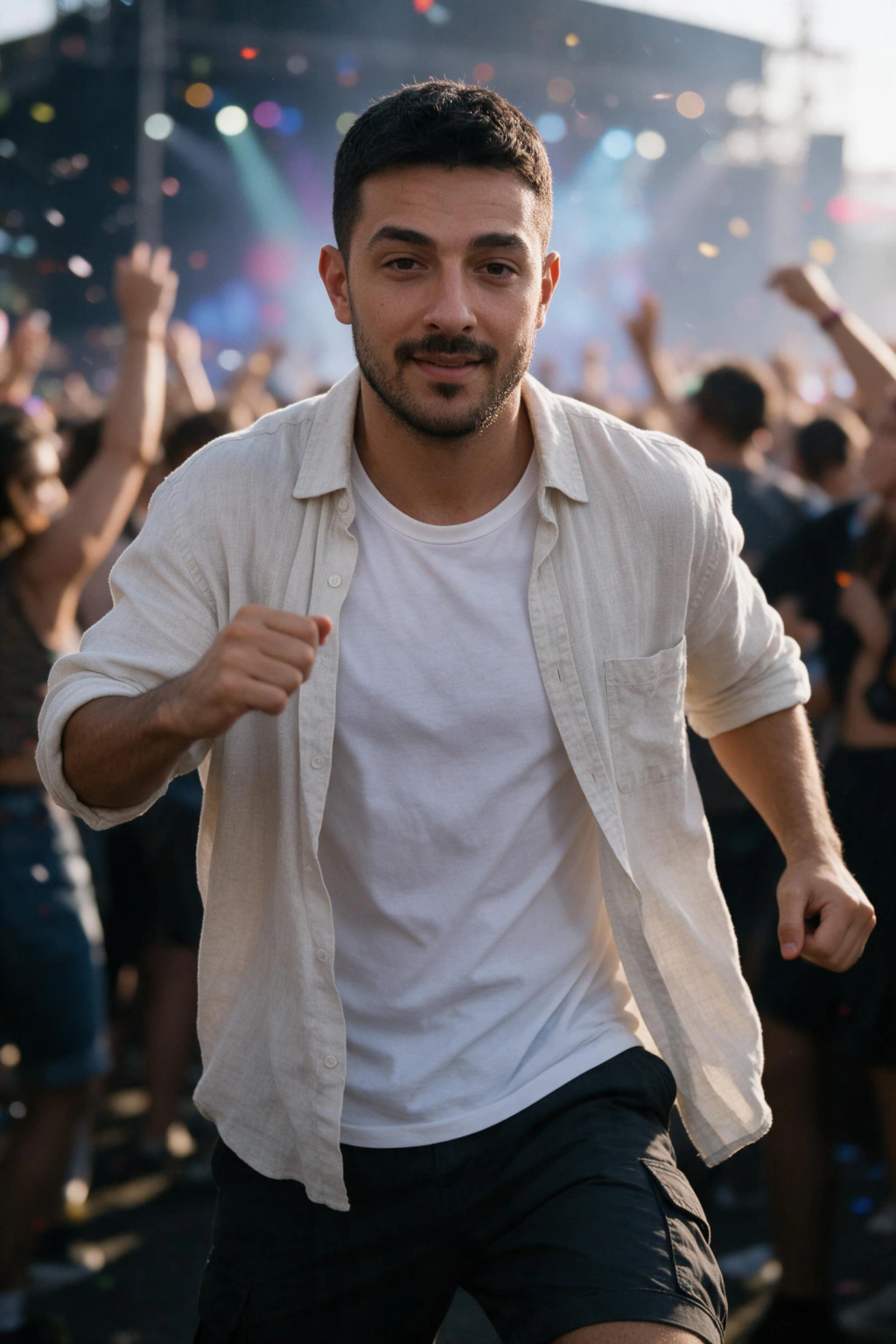
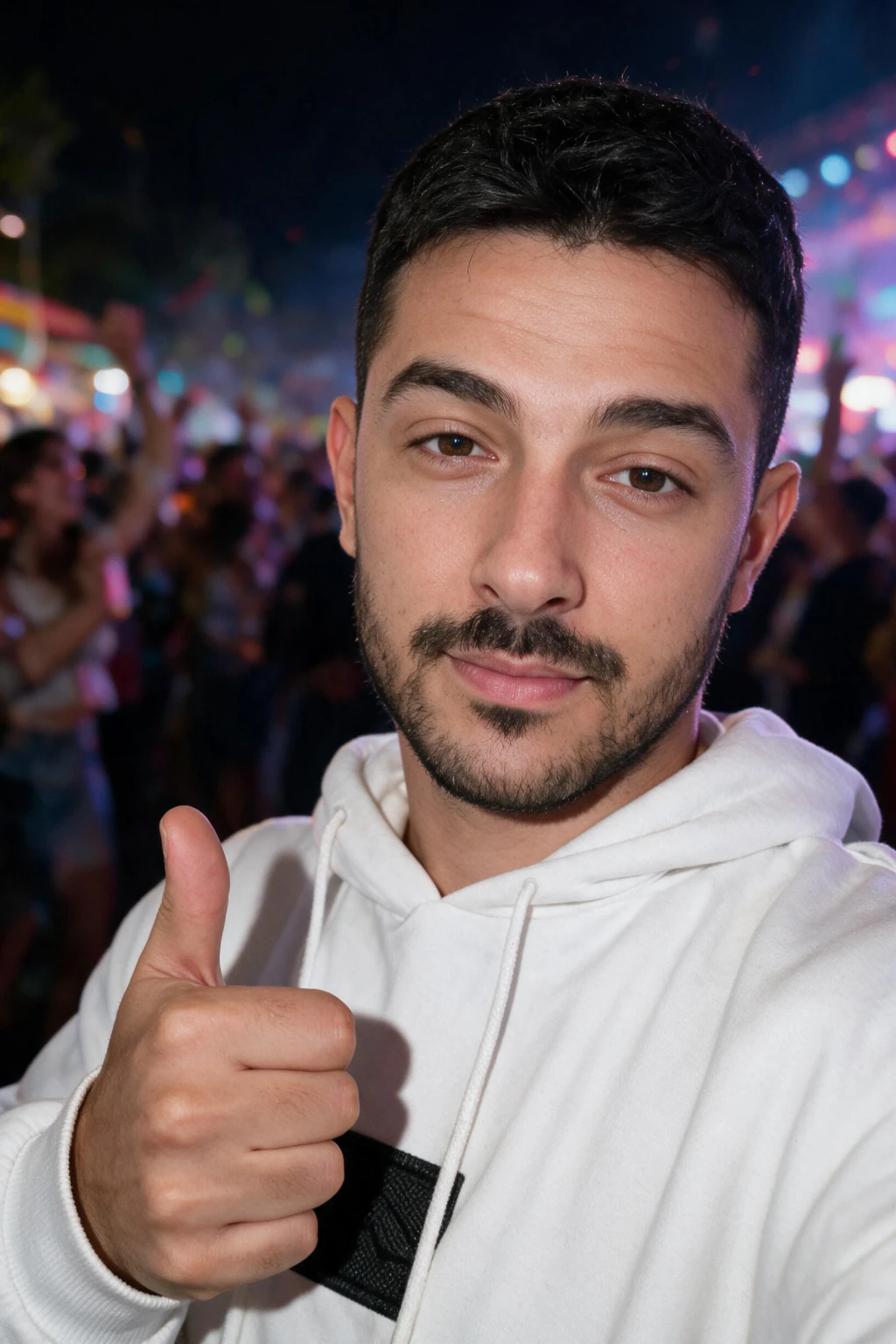
Confetti: a mid-celebration burst frame that reads as headliner-set chaos. Night lights: ferris wheel and string-light bokeh, the classic Indio evening shot. Main stage: you in the crowd with the stage rig lit up behind you.
Because every look renders from one likeness, your skin tone and face stay consistent across all six. That consistency is what makes a posted set feel like one real weekend instead of six random renders.
How much do AI Coachella photos cost?
MakeAiPhotos uses one-time credit packs. You pay once, generate your festival set, and keep every photo, with a 14-day money-back guarantee.
Most AI photo tools that offer festival themes charge a monthly subscription, so you keep paying long after festival season ends. A one-time pack fits a seasonal use case better: buy it in March, post through April, done.
Compare that to the real thing: a Coachella pass, lodging, and travel run well past a thousand dollars for one weekend of photos.
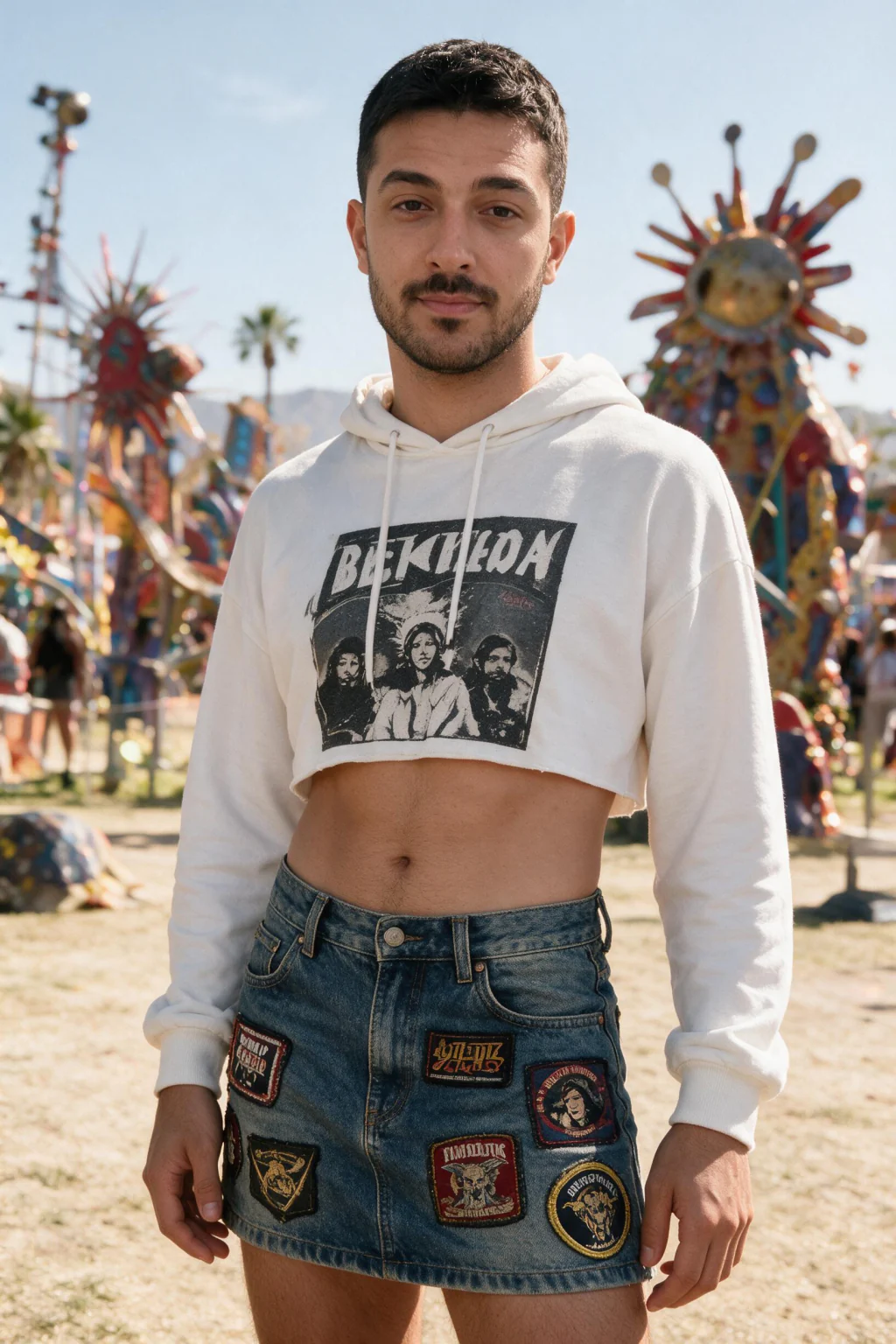
Making AI Coachella photos look real, not plastic
An AI Coachella photo of yourself should feel energetic without looking airbrushed. Start from a selfie with natural skin texture, because filtered inputs give the model nothing real to preserve.
Generate a few variations per look and keep the frames where your face reads correctly in daylight scenes. Golden-hour and boho shots are the easiest to judge, so vet your likeness there before trusting the neon frames.
Festival lighting is colorful by design, but you still want separation between you and the background. Looks with stage bokeh keep the crowd soft and your face sharp, which is what makes the shot read as a real photo at feed size.
Do AI festival photos work for Instagram and dating apps?
For Instagram, festival photos are peak-season content: post them during the April Coachella weekends and they blend straight into the moment. Download the highest resolution and crop to 4:5 for feed or 9:16 for stories.
For dating apps, one festival shot adds a fun, social signal next to your regular photos. Keep it to a frame that genuinely looks like you, and follow each app's photo policies.
One practical tip for both: mix one or two festival shots into a set of normal photos. A full grid of AI festival frames reads as a theme; one great desert shot reads as a life.
Frequently Asked Questions
- Can I use AI festival photos on dating apps?
- Yes, when they look like you and follow each app's photo policies. Pick natural expressions and avoid misleading scenes. One festival photo next to your regular shots works better than a full AI set.
- What is the best AI festival photo generator?
- The best AI festival photo generator is one that keeps your real face consistent across every look. MakeAiPhotos works from one selfie and renders six Coachella-style scenes with the same likeness, on one-time pricing instead of a subscription.
- How much do AI Coachella photos cost?
- MakeAiPhotos sells one-time credit packs with a 14-day money-back guarantee, so you pay once and keep the photos. Most competing tools charge a monthly subscription, which fits poorly with a seasonal photoshoot you only need in spring.
- How fast do AI Coachella photos generate?
- Minutes, not hours. You upload one selfie, pick the music festival pack, and the looks render while you wait. There is no photographer to book and no editing pass afterward.
- Will the AI Coachella photos actually look like me?
- Yes, if your input selfie is sharp, front-facing, and unfiltered. The model learns your real face from that photo, so the desert, neon, and boho frames all carry your likeness rather than a lookalike.
- When should I post AI Coachella photos?
- During the two Coachella weekends in April, when festival content dominates feeds and your photos blend into the moment. Generating your set in March gives you time to pick the best frames before the weekend rush.
- What should men wear to Coachella?
- Breathable layers by day and one warm layer for the desert night. Looks that work: an open linen shirt over a plain tank with cargo shorts, a Western denim shirt with a straw hat, a camp-collar shirt over swim trunks, or a utility vest over a plain tee. Finish with broken-in boots or sneakers, because sandals lose to the dust by mid-afternoon. The bomber jacket festival stage look shows a men's outfit on your own face before you buy anything.