What is the AI fan cam trend?
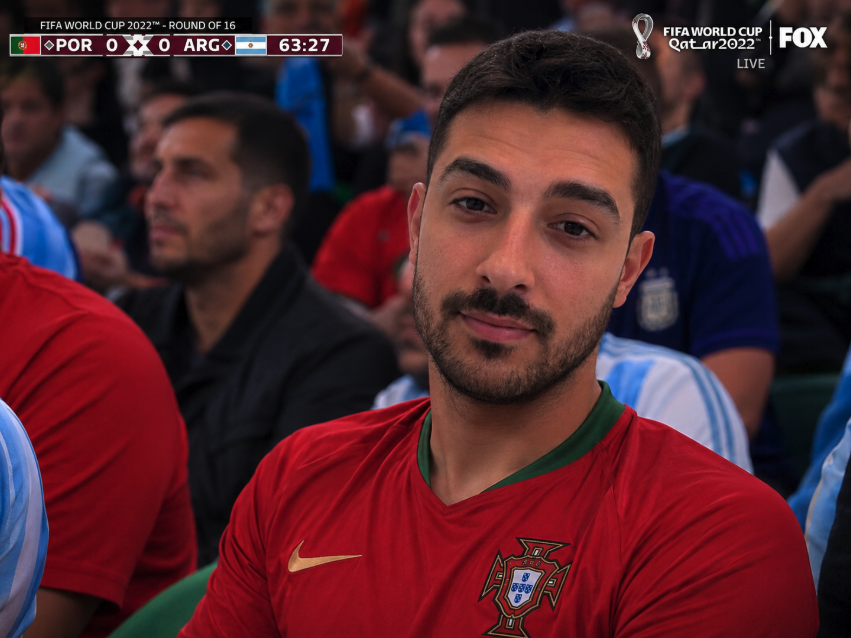
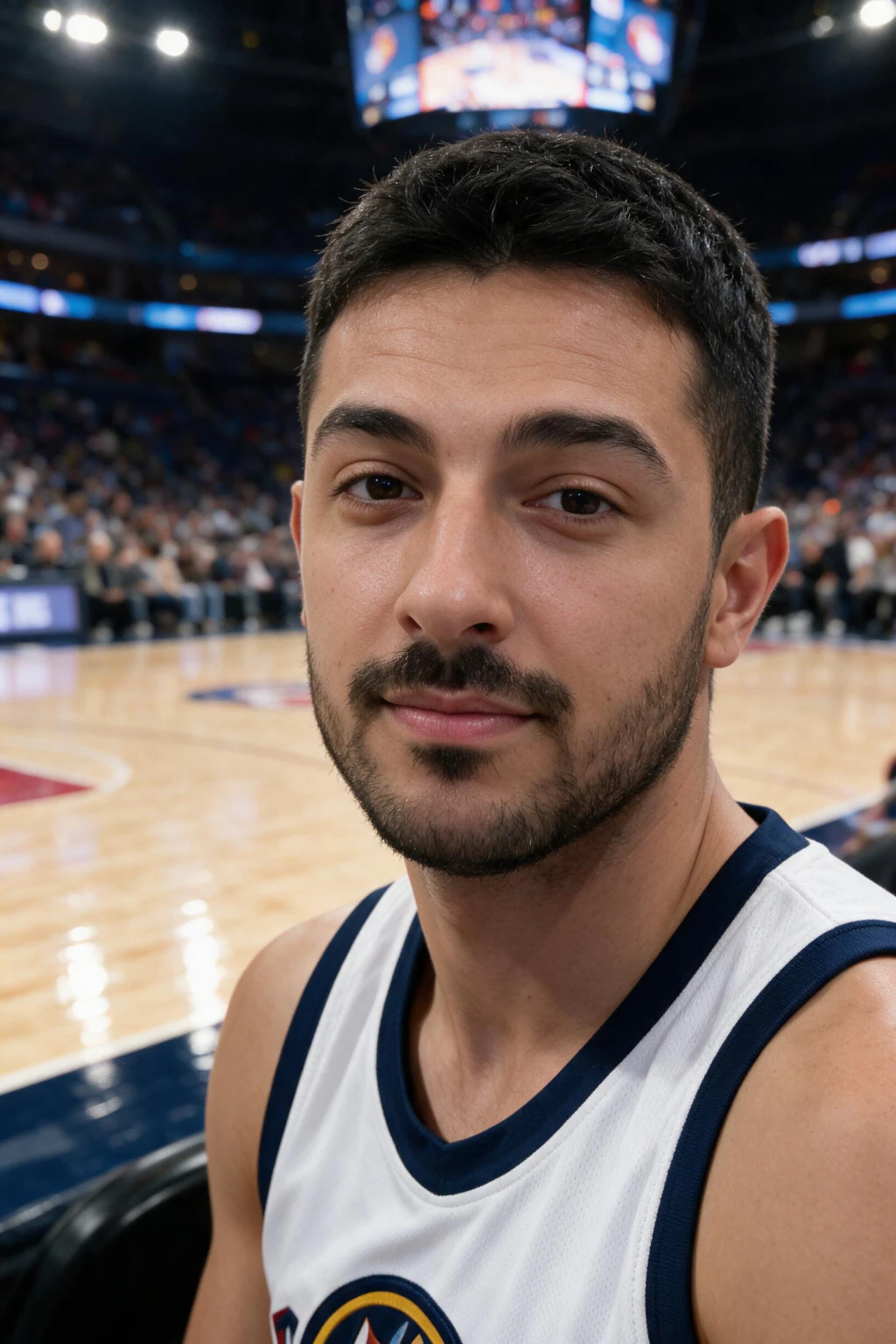
The AI fan cam trend turns one selfie into a photo that looks like a live TV broadcast camera caught you sitting in a stadium crowd, then animates it into a short clip with crowd audio. People also call it the AI stadium fan cam or the AI stadium trend.
The key thing to understand: it is not a filter and not an overlay. The AI generates a brand new scene. It keeps your face, dresses you in a team shirt, builds the crowd around you, and matches the stadium lighting so the whole thing looks photographed in the stands.
That is why the result reads as a real broadcast cutaway rather than a sticker on your selfie. The face is yours, but the stadium, the crowd, and the camera look are generated.
How does the AI fan cam work?
It works in two stages. First, image generation: you upload a selfie, and a model generates a new photo that places your face in a stadium crowd with broadcast-style lighting and the slightly compressed look of a long telephoto lens. Your likeness is preserved while everything around it is created.
Second, animation: that still photo is fed into a video model that adds natural head motion, crowd movement, a slow camera drift, and stadium crowd audio. The output is a short clip that feels like a live cutaway to a fan in the stands.
Because both stages are generative, the lighting on your face, the team colors, and the crowd all stay consistent. That consistency is what separates a convincing fan cam from a crude paste-in.
What is the AI fan cam prompt?
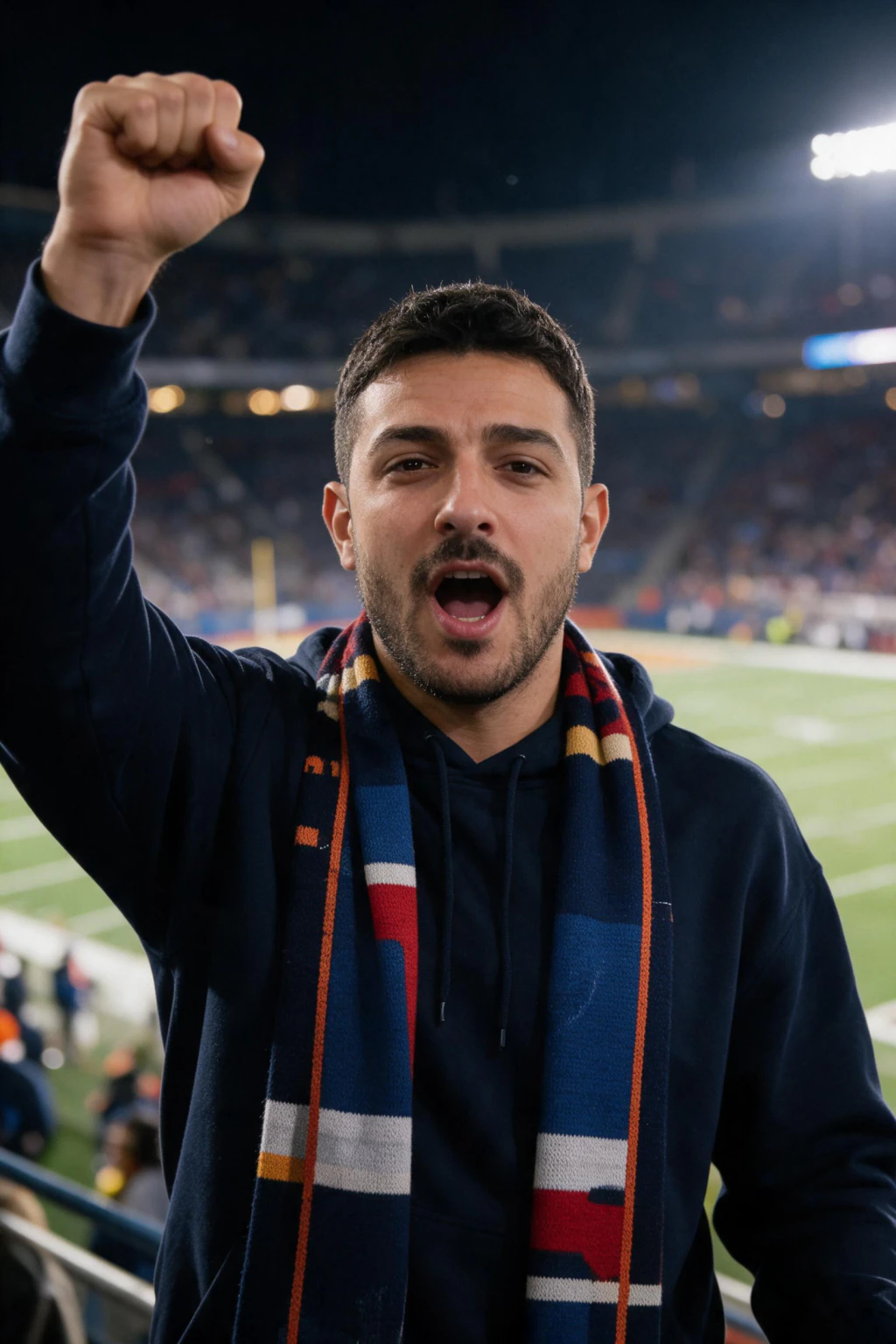
The trend spread as a copy-paste prompt before it became a one-click tool. People paste one of four scene prompts into a chat image model, attach a selfie, and get a stadium shot back.
Every version of the prompt does the same three jobs: it names the stadium scene, it tells the model to hold your exact facial features, and it bans logos, league branding, and national flags so the output does not get taken down. Drop any of those three and the result either stops looking like you or arrives covered in fake sponsor marks.
Here are the four scenes people actually search for, written so you can paste them straight in. Replace nothing except the parts in brackets.
1. The jumbotron shot
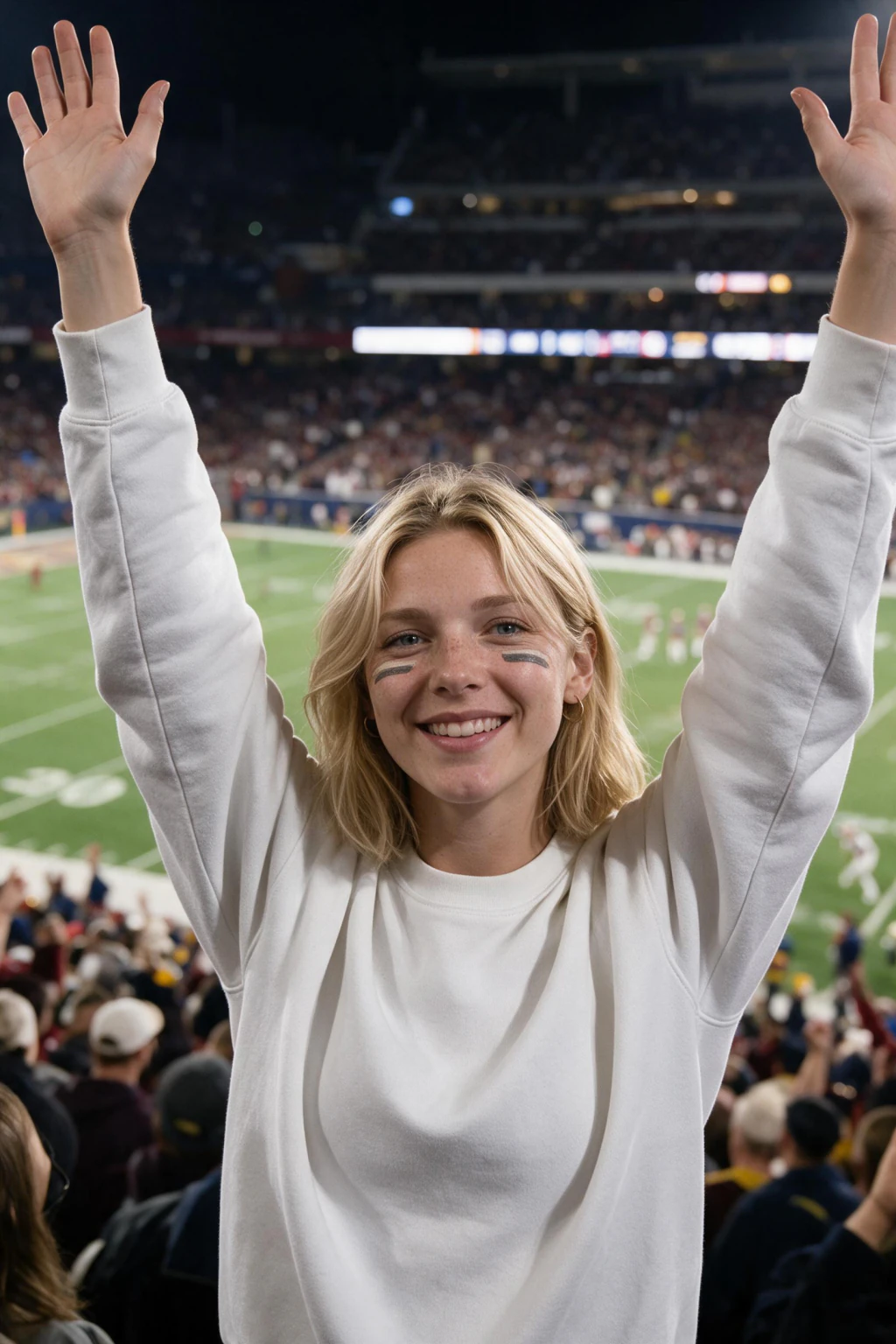
Using the attached photo, create an image of the subject shown on a giant stadium jumbotron during a match, cheering and waving in a plain t-shirt. Wide-angle cinematic framing that captures the packed, roaring crowd and bright arena lights. Strictly maintain the exact facial features of the subject. Do not include any country symbols, league branding, or company logos. Output an image.
The most forgiving of the four. Your face is rendered large on the screen, so a slightly soft selfie still holds up. This is the one to start with.
2. The tifo mosaic
Using the attached photo, create an image of a crowded stadium where spectators hold up colored cards forming a massive tifo mosaic of the subject's face. Wide-angle shot from across the pitch, lit by dramatic stadium floodlights. Strictly maintain the exact facial features of the subject. No country flags, no logos, no recognizable league branding. Output an image.
The hardest to get right, because the model has to rebuild your face out of card pixels. Use a high-contrast selfie with clear brow and jaw lines or the mosaic reads as a stranger.
3. The tunnel walkout
Using the attached photo, create an image of the subject walking out from a dark stadium tunnel onto a bright green pitch. Cheering crowds fill the stands under bright stadium lights. The subject wears a simple, unbranded sports jersey. Strictly maintain the exact facial features of the subject. All clothing and equipment completely unbranded, no visible logos or text, no country flags. Output an image.
Puts you on the pitch instead of in the crowd, so it reads as player rather than fan. The tunnel-to-daylight contrast is what makes this one look cinematic.
4. The penalty kick
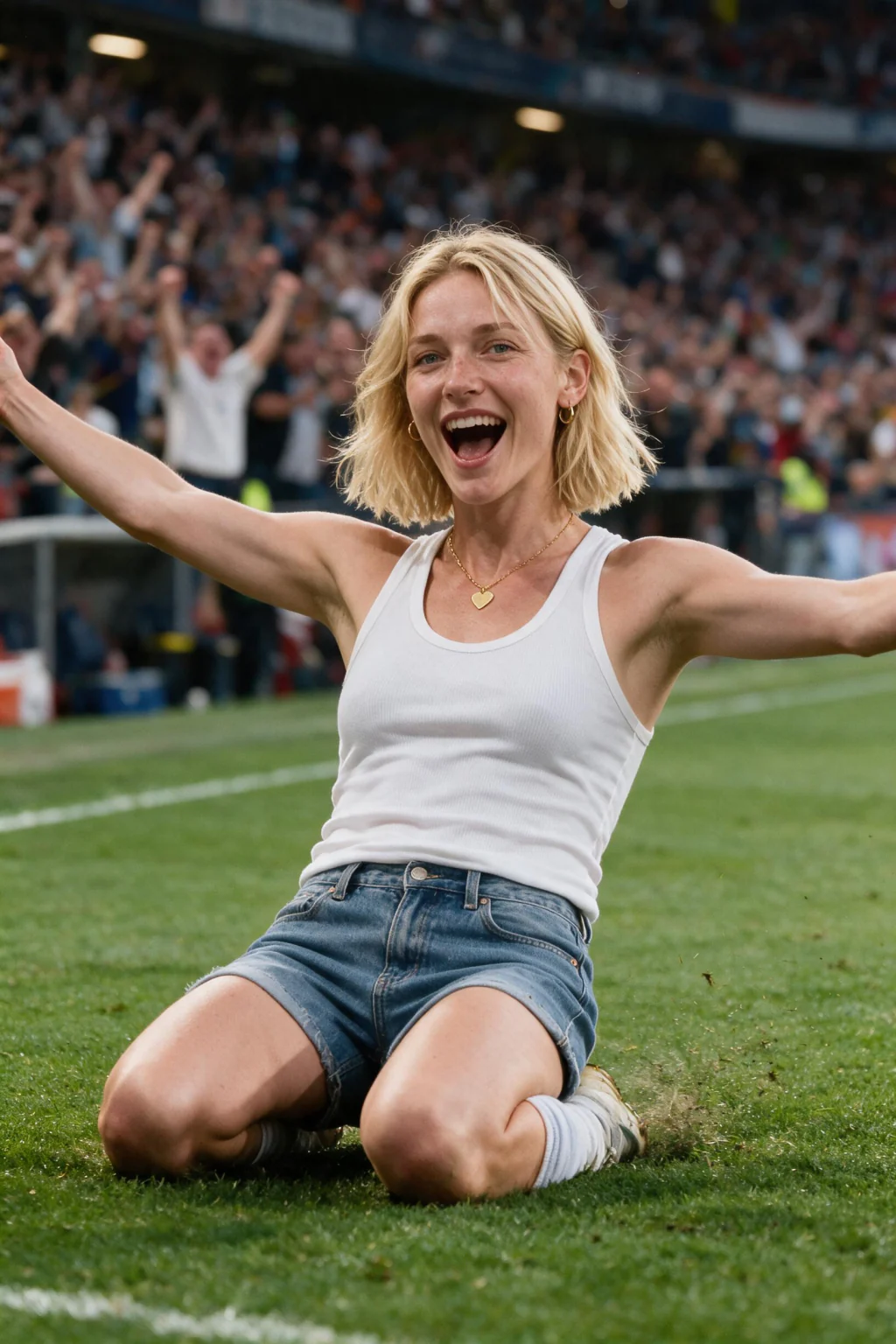
Using the attached photo, create an image of the subject in a plain jersey, side-angle action shot, foot raised back and poised to strike the ball for a penalty kick. A packed stadium under bright lights fills the background. Strictly maintain the exact facial features of the subject. All clothing and equipment completely unbranded, no visible logos or text, no country flags. Output an image.
A side-angle action pose, so the model sees less of your face than the other three. Expect to re-run this one more often than the jumbotron.
The 4 stadium fan cam prompts people are actually searching for
These are the four scenes the trend runs on. People search the prompt text itself, so here they are in full, and then the reason pasting them into a general image model usually disappoints.
Tifo mosaic: using the photo, create an image of a crowded stadium where spectators hold up colored cards, creating a massive tifo mosaic of my face. This wide-angle shot from across the pitch is illuminated by dramatic stadium floodlights. Strictly maintain the exact facial features of the subject. The scene contains no country flags, logos, or recognizable league branding.
Tunnel walkout: using the photo, create an image of the subject walking out from a dark stadium tunnel onto a bright, lush green soccer pitch. Energetic, cheering crowds fill the massive stands under bright stadium lights. The athlete wears a simple, unbranded sports jersey. Strictly maintain the exact facial features of the subject.
Jumbotron: using the photo, create an image of the subject on a giant stadium jumbotron during a match, cheering and waving enthusiastically in a plain t-shirt. The wide-angle cinematic shot captures the packed, roaring crowd and bright arena lights. Strictly maintain the exact facial features of the subject.
Crowd seat: using the photo, create an image of the subject seated in a packed stadium crowd mid-celebration, arms raised, shot from a broadcast camera position across the pitch under floodlights. Strictly maintain the exact facial features of the subject, and keep all clothing unbranded.
Notice what every one of them repeats: strictly maintain the exact facial features of the subject. That line is doing the heaviest lifting, and it is also the line a general text-to-image model is worst at obeying, which is the whole subject of the next section.

Why the copy-paste prompt often fails
Two things go wrong, and neither is the prompt's fault.
The first is the selfie. A front camera held at arm's length widens your nose and shrinks your ears, and beauty processing on iPhone, Samsung and Pixel bakes smoothed skin into the file. The model reads that distorted, over-smoothed version as your real face and repeats it in the stadium shot. Why AI photos of you do not look like you covers the fix in detail.
The second is that a chat model gives you a still image and stops there. The trend that spreads on TikTok is the moving version, with head motion, crowd movement, a camera drift, and stadium audio. That needs a second video pass the prompt cannot do.
There is a third problem the prompt cannot solve either, and it is the one people blame the prompt for: the crowd shot comes back looking synthetic even when the face is right. Stadium scenes are lit hard and evenly, which strips exactly the grain, fringing and falloff a real broadcast camera records. How to make AI photos look realistic covers the optical flaws worth asking for, and AI images that look real covers how to judge an output before you post it.
The AI fan cam generator runs both passes from one selfie, at 10 credits for the photo and 10 for the clip. If you only want the still, the prompts above are enough.
| Copy-paste prompt in a chat model | AI fan cam generator | |
|---|---|---|
| What you get | A still image | A still image plus a short clip |
| Crowd audio | No | Yes |
| Logo and flag filtering | You have to write it into the prompt | Built into the scene |
| Retries when the face misses | Re-paste and re-upload each time | Re-generate from the same selfie |
| Time per result | Varies by model and queue | About 2 minutes |
What does fancam mean, and is it the same thing?
No, and the two meanings sit on top of each other in search results. The original fancam is a K-pop term: a fan-shot video that follows one member of a group through a whole performance. Those are filmed on a real camera at a real venue.
The AI fan cam borrows the broadcast look and nothing else. Nobody filmed anything. One selfie goes in, and a model generates the stadium, the crowd, the team shirt and the camera angle around your face.
So a K-pop fancam is footage someone recorded. An AI fan cam is a scene someone generated. If you searched for editing a K-pop fancam, this page is not the one you want.
| K-pop fancam | AI fan cam | |
|---|---|---|
| Source | Real footage shot at a venue | Generated from one selfie |
| Who is in it | A performer on stage | You, in the crowd or on the pitch |
| Length | A full performance | A few seconds |
| How it is made | Camera plus video editing | Image model, then a video model |
Where the AI fan cam trend started
The trend began in South Korea with KBO baseball in early May 2026. Fans started generating themselves into ballpark crowd shots, and the broadcast-camera look made the clips spread quickly.
From baseball it jumped to football, and the FIFA World Cup 2026 turned it into a global trend. With 48 teams and fans everywhere wanting to show their colors, putting yourself in the World Cup crowd became the obvious version of the format.
The tournament ran June 11 to July 19, 2026 across the USA, Canada, and Mexico, and gave the format its biggest global wave. The trend did not end with the final. It moved with the sports calendar, and every new season kickoff restarts it.
Is the AI fan cam trend still a thing in 2026?
Yes. The TikTok wave peaked in summer 2026, but the format settled into standard fan content that spikes at every season start rather than living or dying on one viral moment.
Each sport now has its own version. College football AI fan cams pick up as the season starts in late August, NFL AI fan cams follow at kickoff in early September, and NBA courtside clips take over from opening night in late October.
The tools matured alongside it. What took a niche prompt chain in May is now a one-click flow on the AI fan cam generator, with a version for each of those sports.
| Sport | When the fan cam wave restarts |
|---|---|
| College football | Season starts late August |
| NFL | Kickoff early September |
| NBA | Opening night late October |
AI fan cam vs a stadium filter: what is the difference?
A filter or overlay drops a stadium behind your existing photo. The lighting never quite matches, the edges around your hair look cut out, and the crowd is a flat backdrop. People spot it instantly.
The AI fan cam generates a new photo instead. Your face is rebuilt into a scene with consistent lighting, real depth, a crowd that sits at the right distance, and a team shirt that fits your body. That is why a generated fan cam holds up at full screen while a filter falls apart.
This distinction is the single most misunderstood thing about the trend. If a tool just pastes a stadium behind your selfie, it is not the real fan cam effect, and it will look like it.
| Stadium filter or overlay | AI fan cam (generated) | |
|---|---|---|
| How it builds the shot | Pastes a stadium behind your existing photo | Generates a new scene around your face |
| Lighting on your face | Stays from the original selfie, looks off | Matched to the stadium and crowd |
| Edges and hair | Often cut out and obvious | Blended into the scene |
| Team shirt | Flat sticker or none | Fitted to your body |
| Output | Still image | Photo plus a short animated clip with crowd audio |
How to make your own AI fan cam
Making one is fast. Upload a single clear, front-facing selfie in good light, pick the team whose colors you want, generate the broadcast-style stadium photo, then animate it into a short video with crowd audio.
The AI fan cam generator does exactly this, with football, NFL, college football, and NBA versions. The stadium photo uses 10 credits and the short video uses 10 credits, so a finished photo and clip take about 2 minutes each.
For the full walkthrough, see how to make the viral AI stadium fan cam. For the World Cup version that started the global wave, read how to put yourself in the World Cup 2026 crowd with AI.


Frequently Asked Questions
- What is the AI fan cam trend?
- The AI fan cam trend turns one selfie into a photo that looks like a live broadcast camera caught you in a stadium crowd, then animates it into a short clip with crowd audio. It is a generated scene, not a filter. The AI keeps your face, adds a team shirt, and builds the crowd around you.
- How does the AI fan cam work?
- It works in two stages. First a model generates a new photo placing your face in a stadium crowd with broadcast lighting. Then a video model animates that still with head motion, crowd movement, a camera drift, and stadium audio. Both stages are generative, so the lighting and team colors stay consistent.
- Where did the AI stadium trend start?
- It started in South Korea with KBO baseball in early May 2026, where fans generated themselves into ballpark crowd shots. The broadcast-camera look spread fast, jumped from baseball to football, and became a global trend during the FIFA World Cup 2026.
- Is the AI fan cam just a filter?
- No. A filter pastes a stadium behind your existing photo, so the lighting and edges look off. The AI fan cam generates a brand new scene, rebuilding your face into a stadium crowd with matching lighting, real depth, and a fitted team shirt. That is why it holds up at full screen while a filter does not.
- Is the AI fan cam trend still a thing in 2026?
- Yes. The viral TikTok wave peaked around the 2026 World Cup, but the format settled into normal fan content that spikes at every season start: college football in late August, the NFL in early September, the NBA in late October. The tools are one-click now, so a fan cam takes about 2 minutes from one selfie.
- What is the prompt for the AI fan cam?
- There are four that circulate: the jumbotron shot, the tifo mosaic, the tunnel walkout, and the penalty kick. All four name the stadium scene, tell the model to strictly maintain your exact facial features, and ban logos, league branding and country flags. The full text of each is above. A chat model returns a still image only, so the animated version needs a second video pass.
- What does fancam mean?
- In K-pop it means fan-shot video following one performer through a whole show, filmed on a real camera. The AI fan cam is unrelated: it generates a stadium scene around your face from one selfie. The two share a name and a broadcast look, nothing else.
- Is there a FIFA fan cam version?
- The World Cup version is the one that took the trend global in June and July 2026, and it still runs. It is the same two-stage process with football stadium scenes and national team colors. The prompts above deliberately exclude official flags and league branding, because generated sponsor marks are what gets a clip taken down.
- Does the AI fan cam work on iPhone and Android?
- Yes. Both the prompts and the generator run in a mobile browser, so there is no app to install. Upload the selfie straight from your camera roll, and download the photo or clip to the same phone when it is done.
- Does the AI fan cam keep my real face?
- Yes. The AI keeps your face from the selfie you upload and generates everything else around it: the stadium, the crowd, the team shirt, and the broadcast lighting. The quality of the likeness depends on your input selfie, so a sharp, front-facing, well-lit photo gives the strongest result.