Why do AI photos look fake? The 7 tells, ranked
AI photos look fake for seven specific, fixable reasons: plastic smoothed skin, wrong eye catchlights, weird hands, perfect facial symmetry, dead expressionless eyes, generic blurry background, and the stock-photo face (the AI averages features into something attractive but anonymous). Each tell has a direct fix. MakeAiPhotos is a selfie-based AI photo generator designed to avoid all seven by rendering from your real face rather than generic model defaults.
Most guides talk about hands and call it a day. That misses 80 percent of what's wrong. The bigger killers are skin physics, eye physics, and scene physics, the three foundations that have to be right before any other fix matters.
Below, each tell broken down: what it is, why it happens, and how to make AI photos look real. You can run through these in five minutes and dramatically improve any AI photo of yourself.
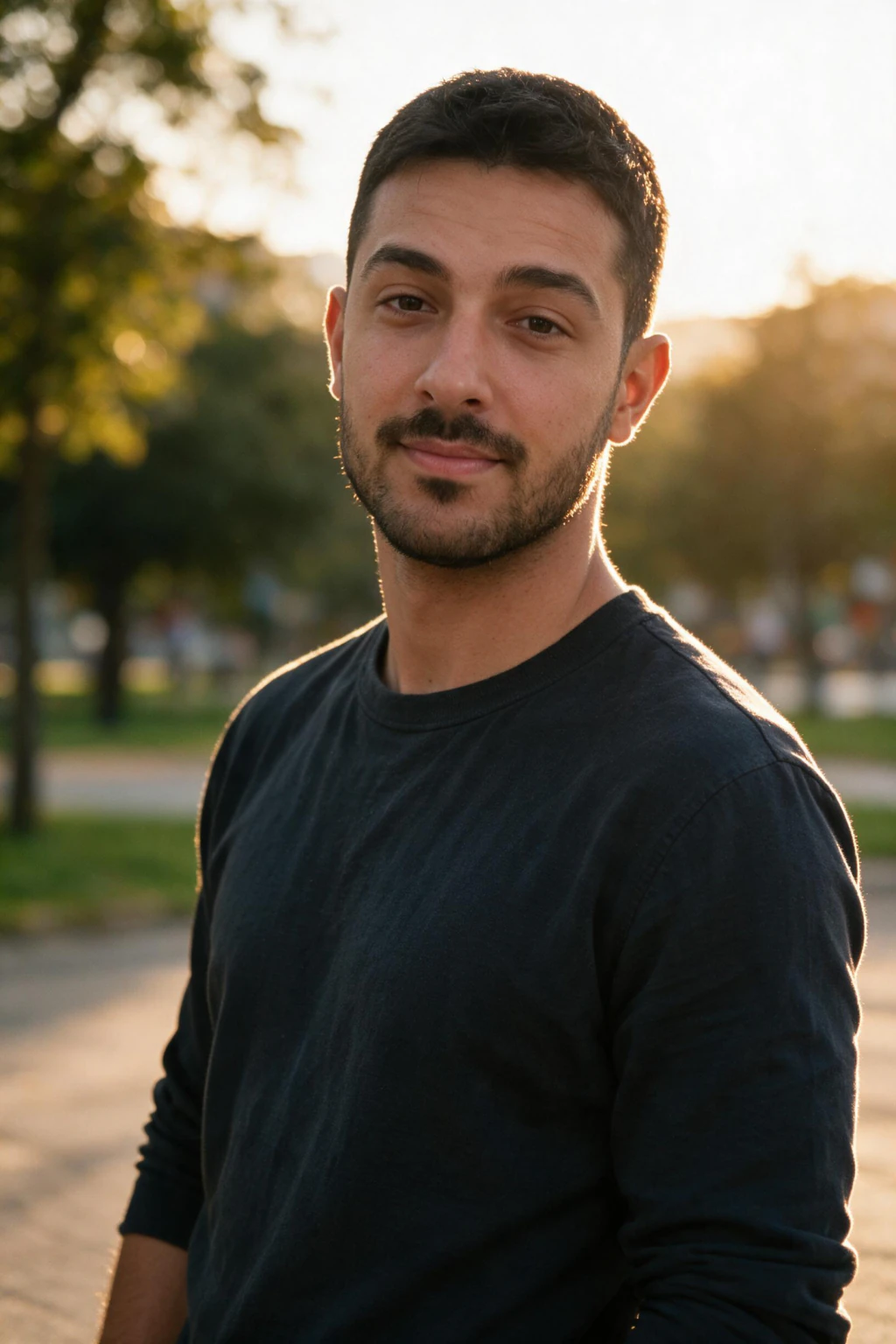
Smooth plastic skin is the first giveaway every viewer notices
Stock-style AI photos default to airbrushed skin because most training data on the internet was already retouched. The model learned that smoothed skin is what professional photos look like, and amplified it.
What real skin has at portrait resolution: pores, micro-shine on the nose and forehead but matte on the cheeks, redness variation around the nostrils and cheekbones, faint hair on cheeks and upper lip even on women, and visible texture in the cheek-hollow area in side light.
Fix on prompt-driven tools: add a negative prompt that excludes smoothed skin, plastic, airbrushed, retouched, glossy. Fix on personal AI photo tools: stop uploading selfies that already have beauty mode applied. The model can only learn from what you give it.
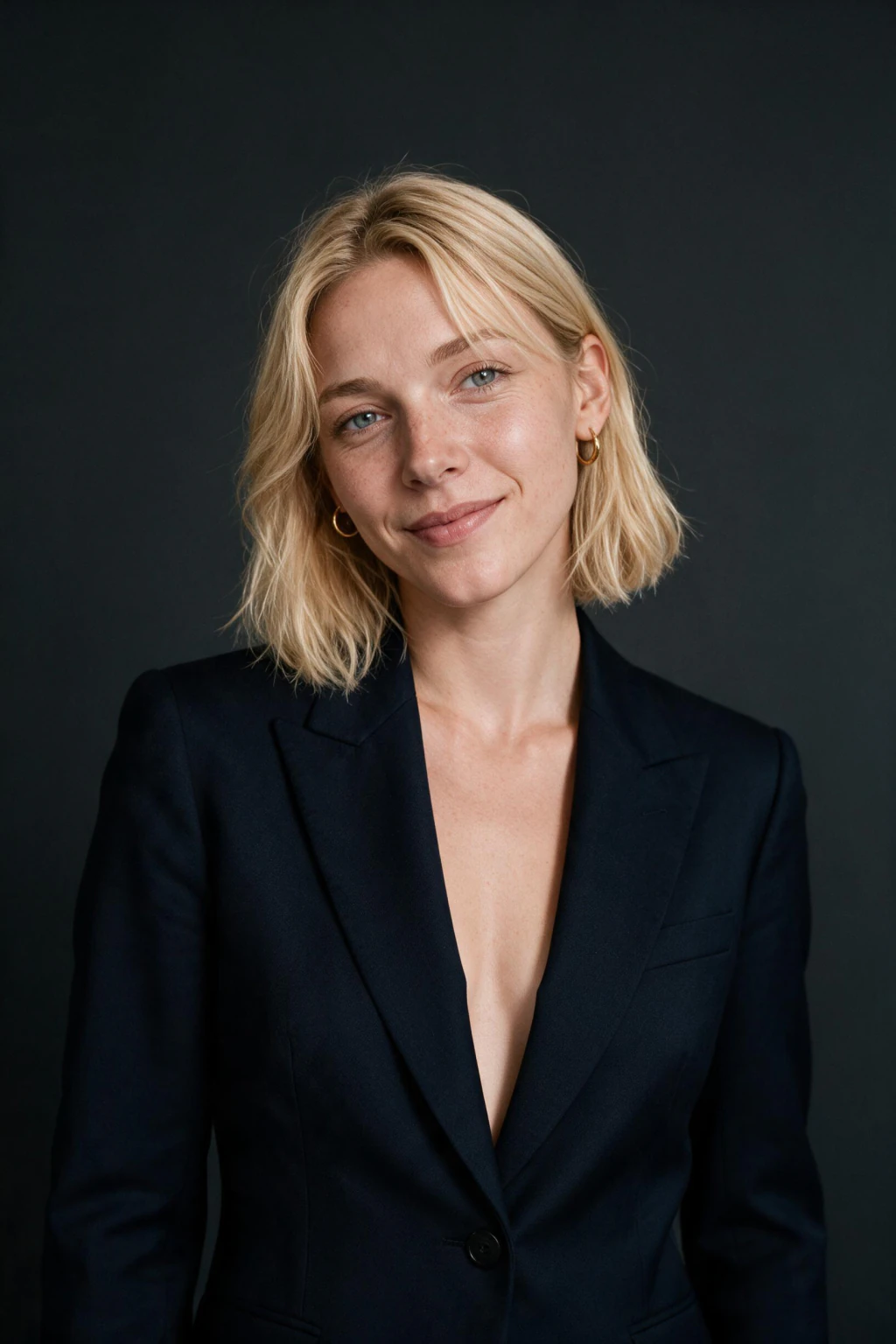
Wrong eye catchlights and pupils break realism faster than anything else
Humans evolved to read eyes with extreme precision. We register a single off catchlight in under 200 milliseconds and the photo reads as wrong before we even know why.
Three common AI eye failures: catchlights in both eyes that come from different angles (impossible unless there are two suns), perfectly identical pupils with no asymmetry, and irises with too-clean radial patterns that read as illustrated rather than photographed.
Real human pupils are almost always slightly asymmetric in size, especially in mixed lighting. Real catchlights match the scene light: a window at three o'clock should put a catchlight at roughly nine o'clock on each iris, in the same relative position in both eyes.
Check this on any AI photo: cover one half of the photo. If the visible eye catchlight does not match the visible scene lighting, the photo will read as fake at every size. It is the single fastest fake-detection check.
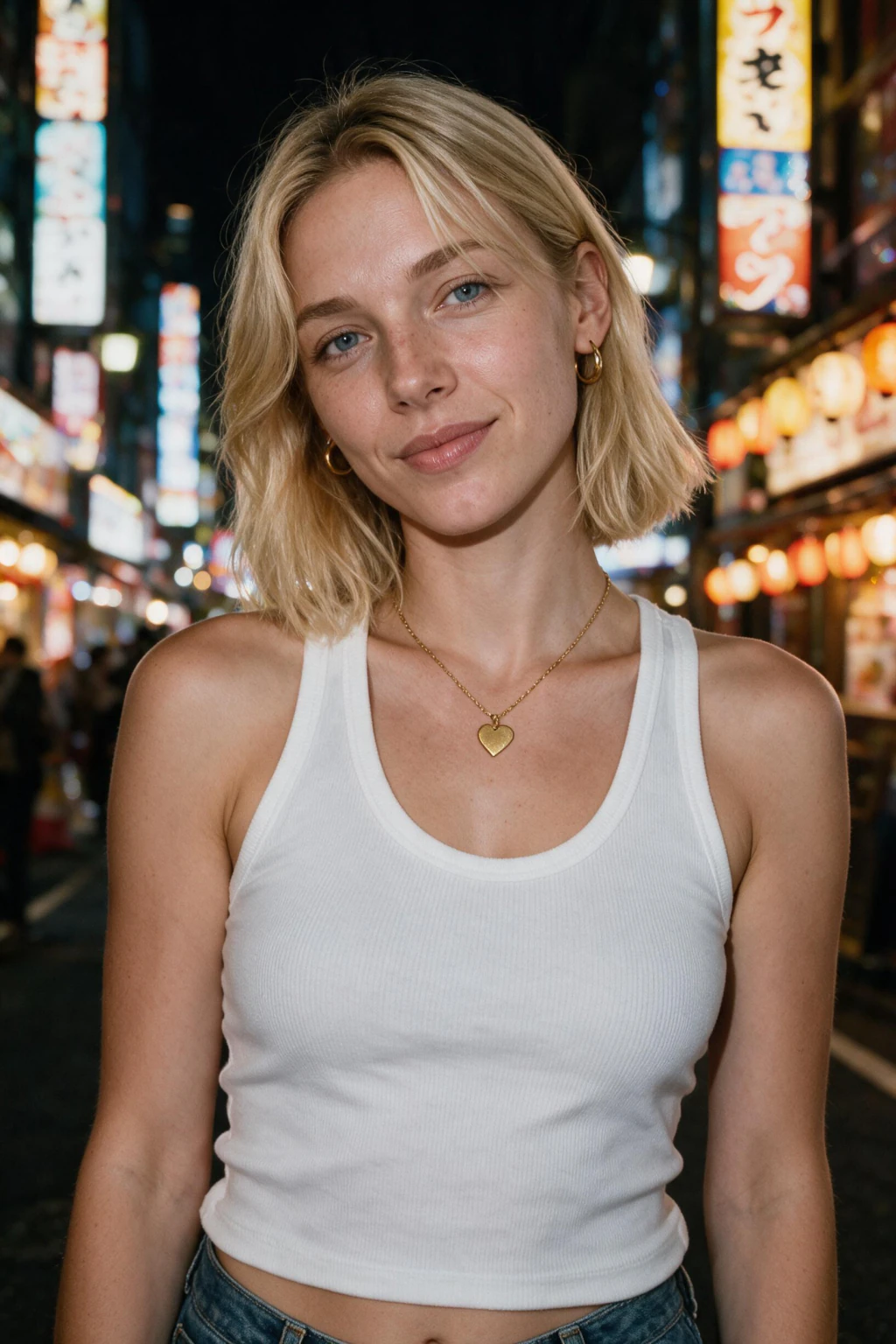
AI hands, ears, and hairlines still give themselves away
Modern image models in 2026 mostly fixed the six finger problem on standard portraits, but hand-related tells still cluster around: fingers that look fused at the tips, palms that are too smooth and lacking creases, and wedding rings or watches that have impossible geometry.
Ears are the most-skipped audit zone. Real ear cartilage has specific folds (the helix, antihelix, and tragus) in consistent proportions. AI sometimes renders ears as smooth lobes with one fold missing, or ears that are slightly different shapes on the same head.
Hairlines are the third pattern. Real hairlines have stray hairs, slight asymmetry, and a clear termination edge. AI hairlines often fade into the forehead with no clear edge, or are too perfectly symmetric. Side-by-side, the AI hairline reads as smooth and the real one reads as rough.
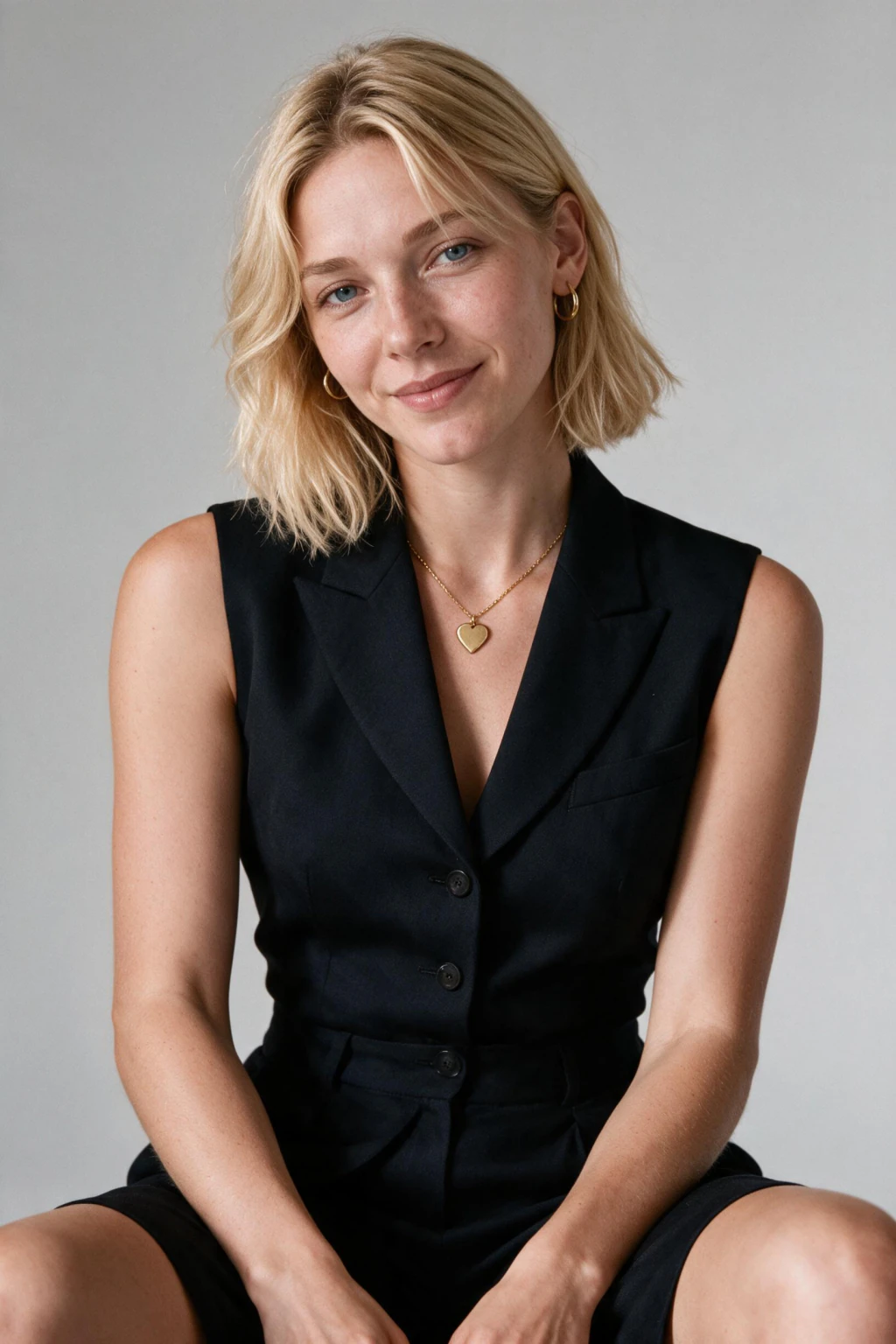
Lighting that does not match the scene physics
In a real photo, every light source casts shadows that point away from it, every reflective surface bounces a small amount of its colour back onto the subject, and the colour temperature of all light sources is consistent within plausible variation.
AI photos often fail one of these. The classic giveaway: the subject is clearly side-lit but the background shadows fall in a different direction. Or a person standing next to a red wall has no red bounce light on their skin, breaking the physics every real camera would capture.
Fix: prompt the model with explicit light direction (window light from the left, golden hour backlight, three quarter key with subtle fill). Generic prompts like cinematic lighting do not constrain direction and produce inconsistent scenes. On identity-trained generators, the pack design handles this for you; user-written prompts is where this usually breaks.
Perfect facial symmetry: the tell most people don't notice consciously
Real faces are never perfectly symmetric. One eye sits slightly higher, one nostril is slightly larger, the smile lifts more on one side. AI defaults to mirrored symmetry because mathematical balance reads as attractive in training data. The result is a face that looks beautiful at first glance and fake on the second.
Fix: on personal AI photo tools, upload one selfie showing your real asymmetry instead of cherry-picking only your best angles. The model can only render what you train it on. On prompt-driven tools, add slight facial asymmetry or natural imperfection to the prompt.
Dead eyes: when the expression doesn't match the face
Real human eyes have micro-tension around the orbital muscles that changes with emotion. A real smile pulls the cheek up and crinkles the outer eye corner (the Duchenne marker). AI often renders a smiling mouth on a relaxed-eye face, producing the dead eyes look that haunts uncanny-valley AI portraits.
Fix: prompt for warm genuine smile with eye engagement or upload one selfie where your real smile reaches your eyes. Pack-based AI photo tools usually handle this if your input selfies have real expressions.
Generic blurry background and the stock-photo face problem
Two final tells often paired together. First, the background looks like generic bokeh with no scene logic: blurry but anchored to nothing identifiable. Real backgrounds have shapes, depth cues, and context (a doorway, a tree, a sign). AI defaults to abstract blur because it's safer to render.
Second, the stock-photo face: AI averages features into a balanced, attractive, anonymous look. If the person in your AI photo could be a stock model and you, that's the tell. The fix is a clearer input selfie with your face fully visible so the model locks onto your specific structure instead of drifting toward the average.
For a deeper dive on making AI photos look like you specifically, see how is everyone making AI photos of themselves in 2026, which covers the upload-quality side of this problem.
Why your personal AI photos look fake: a different problem entirely
If you uploaded a selfie to generate photos of yourself and the output looks fake, the cause is usually not the model. It is your input selfie.
A beauty filter on your selfie teaches the AI a smoothed version of your skin, and the AI renders that learned smooth version under realistic lighting, producing an uncanny mismatch. An arm's-length wide-angle selfie teaches the AI a distorted version of your face, and the AI renders that distorted version with a portrait lens, producing a face that looks technically photo-real but does not match how you actually look.
Fix on personal AI photos: re-upload one selfie with no filters, in natural light, taken on the rear camera with your chest visible. The model can only render a realistic version of you if you give it a realistic version to learn from.
Read the full breakdown at https://www.makeaiphotos.com/blog/why-do-ai-photos-of-me-not-look-like-me if you want to dig into the personal-photo failure pattern specifically.
Frequently Asked Questions
- Why do AI photos look fake even when the prompt is detailed?
- Realism is a physics problem, not a description problem. Modern image models render plausible skin and lighting but often miss the small things real cameras get right: catchlight position, asymmetric pupil dilation, ear cartilage, and the way light scatters under skin. Negative prompts blocking smoothed skin and plastic appearance reduce the issue faster than adding more adjectives.
- What is the most common AI photo giveaway?
- Skin that looks airbrushed at high resolution. Real skin has pores, texture variation, and uneven oil reflection. AI models default to smoothed, glossy output unless you actively prompt against it. The other top giveaways are mismatched eye catchlights, six fingered or fused hands, and hairlines that fade into the forehead without a clear edge.
- Why do AI photos of people look creepier than AI photos of objects?
- Because humans evolved to read faces with extreme precision and pick up on tiny errors immediately. The uncanny valley effect makes a face that is 95 percent correct feel worse than a clearly stylized one. Object photos do not trigger the same detection system, so small flaws in a chair or car go unnoticed.
- Why do my AI photos of myself look fake but other people's look real?
- Almost always because your input selfie was taken with an arm's-length wide-angle lens, a beauty filter, or at an odd angle. The AI learned a distorted or smoothed version of your face and now renders that version under realistic lighting. Re-upload one selfie on the rear camera with no filters to fix this.
- Can AI photos ever look 100 percent real?
- On still frames yes. Well-prompted AI photos pass casual inspection most of the time in 2026. On animated video or close-up zoom, the failure modes return: eye saccade timing, ear translucency, and skin subsurface scattering still lag behind real cameras. Static profile photos are the easiest realistic use case and the hardest one to argue against.
- How do I check if an AI photo looks fake quickly?
- Cover half the face and look at one eye. If the catchlight does not match the visible scene lighting, the photo is AI. Then zoom to 200 percent on the skin: real skin has pores and uneven oil reflection, AI skin defaults to smooth and glossy. Two checks, takes five seconds, catches roughly 90 percent of AI tells.
- How do I make AI photos look real?
- To make AI photos look real, fix the three core failure points first: skin physics (avoid airbrushed defaults), eye physics (correct catchlights matching scene light), and scene physics (consistent light direction). On pack-based AI generators built from your selfie, upload one unfiltered selfie with a real expression. That single change fixes most realism problems.
- How can I make AI photos more realistic?
- Make AI photos more realistic by adding negative prompts that block smoothed skin, plastic, and airbrushed effects, uploading an unfiltered selfie with natural texture, and using pack-based generators where lighting and composition are pre-tuned. Avoid wide-angle arm's-length selfies, because they hand the AI a distorted version of your face.
- What makes realistic AI photos of people different from fake-looking ones?
- Realistic AI photos of people preserve three things fake ones break: visible skin texture and pores, eye catchlights that match the scene's actual light source, and slight asymmetry in face structure. The biggest difference is usually input quality. An unfiltered selfie in good natural light produces dramatically more realistic outputs than a filtered, low-light upload.