Step 1: pick the selfie the AI reads best
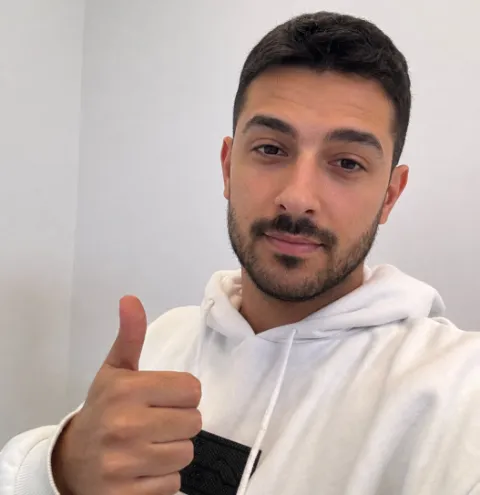
Your only job in this step is to reject bad inputs. Upload one clear selfie with three to four angles: straight on, three quarter left, three quarter right, and slightly downward. Include one chest-up photo taken from about a meter away, not arm's length.
Mix your lighting and expression. Use several photos in soft daylight, one or two outdoors in open shade, and at least three natural smiles, including one caught mid-laugh.
Reject sunglasses, group crops, filtered photos, and anything shot in a car or bathroom. The AI can only render a version of you as real as what you feed it.
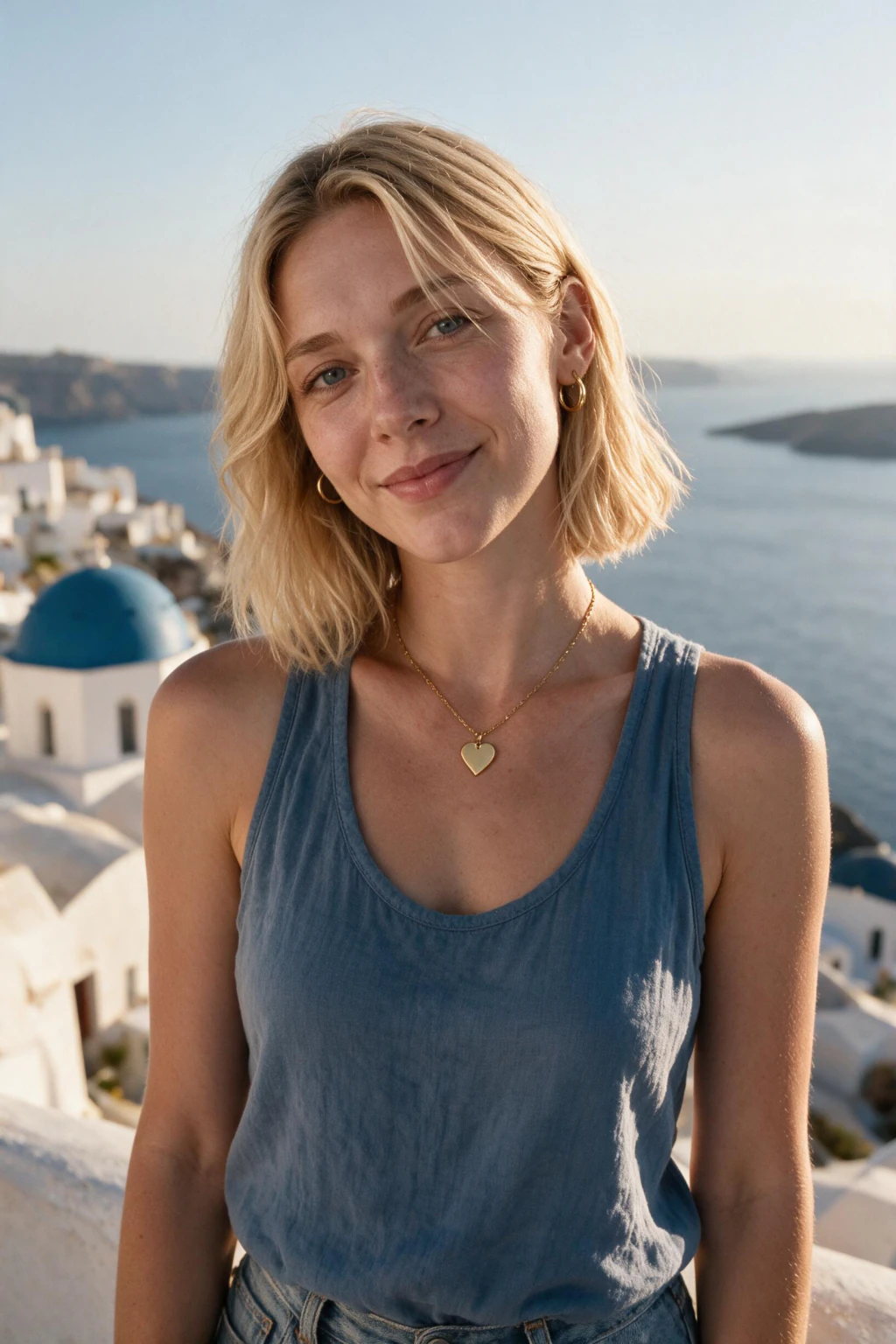
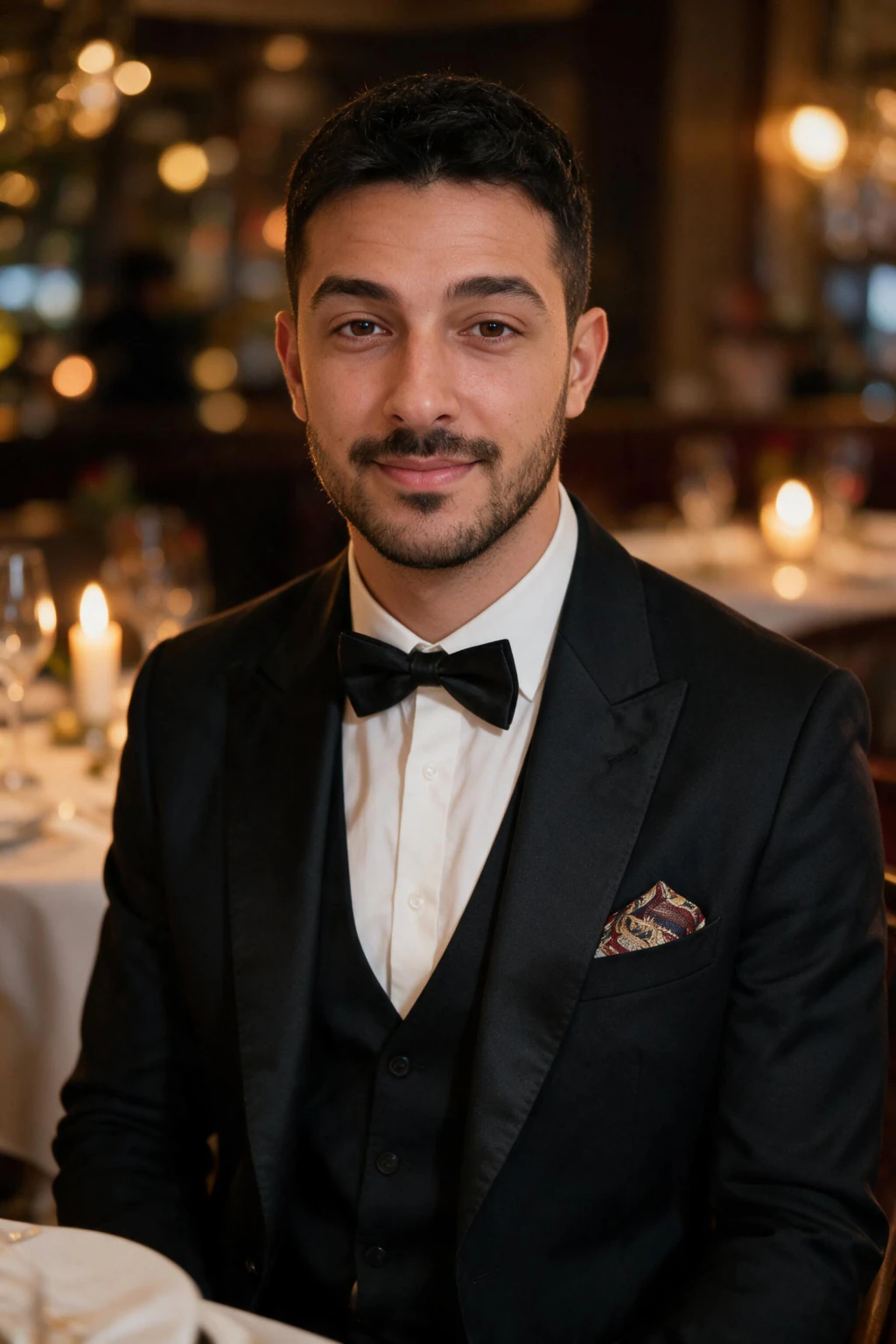
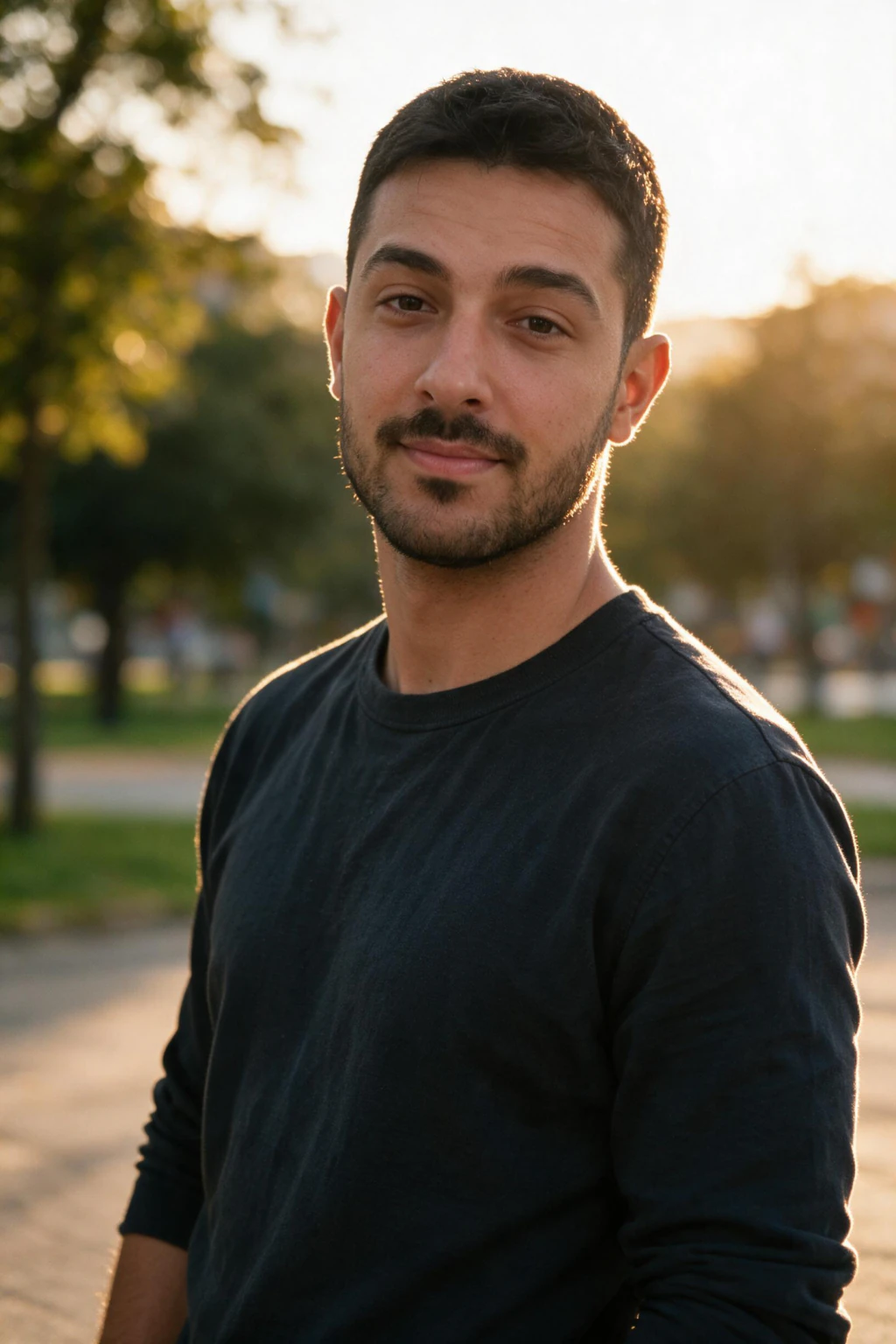
One phone selfie to 5 AI photos of the same person
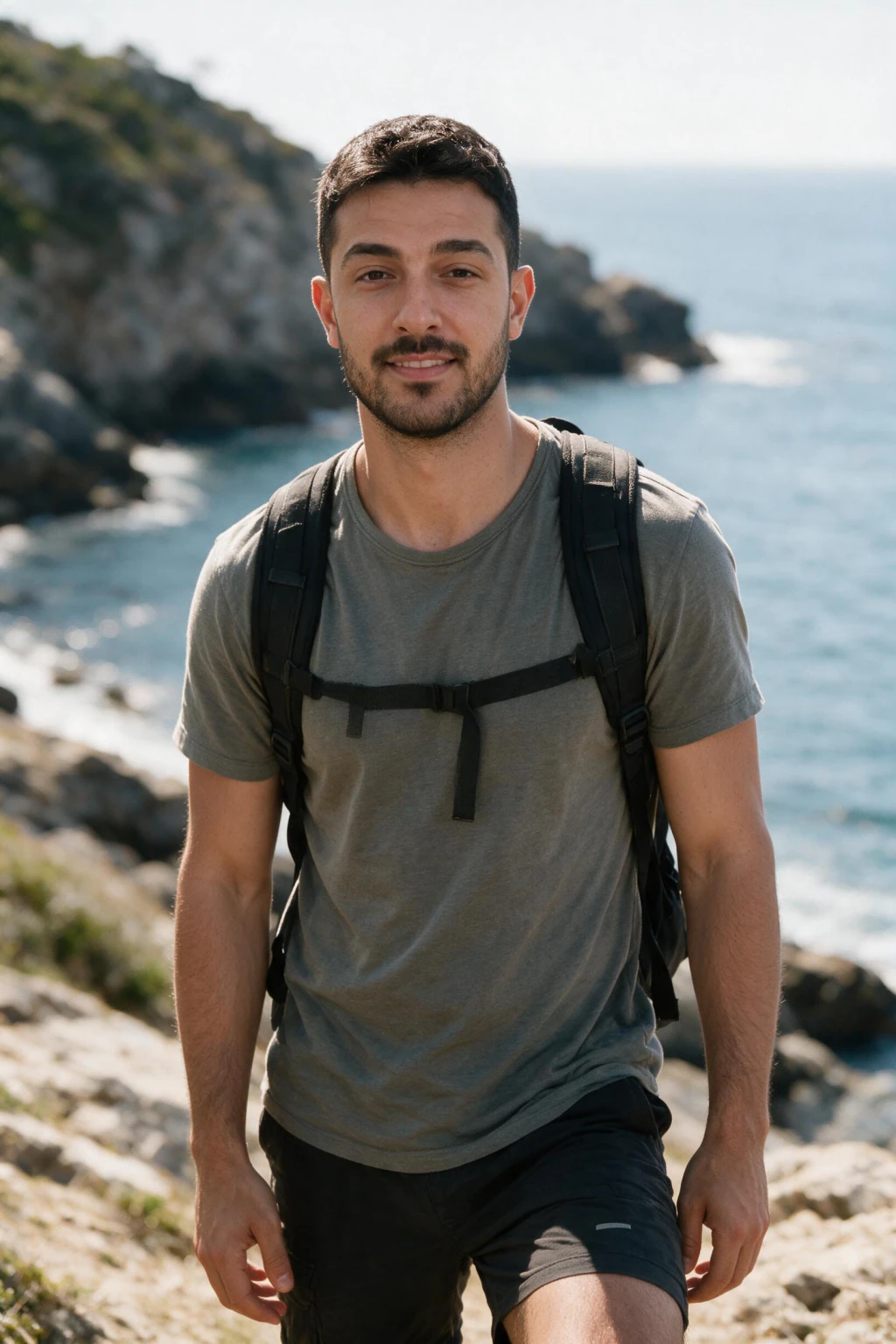
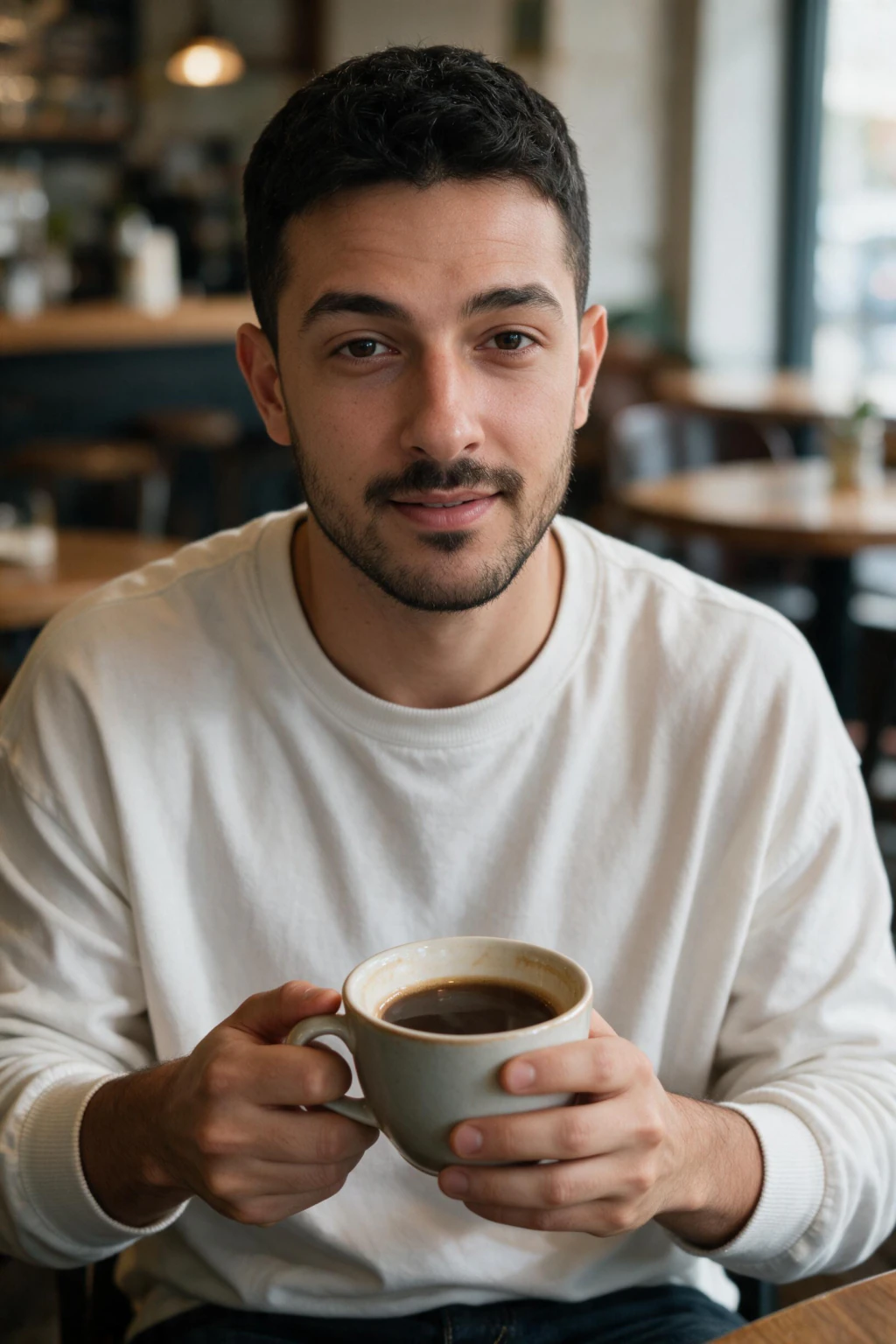
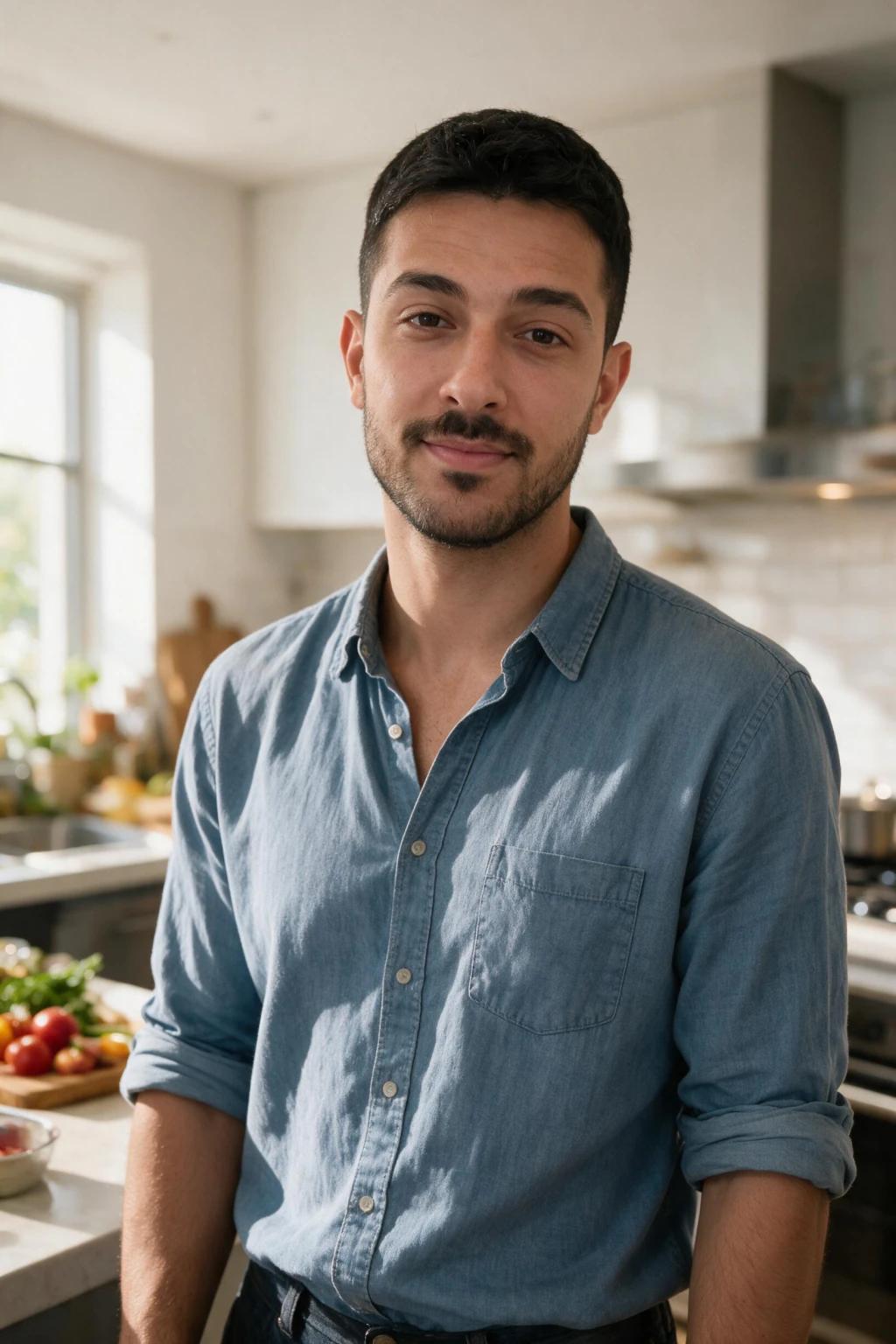
Step 2: choose a lifestyle dating pack, not a studio one
Tinder is thumbnail-first, so pick outdoor golden-hour or street lifestyle frames over studio shots. Hinge rewards storytelling, so mix one activity photo with one outdoor frame and one direct smile. Bumble rewards approachable expressions, so favor warm smiles with eye contact.
You do not need to re-upload for each app. Upload once to the AI dating profile photos generator, then switch styles and pick outputs by app.
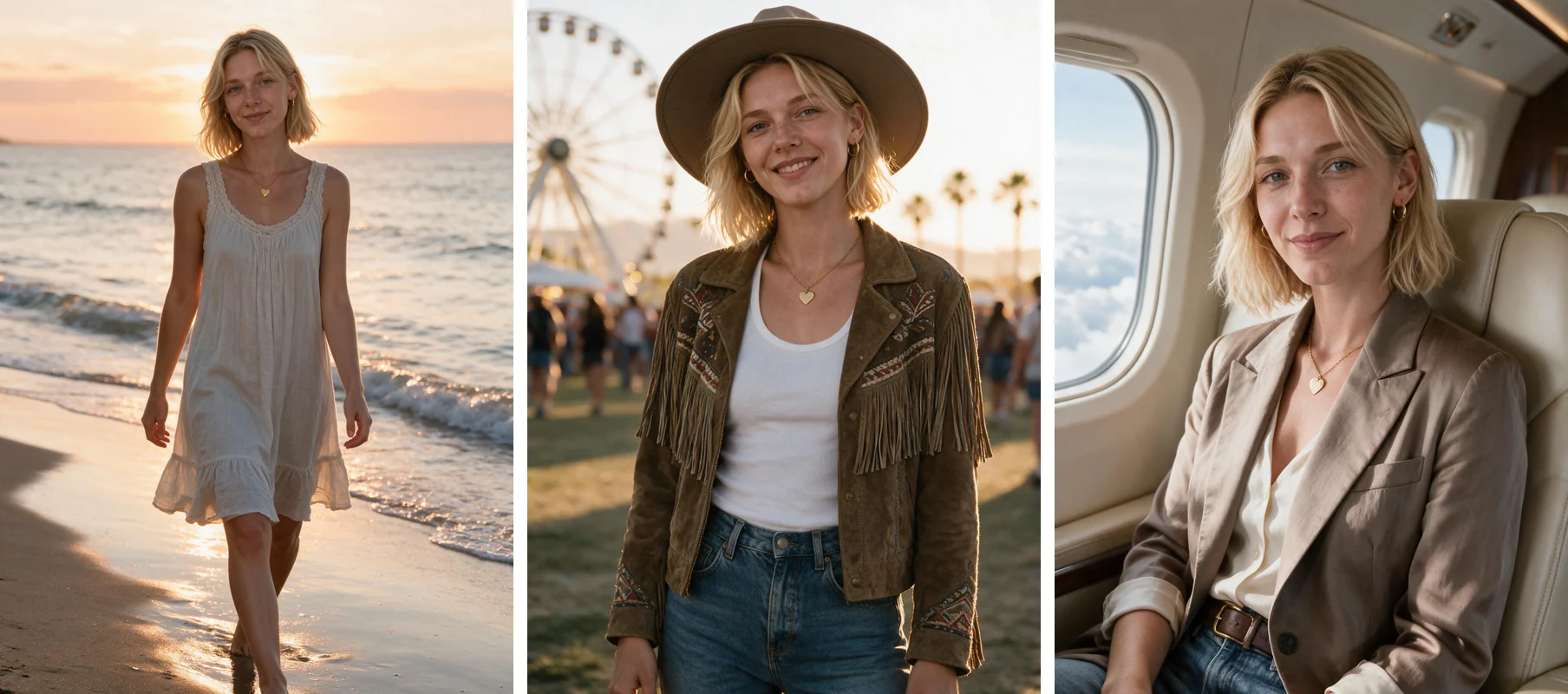
Step 3: generate 40 to 60 candidates and shortlist like an art director
More candidates beats fewer good ones. Run at least two different packs from the same upload so you get outfit and location variety in the results.
Treat this step as curation, not creation. The AI handles the shooting, you handle the picking, so review the batch like an art director going through a contact sheet, not a photographer waiting for one perfect shot.
Shortlist fast. Cut anything blurry, oddly lit, or off-likeness on the first pass, then keep a working folder of your 10 to 15 strongest frames to carry into the swipe test.
Step 4: run the swipe test at thumbnail size
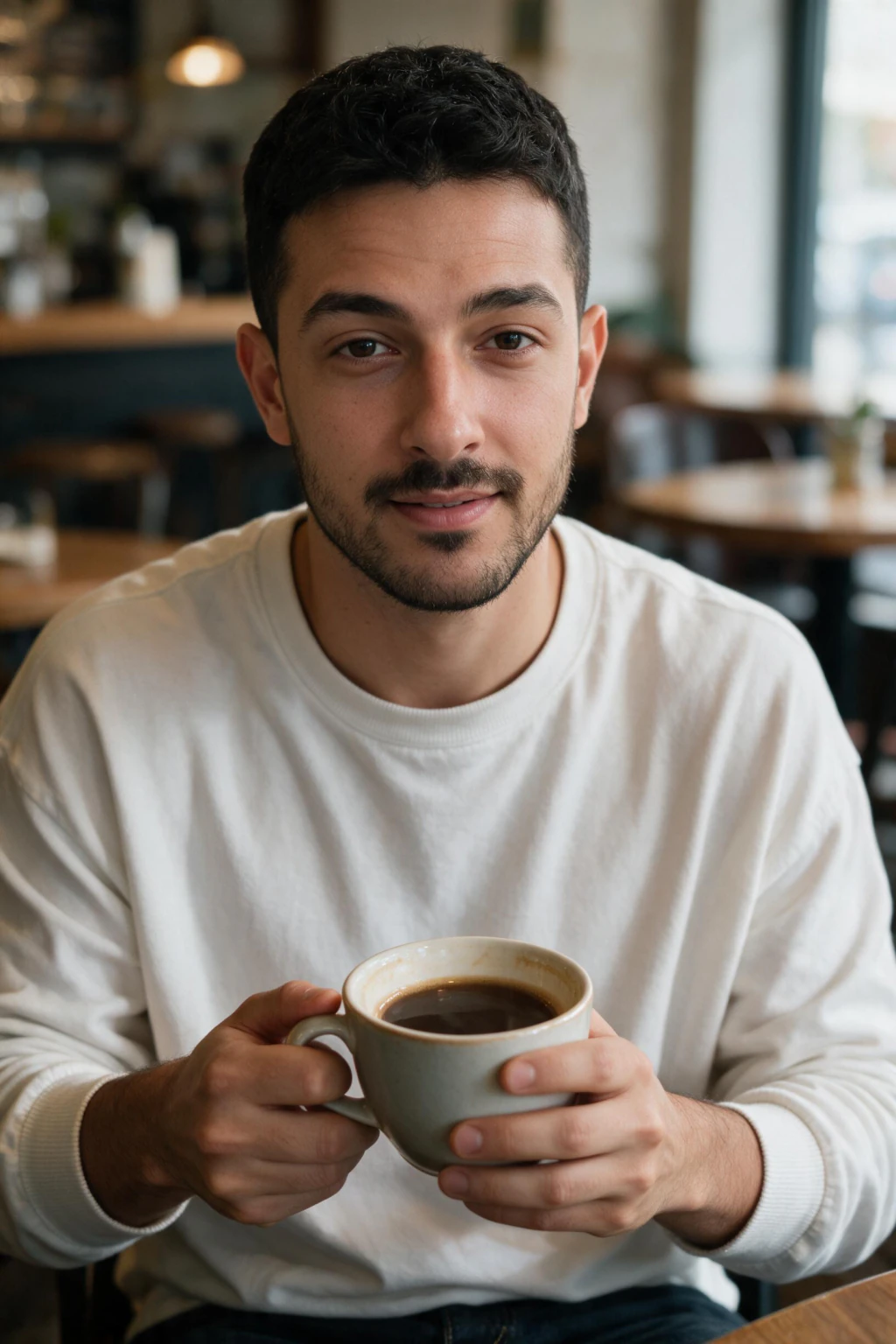
Most AI dating photo guides skip this step, and it is the most useful one you can run. Shrink each candidate to about 400 pixels wide on your phone, the size most dating apps actually display.
Ask three questions per photo: is the face clearly visible, is the expression readable in under a second, and does the photo communicate one specific thing such as warmth, activity, or style?
If a friend swiping past at normal speed could not register what the photo is about, reject it. Run the same test on the real candids you plan to mix in. A mixed AI-plus-real profile where every photo passes the swipe test outperforms an all-AI or all-real one.
Step 5: order your profile, smile first, activity second, one real candid last
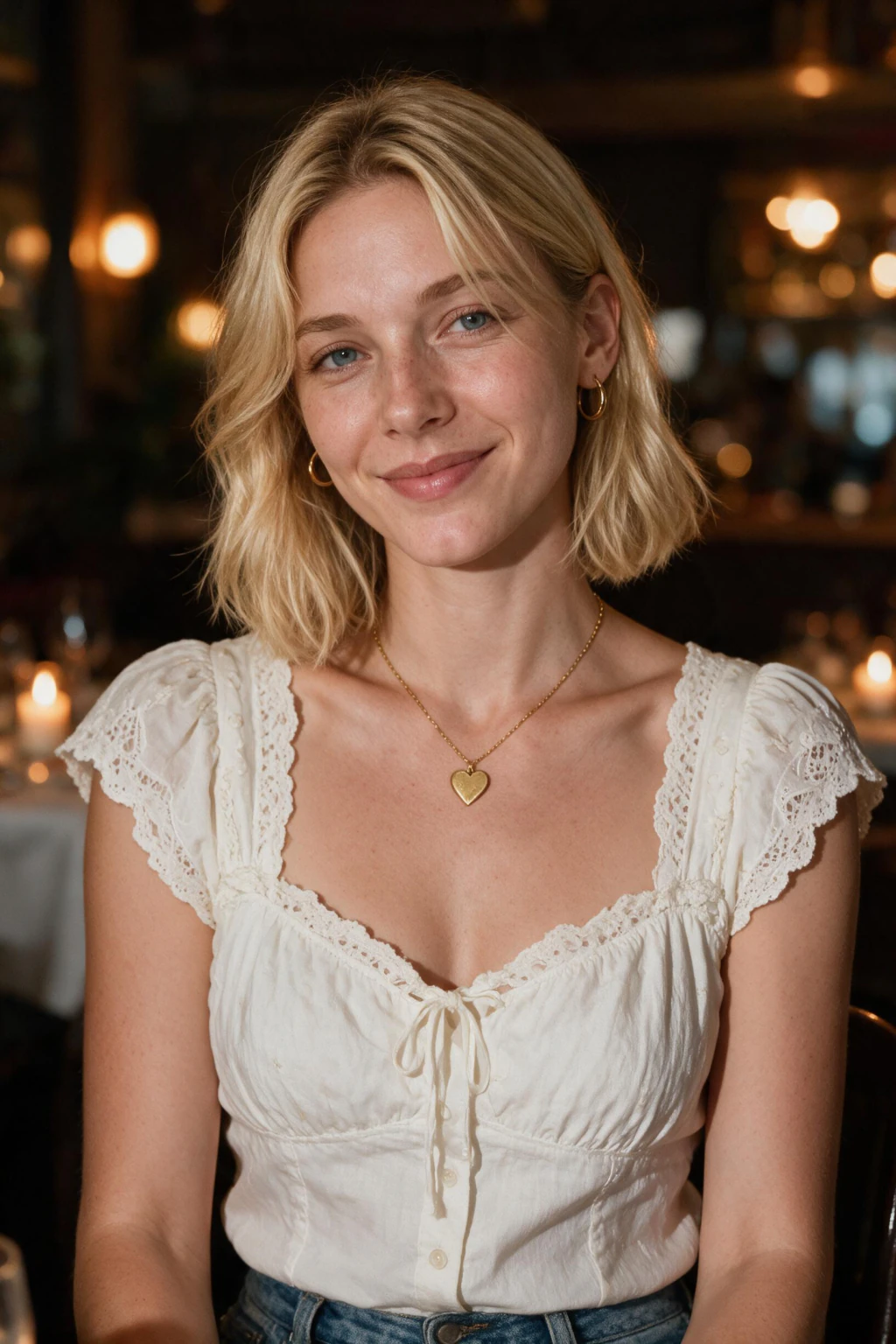
Photo order matters more than any single photo. The first slot is the swipe-decider, the second slot is the swipe-saver, and everything after that is confirming, not convincing.
| Slot | What goes there | Why it works |
|---|---|---|
| 1st | Clear smiling face, chest-up, thumbnail-sharp | The swipe-decider. Eyes must read clearly at 400 pixels wide. |
| 2nd | Activity or full-body shot | Answers the why-should-I-care the first photo raised. |
| 3rd | Lifestyle frame: coffee shop, rooftop, dinner out | Adds context instead of another pose. |
| 4th | Group photo, if you have a recent, identifiable one | Skip it and add another lifestyle frame if you don't. |
| Last | One real candid from the last 90 days | A transparency signal that quiets AI-photo concerns before a match opens chat. |
What makes an AI dating photo actually convert
Three variables move match rates the most: outfit color, smile type, and background. Each one has real research behind it, condensed here so you can apply it in one pass.
Outfit color
Wear one red or warm saturated top, one blue or earth-tone piece, and one neutral across your four to six photos. Avoid all-white at thumbnail size, pure black on dark backgrounds, and busy patterns.
A 2008 University of Rochester study (Elliot and Niesta) found men rated women in red as more attractive, with cross-culture replications since. Blue and earth tones read as trustworthy, the trait that moves matches fastest.
Smile type
Pick frames with a genuine Duchenne smile: eyes crinkled, lips slightly parted, teeth visible. Skip wide open-mouth laughs and closed-mouth smirks.
A 2010 University of Hertfordshire study found Duchenne smiles beat both extremes on attractiveness and trust scores. Upload a selfie caught mid-laugh, not a posed mirror shot, so it has a real smile to learn from.
Background
Favor outdoor scenes with depth, warm window-light interiors, and travel context with a landmark in the distance. Skip blank walls, bathrooms, bedrooms, and dark club photos.
A 2014 study on profile-picture environments found warm outdoor backgrounds lifted perceived warmth and approachability by double digits over bland indoor walls.
The four mistakes that tank match rates on AI dating photos
Mistake 1: picking only studio-perfect frames. Dating apps reward photos that look like a friend with a nice camera, not a magazine. If every frame is perfectly lit with magazine retouching, profiles read as inauthentic. Mix in two slightly imperfect outdoor frames.
Mistake 2: same outfit in every photo. The AI works from your selfie, not from outfit variety. If you do not vary the prompts and packs, you end up with eight photos of yourself in the same shirt. Run two different packs minimum and pick from across them.
Mistake 3: zero full-body shots. Dating profiles without at least one full-body frame underperform consistently. Tinder users have publicly complained about profile shots that hide full body for years. Include one body shot even if it is not your strongest frame.
Mistake 4: leaving in dramatic black and white editorial shots. They look great at full screen and lose hard at thumbnail size in a dating context. Keep one black and white frame maximum, and only as a supporting photo not the main.
AI dating photos vs. a professional photoshoot: is it worth it?
A dating photoshoot with a photographer is the traditional alternative, and it is worth comparing before you commit an afternoon and a few hundred dollars to either option.
| AI dating photos | Professional photoshoot | |
|---|---|---|
| Cost | A fraction of a photoshoot, per pack | $200 to $500 for 10 to 20 edited photos |
| Time | Under an hour, upload to download | Half a day booked, plus a wait for edits |
| Photo count | 40 to 60 candidate frames per session | 10 to 20 edited photos |
| Redo cost | Generate a new batch anytime, no extra booking | A reshoot means a new booking and a new fee |
Are AI dating photos allowed on Tinder, Hinge, and Bumble?
Yes. Tinder, Hinge, and Bumble all allow AI-generated and AI-enhanced photos as long as they accurately show how you look in person, and none require you to disclose that a photo is AI-generated.
The standard they actually enforce is catfishing, not AI use. If a date would recognize you when you walk in, the photo passes. See our full guide on whether AI photos are allowed on dating apps for the per-app policy breakdown.
Frequently Asked Questions
- How do I create AI dating profile pictures from selfies?
- Upload one clear unfiltered selfie to MakeAiPhotos, pick a dating pack matched to your app, and generate 40 to 60 candidate frames. Shortlist the frames that look like you on a good day, then run each one through a thumbnail swipe test before posting. The whole process takes under an hour.
- How long does it take to create AI dating photos?
- About an hour end to end. Upload takes two minutes, generation runs in the background, and curation is where you should spend most of your time. Picking 4 to 6 winners from 40 to 60 candidates is the step that decides your match rate.
- How many AI photos should I use on a dating profile?
- Four to six photos total: one strong smiling main shot, two lifestyle or activity frames, one full-body photo, and one or two real candids from the last 12 months. Mixing AI and real photos outperforms an all-AI profile and works as a quiet authenticity signal.
- Will AI dating photos look fake?
- Only if you pick the wrong frames. Reject anything that looks airbrushed at full-screen size and favor photos that look like a friend with a nice camera took them. A selfie-trained generator keeps your real face; the fake look comes from over-picking studio-perfect results.
- Are AI photos allowed on dating apps?
- Yes. The major dating apps allow AI-generated photos as long as they accurately show how you look in person. What they ban is catfishing. If a date would recognize you when you walk in, the photo passes. See our full guide on whether AI photos are allowed on dating apps for the per-app breakdown.
- How much do AI dating photos cost compared to a photographer?
- A dating photoshoot with a photographer runs $200 to $500 for 10 to 20 edited photos. An AI dating photo pack costs a fraction of that and returns 40 to 60 candidate frames in under an hour, with no scheduling and no retake fees.