How many photos do you actually need for AI headshots?
For AI headshots, the working input is one clear selfie, with good lighting and a clear, front-facing view of your face mattering far more than anything else. MakeAiPhotos is an AI headshot generator that produces LinkedIn-ready and professional headshots from your selfie in about 2 minutes. The most common mistake is uploading a blurry, filtered, or badly lit photo.
A weak selfie leaves the model without enough to anchor your face across different styles. One clear, well-lit, front-facing shot gives it everything it needs, so quality matters far more than anything else.

One phone selfie to 5 AI photos of the same person
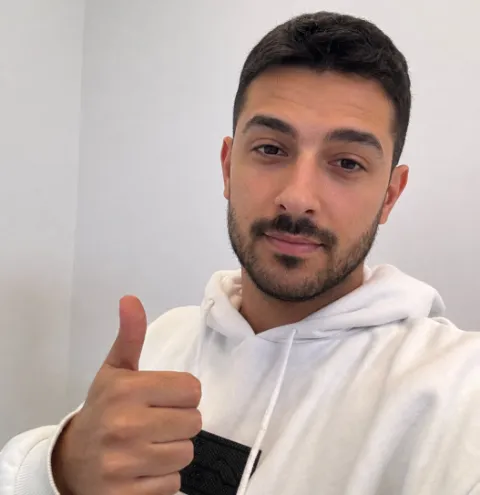
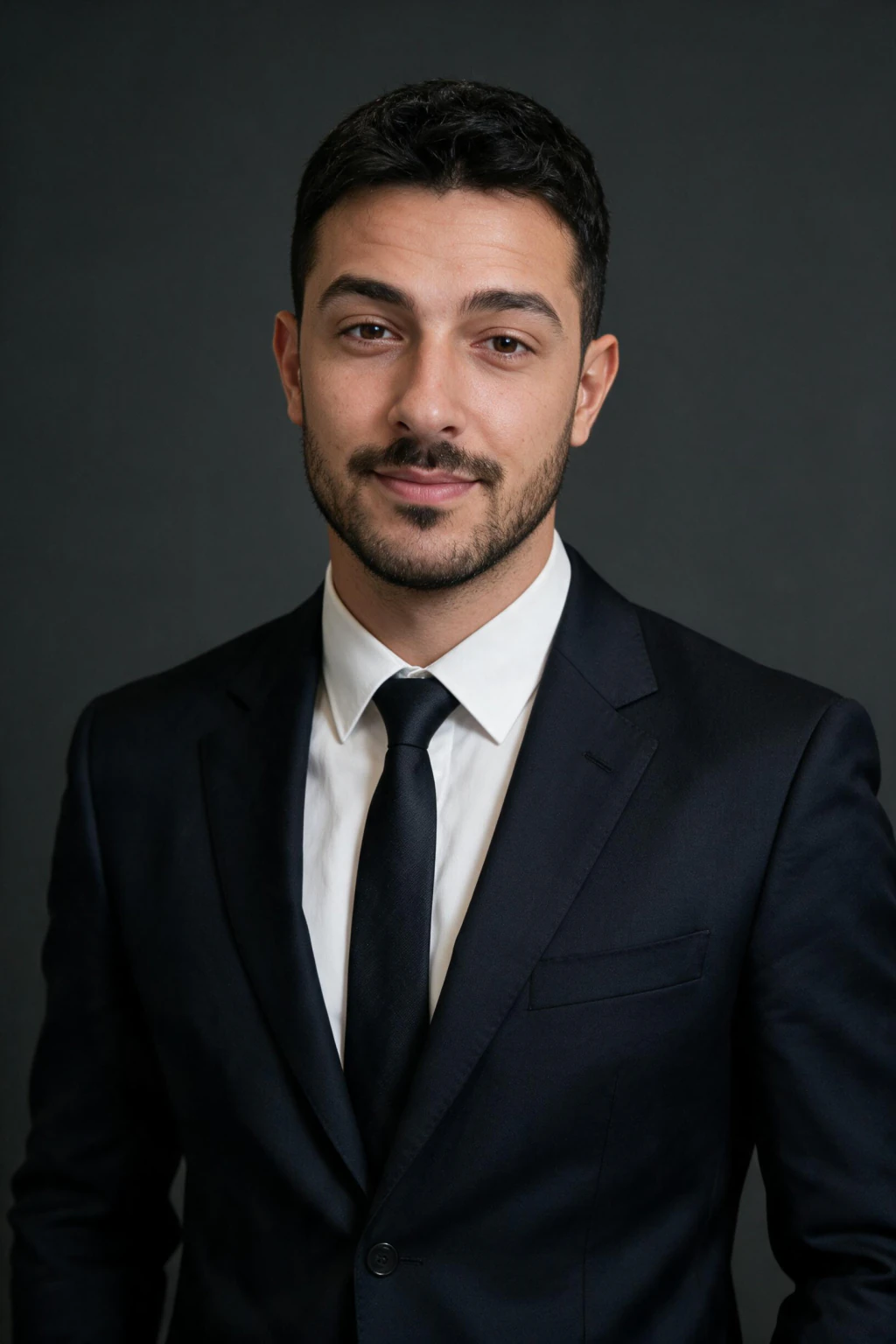
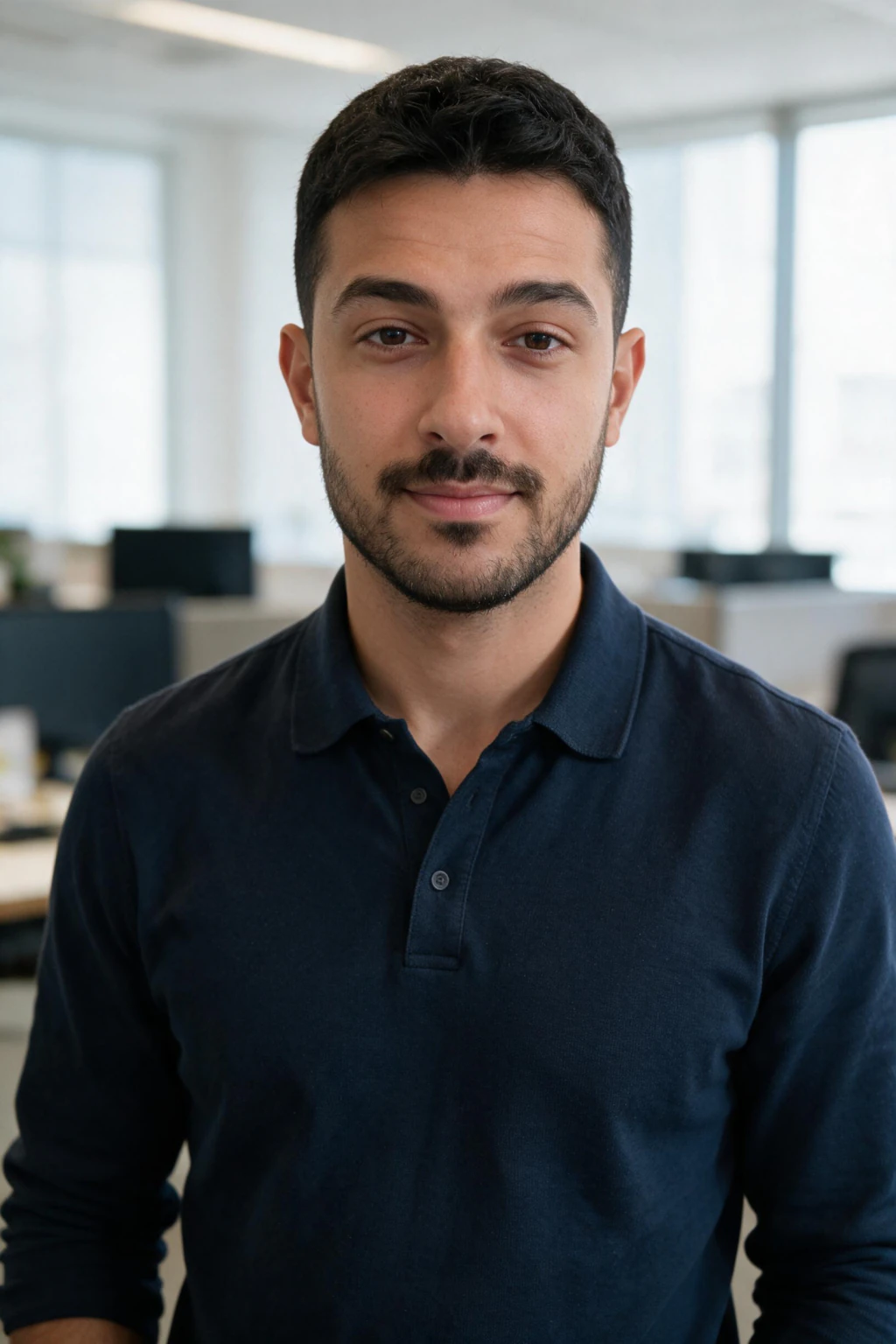
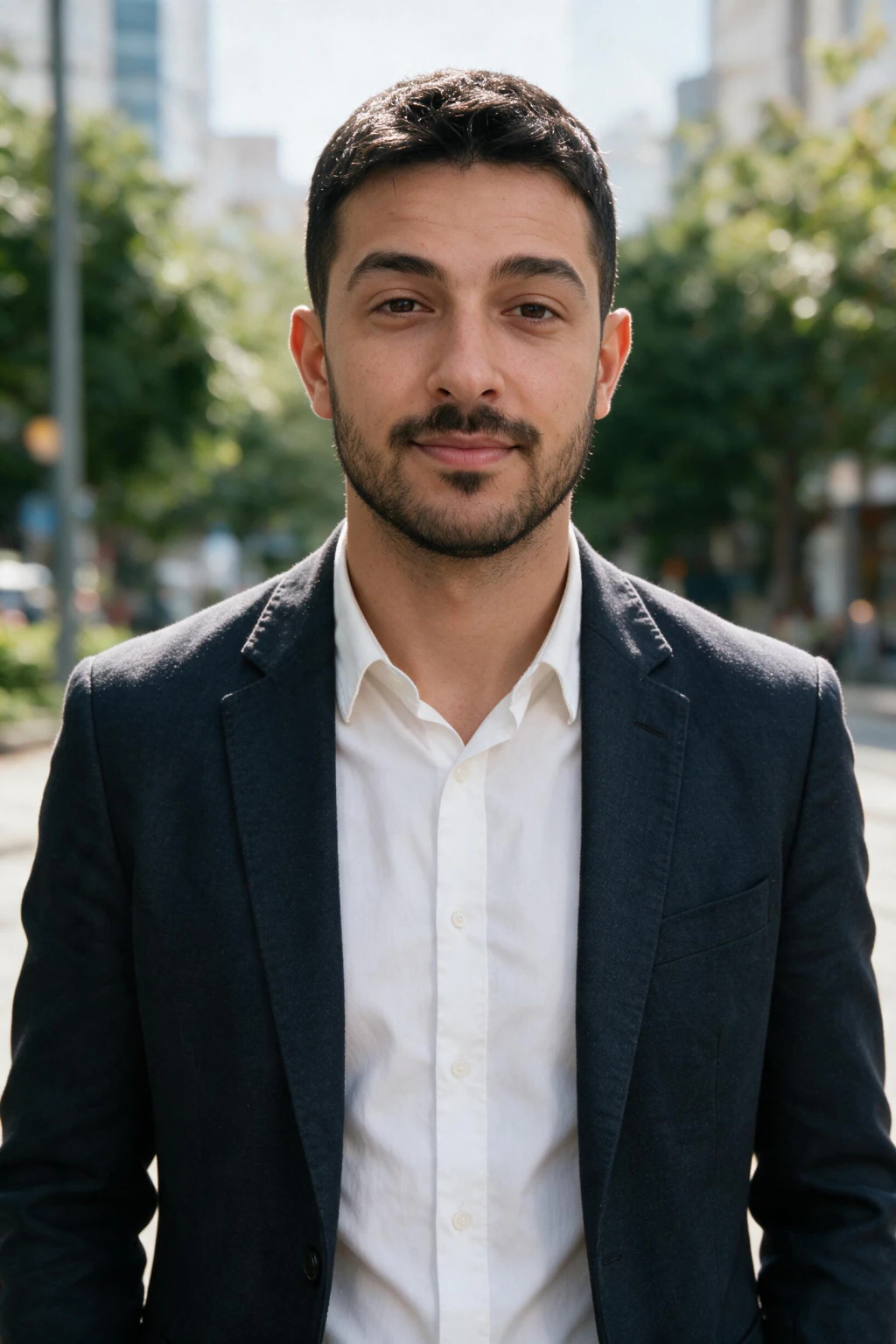
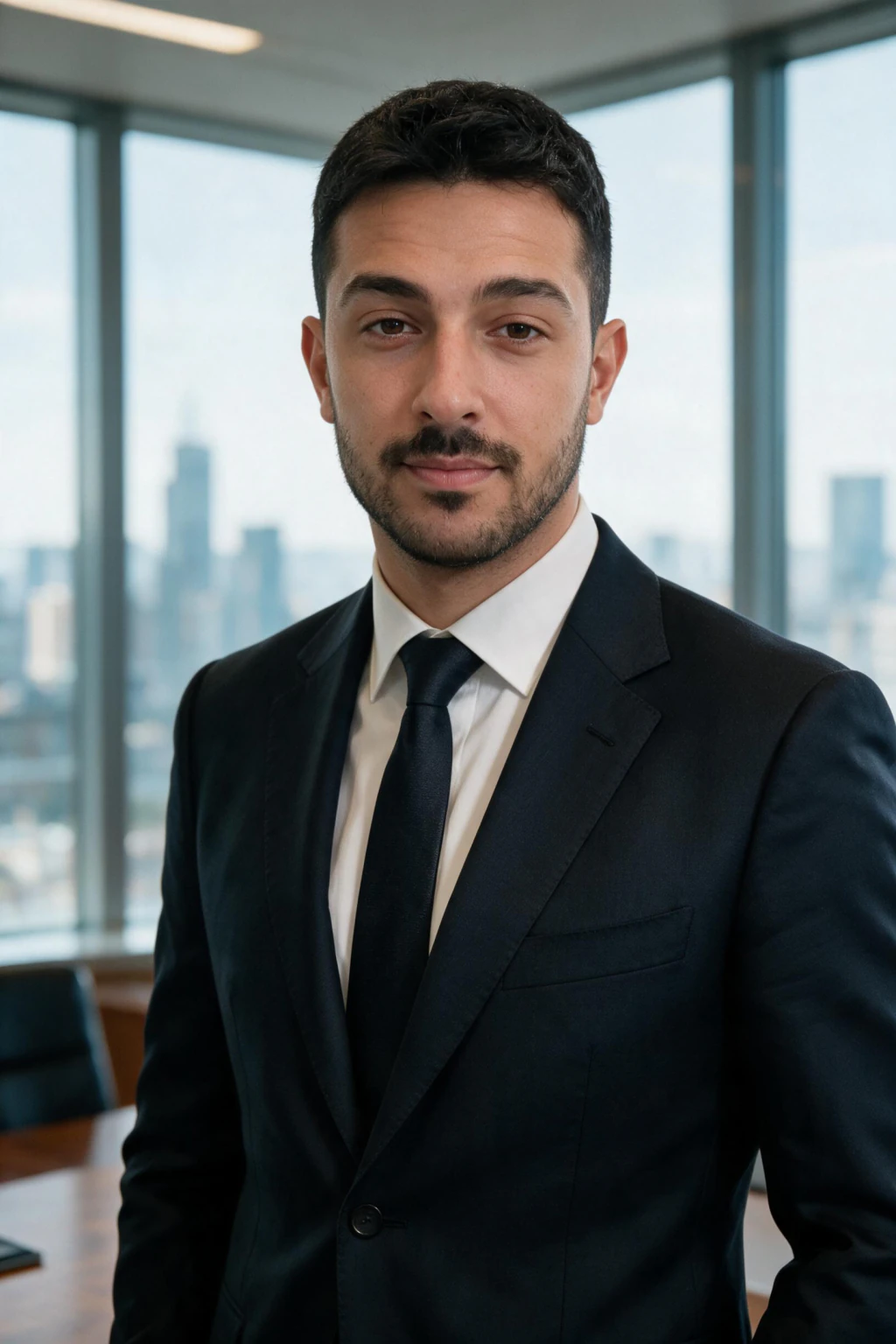
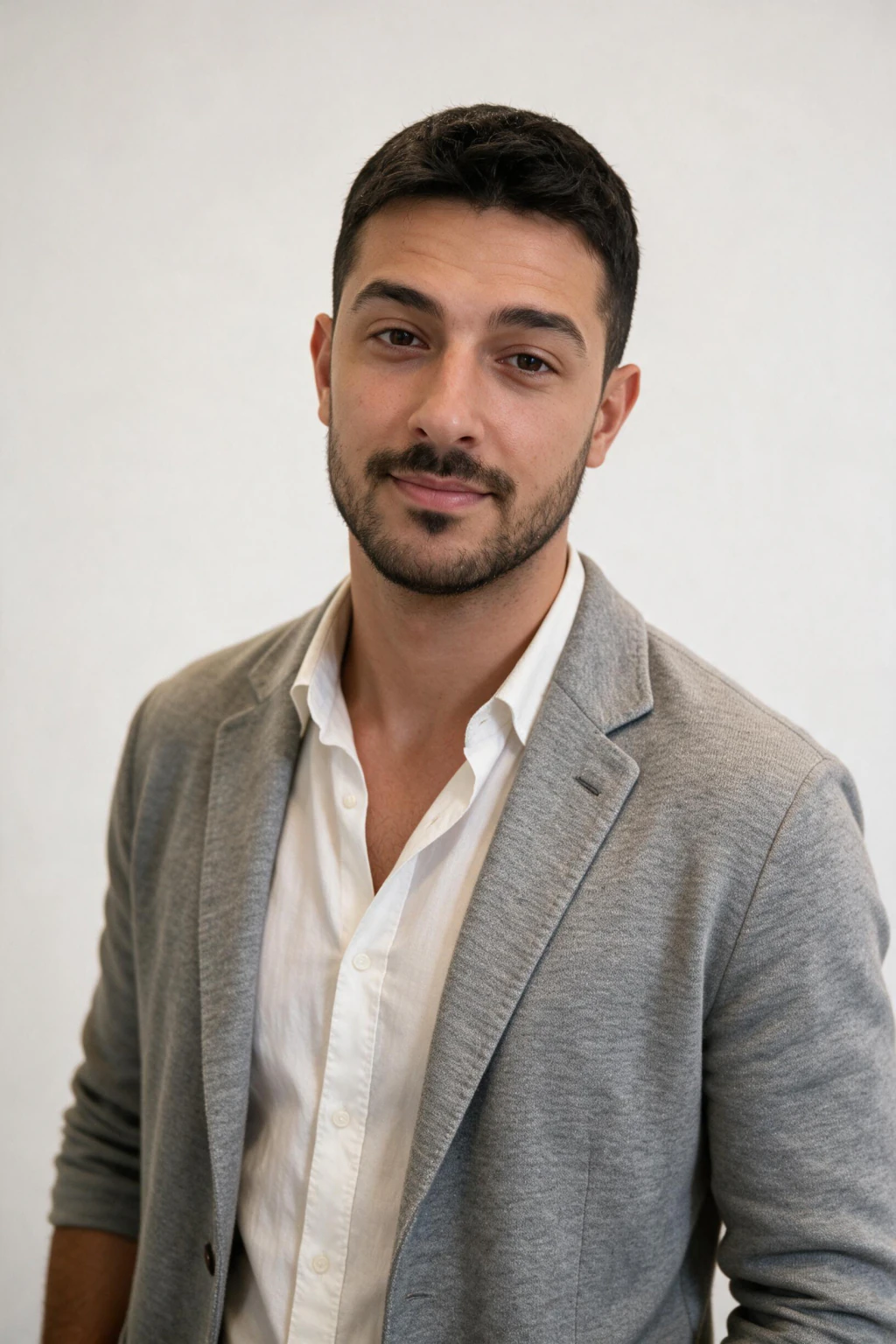
Why do most headshot tools ask for 8 to 15 photos?
Most AI headshot tools ask for 8 to 15 photos because they build a separate model of your face before they make anything. That model needs variety in angle, light and outfit to learn from, and you wait for it to finish.
A one-selfie generator edits the photo you give it directly. There is nothing to build, so there is no variety to supply. The result depends on the quality of that single frame: a clear front view, soft window light, the rear camera, no filters.
Sending ten photos to a generator that reads one gains you nothing, you only choose which photo it uses. Pick the single best frame and spend the time on the result.
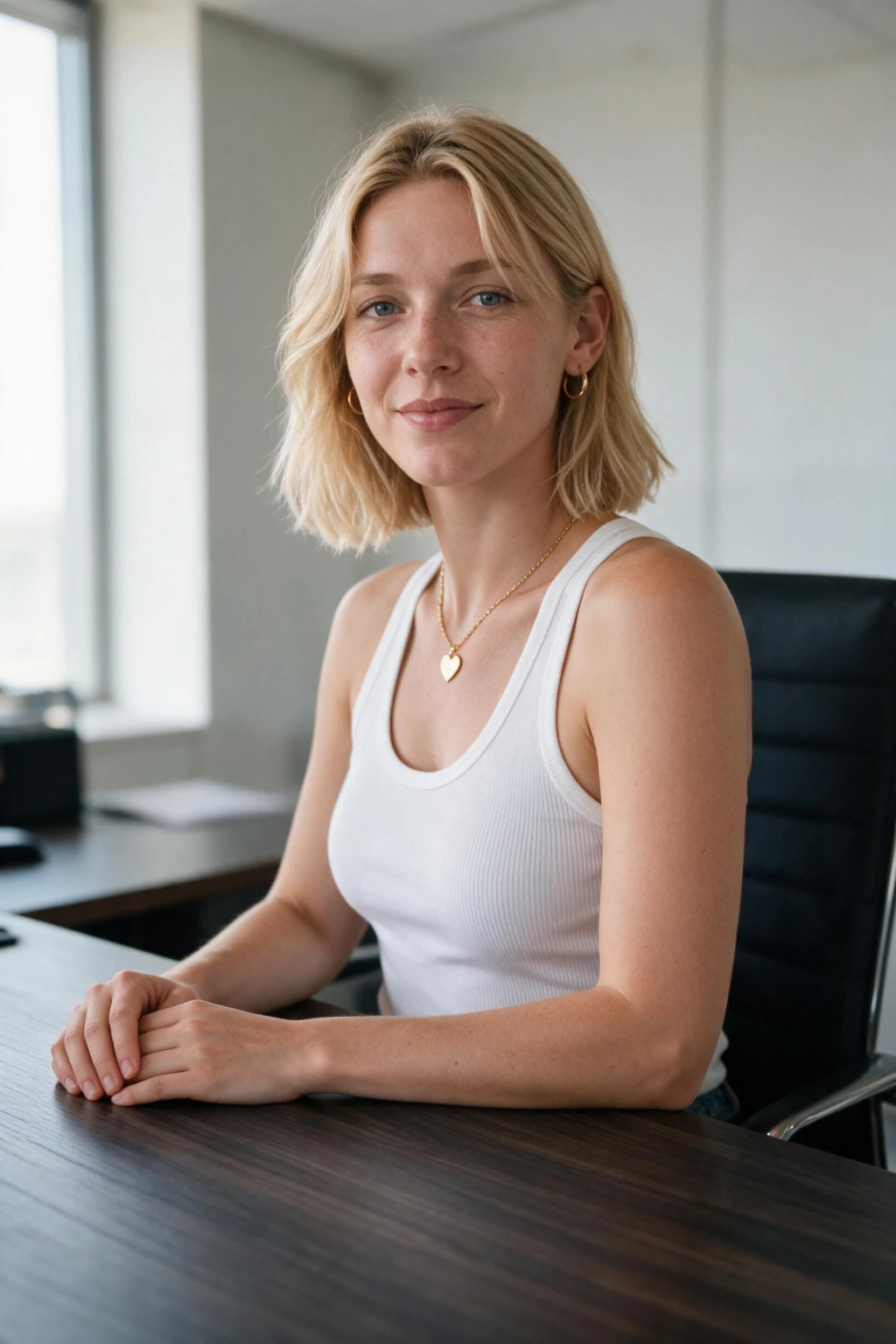
What to cut before you upload your selfie
Make sure your one selfie is none of these: a shot with beauty mode, portrait mode blur, or a skin-smoothing filter turned on; a group shot, even after cropping; a photo taken in very dark or very coloured light such as neon, candlelight, or heavy tungsten; a photo where glasses frames, a hat brim, or hair across the eyes blocks your face.
If your selfie has any of those problems, take a new one in a neutral spot before uploading. The few minutes spent getting a clean shot saves far more time than re-uploading after a bad first photo.

How to take the one selfie you upload
The shooting recipe has its own page: how to take a selfie for AI headshots covers the 7 rules, from uncovered eyes to sending the original file.
Once your selfie passes, run a professional headshot look first. If it matches you at thumbnail size, the same selfie is ready for every other look.
How to know if your selfie worked
After your first generation, open one result and zoom out until the image is roughly 3 centimetres wide on your screen, similar to how a LinkedIn profile photo appears on mobile. Does it still look like you? That is the correct test, not the full-resolution version.
If the face looks right at that size, your selfie was solid. If the eyes, nose, or jawline feel like they belong to someone else, return to the checklist: a close-range arm's-length shot or a filtered selfie is responsible for most likeness drift.
Open https://www.makeaiphotos.com/professional-headshots-from-selfies to start your first session, or use the LinkedIn headshot workflow at https://www.makeaiphotos.com/ai-linkedin-headshots to generate a professional baseline first.
Frequently Asked Questions
- How many selfies do you need for AI headshots?
- One clear selfie is all you need for AI headshots. Quality matters far more than count: use soft, even light, keep your face front-facing and fully visible, and take the shot on the rear camera to correct for phone lens distortion. A single strong selfie beats a pile of weak ones.
- What kind of selfie works best for AI headshots?
- Soft natural light near a window, face forward, no beauty or portrait mode filter, and a clear background. Frame it chest-up on the rear camera rather than a close arm's-length shot. One clean, well-lit selfie like this gives the model the signal it needs to keep your face accurate.
- Does the selfie need to be recent?
- Yes. Use a selfie from the last few months that matches how you look right now, same hairstyle, same glasses, same facial hair. The model learns the version of you in that photo, so a recent selfie keeps the output true to your current appearance.
- Why does my AI headshot not look like me?
- The most common cause is uploading a close-range arm's-length phone selfie. Phone front cameras distort face proportions at short distances: wider nose, lower forehead proportion. The model learns those distortions instead of your real face. Retake your selfie on the rear camera and avoid filters. Likeness usually improves significantly on the next run.
- Does the outfit in my selfie matter?
- A little. Wear something plain and solid-coloured so the model focuses on your face, not a busy pattern or heavy logo. The generator changes your wardrobe in the output anyway, so a simple top in your one selfie is all you need.
- Do I need a professional studio photo?
- No. A clear phone selfie in natural light works well. A studio photo is not required and does not beat a clean, well-lit selfie taken on the rear camera. What matters is good light, a front-facing angle, and your face fully visible.