Can AI generate photos of me? The direct yes/no answer
Yes, AI can generate photos of you specifically. MakeAiPhotos is an AI photo generator that reads your face from one selfie at render time, with no model training, and produces entirely new photos of you in any setting, with your input selfies deleted on a stated retention schedule. The output is a fresh photo, not a filtered or edited version of something you already had.
Identity-trained generators (the category this site sits in) are a different product class from text-to-image tools like Midjourney, DALL-E, or Flux. Those tools can render a person matching your description, but they cannot reproduce your specific face because they were never shown it. Selfie-based generators read your face from the photo you upload, then render new photos featuring it. (For the step-by-step walkthrough, see our how to make AI photos of yourself guide.)
Expected results: about 10 photos for $9.99, each one ready about 2 minutes after you upload. Each photo shows you (your jawline, your eyes, your skin tone, your hairline) in a context the AI invented entirely. You can start your generation here once you have your selfie ready.
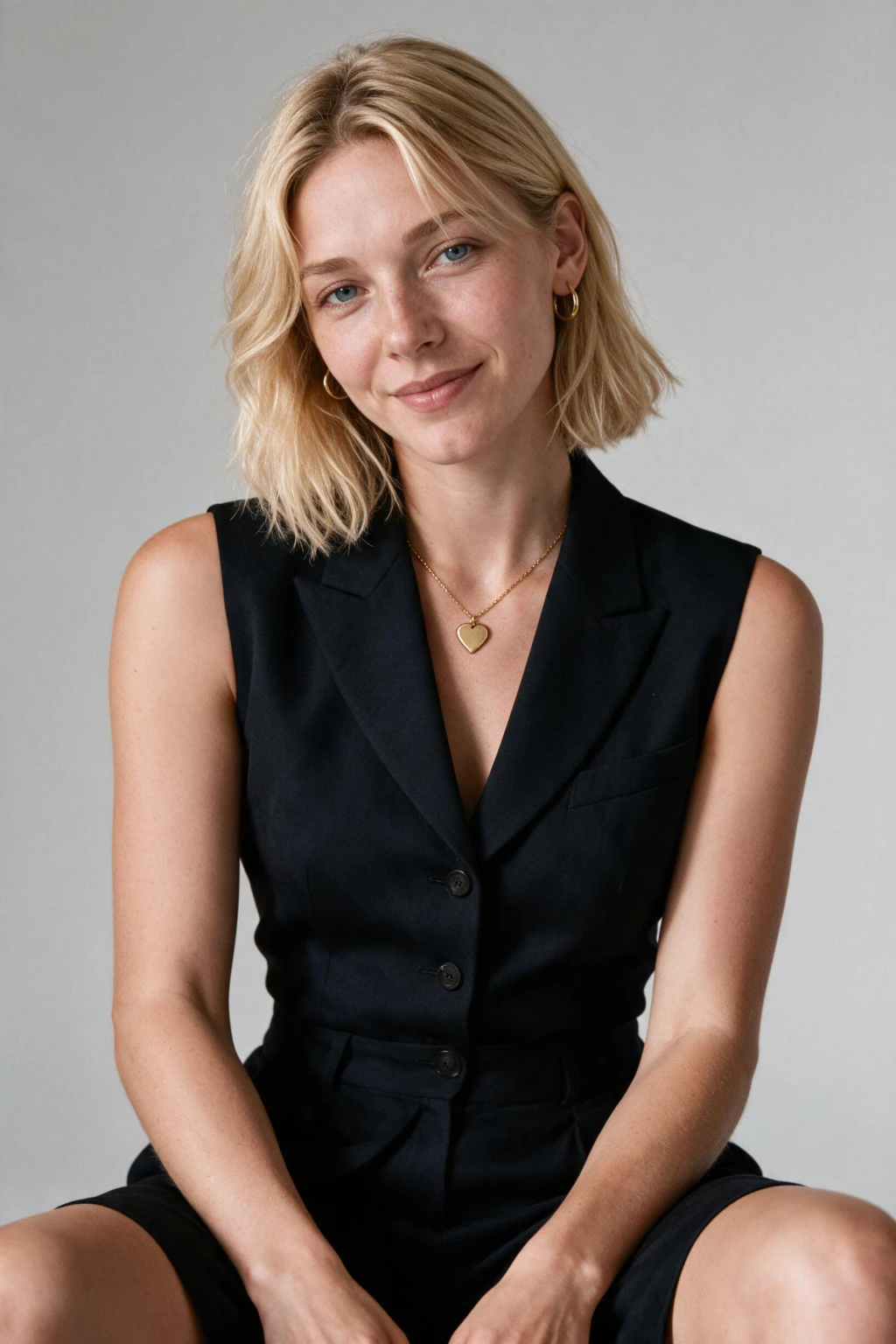
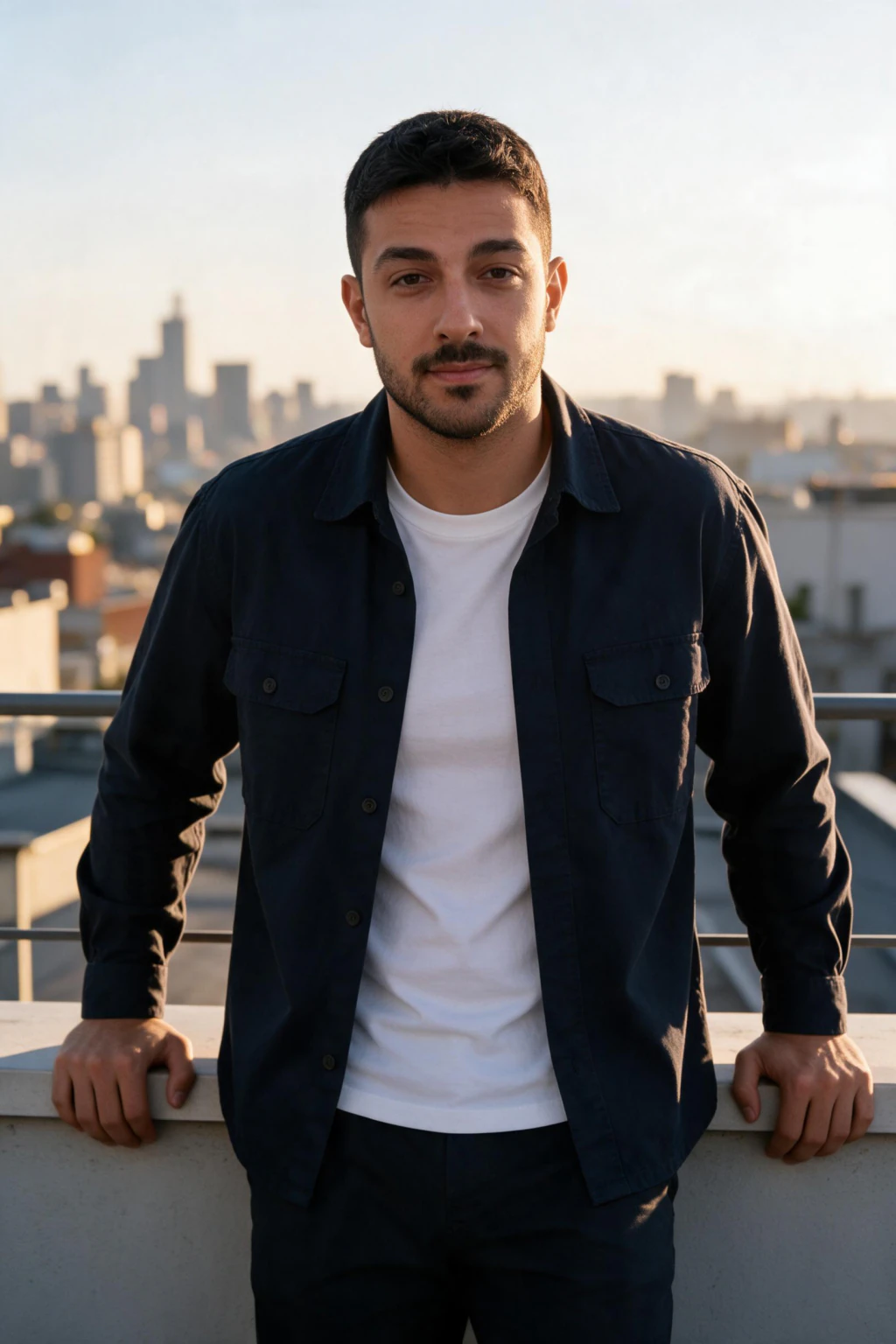
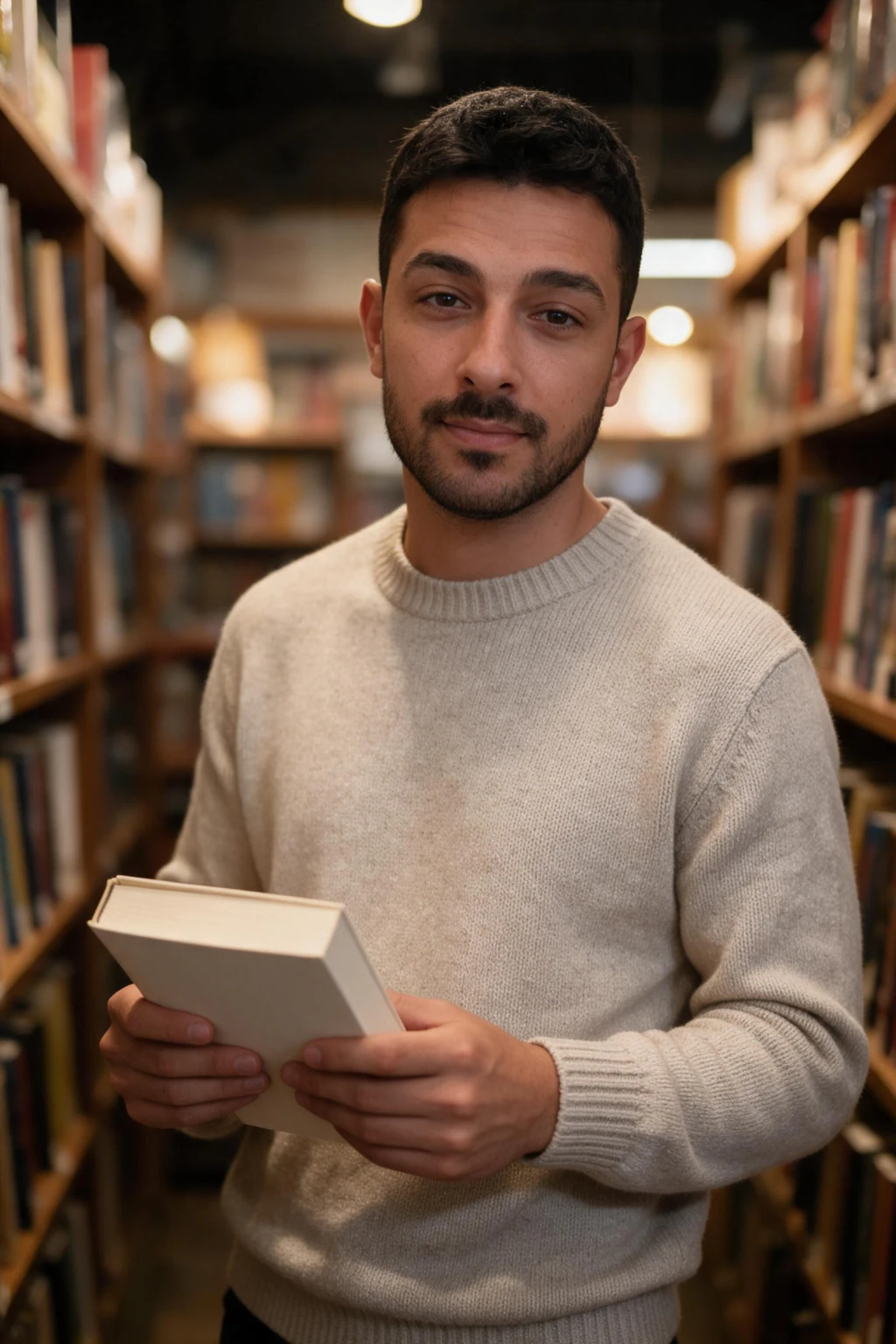
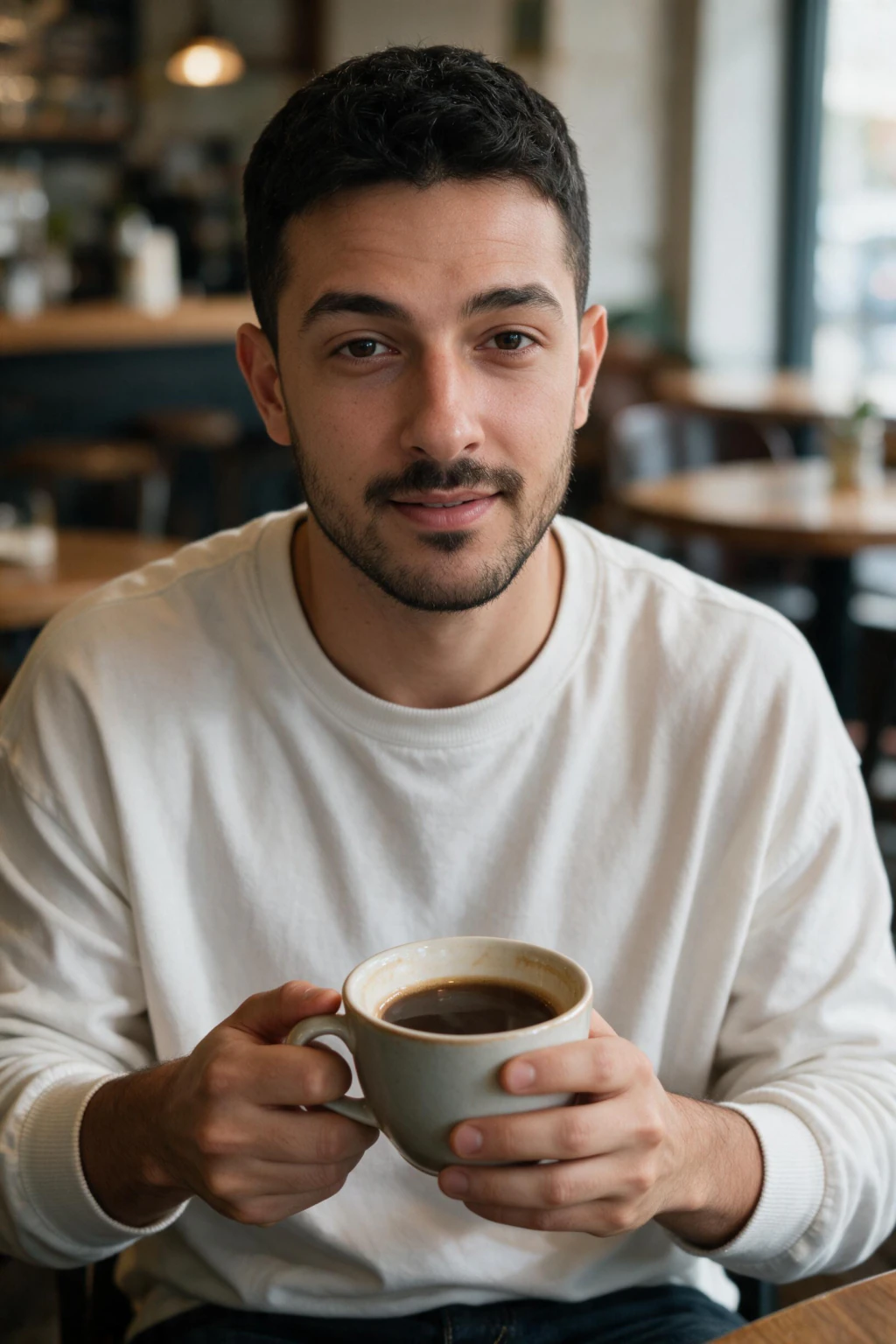
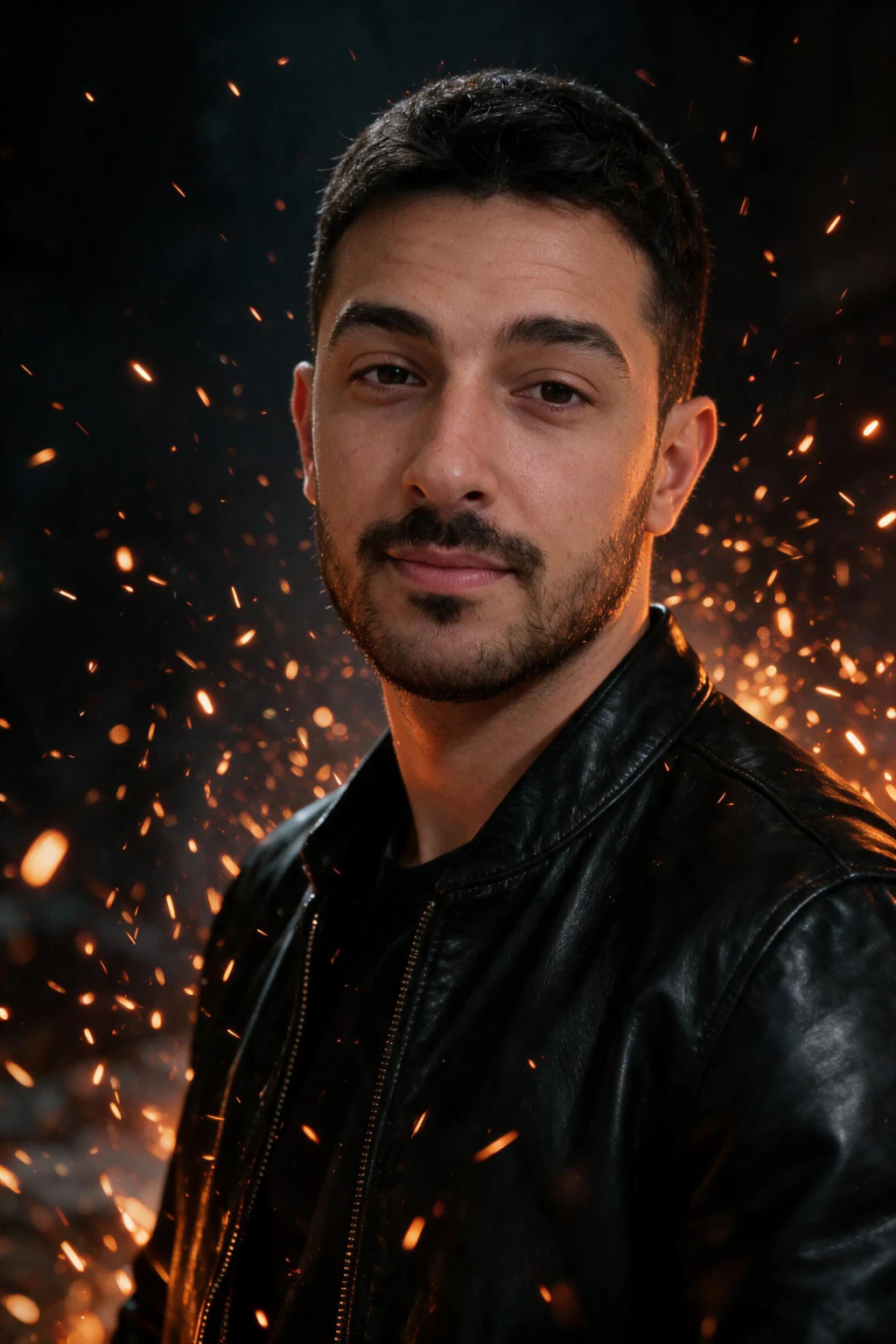
One phone selfie to 5 AI photos of the same person
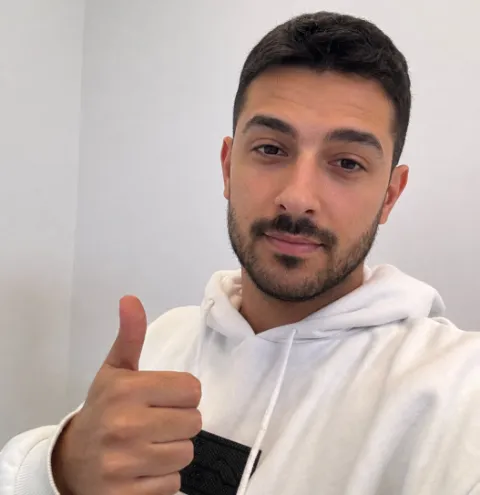
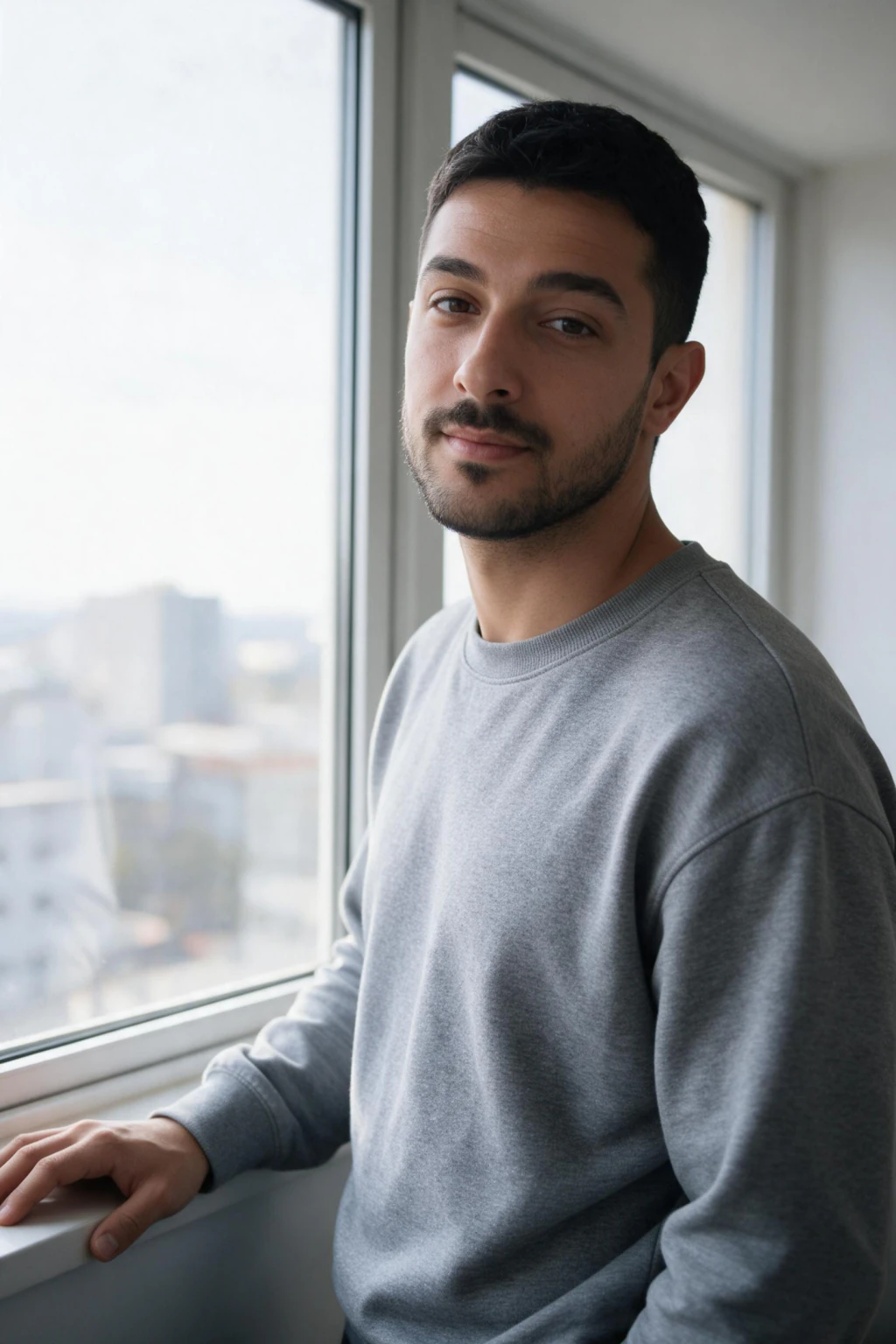
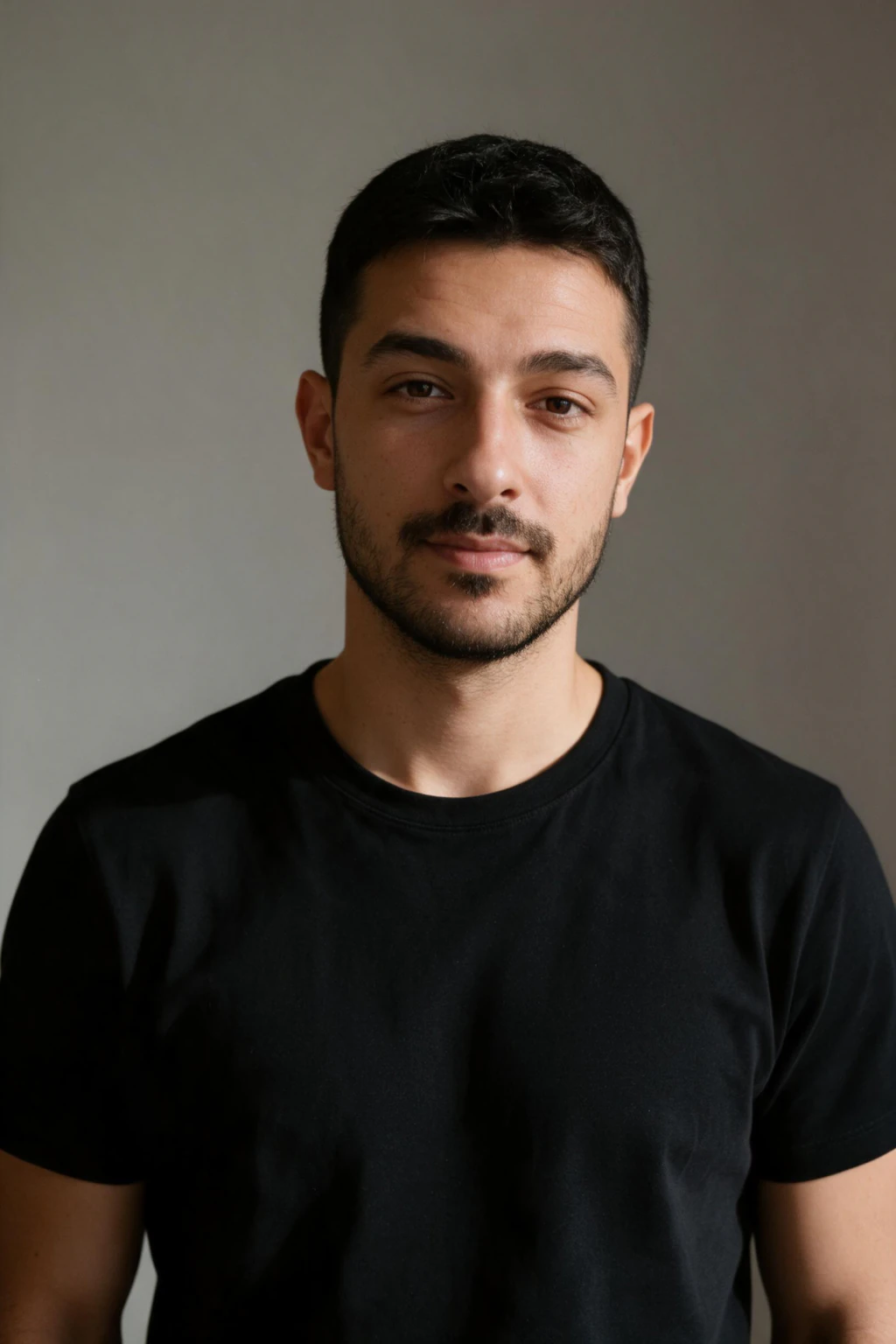
How an AI learns to generate photos of you specifically
The AI does not store your photos in a giant database and crop you out. It reads your uploaded selfie at the moment you click generate and renders a new scene around the face in it. Nothing about you is added to the shared model, and there is no separate training run to sit through.
As it renders, the model reads the proportions, skin tone, hair texture, and identifying features of your face from your selfie. Your photo is never added to the shared model. It is read for the photo you asked for, and the system can place you at angles you never photographed, in lighting you never set up, wearing clothing you do not own.
When you click generate, the personal adapter combines with a scene prompt (a pack like Corporate LinkedIn or Summer Beach) and produces a new photograph using the base diffusion model. The face is yours. The scene is invented. That is the entire trick, and it is the same technical pattern every reputable identity-trained generator (including professional headshots from selfies tools) uses.

What you actually need to upload (it is not what you think)
You need one selfie, taken in the last 12 months, with no beauty filter and no sunglasses. Most people overthink this step. The actual checklist is short.
What your selfie needs: natural daylight near a window or soft open shade, a clear front-facing angle at eye level, and a shot taken on the rear camera rather than at arm's length.
Skip the studio. Skip the styled wardrobe. Skip the dramatic lighting. Your job during upload is to give the AI a clean view of your real face from a few angles. The AI handles the studio and the wardrobe when it generates.
Reject these inputs immediately: any photo with a Snapchat or Instagram filter, photos older than 12 months, group photos where you are cropped, mirror selfies in dark rooms, anything with sunglasses or heavy makeup the AI cannot see through.
What the AI can and cannot do with your face
Can: generate you in any office, beach, gym, festival, restaurant, or city background the pack supports. Can: change your wardrobe to suits, swimwear, gym gear, formal dress, casual cafe wear. Can: change lighting style to studio, golden hour, neon nightlife, soft window. Can: render you from angles you never photographed, including profile and three quarter from either side.
Cannot: make you look like a different person. The AI preserves your bone structure, eye colour, skin tone, and proportions. It does not slim faces, change ethnicity, or alter age beyond very small natural variation. If you want a fundamentally different face, no tool in this category can do that, and that is a deliberate safety property.
Cannot: generate two or more people in one photo with both faces matching real identities. Most identity-trained generators including MakeAiPhotos support one trained person per generation. Couple shots are not a current feature.
Cannot: animate or produce video. This is a still-photo category. Video generation is a different product class with different limits.
What AI photos of me look like across styles (examples)
Professional: LinkedIn corporate headshot in an executive office, business formal at a desk, CEO-style hero shot. These pass at thumbnail size for LinkedIn, resumes, founder bios, and team pages. The AI LinkedIn headshot generator and professional headshots from selfies pages cover this output specifically.
Lifestyle: golden hour beach photo with the same person who took the selfie, urban street candid in a coffee shop, gym confidence frame, festival pack outdoor concert shot. These work on Instagram, dating apps, and personal sites. Browse all AI photo style packs to see what is available.
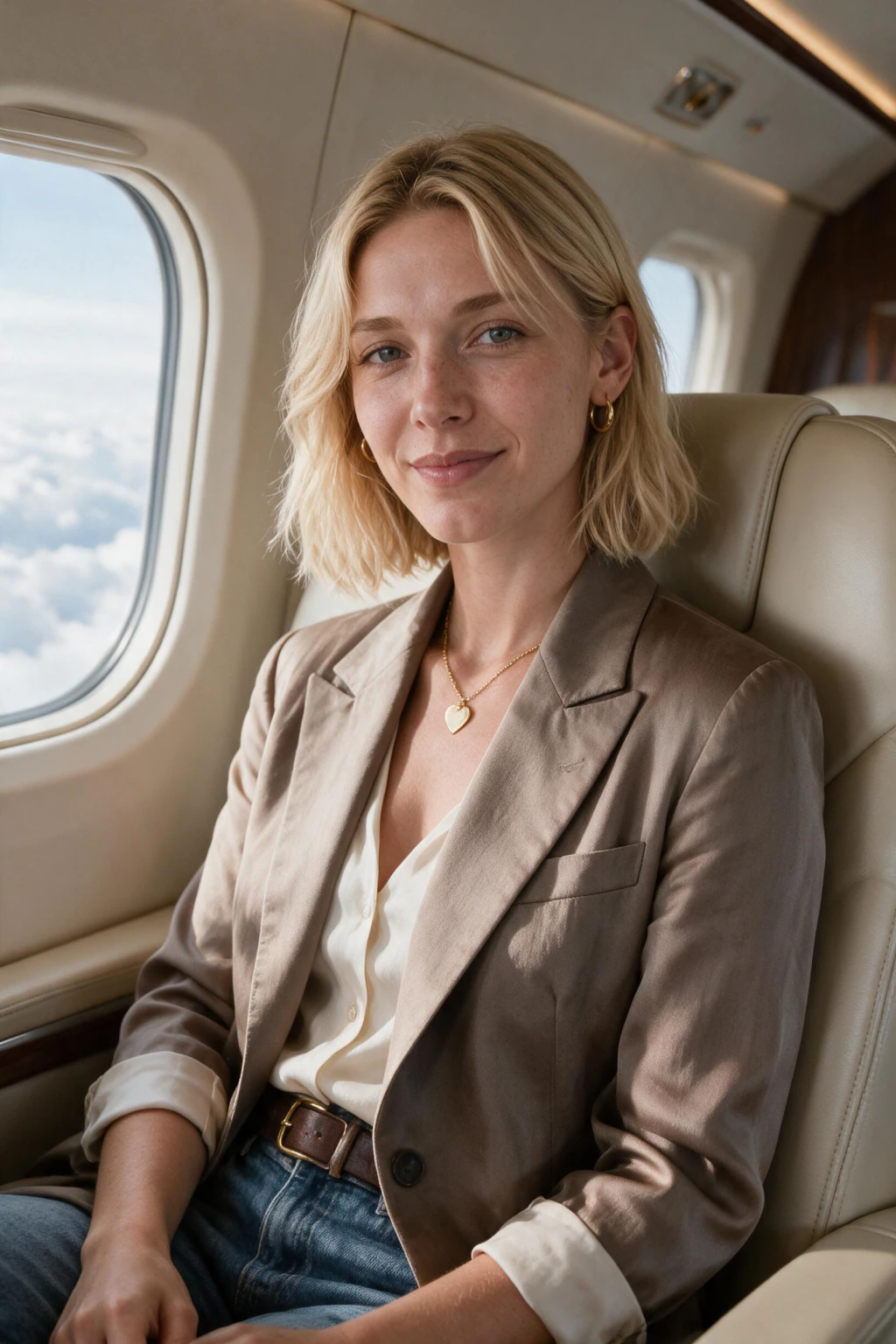
Aspirational: private jet interior, yacht deck, Dubai skyline rooftop, helicopter exit shot, luxury hotel suite. These are the most-asked-for outputs on social media and the highest-impact use case because the alternative (renting a yacht) costs five figures.
Editorial: black and white dramatic portrait, fashion editorial pose, modeling-style street candid, magazine-cover style hero. These work for portfolio, brand, and creative profile use.
Every output here uses the same one selfie. You upload once, you generate across all of these in one session.
Is this safe? Where your selfie actually goes on MakeAiPhotos
Reputable generators including MakeAiPhotos store your selfie on secured cloud infrastructure, use it only to render the photos you asked for, and delete the original on a stated retention schedule. Your selfie is not used to train anyone's model, is not added to a public model, and is not sold to data brokers on the platforms worth using.
On MakeAiPhotos specifically, your upload pipeline works in three steps. Step one, your selfie is uploaded over an encrypted connection to a private storage bucket scoped to your account. Step two, that selfie is read by the render job that produces your photos, and the original is then queued for deletion. Step three, your selfie is deleted after the retention window described in the privacy policy, and your account data is deletable on request.
What to check before uploading anywhere: a clear privacy policy that names a retention period, a stated commitment that uploaded photos are not used for general model training, an account with selfie verification rather than open uploads of anyone's face, and a way to delete your uploaded photo on demand. The bad-actor tools that skip these checks produce poor quality outputs and create real privacy risk.
Full policy: https://www.makeaiphotos.com/privacy-policy. The short version: your selfie is used only to render your own photos, and it is yours to delete on request.
Common myths about AI generated photos of yourself
Myth one: the AI keeps your selfie forever and uses it to train other people's models. False on every reputable generator. Your selfie goes to a private bucket, is read only to render your own photos, and is deleted on a stated schedule. The shared base model is never updated with your face data.
Myth two: AI can change who you fundamentally are in the photo. False, and by deliberate design. Identity-trained generators preserve your bone structure, skin tone, eye colour, and rough proportions. They change wardrobe, hair styling, location, lighting, and pose. They do not slim faces, change ethnicity, or alter age beyond very small natural variation. This is a safety property, not a limitation to work around.
Myth three: more selfies always means better results. False past a point. Below one selfie the model lacks reference data. Above 25 to 30, redundant photos start to harm consistency by overweighting one expression or lighting setup. Variety in angles and lighting matters more than total count once you cross 12 clean photos. See our how many photos to train AI on yourself breakdown for the exact curve.
Myth four: a text prompt alone can produce AI photos of me. False for any current text-to-image tool. Midjourney, DALL-E, Stable Diffusion base, and Flux base have not seen your face and cannot recreate it from a description. No prompt skill changes that. Only identity-trained generators that fine-tune on your selfies, or image-to-image tools using one of your existing photos as conditioning, can produce a photo where the face is recognisably you.
What AI generated photos of me cost, and how long they take
On MakeAiPhotos, a pack is $9.99 one time and covers about 10 finished photos across the packs you pick, with each photo coming back about 2 minutes after you upload.
The cost reflects compute, not subscription billing. Rendering about 10 high resolution photos of you is the bulk of the GPU time. Tools that advertise themselves as costing nothing tend to skip the personal model step entirely, which is why their output looks like a stranger who shares your colouring rather than a photo of you.
If you only need professional headshots, the AI LinkedIn headshot generator page covers that single use case end to end. If you want broader lifestyle and aspirational photos, the main generate flow lets you pick multiple packs from one upload.
Frequently Asked Questions
- Can AI generate realistic photos of me from selfies?
- Yes. Identity-preserving AI generators like MakeAiPhotos read your face from one uploaded selfie and produce entirely new photos of you in different settings, outfits, and lighting. The output is a fresh photograph of you, not a filter or edit on an existing photo you uploaded. Each generated frame keeps your real likeness while the scene is invented.
- How many photos does the AI need to generate photos of me?
- one selfie for most generators. Below 10, the model lacks reference data and produces results that look like a relative rather than you. Above 25, redundant photos start to harm consistency by overweighting one expression. Variety in angles and lighting matters more than total count once you cross 12 clean photos.
- Can AI generate photos of me without my permission?
- Legally and on reputable platforms, no. Tools like MakeAiPhotos require you to upload your own selfie and verify the photos are of yourself. Bad-actor tools exist on the open internet but produce poor quality results and violate the terms of every major image model. Use platforms that require selfie verification and have a clear privacy policy.
- What kinds of photos of me can AI generate?
- Professional headshots, LinkedIn portraits, dating app photos, beach and travel scenes, gym shots, nightlife photos, fashion editorial frames, and lifestyle photos like coffee shop candids. The same uploaded selfie set produces every style. MakeAiPhotos packs each represent a different setting, outfit family, and lighting setup applied to the face in your selfie.
- How long does the AI take to generate photos of me?
- There is no face training step. Each new photo comes back in about 2 minutes after upload, and a $9.99 pack covers about 10 of them. Upload a fresh selfie whenever your appearance noticeably changes.
- Can AI generate a photo of me as someone else, or in a different body?
- No, by design. Identity-trained generators preserve your bone structure, skin tone, eye colour, and rough proportions. They can change your outfit, hair styling, location, and lighting, but cannot fundamentally change who you are in the photo. That property is a deliberate safety feature to prevent misuse and to keep the output recognisable as you.
- How do I get AI photos of myself that look like real photos?
- To get AI photos of myself that look like real photos, upload one selfie taken on the rear camera (not at arm's length), turn off beauty mode, use soft window light, then pick a natural lifestyle or business casual pack first. Most likeness complaints come from arm's-length lens distortion in the selfie, not from the AI tool itself.
- How much does it cost to have AI generate photos of me?
- Most reputable identity-trained AI photo generators charge between 10 and 30 dollars for a full session. On MakeAiPhotos, a pack is $9.99 one time and covers about 10 generated photos. The cost reflects GPU compute for high resolution generation. Tools that advertise no cost usually never look at your face at all, which is why their output rarely looks like you.
- Can I make an AI photo with my face on it?
- Yes. To make an AI photo with your face on it, use an identity-trained generator that supports selfie verification. Upload a single selfie and the AI renders new photos with your face in new settings. Text-to-image tools cannot do this regardless of prompt skill, they produce a different face every time.
- What is the AI model that generates photos of me actually doing?
- Older identity-trained generators ran a LoRA (low rank adaptation) fine-tune on top of a base diffusion model. MakeAiPhotos works differently: it reads your one selfie at generation time and renders a new image of you in the scene you picked, in about 2 minutes, with no training pass. Your photo is never added to the shared model.
- How long are my selfies kept after the AI generates photos of me?
- On MakeAiPhotos, your selfie is uploaded to a private storage bucket scoped to your account, read by the render job, and then queued for deletion on the schedule described in the privacy policy at https://www.makeaiphotos.com/privacy-policy. Your account data is also deletable on request. Always check that any tool you upload to publishes a clear retention period and offers a deletion path for the photo you uploaded.