Can AI generate LinkedIn photos?
Yes. AI can generate LinkedIn photos, and LinkedIn's own rules allow them as long as the photo represents you accurately. You upload one clear selfie, the generator renders the studio, the office and the wardrobe around your real face, and a finished frame comes back in about 2 minutes with no training step in front of it.
It works because the generator renders from your own face rather than from a written description. As long as the selfie you upload is sharp and unfiltered, the output keeps your real likeness, and the result fits LinkedIn's profile photo specs: square, well lit, cropped close. The gallery on the AI LinkedIn headshot generator shows the corporate, executive and approachable looks side by side.
The part that decides whether the photo works is choosing. One selfie gives you about 30 photos, so the job is picking the frame that still reads as you at thumbnail size, in a setting that matches your job, with nothing a colleague would notice as off. Below are the 120-pixel thumbnail test, 6 copy-paste prompts if you would rather stay in a chatbot, and the 5 checks to run before you replace your current photo.

One phone selfie to 5 AI photos of the same person

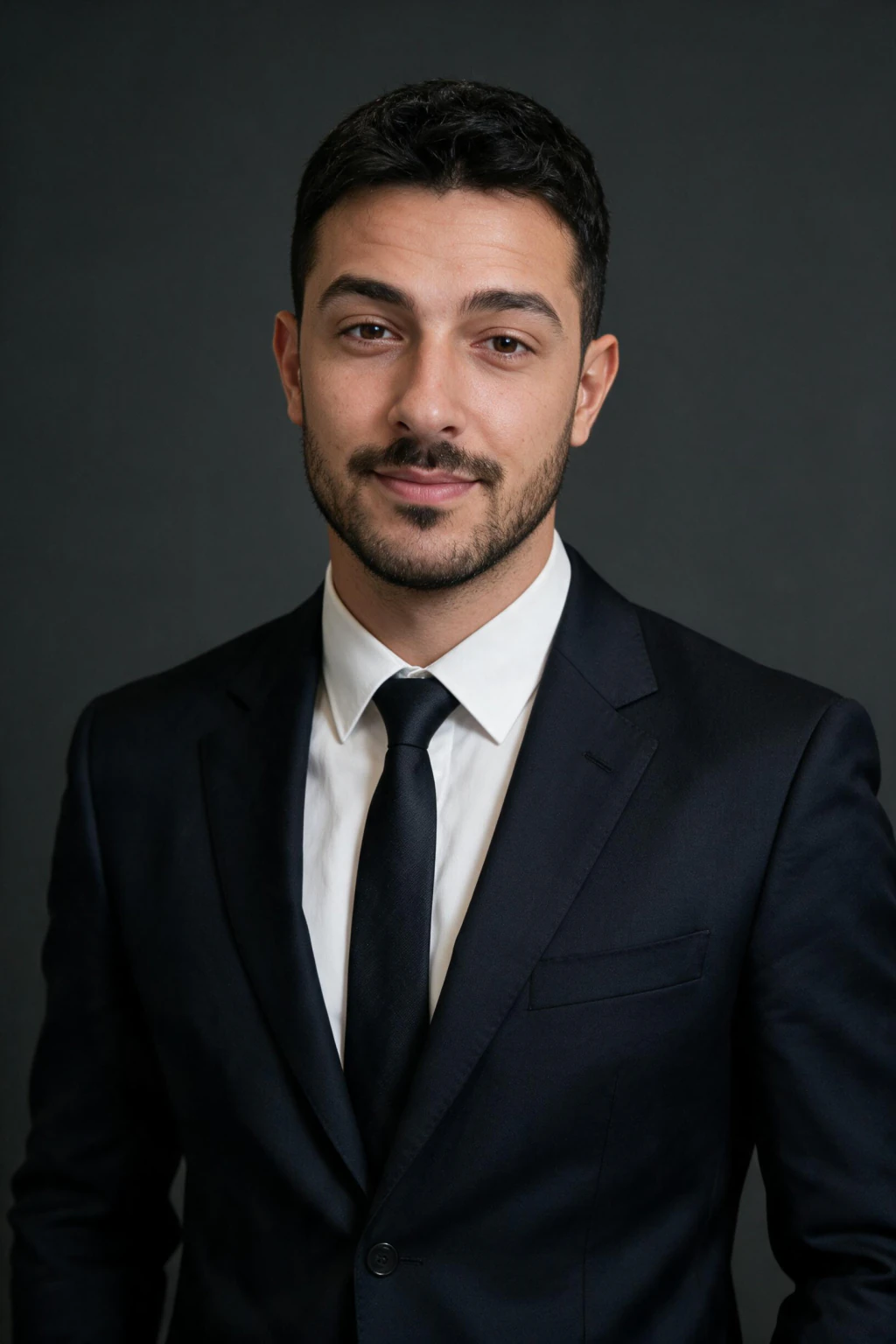

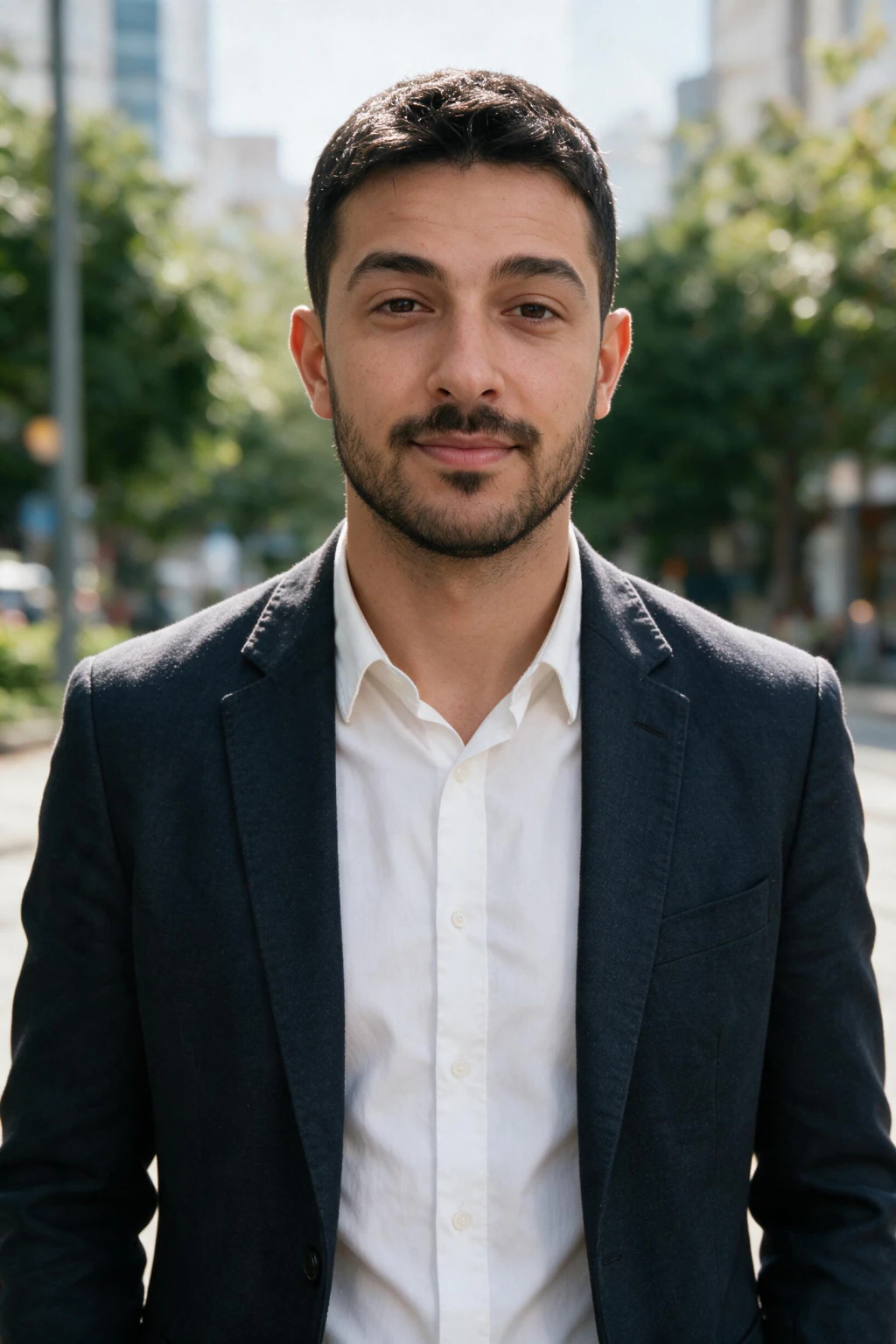
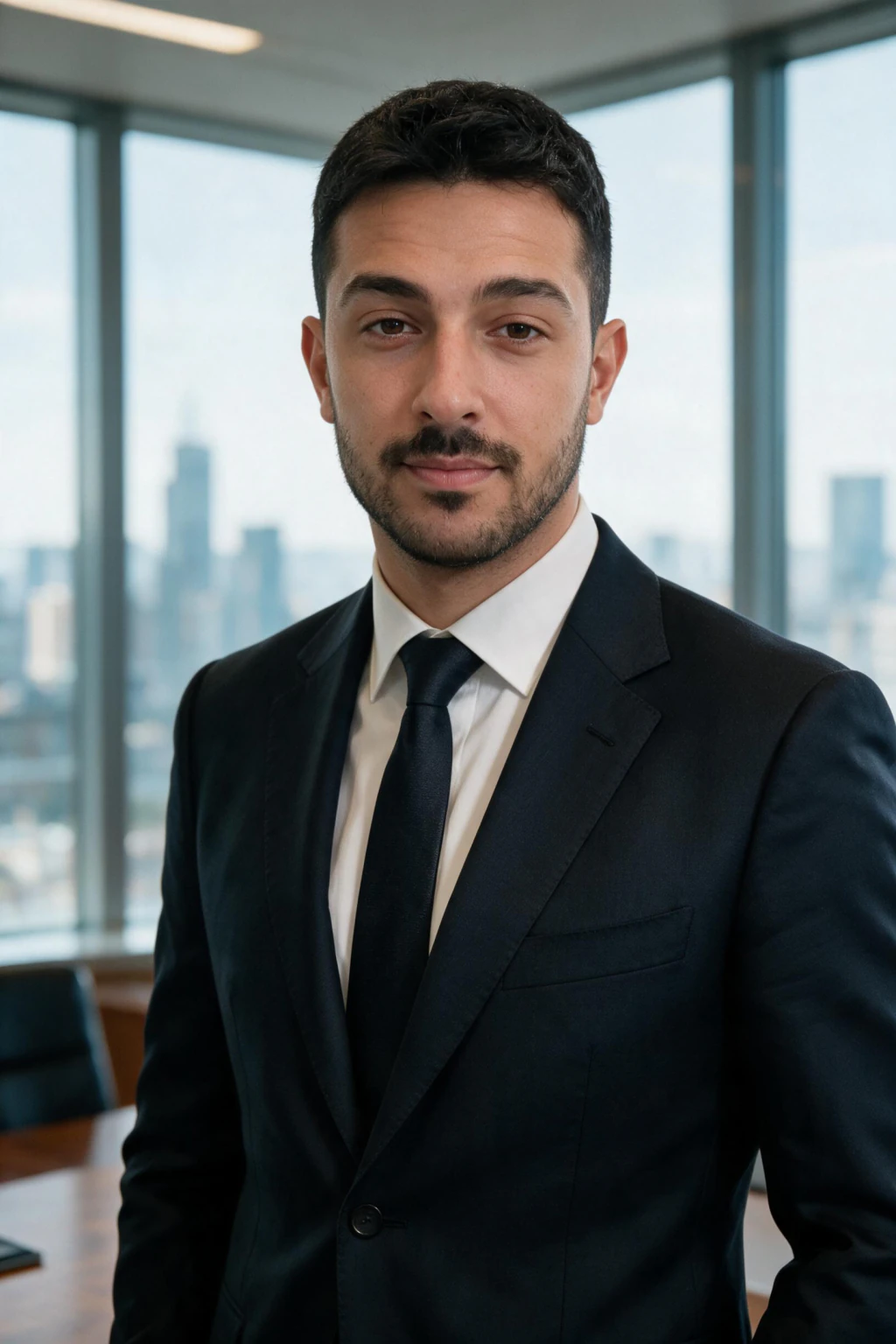
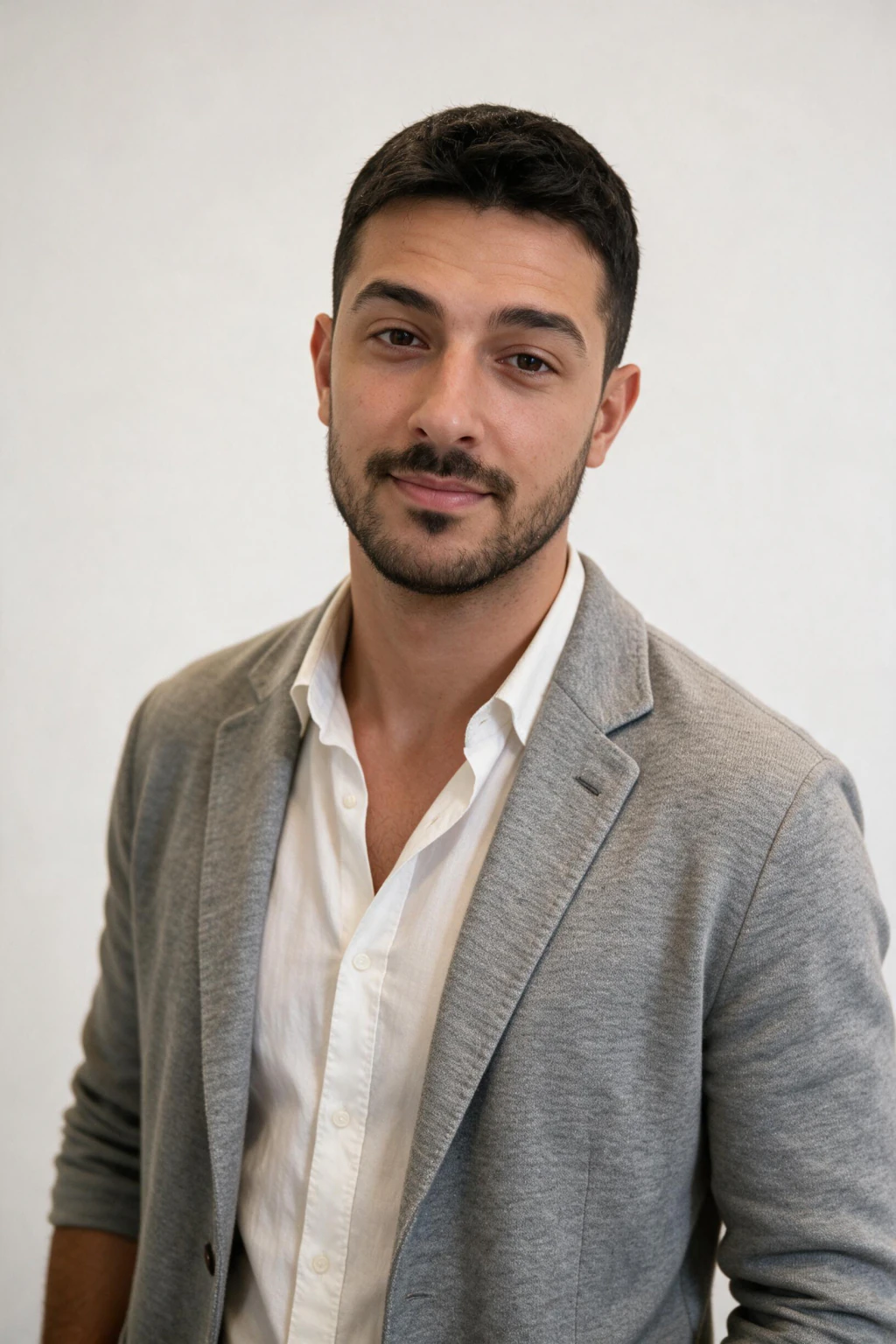
6 copy-paste LinkedIn headshot prompts for Gemini or ChatGPT
If you would rather stay in a chatbot, attach one clear selfie and paste one of the 6 prompts below into Gemini, ChatGPT, Nano Banana or Midjourney. Each one names the face instruction first, one light with a direction, and a lens, because a prompt that only says professional headshot returns a glossy stranger in a suit.
Two things break in a chatbot that do not break here. The face is redrawn on every attempt, so the likeness moves between tries, and the skin comes back pore-free unless you ban smoothing in the prompt itself. Both are why the 5 checks further down matter whichever route you take.
Corporate Window Light
Use the face in the uploaded photo exactly, same features, same skin tone, do not beautify and do not smooth skin. Head-and-shoulders photo of this person in a navy suit jacket and plain white shirt, standing in a quiet office with a softly blurred glass partition behind. Large window daylight from camera left, one dim bounce from camera right. 85mm lens look, shallow depth of field, visible skin texture and pores, no HDR.
The default LinkedIn frame, and the one that survives the 120-pixel thumbnail test best. Naming the window as the key light gives the face a lit side and a shadow side. Banning skin smoothing in the prompt is what keeps it out of the uncanny valley.
Executive Office, Seated at the Desk
Use the face in the uploaded photo exactly, do not beautify or smooth skin. Waist-up photo of this person seated at a desk in a corner office, charcoal jacket, hands resting loosely, leaning slightly toward the camera. Cool daylight from a window behind camera right, warm lamp fill from camera left, city skyline softly out of focus behind. 50mm lens look, natural colour, fine grain.
Reads as seniority without a stock-photo pose. Leaning slightly toward the camera is the detail that stops a seated portrait looking withdrawn, which is the failure mode of every desk shot.
Approachable Outdoor, Overcast
Use the face in the uploaded photo exactly, do not beautify or smooth skin. Head-and-shoulders photo of this person in a soft knit sweater outdoors on a city street, relaxed genuine smile, eyes to camera. Flat overcast daylight with no direct sun, blurred brick and greenery behind. 85mm lens look, shallow depth of field, natural skin texture, no oversharpening.
The look for client-facing and creative roles, where a suit reads as costume. Overcast light is the one case where flat lighting helps, because it removes hard shadows without the plastic sheen a studio softbox gives.
Business Casual on Plain Grey
Use the face in the uploaded photo exactly, do not beautify or smooth skin. Head-and-shoulders photo of this person in a light blue shirt with no tie against a plain medium-grey studio backdrop. One softbox from camera left at 45 degrees, a weak fill from the right, a subtle rim light separating the shoulder from the background. 85mm lens look, square crop, visible pores, no beauty retouching.
The safest frame across industries, and the easiest to crop square for the profile circle. Asking for the rim light is what stops dark hair merging into a grey background at thumbnail size.
Standing in the Conference Room
Use the face in the uploaded photo exactly, do not beautify or smooth skin. Three-quarter photo of this person standing with arms loosely folded in a glass-walled meeting room, plain dark blazer, no printed text or logos anywhere in frame. Even daylight through the glass from camera right, dim ceiling light above. 35mm lens look, natural colour, slight grain.
Useful when your profile needs to show context rather than a face on a backdrop. Banning printed text matters: left open, the model invents a garbled company logo on the wall behind you.
Field and Site Portrait
Use the face in the uploaded photo exactly, do not beautify or smooth skin. Waist-up photo of this person in a plain work jacket outdoors at a worksite, no visible branding on the clothing or equipment, calm direct expression. Late afternoon sun from camera left across the face, softly blurred machinery and open sky behind. 50mm lens look, warm natural colour, visible skin detail.
For trades, engineering, construction and field sales, where an office backdrop reads as borrowed. Wardrobe that matches what you actually wear to work is check 4 in the list below, and this is the prompt that satisfies it.
The thumbnail test that decides if a LinkedIn photo is working
Most people judge AI headshots at full screen. That is the wrong test. LinkedIn never shows your photo at full screen. The product treats your profile photo as a 96 to 128 pixel circle in roughly 90 percent of impressions.
Open the AI output, shrink the image to about 120 pixels wide on your screen, then ask one question: would I recognise this as the same person I see on Zoom calls? If yes, the photo works. If you have to squint or compare carefully, pick a different frame.
Strong LinkedIn AI headshots share three traits at thumbnail size: sharp eyes that are clearly visible, a recognisable jaw and hairline silhouette, and skin tone that matches your real one. Everything else (outfit detail, background pattern, lighting style) disappears at thumbnail size and is not worth obsessing over.

Five checks before you replace your current LinkedIn photo
Check 1: the thumbnail test. Shrink to 120 pixels. If it does not read as clearly you, reject the frame.
Check 2: skin texture. Zoom to 200 percent. If skin is glossy, even, and pore-free, the model over-smoothed. Pick a frame with visible texture.
Check 3: eye sharpness. Both eyes need clean catchlights and visible pupils. Eyes are the first thing recruiters look at after the face shape.
Check 4: wardrobe match. The outfit in the AI photo should match what you actually wear to client meetings or interviews. A CEO suit on a junior developer reads as theatre.
Check 5: real-face comparison. Open the AI photo next to a recent candid photo of yourself. If a stranger would say they are the same person, you are clear to publish. If not, upload a sharper selfie and generate again.

Common mistakes that make AI LinkedIn photos look off
The biggest mistake is uploading an arm's-length wide-angle selfie. Phone front cameras distort facial proportions at that distance, and the AI then renders from a distorted face. Take your selfie on the rear camera with your shoulders visible instead.
The second mistake is over-picking dramatic frames. Black and white editorial shots, side-lit moody portraits, and runway-style photos look impressive at full screen but underperform on LinkedIn. Pick the boring, well-lit, clearly-readable frame. That is the one that converts profile views.
The third mistake is treating AI LinkedIn photos as a one-and-done task. Refresh every two years or whenever your appearance noticeably changes. An obviously outdated headshot hurts trust the moment you meet in person, AI or not.
The quality bar a professional AI LinkedIn picture has to clear
A professional AI LinkedIn picture is not judged on technical perfection. It is judged on three plain criteria: it reads as you at thumbnail size, it matches the wardrobe expectations of your industry, and it does not trigger the uncanny-valley reflex that makes a viewer pause for a second too long.
The bar most AI LinkedIn photo generator tools fail is texture. Over-smoothed skin, glassy eyes, and symmetrical hairlines are the three giveaways. A frame that shows visible pores at 200 percent zoom, a slight asymmetry in expression, and one or two stray hairs out of place will out-perform a flawless render on every measurable LinkedIn metric (profile views, search appearances, InMail response rate).
If a frame clears that bar and survives the 5-check list above, it is the right photo to publish. If multiple frames clear the bar, pick the one where the eye contact feels most natural. That is the single trait that drives connection-request acceptance rates on LinkedIn in 2026.
Related reading on AI LinkedIn photos
If you want the practical how-to with selfie-prep details, read our guide on how to get an AI LinkedIn headshot from a selfie at /blog/ai-linkedin-headshots-from-selfies. It walks through the exact upload set we recommend and the pack mapping by industry.
If you are worried about detection, read whether recruiters can tell an AI LinkedIn headshot at /blog/can-recruiters-tell-ai-linkedin-headshot. It covers the actual giveaways recruiters notice and how to neutralise them before you publish.
When you are ready to generate, the live tool is at /ai-linkedin-headshots. One selfie upload produces packs for corporate, executive, business formal, and approachable looks in the same session.
Frequently Asked Questions
- How do I pick the best AI headshot for LinkedIn?
- Shrink each frame to about 120 pixels wide and keep only the ones you would recognise as yourself. Then check the setting matches your job, the eyes are sharp, the hands and collar are clean, and the crop is square with your face filling the middle third. The one that passes all five is the one to publish.
- Are AI-generated LinkedIn photos against the rules?
- No. LinkedIn does not currently ban AI-generated or AI-enhanced profile photos. The user agreement requires that the photo represents you accurately and looks professional. AI headshots built from your own selfie meet both conditions when you upload an honest selfie set and pick a conservative business or corporate pack.
- How long does it take to generate a LinkedIn headshot with AI?
- There is no model to train. Each new headshot comes back in about 2 minutes from the one selfie you uploaded, and a $14.99 pack covers about 30 finished photos.
- Do AI LinkedIn photos still look like me?
- Yes, when you upload one clean selfie in good light. Likeness comes from that selfie, not from the model. If outputs drift, the cause is usually an arm's-length wide-angle selfie or a beauty filter rather than a problem with the AI generator itself.
- Is it cheaper to use AI than a LinkedIn headshot photographer?
- Yes, by a wide margin. Professional headshot sessions run from 200 to 600 dollars in most cities. MakeAiPhotos costs $14.99 and produces about 30 usable photos across the styles you pick from one upload. The trade off is creative direction, which a real photographer still does better for high-stakes brand work.
- Can recruiters tell if a LinkedIn photo is AI generated?
- Most cannot, when the photo is built from a clean selfie and looks like you in person. Recruiters care about whether the person at the interview matches the photo. AI headshots that preserve your real face, skin tone, and proportions clear that bar. Over-stylised or beauty-mode-trained outputs are easier to spot.