What are realistic AI images?
A realistic AI image is a model-generated picture that reads as a photograph rather than as an illustration. Four things have to hold at once: skin with visible micro-contrast instead of a smoothed plastic surface, catchlights that match in shape and position across both eyes, hair and fabric that behave like hair and fabric, and lighting on the subject that agrees with the background.
Two different families produce them, and the difference decides most content decisions. Text-to-image tools such as Midjourney and DALL-E invent a person from a written prompt, so the face in the output is a stranger. Selfie-based tools read your face from one photo you upload and render you into new scenes, so the person in the output is you. A byline photo, a founder portrait, or an ad someone will connect to a sales call breaks the moment it shows somebody else.
MakeAiPhotos is a selfie-based generator. It reads your face from one clear selfie and renders new images of you at about 2 minutes per photo, with no model training step. The tool itself lives on the realistic AI photo generator page. This guide is about judging the output and using it.
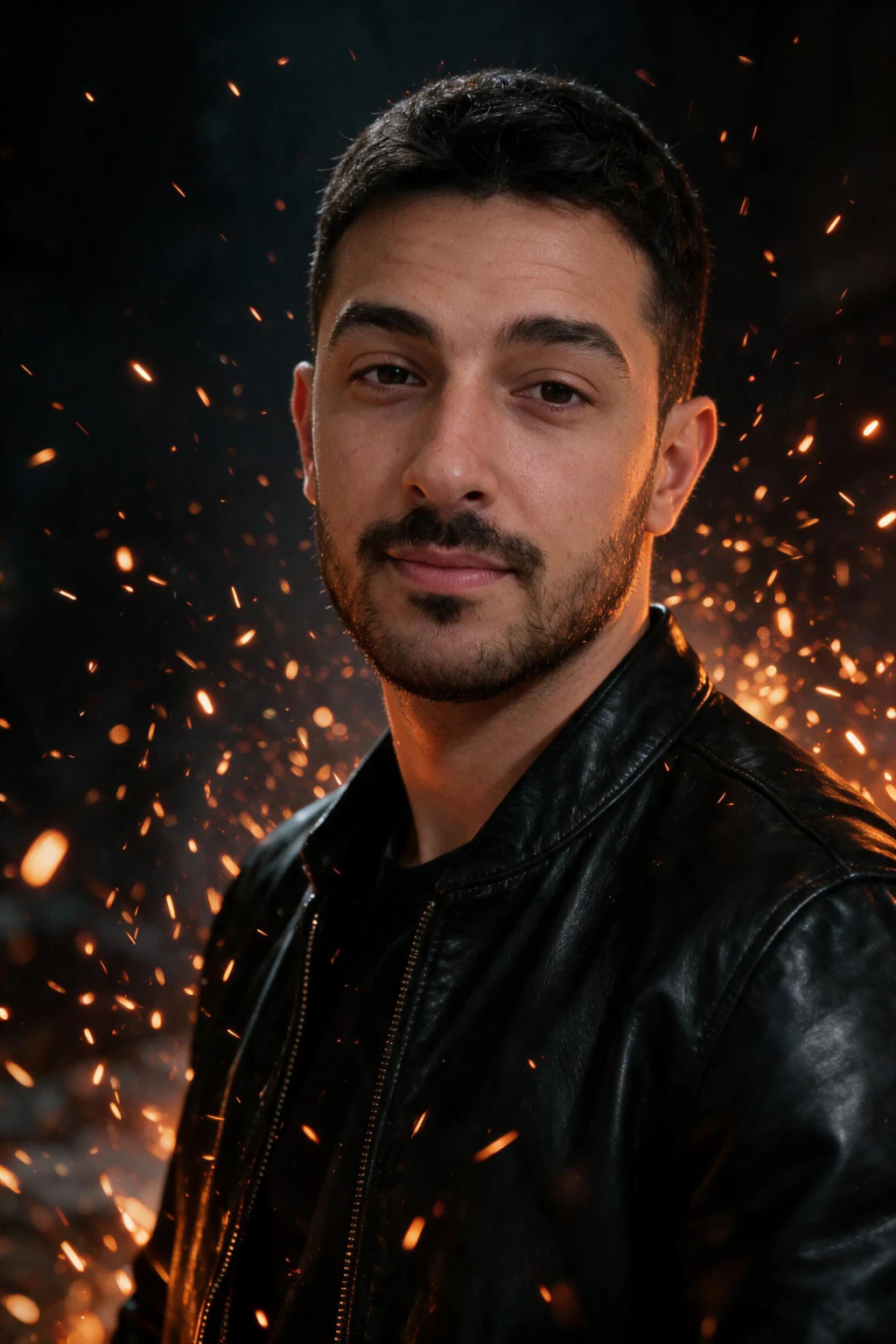
Can anyone tell that realistic AI images are AI?
Mostly no, and there is a controlled measurement rather than an opinion behind that. Sophie Nightingale and Hany Farid published three experiments in the Proceedings of the National Academy of Sciences on 14 February 2022. Untrained participants separated StyleGAN2-synthesised faces from real photographs with 48.2 percent accuracy, 95 percent CI 47.1 to 49.2 percent. Chance is 50 percent, so the group did slightly worse than guessing.
Training helped, and not enough to matter. A second group got guidance on what to look for plus feedback after every trial, and accuracy rose to 59.0 percent. A third experiment asked participants to rate faces for trustworthiness, and the synthetic faces scored 7.7 percent higher than the real ones.
One caveat travels with those numbers everywhere they go. The stimuli were faces the model invented from noise, not images rendered from a real person's selfie, and the work dates from 2022. Treat it as evidence that human detection of synthetic faces was already unreliable four years ago, not as a performance claim about MakeAiPhotos or any other current tool.

| Nightingale and Farid, PNAS, 14 February 2022 | Result | What it means |
|---|---|---|
| Untrained accuracy at spotting a synthetic face | 48.2 percent, 95 percent CI 47.1 to 49.2 | Below the 50 percent chance line |
| Accuracy after guidance and per-trial feedback | 59.0 percent | Coaching adds about 11 points and still leaves it unreliable |
| Trustworthiness rating against real faces | 7.7 percent higher | Synthetic faces read as more trustworthy, not less |
| Image source used in the study | StyleGAN2, faces invented from noise | Not selfie-derived output, so it is not a product claim |
What makes AI images look real, and what gives them away?
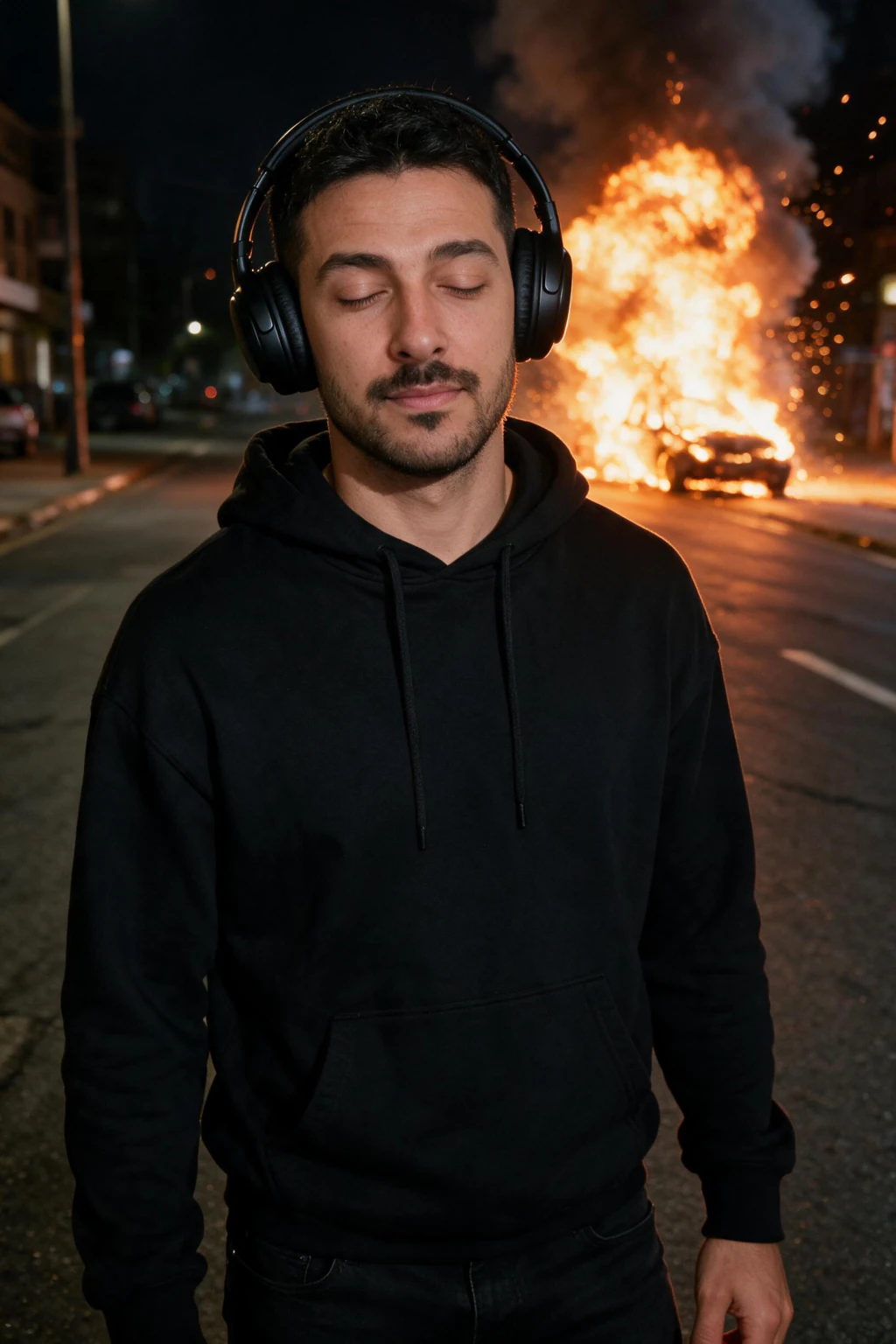
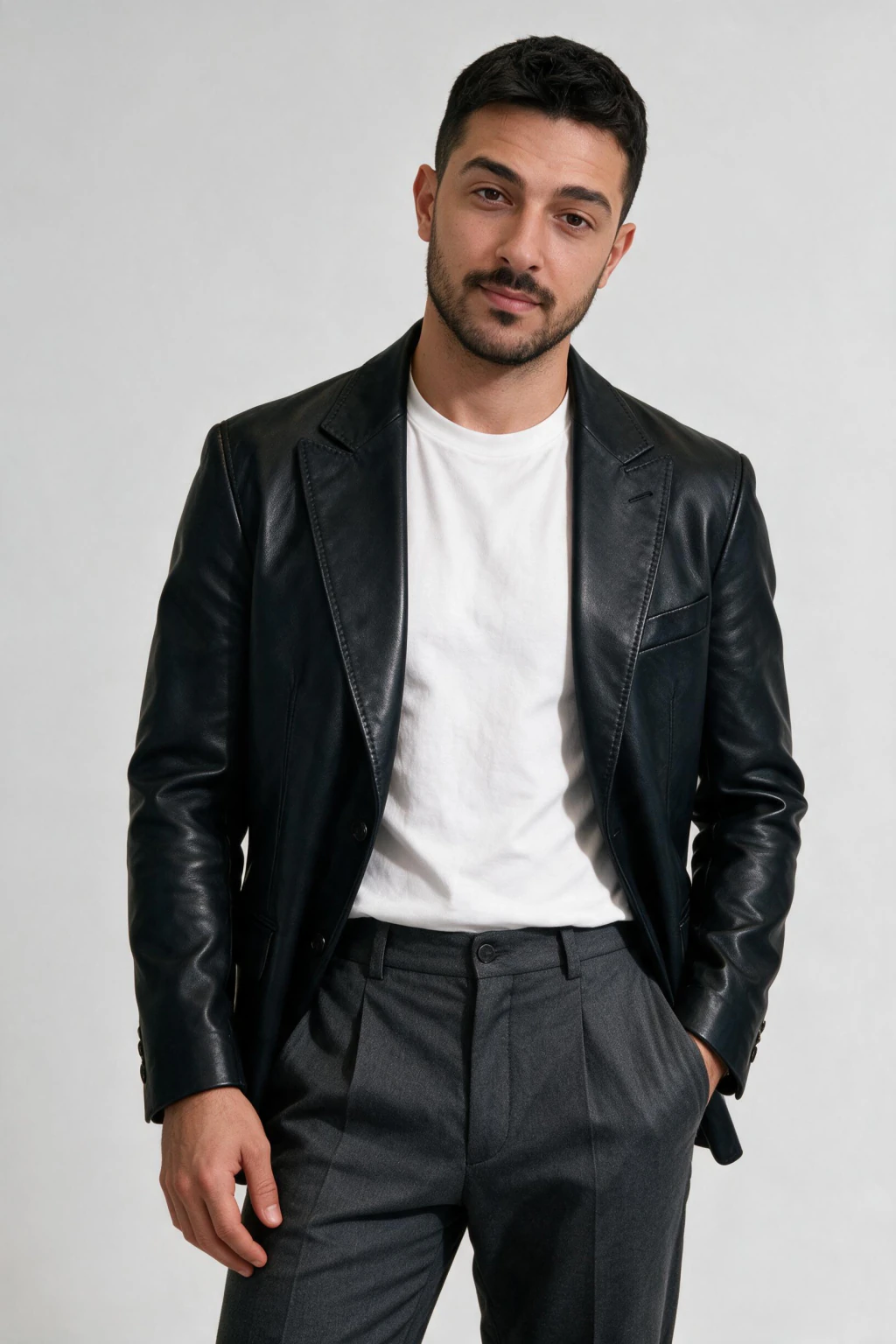
The failure modes are consistent and short enough to memorise. Hands, ears, teeth, jewellery, eyeglass hinges, and any text in the background are where models still break. Skin is where they break most visibly: an over-smoothed cheek with no pore structure reads as synthetic at any resolution, on any screen.
On a selfie-based tool the biggest single variable is the selfie. A blurry, heavily filtered, or badly lit input gives the model less to read, and every one of those flaws carries into the render. Front-facing, natural light, no beauty filter, plain top.
The cause-by-cause version of this table, with the fix for each tell, lives in why AI photos look fake and how to fix them.




| Detail | What real looks like | What fake looks like |
|---|---|---|
| Skin | Visible pores and micro-contrast on the cheek and nose bridge | A uniform matte surface with no texture at 100 percent zoom |
| Eyes | The same catchlight shape and position in both eyes | Catchlights that differ, or eyes lit from two directions |
| Hair | Separate flyaway strands crossing over the background | A clean helmet outline that melts into the backdrop |
| Hands and jewellery | Five fingers, a ring that keeps its width across the knuckle | Extra or fused fingers, jewellery that changes shape mid-frame |
| Lighting | Shadow direction on the face agrees with the scene behind | Subject lit from the left inside a scene lit from the right |
| Background text | Legible signage and typography | Letter-shaped marks that spell nothing |
Where do real looking AI images fit in content work?
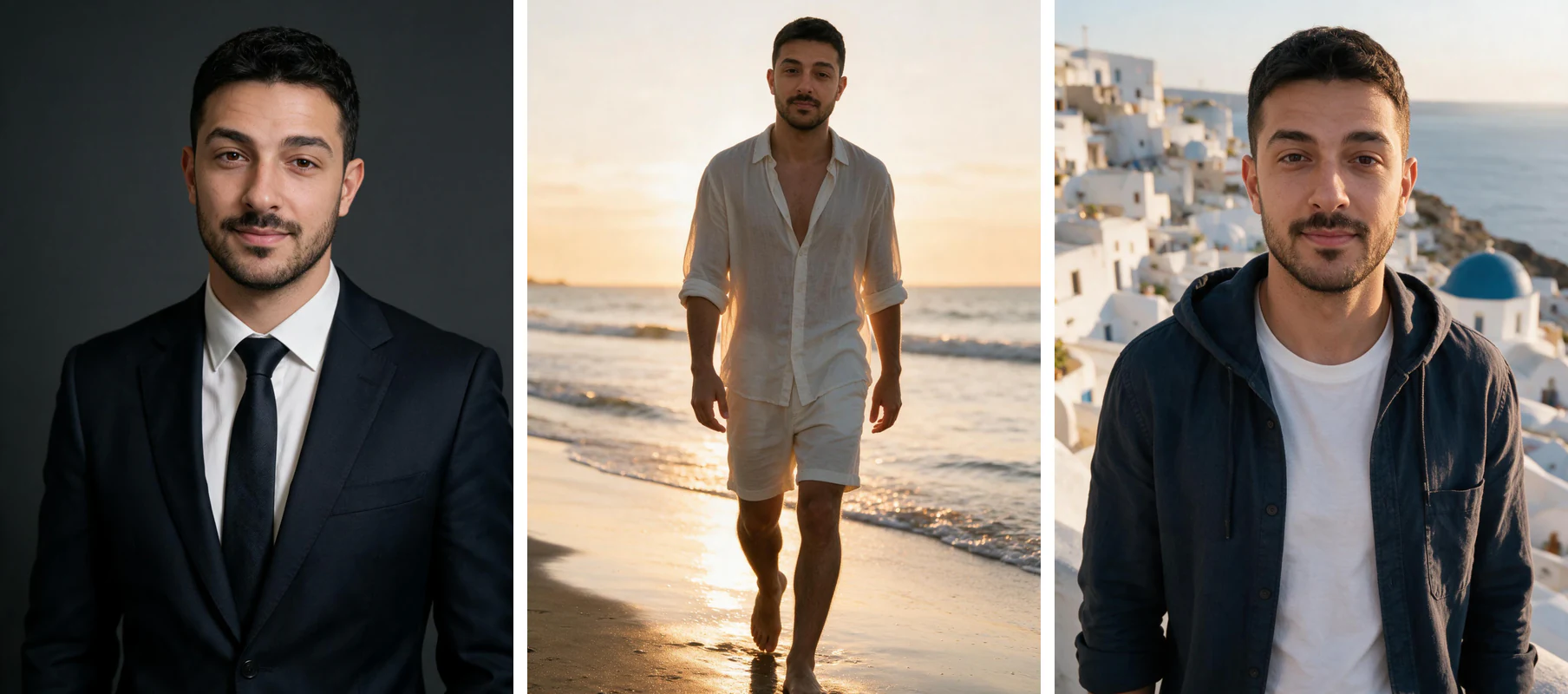
The job decides the source. When the visual has to show one specific person, your face on a founder page, an article byline, an About section, an ad someone will connect to a call, only a photograph of you or an AI image rendered from your selfie does the work. When the visual is scenery, an object, or an abstract background, a stock library is faster and cheaper and nobody loses anything.
Concede the row we lose: a selfie-based generator cannot illustrate a team you do not have, and it cannot shoot your product. Hire a photographer or buy stock for those. Use AI images of yourself for every frame where the face is the point.
On cost, the comparison that matters is the studio, not another AI tool. A session runs $200 to $500 and about a week between booking and delivered edits. A $9.99 pack of 100 credits returns about 10 finished images at 10 credits each, roughly 2 minutes per image, from one uploaded selfie, and comes with a 14-day money-back guarantee.
| Source | Shows your face? | Typical cost | Turnaround | Best for |
|---|---|---|---|---|
| Selfie-based AI (MakeAiPhotos) | Yes, your real face | $9.99 one time, about 10 images | About 2 minutes per image | Bylines, founder pages, profile shots, ad creative with you in it |
| Text-to-image (Midjourney, DALL-E) | No, an invented person | $10 to $30 per month | Seconds per image | Concept art, scenery, abstract backgrounds |
| Stock library | No, a stranger | $0 to about $15 per image | Instant | Objects, scenery, generic filler |
| Photographer session | Yes, your real face | $200 to $500 | About a week | Brand hero photography, team shots, product |
The 60-second check: four zones, in order
Most people look at an image as a whole and get nowhere. Checking four specific zones in sequence is faster and catches more.
Zone one, hands. Count fingers, then look at where fingers meet objects. Close-up hands holding something are still where generators fail most often, and a hand that is merely odd rather than obviously wrong is the common case now.
Zone two, background text. Signage, book spines, labels, keyboard keys. Letters that warp, repeat, or dissolve into shapes at the edge of the frame are a strong tell, because models render text as texture rather than language.
Zone three, skin and hair edges. Poreless skin under bright light is not what a camera records. Neither is hair that fades into the background instead of ending in individual strands.
Zone four, light and reflections. Look for two light directions in one scene, shadows that fall at inconsistent angles, or a reflection in glasses or water that does not match what is in front of the subject.
Repeating patterns deserve a pass of their own: brickwork, fencing, crowds, teeth. Tiles that merge into each other or repeat unnaturally are the giveaway.
What SynthID, C2PA and metadata actually tell you
Visual inspection is the weakest of the three signal types available in 2026, and the strongest ones are invisible.
SynthID is Google DeepMind's invisible watermark, embedded in the pixels themselves rather than in the file header, so it survives cropping, resizing and re-compression that would destroy ordinary metadata. Google has extended coverage beyond its own models, and images can be checked through the Gemini app. It is a positive signal only: SynthID found means AI, SynthID absent means nothing either way, because most generators do not embed it.
C2PA Content Credentials work the other way round. Instead of marking AI images, they attach a signed provenance record to a file describing how it was made and edited. Backing from camera makers and editing-software vendors means a growing number of genuine photographs carry them. As with SynthID, absence proves nothing.
EXIF metadata is the weakest of the three and the one people over-rely on. A real photograph carries camera make, lens, exposure and often GPS. But every major social platform strips EXIF on upload, so a photo saved from a feed looks identical to a generated one at the metadata level. Missing EXIF is not evidence of anything.
Detection tools that score an image for AI probability exist and some are genuinely useful on photorealistic faces. Treat their output as one input rather than a verdict: false positives on heavily retouched real photos are common, which is exactly how real photographs end up accused.
Why you cannot reliably spot AI by eye any more
This is the part most guides skip because it undercuts the rest of the article. The visual tells that worked in 2023 are the ones current models fixed first. Hands are mostly solved. Skin texture is mostly solved when the prompt asks for it.
What replaced single-tell detection is weight of evidence. One warped background sign is suspicious. A warped sign plus mismatched shadows plus an account with no history plus no corroborating coverage is a conclusion.
Context often decides it faster than pixels. Ask where the image first appeared, whether anyone else covered the event, and whether the account posting it has a history. A dramatic image that exists on exactly one anonymous account is doubtful regardless of how clean it looks.
And treat urgency as its own signal. Content engineered to make you act immediately, share, click, or send money, is worth more scepticism than any hand-counting exercise will give you.
Do you have to label realistic AI images in 2026?
Rules exist, they differ by jurisdiction and by platform, and most of them bind somebody other than you. Here is the state of it as of August 2026.
In the EU, Article 50 of the AI Act applies from 2 August 2026. The duty to apply a machine-readable mark to synthetic content sits with the provider of the generative system, not with the person publishing the picture, and a separate duty to disclose deepfakes sits with deployers. The European Commission sets a grace period until 2 December 2026 for generative systems placed on the market before 2 August 2026, and does not require retroactive labelling of content generated earlier.
For Google the split is between a recommendation and a policy. Google Search Central advises that AI-generated images carry the IPTC DigitalSourceType property. Google Merchant Center makes it binding for product data: all images created using generative AI must contain metadata using the IPTC DigitalSourceType TrainedAlgorithmicMedia tag, and merchants are told not to strip embedded provenance tags from generated images.
Practical read for a content team: do not remove metadata the generator writes into your file, treat the IPTC tag as mandatory the moment an image enters a product listing, and if it is a portrait of your own face on your own site, no current rule asks you to badge it, though a stated house policy on disclosure costs nothing and ages well.
| Rule | Who it binds | In force | Source |
|---|---|---|---|
| Machine-readable marking of synthetic content, EU AI Act Article 50 | Providers of the generative system | 2 August 2026, grace period to 2 December 2026 | European Commission, digital-strategy.ec.europa.eu |
| Disclosure of deepfakes | Deployers who publish them | 2 August 2026 | European Commission, digital-strategy.ec.europa.eu |
| IPTC DigitalSourceType on AI-generated images | Recommended for all publishers | Current guidance | Google Search Central, developers.google.com |
| IPTC DigitalSourceType TrainedAlgorithmicMedia on product images | Required for Merchant Center listings | Current policy | Google Merchant Center Help, support.google.com |
How do you test an AI image before you publish it?
Five checks, about thirty seconds an image. Run them at full resolution on a real screen, not on a phone preview, because a phone preview hides exactly the failures you are hunting.
Step 1: Thumbnail test. Shrink the image to feed size, about 100 to 200 pixels wide. It should still read as a photograph of one specific person rather than as a generic face.
Step 2: Catchlight match. Zoom into both eyes. The same light source should appear in each one, at the same shape and the same position.
Step 3: Pore check. At 100 percent zoom the cheek and the nose bridge should carry visible skin texture. Plastic-smooth skin usually means a filtered input selfie.
Step 4: Edge check. Hair strands should sit over the background as separate flyaways rather than melting into one clean outline.
Step 5: Light direction. The shadow across the face has to agree with the light in the scene behind it, including window direction and time of day.
Discard the misses fast. Two or three strong frames carry a whole campaign, and one portrait with mismatched catchlights on a founder page undoes the rest of the set.
Sources
Every factual claim above traces to one of these four.
Sophie J. Nightingale and Hany Farid, AI-synthesized faces are indistinguishable from real faces and more trustworthy, Proceedings of the National Academy of Sciences, volume 119 issue 8, 14 February 2022, DOI 10.1073/pnas.2120481119, at www.pnas.org/doi/10.1073/pnas.2120481119
European Commission, Quick facts: transparency rules for AI systems, Shaping Europe's digital future, accessed August 2026, at digital-strategy.ec.europa.eu/en/factpages/quick-facts-transparency-rules-ai-systems
Google Search Central, Google Search's guidance about AI-generated content, accessed August 2026, at developers.google.com/search/docs/fundamentals/using-gen-ai-content
Google Merchant Center Help, AI-generated content, accessed August 2026, at support.google.com/merchants/answer/14743464
Frequently Asked Questions
- What are realistic AI images?
- Realistic AI images are model-generated pictures that read as photographs instead of illustrations, with visible skin texture, matching catchlights in both eyes, hair and fabric that behave physically, and lighting on the subject that agrees with the scene. They come from two different kinds of tool: text-to-image models that invent a stranger from a prompt, and selfie-based generators like MakeAiPhotos that read your own face from one selfie and render you into new scenes.
- Can people tell that AI images are AI?
- Usually not. In a study published in the Proceedings of the National Academy of Sciences on 14 February 2022, Sophie Nightingale and Hany Farid found untrained participants identified AI-synthesised faces with 48.2 percent accuracy, 95 percent CI 47.1 to 49.2 percent, which is below the 50 percent chance line. Accuracy reached 59.0 percent after guidance and per-trial feedback. That study used faces StyleGAN2 invented rather than images made from a real person's selfie, so it measures human detection of synthetic faces, not the output of any specific product.
- What makes AI images look real instead of fake?
- Six details decide it: pore-level skin texture rather than a smoothed surface, matching catchlights in both eyes, hair that keeps separate flyaway strands over the background, hands and jewellery that hold their shape, face shadow that agrees with the scene lighting, and background text that spells actual words. On a selfie-based tool the input matters most. A blurry or heavily filtered selfie carries its flaws straight into the render.
- Which tools make the most real looking AI images of a specific person?
- Tools that render every image from the selfie you upload, rather than building a face from a text description. MakeAiPhotos reads your face from one clear selfie and renders new images of you, so your skin texture, eye detail, and proportions survive into the output. Text-to-image tools drift toward an attractive stranger who resembles you, which fails for any visual where the reader is meant to recognise you.
- Are realistic AI images better than stock photography?
- For any visual that has to show you, yes. Stock puts a stranger on your founder page or byline, while an AI image made from your selfie shows the person your reader will actually meet. Stock is still the better pick for objects, scenery, product shots, and teams you do not have.
- How can you tell if an image is AI generated?
- Check four zones in order: hands, background text, skin and hair edges, then light and reflections. Then check the invisible signals, because they are stronger than anything visible. SynthID is an embedded watermark that survives cropping and can be checked in the Gemini app, and C2PA Content Credentials attach a signed record of how a file was made. Both are positive-only: finding one is informative, not finding one proves nothing.
- Does missing EXIF data mean an image is AI generated?
- No, and this is the most common mistake. Every major social platform strips EXIF metadata on upload, so a genuine photo saved from a feed carries no camera data at all. Missing EXIF tells you the file has been through a platform, not how it was made.
- What is SynthID and can I check it myself?
- SynthID is Google DeepMind's invisible watermark, embedded in the pixel data rather than the file header, so it survives resizing, cropping and re-compression. Google has extended it beyond its own models and images can be checked through the Gemini app. A positive result means AI involvement. A negative result means only that no SynthID watermark was found, since most generators do not embed one.
- Are AI image detector tools accurate?
- Useful as one input, unreliable as a verdict. The better ones do well on photorealistic faces, but false positives on heavily retouched or flash-lit real photographs are common, which is how genuine photos end up accused of being AI. Combine a detector score with visual checks and provenance rather than trusting it alone.
- Do I have to label AI-generated images in 2026?
- It depends on who you are and where the image goes. Under Article 50 of the EU AI Act, which applies from 2 August 2026, the duty to apply a machine-readable mark to synthetic content sits with the provider of the generative system, with a grace period until 2 December 2026 for systems placed on the market earlier. Google Search Central recommends the IPTC DigitalSourceType property on AI-generated images, and Google Merchant Center requires the TrainedAlgorithmicMedia value on generative product images. Do not strip provenance metadata a generator writes into your file.
- How do I check an AI image before publishing it?
- Run five checks at full resolution. Shrink the image to about 100 to 200 pixels and confirm it still reads as one specific person. Compare the catchlights in both eyes. Look for pore texture on the cheek and nose bridge at 100 percent zoom. Check that hair strands stay separate against the background. Confirm the face shadow direction matches the light in the scene. Discard anything that fails one of them.
- How many realistic AI images do you get for $9.99?
- A $9.99 one-time pack is 100 credits, and every live preset costs 10 credits per image, so it returns about 10 finished images. One uploaded selfie covers every style pack, so you never re-upload to switch looks, and the purchase carries a 14-day money-back guarantee. Each image takes about 2 minutes with no model training step.